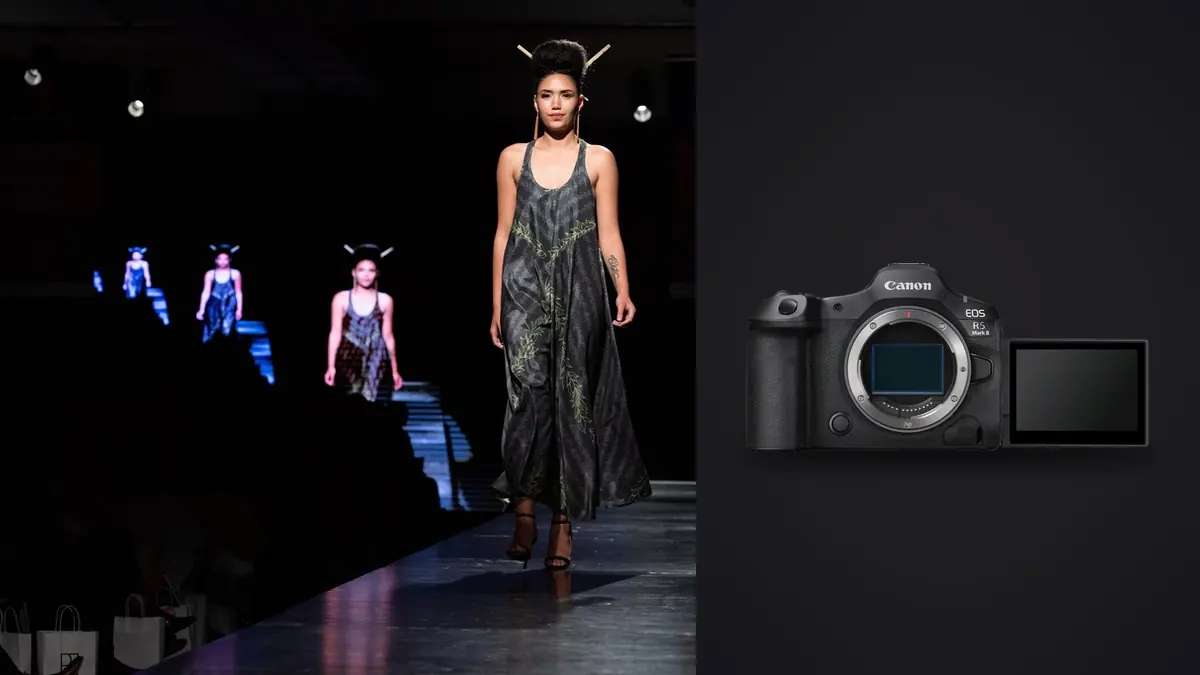
A fashion lookbook day doesn't run like a normal portrait session. You're shooting twenty to forty looks in about eight hours, cycling between a garment rack, a steamer, two or three lighting changes, and a stylist who wants to check the back of every jacket before you move to the next hanger. When a studio I shoot with switched from an original R5 to the R5 Mark II last year, the sales pitch was resolution and speed. What actually changed the day-to-day workflow was quieter and more specific than that: the shutter behavior, how the autofocus handled fast garment movement under continuous LED, and the sheer number of frames the camera lets you generate before you've noticed you're doing it.
None of this is a spec sheet rundown. It's what mattered across several commercial lookbook shoots, what caused problems in the first week, and where the extra resolution and burst speed actually earn their keep versus where they just hand you more files to sort through at midnight.
The sensor change that actually shows up on set
The headline spec is the 45-megapixel stacked, back-illuminated sensor, but the number that mattered more day to day was the readout speed behind it. The original R5's sensor wasn't stacked, so its electronic shutter produced visible rolling shutter skew on anything moving quickly, a model spinning a coat, a scarf caught mid-toss. On the Mark II, that skew is close enough to a non-issue that we started leaving the camera in electronic shutter for most of the movement sequences and only switched back to mechanical when flash was in the mix (more on that below).
The quieter shutter matters more than it sounds like it should. A model who's already been standing under hot lights for six looks responds differently to a camera that isn't clacking every frame. Editorial movement takes especially benefit: you get a longer, calmer run at the fabric without the shutter noise cueing every beat of the motion.
Where 45 megapixels earns its keep, and where it doesn't
For catalog work, the extra resolution over the original R5's 45MP (yes, it's the same pixel count, the gain is in processing and readout, not megapixels) doesn't change much. You're delivering 2000-3000px web images or print pages that don't need every pixel the sensor can produce. Where it helps is crop flexibility: on a group campaign shot where three models are framed wide for safety, you can punch into one figure for a secondary crop without visible softness. That can save a second setup when the client wants an alternate composition nobody planned to shoot.
Autofocus in a room full of moving fabric
Canon's subject-detection autofocus is good at faces and eyes when the face is visible and reasonably still. Fashion work throws it curveballs the marketing photos don't show: wide-brim hats, veils, sunglasses (a recurring trend in eyewear-adjacent lookbooks), and models turning their head away from camera mid-sequence to show a garment's back. In those cases the R5 Mark II's tracking will happily lock onto a bracelet, a large earring, or a hand instead of the face, and it holds that lock stubbornly once it's committed.
The fix that worked for us was mundane: register the specific model's face at the start of each look using the camera's registered-people priority, and lean on back-button focus with a single AF point as a manual override rather than trusting whole-area tracking through an entire garment change. It's a small workflow habit, but it cut down on the number of frames where the eyes were a hair soft, which matters enormously when a client is reviewing images at 100 percent on a retina display.
Flash sync is still the thing that trips people up
This is the detail that cost us half a morning on our first shoot with the camera. Electronic shutter and studio strobes don't cooperate well; run electronic shutter with flash and you get visible banding or partial exposure across the frame because the sensor's rolling readout doesn't match a strobe's near-instant flash duration. The Mark II doesn't fix this, and it shouldn't be expected to. For any look lit primarily with strobes rather than continuous LED, we dropped back to the mechanical shutter and capped sync around 1/200s, exactly like you would on older bodies. Electronic shutter stayed reserved for continuous-light movement sequences and available light detail shots.
If your lookbook day mixes strobe-lit static looks with continuous-light movement sequences (a common setup: flash for the clean e-commerce shots, LED panels for the editorial movement reel), plan on switching shutter modes between setups rather than assuming one mode covers the whole day. It's a two-second menu change once you know to expect it, and a genuinely confusing half hour if you don't.
Tethering without losing the afternoon to backups
Tether to a laptop on set using Canon's software over USB-C, mostly so the stylist and art director can approve a look before the rack moves on. The practical upside of shooting locally rather than through any cloud-connected tethering tool is that an unreleased collection never leaves the room until the client says it can. That matters more on lookbook work than on most other commercial photography, because half the point of the shoot is that nobody outside the brand has seen these garments yet. When culling that tethered capture afterward, run it through imagic on a laptop with no network connection required, since the whole pass, sharpness scoring, duplicate detection, all of it, happens locally rather than through an upload queue.
| Shot type | Shutter | Drive mode | AF setup | Typical frames per look |
|---|---|---|---|---|
| E-commerce flat / ghost mannequin | Mechanical, 1/160s | Single shot or low-speed continuous | 1-point, manually placed | 15-25 |
| Editorial movement (walk, fabric toss) | Electronic, 1/500s or faster | High-speed continuous+ (up to 30fps) | Whole-area tracking, registered face | 150-300 |
| Group / campaign composite | Mechanical, 1/125-1/200s (flash sync) | Low-speed continuous | Zone AF across multiple faces | 40-80 |
| Detail crop (jewelry, stitching, trims) | Mechanical, 1/160s | Single shot | 1-point manual, occasional focus bracket | 10-20 |
The volume problem nobody mentions in the reviews
Run the math on that table. A twenty-five-look day with three or four movement sequences per look can easily produce four to six thousand frames before lunch. That's the actual cost of a 30fps stacked sensor: it solves the problem of catching the exact moment a coat flares out, and it creates a much bigger problem of finding that one frame among two hundred nearly identical ones afterward. On the shoots where we used to burn an entire evening scrubbing through bursts in Bridge, we now run the card through imagic first. Its duplicate and burst clustering groups those near-identical movement sequences together instead of showing you two hundred separate thumbnails, and the local sharpness scoring flags which frame in each burst actually has the sharpest eyes or the cleanest fabric edge, so the first pass through a six-thousand-frame day takes closer to twenty minutes than four hours.
That kind of volume is exactly the case discussed in how AI photo culling actually works, and if your lookbook days are producing similar frame counts it's worth reading before you commit to sorting them by hand.
Keeping color consistent across forty looks
Canon's color science on the R5 Mark II handles skin tone well straight out of camera, which matters because lookbook clients rarely want a heavily stylized grade, they want the garment's actual color to be accurate and the model's skin to look natural under whatever lighting setup was active for that look. The harder problem isn't any single image, it's keeping forty looks shot across three lighting changes visually consistent as a set. We built a base edit on the first few looks of a shoot, then apply that same look across the rest of the day's images with imagic's apply_my_style feature, which is trained on your own past edits rather than a generic preset pack. It's not a substitute for individual adjustment on the shots that need it (a strongly backlit look still needs its own pass), but it kills the repetitive baseline work of applying the same white balance and contrast curve to a few thousand images one at a time.
If your current workflow is still applying presets look by look, it's worth reading through these workflow speed tips, several of which apply directly to a high-volume shoot day like this one.
Cards, backup, and not losing a paid day to a corrupt file
The R5 Mark II keeps the dual-slot setup (CFexpress Type B and UHS-II SD), and on a commercial job that's not optional, it's the reason a photographer can offer the client a guarantee that a card failure won't mean reshooting the collection. A sound setup is RAW to the CFexpress card and a simultaneous JPEG backup to the SD card rather than mirroring RAW to both, since a full-resolution CR3 backup on top of the primary RAW slows the buffer clear noticeably during the high-speed movement bursts. The JPEG backup is never the delivery file, it's insurance in case the CFexpress card dies before you've offloaded, and one card failure is one too many to be without it.
Buffer clearing is also worth planning around on a day with heavy 30fps use. A full high-speed burst on a fast CFexpress card clears in a few seconds, but stack four or five bursts back to back while the art director is asking to see the last take on the tethered screen, and you'll notice the camera lagging behind your shutter finger. We started spacing movement sequences with a beat of stillness between them, partly for the model's benefit and partly to let the buffer catch its breath.
Lenses that actually make sense for this kind of day
The RF 70-200mm f/2.8 is the workhorse for editorial movement, it lets you stand back from the set enough that the model isn't performing directly at a lens six feet from her face, and the compression is flattering on full-length looks. For static catalog and detail work, the RF 24-70mm f/2.8 covers everything from a full-length flat to a mid-range group shot without a lens change, which matters when the stylist is moving faster than you can swap glass. The RF 50mm f/1.2 shows up for tighter beauty or accessory shots where you want the background to disappear completely, but it's not a lens we reach for during movement sequences: the depth of field is too thin to keep a face sharp reliably when the subject is spinning or walking toward camera.
Is the Mark II worth it over a rental R5 for a one-off lookbook?
Honestly, for a single day of e-commerce flats and static group shots, the original R5 or even an R6 Mark II does the job at a lower rental rate. The Mark II earns its price premium specifically on the movement-heavy editorial sequences: the quieter shutter, the reduced rolling shutter skew, and the 30fps buffer depth all matter more when you're chasing fabric motion than when you're shooting a static rack of flats. If your lookbook brief is mostly clean catalog imagery with one or two hero movement shots, don't feel pressured into the newer body. If half the day is dynamic editorial content, the difference is noticeable enough on the back of camera that it's worth the extra rental cost.
Frequently asked questions
Do I need 8K video for a fashion lookbook shoot?
Almost never. Lookbooks are still-image deliverables, and 8K raw video eats card space and heat budget you'd rather spend on stills. The only case where it's worth enabling is if the brand also wants a short behind-the-scenes reel, and even then 4K is usually plenty for social output.
How many shots should I budget per look on a lookbook day?
For a mixed brief (static catalog plus some movement), plan on roughly 150-250 frames per look once you include a few burst sequences. Pure e-commerce flats run closer to 20-30 frames per look since there's no movement to chase.
Does the extra resolution matter for a lookbook that's only going on a website?
Not directly. Most web lookbooks display images well under 3000 pixels wide. The resolution is more useful as insurance for unplanned crops or a later print request than as something the final web image actually needs.
Should I shoot mechanical or electronic shutter for a strobe-lit lookbook set?
Mechanical, capped around your strobe's rated sync speed (commonly 1/200s or 1/250s). Electronic shutter with flash on this camera produces banding because the rolling readout doesn't match the strobe's flash duration, so save electronic shutter for continuous-light or available-light sequences.