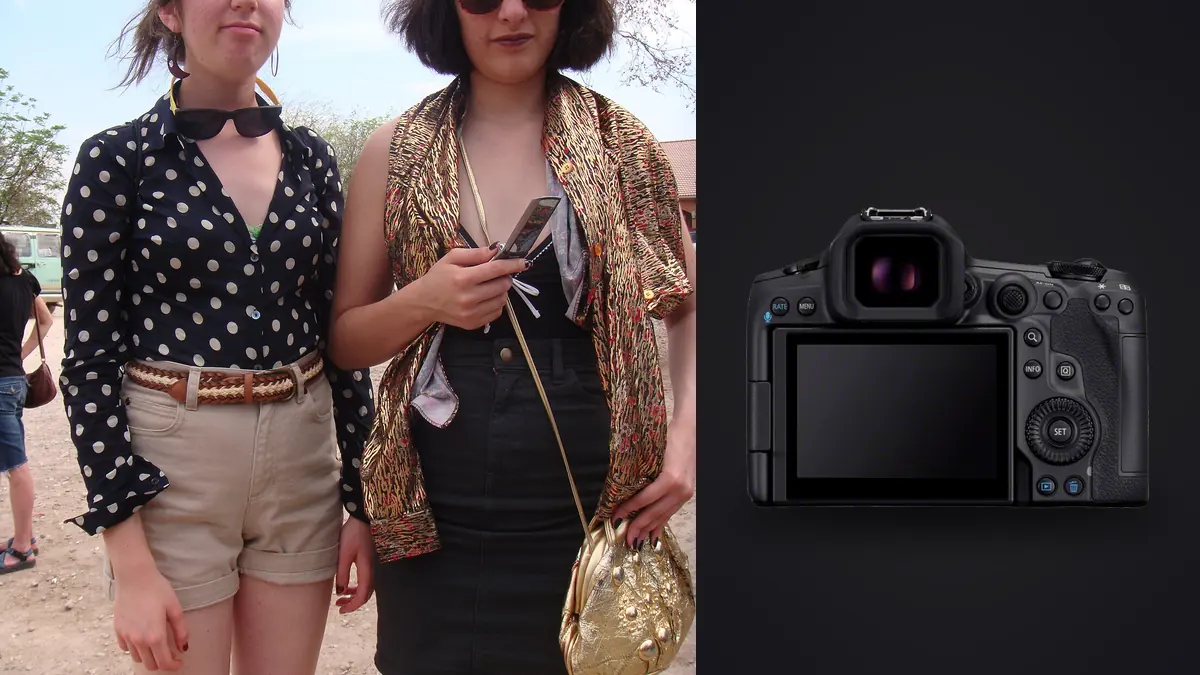
A lookbook shoot is not an editorial shoot wearing a smaller budget. It has its own rhythm: a fixed garment count, a client watching a monitor, and a hard deadline because the buyer's meeting or the drop date does not move for anyone. When a studio hands you the Canon EOS R5 Mark II for one of these days, the question that actually matters is not "is it a good camera." It obviously is. The question is whether its specific strengths, the stacked sensor, the autofocus behavior, the file sizes, line up with what a lookbook day demands: repeatable frames, fast turnaround, and enough resolution to survive being cropped six different ways for six different placements.
I have shot lookbooks on older R5 bodies and on a Mark II now for two separate small-label seasons, one on-figure against seamless and one on a model walking a loft space for a "wear" set. The differences are smaller than the marketing suggests in some places and bigger than expected in others. Worth walking through both.
What a lookbook day actually asks of the gear
Most lookbook briefs break into three shot types per garment: a clean static or half-turn shot for the catalog grid, a movement shot (walking, turning, sitting) for social and web banners, and a detail shot for fabric or construction. That means one camera body has to switch personalities several times an hour, from methodical and locked-down to fast and reactive, then back to methodical for a close-up on stitching. A camera that is excellent at one of those and mediocre at the others creates drag in the schedule, because you end up swapping bodies or fighting settings between setups.
The R5 Mark II's 45-megapixel stacked sensor is the part that quietly solves the most problems here, not because 45MP itself is glamorous but because it gives you crop room. A lookbook set rarely ships as one aspect ratio. The same frame might need to be a square Instagram tile, a 4:5 vertical for the lookbook PDF, and a wide crop for a homepage banner. Shooting a touch loose and letting the megapixels absorb the crop is faster than repositioning the model and lights for three different framings, and it is the kind of thing that only becomes obvious once you are the one re-cropping at 11pm before a morning delivery.
Autofocus when the model is not standing still
The static shots are not where autofocus earns its keep. It is the walking and turning sequences where the R5 Mark II's subject detection either saves you or costs you. Canon's eye and head tracking on this body holds on through hair movement, scarves, and fabric crossing the face far better than it did on the original R5, and it recovers fast when the model briefly turns away and back. That matters specifically for lookbook "wear" shots, where the brief is usually "give me the garment in motion" rather than a posed moment, and the photographer is chasing a specific swing of a coat or drape of a skirt that lasts half a second.
Where it still asks for babysitting: low, warm tungsten practicals in a loft-style location can make the tracking box hesitate between face and torso for a frame or two, and a model wearing a wide-brim hat or heavy eyewear (sunglasses shoots happen more than you would think for a lookbook) will occasionally pull focus toward the accessory instead of the eye. Neither is a dealbreaker. Both are reasons to check the back of the camera at 100% between bursts rather than trusting the AF confirmation dot blindly.
Settings I actually land on, shot type by shot type
The table below is not a generic spec sheet, it is closer to what I actually dial in during a studio lookbook session once lighting is set. Your numbers will shift with your strobes and space, but the pattern (drive mode and AF area changing more than shutter speed) holds across most lookbook work.
| Shot type | Drive mode | Shutter speed | AF area | Frames per garment (rough) |
|---|---|---|---|---|
| Static / half-turn, on-figure | Single shot, occasional 3-frame burst | 1/125 to 1/160 (flash sync) | Single-point AF, no eye priority | 15 to 25 |
| Model walking or turning ("wear" shot) | High-speed electronic, short bursts under 30fps | 1/500 to 1/1000 (ambient or HSS) | Whole-area tracking, person eye detect | 150 to 300 |
| Fabric, texture, or construction detail | Single shot, 2 to 3 frame safety burst | 1/200 to 1/320 | Single-point, manually placed | 8 to 15 |
The frame count on movement shots is the number that surprises people who have not run a lookbook day on this body before. Thirty frames per second for even three or four seconds produces close to a hundred nearly-identical frames of one twirl, and a full lookbook can run fifteen to thirty garments. That single fact reshapes everything downstream of the shoot, which is worth its own section.
Tethering and letting the client see it as it happens
Most lookbook clients want to see selects during the day, not after. The R5 Mark II tethers over USB-C reliably enough to run a full session without the connection dropping, which was not always true of earlier Canon bodies over long sessions with a laptop pulling power through the same cable. For a lookbook specifically, tethered review matters less for chimping focus (the eye AF is trustworthy enough that you are not pixel-peeping every frame) and more for letting a client or stylist flag "that neckline is folded wrong" or "we need the belt looser" before you have moved three garments further into the rack. Catching a styling issue on frame three of a garment beats catching it after the whole set is shot and the model has changed twice since.
After the shoot: the frame count problem
This is where the R5 Mark II's biggest strength for lookbook work becomes its biggest logistics problem. A day that produces four thousand to six thousand RAW frames, which is realistic once you count every movement burst across twenty-plus garments, is not something you want to cull by eye at full resolution, one at a time, at 1am. The eye tires long before the file count does, and that is exactly when a genuinely sharp frame gets buried under forty near-duplicates from the same walking pass.
This is the part of the job I moved to imagic for, specifically because it runs entirely on the machine and never uploads a single frame anywhere. It scores sharpness and focus locally across the whole card, groups the walking-burst duplicates together instead of leaving you to scroll past a hundred versions of the same three seconds, and lets you knock a six-thousand-frame day down to a real shortlist without babysitting a progress bar tied to someone else's server. If you have not compared how different culling approaches handle a big burst-heavy shoot, this breakdown of how AI photo culling actually works is a reasonable place to see what the sharpness and duplicate-detection side of that is doing under the hood.
Keeping color and grade consistent across a full set
A lookbook lives or dies on consistency more than any single hero frame. If garment four looks a half-stop warmer than garment twelve, a stylist notices immediately, and re-grading twenty-plus outfits one at a time to match is exactly the kind of work nobody budgets time for. Once you have graded the first two or three garments the way the brand wants (their white balance preference, their contrast curve, whatever house look they run), applying that same treatment across the rest of the set by hand is slow and prone to drift. I lean on imagic's apply_my_style feature here: it is trained on your own edits rather than a generic filter, so once you have set the tone on the first handful of images it carries that same grade across the rest of the shoot instead of you re-eyeballing every frame against the first one.
Storage, batteries, and not losing a paid job
Dual card slots (CFexpress Type B alongside SD UHS-II) matter more on a commercial lookbook day than on personal work, because a corrupted card on a client job is not just an inconvenience, it is a re-shoot conversation nobody wants to have. Run CFexpress as primary and mirror to SD in-camera for the whole day; the write speed hit on the SD side is real but tolerable given the shot pacing above, and it means a single failed card never costs the client anything. Battery life on the LP-E6P comfortably covers a full day of this kind of shooting with one spare in rotation, though the 30fps bursts and constant tethering do pull it down faster than stills-only shooting would suggest on paper.
One more point specific to fashion work: pre-release collections usually come with an NDA, and a client is not always thrilled about their unreleased line passing through a cloud-based culling or editing service before launch. Doing that first pass entirely offline is a genuine selling point for the photographer, not just a technical footnote, when the person hiring you asks where their files are going before the drop date.
Where it falls short for this specific job
None of this means the R5 Mark II is flawless for lookbook work. The buffer, while much improved over the original R5, still fills on extended 30fps bursts if you hold the shutter through a long walking sequence rather than firing in the short bursts the table above assumes, and clearing that buffer mid-shoot costs you seconds you feel by the twentieth garment. The files themselves, 45 megapixels of RAW per frame across thousands of frames, will chew through storage faster than a lookbook budget always accounts for; budgeting card and backup drive space before the shoot, not after, saves a scramble. And the body's weight with a fast zoom attached is noticeable across an eight-hour day of mostly handheld shooting, which is a real consideration if you are also directing the model and adjusting light between frames rather than working from a tripod.
Frequently Asked Questions
Is 45 megapixels overkill for a lookbook that only ends up on a website?
Not really, because the value is in crop flexibility rather than raw output size. A lookbook set gets recropped into square, vertical, and wide formats constantly, and having the extra resolution to punch in without softness saves reshoots more often than the megapixel count itself matters for web display.
Do I need to shoot tethered for a lookbook, or is reviewing on the camera screen enough?
Tethering earns its keep specifically for styling checks, not focus checks, since the autofocus is reliable enough that chimping every frame is unnecessary. If a stylist or client is present and wants to approve looks in real time, tethered review saves far more time than it costs to set up.
How many usable frames come out of a full lookbook day on this camera?
From a card that might hold four to six thousand RAW files across twenty or more garments, a realistic final delivery is usually somewhere between one and three finished selects per garment, plus a handful of movement frames per outfit. The gap between shot count and delivered count is exactly why culling speed matters as much as capture speed on this kind of job.
Does the R5 Mark II's autofocus handle fast fabric movement without hunting?
Generally yes for typical walking and turning sequences, with occasional hesitation when a scarf, hat brim, or dark fabric crosses the face at the wrong moment. It is reliable enough to shoot loose and fast, but worth spot-checking sharpness on the frames you actually plan to deliver rather than assuming every frame in a burst locked correctly.