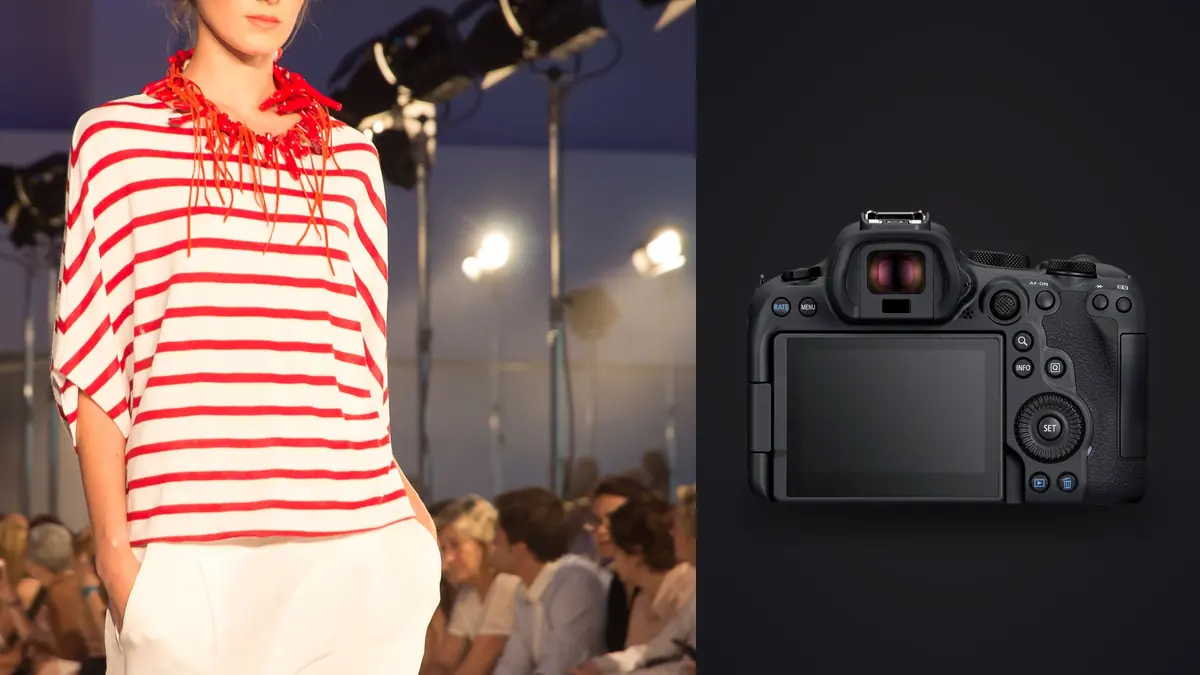
Lookbook work is repetitive in a way most other genres aren't. Same model, same set (or three sets if the client paid for a location change), and a rack of outfits that need to be photographed in near-identical poses so the merchandising team can drop them into a grid on the site. I've shot maybe a dozen lookbooks in the last two years, most of them on a Canon EOS R6 Mark II, and the camera has quietly become the reason I stopped dreading the culling afterward. Not because it makes fewer bad frames. Because it makes fewer frames I actually have to think about.
Why the R6 Mark II fits lookbook shooting specifically
Lookbooks aren't editorial. Nobody's chasing a single hero frame with dramatic light falling off into shadow. The brief is usually "clean, consistent, on-model, show the garment." That means you're shooting a lot of near-duplicate frames on purpose, cycling through small variations in hand position, weight shift, and expression until you land three or four that are sharp and unaffected. The R6 Mark II's 24.2-megapixel sensor is honestly the right resolution for this. 45MP bodies are overkill here and the file sizes just punish you for no reason, you're not printing these six feet wide, you're putting them in a 1200px product grid. The smaller files mean faster transfer, faster backup, and a card that doesn't fill up halfway through a 300-look day.
What actually matters more than resolution here is the autofocus tracking and the burst rate. At up to 40fps in electronic shutter with 12-bit RAW, or a more forgiving 12fps mechanical if you're worried about banding under fluorescent studio lights, you can shoot through a garment adjustment or a subtle pose shift without missing the frame where everything lands: eyes open, hand relaxed, fabric not bunched at the hip. Eye detection on this body is genuinely reliable on a model who's moving, not just standing still for a headshot. I don't chimp the back screen nearly as much as I used to on older Canon bodies, and that adds up over an eight-hour day.
The part nobody warns you about: the sheer volume
A single-look lookbook shoot, three to five garments per hour, four to six angles per garment, easily produces 2,000 to 4,000 frames in a full day if you're using the high-speed burst the way the camera invites you to. That's not an exaggeration, I checked my own card logs from a 40-look e-commerce lookbook in June and landed at just under 3,400 RAW files for roughly six and a half hours of actual shooting. The camera doesn't care. Your evening does, because somebody has to sit down and find the sharp, correctly-timed frame out of every burst of fifteen near-identical shots.
This is where I've changed my workflow the most over the past year. I used to do a first pass in Bridge just flagging obvious keepers, which took roughly as long as the shoot itself. Now I run the card straight into imagic before I even open a browsing app. It scores sharpness locally on the machine, no upload, no cloud round trip, which matters when you're on a hotel wifi connection between two shoot days and don't want to wait on a sync. It also clusters the burst sequences together instead of showing you 4,000 flat thumbnails, so each garment's takes group up and you're picking the best of a dozen instead of scrolling a river of near-duplicates trying to remember which frame had the better hand position.
Lens pairing for this kind of work
I shoot the R6 II with the RF 70-200mm f/2.8 for full-length looks and the RF 50mm f/1.2 for close detail work (buttons, stitching, texture callouts a product page needs). The 70-200 at f/4 to f/5.6 gives enough depth of field that a model shifting weight slightly doesn't drift out of focus, which matters a lot when you're shooting 15-frame bursts and want most of them usable rather than three sharp and twelve soft. Wide open at f/2.8 on a full-length shot, the depth of field gets thin enough that a model leaning forward six inches can put her face out of the focal plane while her shoes stay sharp, and that's a wasted burst.
For flat-lay and product-detail inserts that a lot of lookbooks bundle in alongside the model shots, the RF 24-70mm f/2.8 is the one I reach for. It's not glamorous glass but it's fast to work with tethered on a copy stand, and the in-body stabilization on the R6 II is good enough that I can hand-hold detail shots at 1/60 without a tripod when I'm moving fast between setups.
| Setup | Typical lens + aperture | Burst mode used | Frames per garment (avg) |
|---|---|---|---|
| Full-length, single look | RF 70-200mm f/2.8 @ f/5.0 | Mechanical, 12fps | 60-90 |
| Movement / walk sequence | RF 70-200mm f/2.8 @ f/4.5 | Electronic, 30fps | 150-220 |
| Detail / texture inserts | RF 24-70mm f/2.8 @ f/8 | Single shot | 4-8 |
| Flat-lay product | RF 24-70mm f/2.8 @ f/9 | Single shot, tethered | 2-4 |
Lighting notes specific to this camera
One thing I'll say plainly: the R6 Mark II's dynamic range at base ISO is good but not miraculous, and lookbook lighting is usually flat and even by design anyway, so you rarely need to lean on shadow recovery the way a moody editorial shoot would. Where the sensor actually helps is in mixed light situations, many lookbook briefs call for one "lifestyle" setup near a window alongside the clean studio backdrop shots, and the R6 II handles that transition between strobe and ambient daylight without the color shift I used to fight on older bodies. Auto white balance is close enough that I only correct maybe one in five setups instead of every single one.
ISO performance up to about 6400 is clean enough for lookbook use even though you'll rarely need to go that high in a controlled studio. Where it matters is location lookbooks, for example a warehouse space with mixed fluorescent and window light, where being able to sit at ISO 3200 without visible noise in the shadows of the garment folds saves you from having to bring in extra lighting gear.
Where the workflow actually breaks down
Here's the honest problem with a camera this capable at burst shooting: it generates more raw material than most photographers have a sane process for. I've talked to other people shooting lookbooks who still cull by eye in Lightroom's Survey mode, comparing frames two and three at a time. On a 3,000-frame day that's an evening lost, sometimes two. The camera's speed becomes a liability if your review process hasn't caught up to it.
What's worked for me is treating the capture and the edit as genuinely separate stages with different tools. imagic handles the triage: it scores focus and sharpness across the burst clusters and flags the duplicates so I'm choosing between four real candidates per garment instead of forty near-identical frames. It runs entirely on my laptop, which matters on shoot days when you're tethered to hotel wifi or working from an office network you don't fully trust with unedited images sitting in a cloud queue. From there I move into the color grade, and because a lookbook needs a consistent look across the whole catalog, I built a preset off my own previous edits using imagic's apply_my_style feature, so a fresh batch of images comes out already close to the brand's established color and contrast rather than starting from a flat RAW every time. It saves a genuine hour or two per batch.
Battery life and practical shoot-day math
Canon rates the LP-E6NH around 580 shots per charge under CIPA testing, but lookbook shooting with heavy burst use blows past that number fast because CIPA counts single shots, not fifteen-frame bursts. On a long lookbook day it is easy to go through two batteries and start a third by hour five. If you're booking a full lookbook day, bring at least three charged batteries and don't trust the in-camera percentage indicator during heavy burst work, it tends to drop in sudden chunks rather than a smooth curve.
Card choice matters more than people expect too. Run dual CFexpress in both slots for lookbook days specifically because the buffer clears fast enough that you're never waiting on the camera mid-burst, which is easy to run into on an older dual SD setup when someone wants "just one more take" immediately after a 30fps sequence.
Frequently Asked Questions
Is the R6 Mark II overkill for a lookbook that's just going on a Shopify product page?
Not really, and if anything the 24.2MP sensor is closer to right-sized than a higher-resolution body would be. Product pages rarely need more than a few thousand pixels on the long edge, so you're not gaining anything from a 45MP file except slower transfers and bigger backups. The real value for this genre isn't resolution, it's the autofocus tracking and burst speed that let you shoot fast through outfit and pose changes without babysitting focus on every frame.
How many frames should I actually expect to shoot per look?
It depends heavily on whether the client wants static poses or movement sequences (walking, fabric swish, hair movement). Static full-length looks tend to run 60 to 90 frames once you account for burst redundancy. Movement sequences can run past 200 frames for a single garment. Multiply that by however many looks are on the rack and you'll see why a fast culling step isn't optional past a certain shoot size.
Does the R6 Mark II's rolling shutter cause problems shooting fast movement for lookbooks?
You can see it if a model does a fast spin or a garment whips hard in electronic shutter mode at 40fps, the classic skew artifact on straight lines. For the vast majority of lookbook posing, which is deliberately controlled rather than fast athletic movement, it's a non-issue. I switch to mechanical 12fps for anything involving a genuinely fast spin or jump, which also sidesteps the rare banding you can get under certain LED panels in electronic shutter.
What's the fastest way to get from a 3,000-frame shoot day to a delivered lookbook?
Separate triage from editing rather than doing both in the same pass. Running the card through a local culling tool first (I use imagic, mainly because it doesn't require uploading unedited files anywhere and it clusters burst sequences instead of showing every frame flat) cuts the field down to real candidates fast. From there, applying a consistent preset built from your own past edits gets you to a first-pass delivery instead of grading every image individually from a blank RAW. On a same-day turnaround, that ordering is the difference between finishing at 9pm and finishing at 2am.
Is 24.2MP enough resolution if the client later wants a print catalog?
For most print catalog use, yes, 24.2MP comfortably supports a full-page or spread print at typical catalog print resolutions. Where I'd hesitate is if the client wants heavy crops from a full-length shot for a separate detail placement, cropping a 24MP file down to a tight product detail can get thin fast. If print cropping flexibility is a known requirement going in, it's worth flagging in the pre-production call rather than discovering it during layout.
If you're weighing camera bodies against your actual culling and editing bottleneck rather than spec sheets, it's worth reading up on how AI photo culling actually works before you assume more megapixels solves a workflow problem. And if lookbook volume is new to you, a general pass through faster photo workflow habits will save more time than any single piece of gear.