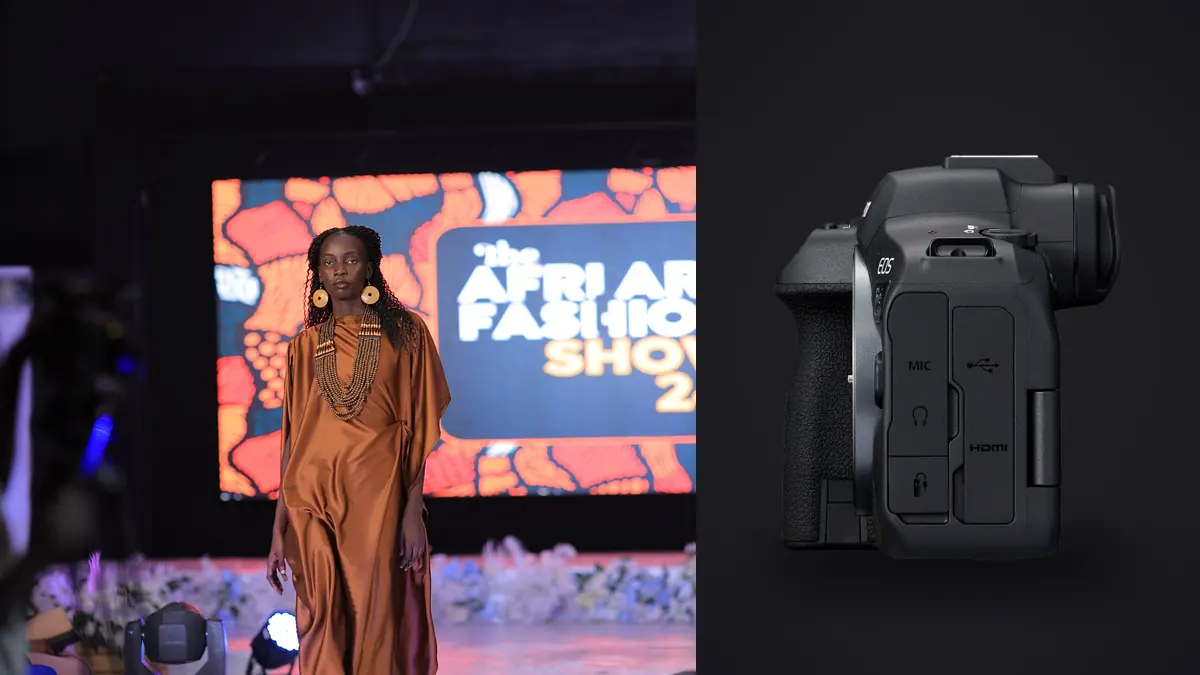
A lookbook day doesn't behave like a portrait session. You've got a client or an art director standing behind you checking a monitor, a stylist doing a full outfit change every eight minutes, and a rate card that assumes you'll clear thirty to forty looks before the light or the model's patience runs out. The camera has to keep up with that pace without becoming the bottleneck, and after two years of shooting with the Canon EOS R6 Mark II, it's the body I reach for more than anything else in the bag, including gear that costs a lot more.
Why the R6 Mark II Earns Its Spot on a Commercial Set
The 24.2 megapixel sensor is the first thing people question, usually the client's marketing coordinator who's seen a 45MP spec sheet somewhere and assumes bigger is automatically better. For lookbook and catalog deliverables it isn't. Files are going onto a product page, a lookbook PDF, or an Instagram grid, not a building wrap. Twenty-four megapixels gives you room to crop a full-length shot down to a three-quarter without losing print quality, and the files are small enough that a 40-look day doesn't turn your backup drive into a crisis. On a 45MP body the same kind of job can cost an extra hour every night just waiting for imports and previews to render.
Price matters too, more than gear reviewers like to admit. The R6 Mark II launched around $2,499 body only, roughly $1,400 less than the R5. On a job where you're already renting lights, paying a stylist, and covering a model's day rate, that difference is a second body for backup or a proper set of strobe heads, not a nice-to-have.
Burst Rate and What It Buys You With Moving Fabric
Lookbooks live or die on movement. A coat that just hangs there is a catalog shot, not a lookbook shot, so a lot of the day is spent asking a model to walk toward camera, spin, or toss a scarf, and picking the one frame out of a sequence where the fabric reads as intentional instead of caught mid-flop. The R6 Mark II gives you 12fps on the mechanical shutter and up to 40fps electronic, and on a fashion set those are two genuinely different tools rather than one number bragging over another.
Mechanical 12fps is what I run for most of the day, walking sequences, hand-on-hip turns, anything where the model is giving you a series of poses rather than one continuous motion. It's plenty to land the frame where the weight of a jacket settles right. Full electronic 40fps comes out for the specific moments where something is genuinely airborne: a jump, a hair flip, a coat caught mid-swirl. You don't need 40fps for a model walking a mark, but you absolutely need it for the half-second window where a pleated skirt is at its widest.
Shutter Mode and Strobe Sync, the Part Nobody Puts on the Spec Sheet
Here's the thing that catches people who buy this camera off a YouTube review and then bring it into a studio with monolights: the electronic shutter and flash do not get along. Fire the R6 Mark II in full electronic mode against a strobe and you'll get banding across the frame, because the sensor is scanning rather than exposing all at once, and a strobe's flash duration is far shorter than that scan. It's not a defect, it's just physics that a lot of marketing copy conveniently leaves out.
So the shutter mode you pick on a lookbook set depends entirely on what's lighting the scene, not on how fast you want to shoot.
| Shutter Mode | Max Flash Sync | Practical Burst Ceiling | Strobe Banding Risk | Where to Use It on a Lookbook Set |
|---|---|---|---|---|
| Mechanical | 1/250s | 12fps | None | Studio strobes, seamless backdrop, standard walking sequences |
| Electronic 1st Curtain | 1/250s | 12fps | Low, occasional shutter shock on longer lenses | Quieter operation for close-up detail shots with strobes, e.g. fabric texture, jewelry |
| Full Electronic | Not usable with strobes | 40fps | Severe, visible banding | Continuous light or daylight only, for jumps, spins, and airborne fabric |
A common mistake on a first R6 Mark II lookbook job is leaving it in full electronic all day because 40fps sounds better on paper, then wondering why half the strobe-lit frames have faint horizontal bands running through them. Mechanical stays the default the second monolights come into play. Save electronic for the natural-light exterior shots or the continuous-light motion sequences.
Autofocus When the Model Won't Hold a Mark
Dual Pixel CMOS AF II with the person detection mode is the reason I stopped shooting lookbooks on a body that required me to manually recompose focus points between poses. Eye detection locks onto the model even through a fast head turn, holds through a hat brim or a hood coming up, and generally doesn't need babysitting the way older Canon AF systems did. On a walk-and-turn sequence toward camera, where the model goes from six feet to fifteen feet away in under a second, the tracking stays glued to the eye rather than drifting to whatever's got the most contrast in frame, which used to be a real problem with busy printed fabrics.
Where it still needs help from you: group shots with two or three models where the system has to guess which face is the priority subject. I usually tap to select on the touchscreen rather than trust the camera's own subject ranking in that scenario, because it'll sometimes lock onto whichever face is largest in frame rather than the one actually wearing the hero piece.
The Lenses That Actually Get Used
My lookbook kit is smaller than people expect. The RF 50mm f/1.2 covers most of the three-quarter and full-length work, with enough separation from the backdrop at f/2 to f/2.8 that the garment reads clean without going so shallow that fabric texture disappears. The RF 85mm f/1.2 comes out for tighter beauty and detail shots, collar stitching, button placement, the things a client's product page zooms into. For full-length shots against a seamless where I want compression without standing across the room, the RF 70-200mm f/2.8 does the job, and the in-body stabilization means I can hand-hold it between strobe recycle rather than staying locked to a tripod all day, which matters when you're repositioning every few minutes anyway.
The in-body stabilization rating on paper claims up to 8 stops with certain RF lenses, and while I don't shoot handheld at absurdly slow shutter speeds, what it actually buys you day to day is fewer soft frames when you're moving fast between setups and don't have time to re-level a tripod for every angle change.
Cards, Buffer, and Not Losing a Paid Day
Dual UHS-II SD slots mean I run one card as the primary and the second in backup relay mode for the entire shoot, so if a card fails mid-job there's still a complete copy sitting in the second slot. That's not optional on a commercial job where a reshoot means paying the model, the stylist, and the studio rental all over again.
Buffer depth is generous but not infinite. Shooting RAW at 12fps mechanical with a fast UHS-II card, you get somewhere close to 140 frames before the camera starts to slow down, which in practice means you can run a five or six second burst on a walking sequence without hitting the wall. At 40fps electronic the buffer clears faster, closer to 75 RAW frames, which is still enough for the two or three second window a jump or a fabric toss actually needs.
What that buffer math means for the day: a 35-look lookbook with five to eight bursts per look easily clears 2,000 frames before lunch. That volume is exactly where a manual cull starts eating the hours you don't have. This is where I lean on imagic's local sharpness scoring to flag the genuinely soft frames out of a burst before I even open the folder properly, and its duplicate and burst clustering to collapse ten near-identical walking frames down to the two or three worth a second look. It runs on my own machine rather than uploading an unreleased lookbook to somebody's cloud server, which matters more than people think when an NDA covers the shoot.
Color Consistency Across a Full Casting
Lookbooks usually run more than one model, sometimes four or five across a single day, and keeping skin tone rendering consistent across that casting while the light shifts from morning cloud cover to afternoon sun (if you're shooting anything on location) is its own quiet battle. Canon's color science handles a wide range of skin tones without the sickly magenta shift I've fought with on other systems, but I still shoot a gray card at the start of every new setup and every time the light changes, because "close enough" on white balance shows up as a real problem once fifteen looks are laid out side by side in the final lookbook grid.
Once color is dialed in on set, staying consistent through the edit is the next fight, and it's where I've started using imagic's apply_my_style feature, which learns a preset from a set of my own previously edited photos rather than a generic filter. Feeding it a handful of finished frames from an earlier lookbook for the same brand keeps the grade matching across delivery batches shot weeks apart, without me manually re-matching curves every time.
Frequently Asked Questions
Is 24 megapixels actually enough resolution for a commercial lookbook?
For the overwhelming majority of lookbook and e-commerce use, yes. A 24MP file comfortably covers a full-bleed lookbook spread, a product detail crop, and most social deliverables. The exception is a client who explicitly needs billboard-scale or large-format print output, which is genuinely rare for a seasonal lookbook and better served by a higher-resolution body anyway.
Can I shoot a full lookbook day on one battery?
Not comfortably. CIPA rating puts the LP-E6NH around 450 shots through the viewfinder under standard test conditions, but a real lookbook day with high-speed bursts and constant screen chimping for the art director burns through that faster than the number suggests. I carry three charged batteries and swap during outfit changes rather than pushing one battery to empty.
Do I need the electronic shutter's 40fps for most fashion lookbook shots?
No, and using it by default with studio strobes will actually cost you frames to banding. Mechanical 12fps handles the vast majority of posed and walking shots. Reserve full electronic for genuinely fast, airborne motion under continuous or natural light where flash sync isn't a factor.
How does the R6 Mark II compare to the R5 specifically for lookbook work rather than general fashion editorial?
The R5's extra resolution and video specs matter more for large-format print campaigns or hybrid stills-and-cinema jobs. For a standard lookbook, which is judged on speed, consistency, and turnaround rather than maximum pixel count, the R6 Mark II's smaller files, lower price, and nearly identical autofocus system make it the more practical tool, and the money saved buys lighting or a second body instead.