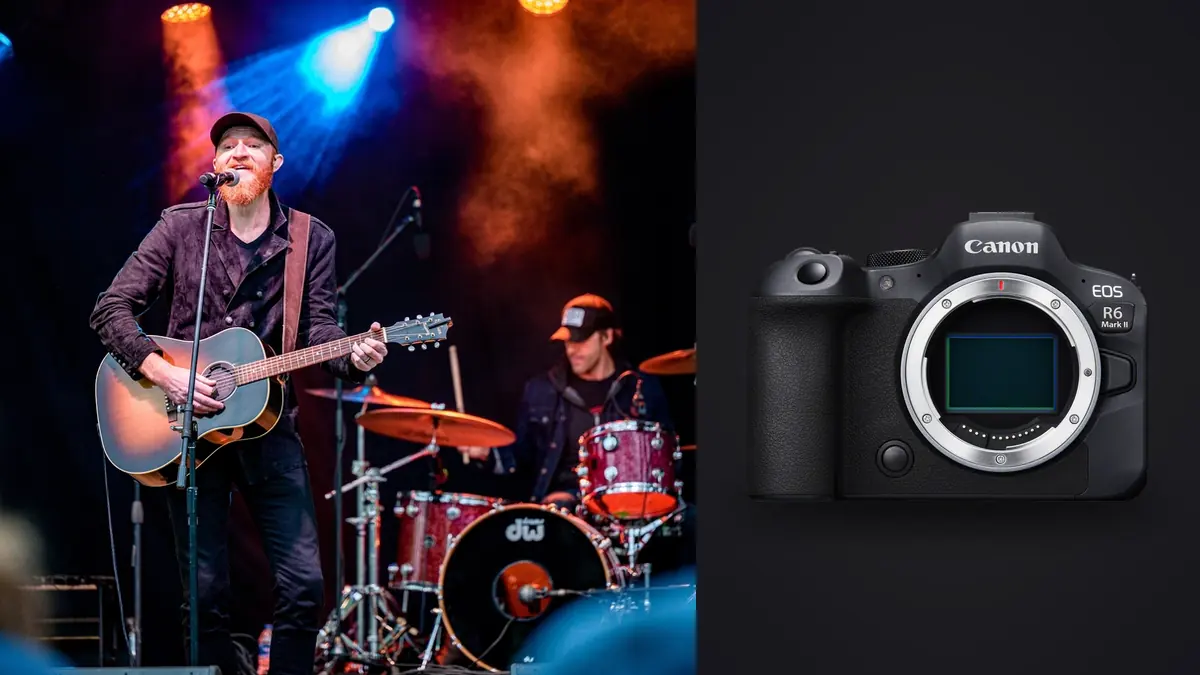
I picked up the Canon EOS R6 Mark II about eighteen months ago mostly because a rental house had one sitting unused after a cancelled job, and I needed something to shoot a three-band bill at a 400-capacity room the following night. I didn't expect it to become the camera I reach for by default now, ahead of gear that cost twice as much. Concert photography is a strange discipline: the light changes every four seconds, you get three songs and no flash, and you're often shooting through a barrier at a moving target with a follow spot swinging across their face. A camera either helps you in that chaos or it gets in the way. This is what I've learned about where the R6 II actually helps, and where it doesn't.
Why this body ended up in my pit bag over the R5
I own an R5 as well, and for most jobs I'd default to the higher resolution. For live music specifically, I don't. The extra megapixels buy me almost nothing when half my frames get pulled for a band's Instagram story at 1080 pixels wide, and the smaller files from the R6 II mean I'm not fighting a bloated buffer during a rapid-fire chorus. The sensor swap between the original R6 and the Mark II matters more than the marketing suggests too. Readout is noticeably faster, which shows up directly as less rolling shutter smear when a guitarist is windmilling an arm through a fast electronic-shutter burst.
The autofocus argument
Dual Pixel CMOS AF II with the newer subject detection is the actual reason I trust this camera in a dark room. Face and eye detection holds onto a singer even when a hard backlight turns most of the frame into silhouette, and it doesn't panic and hunt when a haze machine kicks in mid-song. I still miss shots, everyone does in this genre, but the miss rate on eye-in-focus frames dropped noticeably compared to the older body. Where it struggles: a drummer half-hidden behind cymbals and rack toms, where the system sometimes locks onto the nearest metal rim instead of a face. I've learned to switch to a single AF point and do it manually for drum-heavy angles rather than trust the tracking there.
ISO headroom and the grain I'm willing to live with
Native ISO tops out at 102400, with expansion beyond that, but I rarely go past 12800 by choice. Below that, noise is fine-grained and holds detail through export. Past 12800 up into the expanded range, it's usable for web-sized band promo but starts falling apart in a print. Small clubs with a single warm wash of light regularly push me to ISO 6400 or 8000 at f/2.8 and 1/250s just to freeze a moving vocalist, so the headroom matters in a very literal, not-hypothetical way most nights.
Shutter modes and stage lighting: the part nobody warns you about
This is where I've burned the most test rolls, so to speak. Full electronic silent shooting is tempting for acoustic sets or a hushed theatre gig where a mechanical clatter would actually get you removed from the pit. But LED stage fixtures pulse-width-modulate their brightness, and a fast electronic readout can catch that pulsing mid-scan, producing a banding pattern across the frame that mechanical shutter simply doesn't show. The R6 II's anti-flicker detection helps, and it now works across both shutter types rather than only mechanical like some earlier bodies, but it isn't a guarantee on every rig, especially cheaper LED wash lights common in smaller venues.
| Shutter mode | Max frame rate | Audible click | Banding risk under LED washes | Rolling shutter risk on fast motion | When I actually use it |
|---|---|---|---|---|---|
| Mechanical | 12 fps | Yes, moderate | Very low | None | Any venue that allows the noise, especially loud rock rooms |
| Electronic first curtain | 12 fps | Faint | Low to moderate | Low | Mid-size venues with steadier stage lighting |
| Full electronic (silent) | Up to 40 fps | None | Moderate to high | Moderate on fast limbs/sticks | Quiet acoustic sets, seated theatres, press pits with strict noise rules |
My working rule: mechanical for anything loud where nobody will hear the shutter over the PA, silent electronic only when the room genuinely requires it, and I always shoot a short test burst in the first song to check for banding before I commit to a mode for the rest of the set.
Buffer, cards, and the flood of near-duplicate frames
Forty frames a second sounds great until you realize what it does to your card and your evening. A single four-second burst of a jumping bassist can produce well over a hundred frames, the vast majority of them separated by fractions of a second and visually almost identical. Two fast UHS-II cards in the dual slots keep the buffer clearing quickly enough that I've never actually filled it mid-song, even shooting CRAW at the top frame rate, though I do feel the camera slow slightly on the longest bursts before it catches up.
Where the file volume actually becomes a problem
The pain isn't during the show, it's at 1am afterward staring at four thousand frames from a three-band bill. This is the one part of the R6 II experience that pushed me to change my workflow rather than just my settings. I run everything through imagic's burst and duplicate clustering before I open a single frame in an editor. It groups those forty-fps sequences automatically instead of me scrubbing through a hundred nearly-identical images of the same jump by hand, and because it runs entirely on my laptop rather than uploading a night's shoot somewhere, I'm not waiting on a connection at a venue with dead wifi to get through culling. For a genre built on the camera producing far more frames than any human needs to look at individually, that step alone probably saves me an hour a gig.
Lens pairing that actually works in a three-song pit
Most photo pits give you barrier-to-stage distances anywhere from three metres to fifteen, and you rarely get to choose which. I carry two bodies specifically to avoid lens swaps mid-set, since three songs disappears fast if you're fumbling a lens change in the dark.
- RF 24-70mm f/2.8L on the primary body for wide stage shots, full-band frames, and crowd-inclusive angles from a small stage.
- RF 70-200mm f/2.8L on the second body for tight face shots and isolating a single performer from a cluttered stage set.
- An RF 50mm or 85mm prime goes in the bag for the rare seated acoustic gig where I can work closer and want the extra stop of light.
The in-body stabilization is rated up to eight stops with the right RF glass, and while that number means little for freezing a moving musician (a slow shutter still smears movement regardless of how steady the camera is), it genuinely helps handholding the 70-200 for a full set without arm fatigue turning into camera shake between songs.
Battery life and running two bodies through a full night
An LP-E6NH gets me through a typical three-to-four-band local bill without a swap, shooting in bursts rather than continuously, but I still carry a spare in a jacket pocket for anything approaching a festival day where I'm covering six or seven acts back to back. The bigger practical issue isn't battery life, it's that the body runs warm after long stretches of high-fps electronic shooting in a hot, packed room, which is more a comment on venue temperature than the camera.
After the show: turning four thousand frames into twenty usable ones
This is where most of the actual editing time goes in live music work, and it's the part gear reviews tend to skip entirely. Between the two bodies on a busy night I can easily come home with three or four thousand frames. Sharpness on a moving subject under bad light is inconsistent by nature, so I lean on imagic's local focus scoring to surface the technically sharp frames from each burst before I even start making a creative call on expression or composition. It's not making the artistic decision for me, it's just cutting the four thousand down to the two hundred worth actually looking at, which is the bottleneck that used to eat my Sunday mornings.
Once I've got a shortlist, I run a batch through an apply_my_style preset I trained on a season's worth of my own pit edits. Concert photography benefits from a consistent look across a whole gallery, moody contrast, warm stage colors kept warm rather than corrected toward neutral, and building that preset from my own actual edits gets me there faster than starting from a generic preset pack every time. If you're trying to shave down the editing side of a live-music workflow generally, it's worth reading through these workflow speed tips, several of them map directly onto pit shooting. And if the concept of software sorting burst sequences for you is new, this explainer on how AI photo culling actually works covers the mechanics in more depth than I have room for here.
Frequently Asked Questions
Is the R6 Mark II's silent electronic shutter actually safe to use for a full set?
It depends entirely on the venue's lighting rig, not on the camera. I've had completely clean silent-mode sets under tungsten-heavy stage lighting and visible banding under a cheap LED wash at the very next venue. Shoot a test burst in the opening song and check the rear screen at full zoom before trusting silent mode for the rest of the night.
What ISO can I realistically push before noise ruins a shot for print, not just Instagram?
For me the honest ceiling is around ISO 6400 to 8000 if a print or a magazine submission is the goal. Above that, up toward 12800 and beyond, it's fine for web use and social posts but starts losing the kind of fine detail an editor will notice at full resolution.
Do I really need two bodies, or can one R6 II with a lens swap work for a three-song pit?
You can do a three-song set on one body if you're disciplined about which lens you start with, but I wouldn't recommend it for anything you're being paid for. Losing thirty seconds to a lens change during someone's only three-song allowance is thirty seconds of a set you don't get back.
Does the anti-flicker detection actually fix banding from stage lighting?
It reduces it more often than not, and it now works with electronic shutter as well as mechanical, which wasn't always true on earlier Canon bodies. It's not foolproof against every LED fixture out there though, so I treat it as a helpful default rather than something I stop checking for.
None of this makes the R6 II a perfect concert camera, no body is, but between the autofocus behavior in low light and a buffer that doesn't choke on a real pit workload, it's earned its spot as the one I grab first. If your bottleneck after a shoot is the editing pile rather than the camera itself, that's a workflow problem more than a gear problem, and it's worth looking at what's actually eating your time before you blame the equipment. You can see how imagic handles that side of things on the pricing page, it's a one-time purchase rather than another subscription stacked on top of your gear budget.