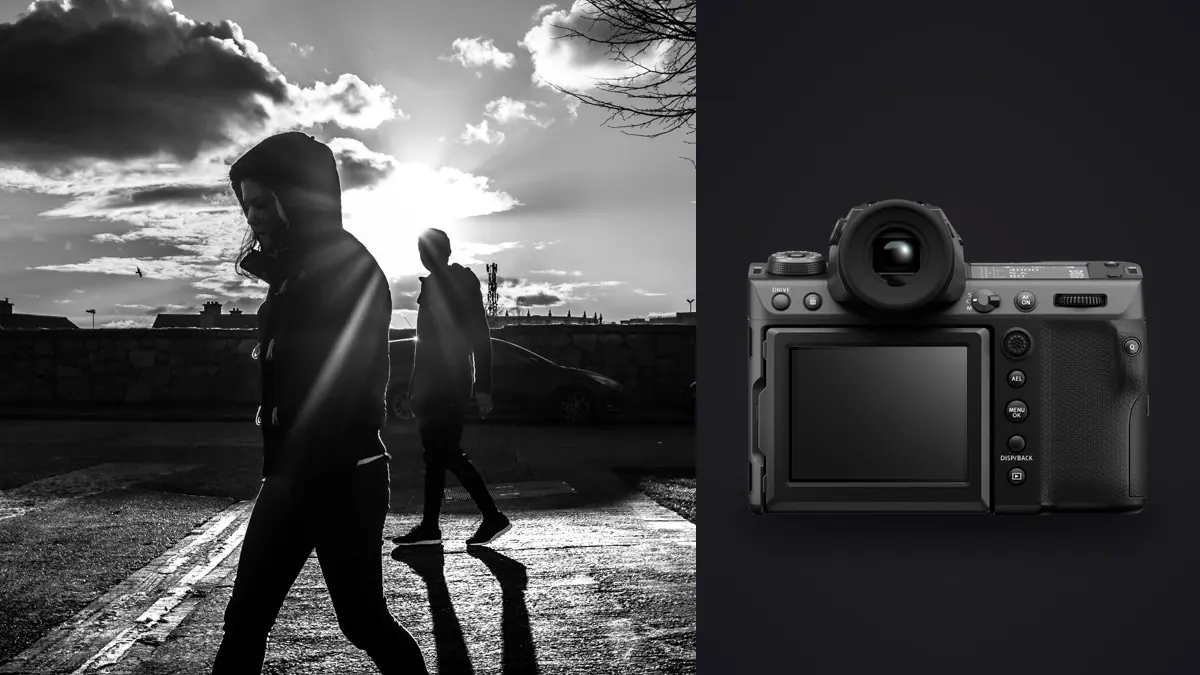
I took a Fujifilm GFX100 II onto the street for six weeks this spring, mostly around a market district where I'd already shot a documentary series with an X-T4 two years earlier. The comparison was involuntary. Every time I raised the GFX to my eye I could feel exactly how much camera I was carrying, and every time I sat down to edit I could feel exactly how much data I'd generated. Neither feeling went away by week six. That's the honest starting point for this piece: the GFX100 II is a genuinely excellent tool that fights you on two fronts, physical and digital, the entire time you use it for this kind of work (imagic's Fujifilm GFX100 II page has the full spec sheet).
Fujifilm didn't design the GFX100 II for street or documentary shooters. It was built for studio, landscape, and commercial work where 102 megapixels and medium-format tonal range pay for themselves in print sales and client deliverables. People use it for street photography anyway, partly because the image quality is genuinely different from full-frame, and partly because Fujifilm has spent a decade building goodwill with documentary shooters through the X-series. This article is about what actually happens when you take that goodwill and put it inside a 1,030-gram medium-format body on a crowded sidewalk.
The Size Problem You Can't Software Your Way Out Of
Start with the obvious. The GFX100 II with a standard zoom is close to 1.6kg. That's not a camera you forget you're carrying, and it's not a camera that disappears in a crowd. Compare it to a Leica Q3 at 743g or a Fujifilm X-T5 at 557g and the difference isn't marginal, it changes how people react to you. On the market street I mentioned, I had three separate conversations that started with "what is that thing" when I never got a single one shooting the X-T4 with a 23mm attached. Curiosity isn't hostility, but it does end the moment of natural behavior you were trying to capture. Documentary work depends on subjects forgetting the camera exists. A body this size makes that harder, full stop.
The shutter doesn't help. Fujifilm improved a lot between the original GFX100 and this model, but the mechanical shutter still has a distinct, slightly hollow clunk that carries in a quiet room or a hushed moment. There's no leaf-shutter option like the Q3, and while the electronic shutter is genuinely silent, it comes with the usual medium-format caveat: rolling shutter distortion on anything moving fast through frame, which in street work means bicycles, running kids, and swinging arms all showing up slightly skewed if you're not careful about panning speed.
Crop modes as a partial fix
The one real workaround Fujifilm gives you is the in-camera crop modes, and I ended up using them more than I expected. The GFX100 II can shoot a 1:1 square crop, a 65:24 panoramic crop, and a 35mm-equivalent crop that reads out roughly a 63-megapixel section of the sensor at a tighter angle of view. None of these reduce the physical bulk of the camera, but the 35mm crop mode changed how I framed. It let me use my 45mm GF lens (roughly a 36mm full-frame equivalent) as something closer to a standard 55mm street lens without cropping in post, and the smaller file size (still north of 60MB compressed RAW) made a noticeable dent in card space and edit time over a full day. If you're bringing this camera to the street, learn the crop modes before you learn anything else about the menu.
Autofocus and Burst: Fine for Decisive Moments, Not for Chaos
Fujifilm's subject-detection autofocus, carried over from the X-H2S generation and tuned for this sensor, is a real improvement over the original GFX100. Face and eye detection lock reliably in daylight and hold through moderate movement. Where it starts to strain is fast, close, unpredictable motion, someone stepping off a curb into traffic, a dog cutting across frame, a hand reaching into the shot from the side. The AF system recovers, but there's a beat of hunting that a good X-T5 or a Sony a7 IV simply doesn't have. Burst speed compounds this. Mechanical shutter tops out at 8 fps, and while the electronic shutter will push to 20 fps, it does so inside a 1.26x sensor crop that quietly turns your medium-format advantage back into something closer to a big full-frame sensor. For single decisive-moment street photography, where you're firing two or three frames around a gesture rather than spraying a ten-frame burst, this is a non-issue. For anything resembling fast-moving documentary reportage, a march, a scuffle, kids playing, I found myself missing frames I wouldn't have missed on a faster body.
How It Actually Compares for This Kind of Work
Every spec sheet lists the same numbers. What matters for street and documentary shooting is a narrower set of factors, so here's how the GFX100 II stacks up against the two cameras people most often ask me about as alternatives.
| Factor | Fujifilm GFX100 II | Fujifilm X-T5 | Leica Q3 |
|---|---|---|---|
| Body weight (with battery) | ~1,030g | ~557g | ~743g |
| Sensor | 43.8 x 32.9mm, 102MP | 23.5 x 15.6mm, 40MP | 36 x 24mm, 60MP |
| Lens flexibility | G-mount, growing but still limited prime lineup | X-mount, deep native prime lineup | Fixed 28mm f/1.7, no swapping |
| Shutter discretion | Audible mechanical clunk, no leaf shutter | Quiet mechanical, silent electronic | Leaf shutter, genuinely silent |
| Max burst | 8 fps mechanical, 20 fps electronic (1.26x crop) | 15 fps mechanical, 20 fps electronic (crop) | ~15 fps electronic |
| Typical compressed RAW | 90-110MB (63MB in 35mm crop mode) | 40-45MB | 65-75MB |
| Approx. street price | ~€7,300 body only | ~€1,800 body only | ~€6,300 |
Nothing in that table says "don't buy this for street work." It says you're paying a real weight and discretion tax for a sensor that outresolves and outclasses both alternatives in dynamic range and tonal separation. Whether that trade is worth it depends entirely on what you're doing with the files afterward, which brings up the part nobody puts in the marketing copy.
The 102-Megapixel Tax on Your Evening
A full day of street shooting on the GFX100 II, for me, runs somewhere between 900 and 1,400 frames once you count bursts around fleeting moments. At an average of 100MB per compressed RAW, that's 90 to 140GB before I've touched a single edit. My old X-T4 workflow, shooting a similar volume of frames, produced maybe 45GB on the same kind of day. The card, the backup drive, and the laptop all feel that difference immediately, but the part that actually costs time is the culling session that comes after. Scrolling through 1,200 full-resolution medium-format files one at a time, at native size, to find focus misses and pick the best frame from a burst of six nearly identical shots, is not a reasonable way to spend an evening. This is where I stopped doing it by hand. I run the day's card through imagic before I open anything in an editor: it scores sharpness and focus locally on the machine, flags the frames where the GFX's autofocus hunted for that extra beat I mentioned earlier, and groups burst sequences so I'm choosing between three visually clustered options instead of scrubbing past all six manually. Because it runs entirely on the laptop with no upload step, I'm not sitting there waiting on a slow transfer of 100+ gigabytes to someone else's server before I can even start deciding what's usable, which matters more with this camera than it ever did with smaller files.
Burst clustering matters more at this file size than people expect
Street photography generates a specific kind of duplicate problem: five frames of the same gesture, taken half a second apart, where only one has the hand in the right position and the background walker out of the frame. At 25MB a file that's an annoyance. At 100MB a file, it's the difference between a card that fills up at lunch and one that lasts the whole afternoon, and between an edit session that takes forty minutes and one that takes two hours. The duplicate and burst clustering in imagic groups those near-identical frames together automatically, so the actual decision, which frame has the right hand position, becomes the only thing left to do by eye. I'd treat this as close to mandatory if you're shooting documentary sequences on this camera rather than optional.
Field Settings I Actually Landed On
After six weeks of adjusting, here's the configuration that stuck, for anyone bringing this specific body into this specific kind of shooting:
- Crop mode: 35mm crop as the default for anything handheld and reactive, full sensor reserved for planned environmental portraits or scenes where I have time to compose.
- Shutter: Electronic first shutter curtain in daylight to cut vibration without the full rolling-shutter risk of pure electronic; full electronic only indoors where the mechanical clunk would be a problem.
- AF mode: Single-point with a fairly wide zone, not the widest subject-tracking area, because the widest setting kept snapping to background faces in crowded frames.
- File format: Compressed RAW, not lossless. The image quality difference is not visible in normal viewing and the file size difference (roughly 30 percent smaller) adds up fast over a week of shooting.
- Card strategy: Two cards, JPEG backup on the second slot at a smaller resolution setting, purely so I have something fast to review on a phone before I'm back at a computer.
Where the Extra Resolution Actually Earns Its Keep
None of the above is a complaint about image quality, because the image quality is the entire reason to consider this camera. Medium-format tonal separation shows up most obviously in skin tones under mixed light, the kind of scene where a full-frame sensor starts to look slightly flat and the GFX100 II holds gradation you can see in a print. Shadow recovery is the other clear win. I pulled detail out of underexposed doorway scenes at minus three stops that would have shown visible noise and banding on an APS-C file, and that latitude let me expose for highlights on the street without worrying about losing the shadow side of a subject's face entirely. For a documentary project that's going to end up printed large, in a book or a gallery show, that extra headroom is not a marginal upgrade, it's the difference between a print that holds up at 40 inches and one that starts falling apart. If your documentary work lives entirely on Instagram at 1080 pixels wide, you will genuinely struggle to see 90 percent of what this sensor is doing, and I'd tell you to save the money and the shoulder strain.
Frequently Asked Questions
Is the GFX100 II too slow to catch decisive moments on the street?
For single-subject, single-gesture street photography, no. The autofocus locks fast enough and 8 fps mechanical is plenty when you're firing two or three frames around a moment rather than spraying a long burst. Where it genuinely struggles is fast, chaotic, multi-subject scenes, protests, crowds in motion, kids running in multiple directions, where a faster APS-C or full-frame body with a bigger buffer will keep up better.
Can you shoot this camera discreetly, or does the size ruin candid work?
You can, but it takes more effort than a smaller camera. I had the best luck using a short strap held close to the body rather than a neck strap, keeping the camera at waist height between shots, and leaning on the 35mm crop mode with a compact prime so the overall silhouette reads less like "serious equipment." It's never going to disappear the way a Q3 or an X100VI does, but it's not impossible to work with once people stop noticing it after the first few minutes in a location.
How much extra editing time should I budget for 102MP street files?
Plan for roughly double the culling time compared to a 24-26MP body if you're reviewing files manually, mostly because scrubbing through full-resolution previews and burst duplicates is genuinely slower at this file size. Running the card through a local culling pass first, the kind imagic does with sharpness scoring and burst grouping before you ever open a RAW editor, cuts that back down close to what you'd spend on a lower-resolution camera, since you're only opening the frames worth opening.
Is there a real workflow reason to choose this over a Fujifilm X-series body for documentary work?
Only if the tonal range and print quality genuinely matter to the final use of the work. If you're building a body of work meant for large prints, gallery walls, or a photobook where shadow detail and skin tonality carry weight, the sensor difference is real and visible. If the work lives online at web resolution, the X-T5 will get you 90 percent of the same photographic outcome at half the weight and a quarter of the price, and you'll shoot more comfortably because of it. If street work specifically is your focus rather than a one-off comparison, imagic's street photography workflow page is worth a read alongside whichever body you land on. Once you do settle on a body, training something like imagic's apply_my_style preset on a batch of your own finished street edits is a fast way to get a consistent look across a project without re-grading every file from either camera by hand.