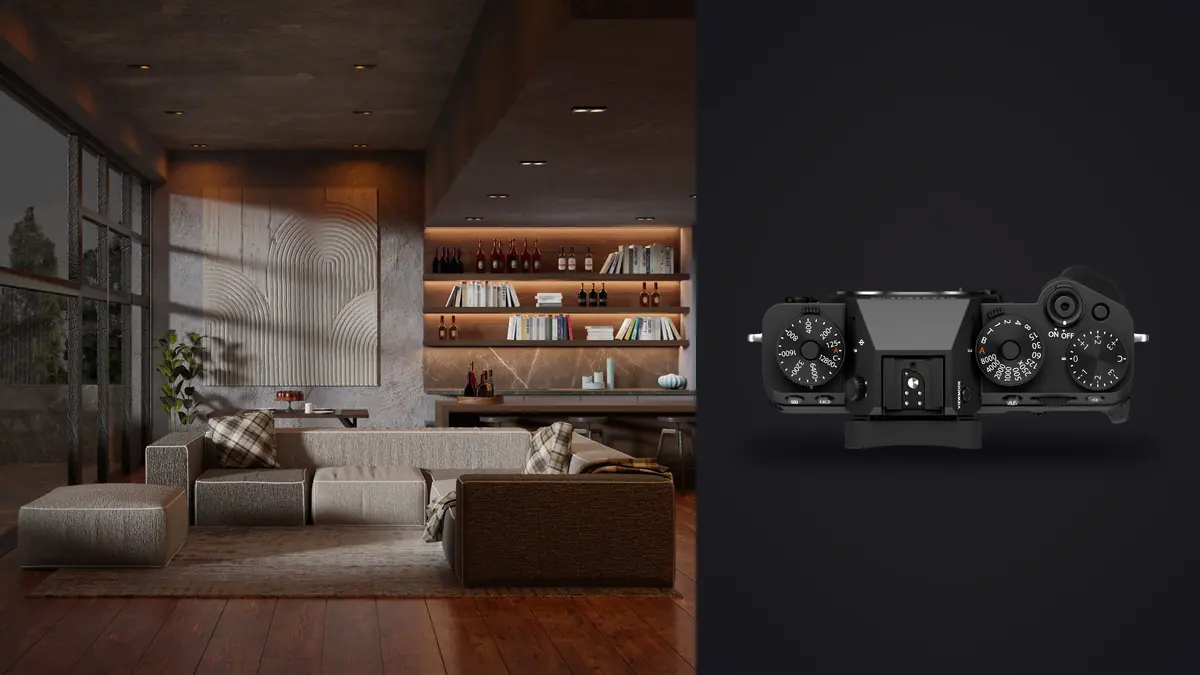
I spent three days last spring shooting a boutique renovation project (a converted mill building turned into eight apartments) with a Fujifilm X-T5 as the only body on the job. Architecture and interior work is a different kind of stress test than most photography. Verticals have to stay vertical, a single frame can hold a window blown to white next to a hallway that's nearly black, and a client will zoom in on the grain of a herringbone floor at 100% before they zoom in on anything else. The X-T5 handled almost all of it well. It also made a few compromises obvious that a full-frame body with a tilt-shift lens simply doesn't have to make. This is what actually happened using it for that kind of work, not a spec sheet rewrite.
An APS-C sensor doing a job full-frame usually owns
Architectural and interior photography has historically been full-frame territory, mostly because of tilt-shift lenses and the room they give you to correct perspective optically rather than digitally. The X-T5's 40-megapixel APS-C sensor doesn't change that math, but it does soften the argument. Forty megapixels on a smaller sensor gives you enough resolution to crop aggressively (rotate a frame two or three degrees to fix a leaning wall, crop in to recompose a stairwell shot after the fact) and still deliver a file that prints at 24 inches wide without looking stretched. I couldn't have done that comfortably on the 24-megapixel body I was using two years ago.
The 1.5x crop factor cuts both ways. On the plus side, a 10mm lens behaves like a 15mm full-frame equivalent, which is wide enough for most bedrooms and bathrooms without buying an ultra-exotic lens. On the downside, getting genuinely expansive in a small room (say, a compact ensuite where you need everything in frame from three feet away) pushes you toward the very edge of what Fuji's X-mount lineup offers, and there's no 11mm-or-wider rectilinear option in the current catalog that isn't a manual-focus specialty lens.
The lenses that actually get used on this kind of job
I rotate through four lenses for interiors and exteriors, and each one earns its spot for a specific reason rather than because it's "versatile."
| Lens | Full-frame equivalent | Max aperture | Where it earns its keep | The catch |
|---|---|---|---|---|
| XF8mm f/3.5 R WR | ~12mm | f/3.5 | Tight stairwells, small bathrooms, showing a full vaulted ceiling | Barrel distortion at the edges needs correcting every time; not a lens you grab casually |
| XF10-24mm f/4 R OIS WR | 15-36mm | f/4 constant | General room-corner shots, real estate walkthroughs, most exteriors | f/4 means longer shutter speeds indoors without added light; OIS mostly makes up for it handheld |
| XF16-55mm f/2.8 R LM WR | 24-84mm | f/2.8 constant | Furniture detail, doorway framing, material close-ups, hallway compression | Heavy on a tripod all day, and it's the lens I most often leave in the bag when weight matters |
| XF18mm f/1.4 R LM WR | 27mm | f/1.4 | Ambient-only evening interiors, restaurant and bar shoots where flash isn't welcome | Wide open it's soft in the corners, which matters less for mood shots than for hero verticals |
The corner problem nobody mentions in the lens reviews
Every one of those wide options needs distortion correction pulled from Fuji's lens profiles, and at 8mm and 10mm the correction is aggressive enough that you're cropping out a meaningful strip of the frame to get straight lines at the very edges. Shoot loose. I frame with roughly 8-10% extra room on all four sides on any wide interior shot specifically so the correction step doesn't eat into the composition I actually wanted.
Where the 16-55mm quietly replaces the wide zoom
On the mill project, more than a third of the delivered gallery ended up shot on the 16-55mm rather than the 10-24mm, because clients buying an interior design portfolio want texture, not just room layout. A close, slightly compressed shot of a tiled backsplash or a stair rail reads as more considered than another wide establishing shot, and f/2.8 gives just enough falloff to separate the subject material from what's behind it.
Reading light that the sun doesn't touch evenly
Interiors punish a camera's dynamic range more than almost any other genre short of astro work. A window wall next to a dim corner easily spans 12 or 13 stops, and the X-T5's sensor, good as it is, doesn't cover that in a single exposure without losing something at one end.
My approach in the field is closer to a checklist than an instinct:
| Scene type | Method | Why |
|---|---|---|
| Even light, no direct sun in frame | Single exposure, DR200 or DR400 | The in-camera dynamic range priority modes pull back a stop or two of highlight range without a bracket, fast enough for a walkthrough |
| Window wall with visible sky or exterior view | 3-shot bracket at 2EV steps, blended later | No single exposure holds detail in the exterior view and the room's shadows at the same time |
| Mixed tungsten and daylight (lamps on, window open) | Manual white balance from a gray card, single exposure | Auto white balance splits the difference and leaves both light sources looking slightly wrong; a fixed manual value lets me match it consistently in post across a whole gallery |
| Evening, ambient only, no flash allowed | ISO 800-3200, 18mm f/1.4, tripod when the client allows it | The X-T5's high-ISO files hold together to about ISO 3200 before chroma noise in shadow areas becomes something I need to address deliberately |
Base ISO on the X-T5 is 125, and I try to stay there or close to it for anything on a tripod. It's the cleanest file the sensor produces, and on an interior job where you're already fighting for dynamic range, giving away headroom to unnecessary ISO gain is the kind of mistake that only shows up once you're grading the file at full screen.
The tripod workflow, and a screen decision I have mixed feelings about
Almost everything on an interior shoot happens on sticks. The X-T5's electronic level and dual grid overlay are things I leave on permanently for this kind of work; getting a vertical line in a viewfinder close enough "by eye" isn't close enough once a viewer is looking at a wall edge next to a print border. I shoot with the mechanical shutter on the tripod whenever I can, mostly out of habit from film bodies, though the electronic shutter is genuinely fine for anything static.
Fuji reverted the X-T5 to a three-way tilt screen instead of the fully articulating vari-angle screen the X-T4 had, and that decision gets debated online more than almost anything else about this camera. For interior work specifically, I land on the side that likes it. Low tripod shots (composing a floor-level angle to show a rug pattern or a low coffee table) are exactly where the tilt screen is faster to use than a flip-out one, because you don't have to swing the panel out to the side and then twist your head to read it. Where it genuinely costs you is composing a portrait-orientation shot from a high angle, like a ceiling detail or a tall bookcase shot from above; the tilt mechanism doesn't rotate for vertical framing, so you're back to guessing or physically crouching under the tripod to see the screen straight on.
Buffer depth is worth planning around if you bracket a lot. Shooting compressed raw at 40 megapixels with a 3-shot HDR bracket on every angle fills the buffer faster than the spec sheet numbers suggest, especially on an older or smaller UHS-I card. I moved to a UHS-II card specifically for bracket-heavy days after losing a few seconds mid-sequence waiting for the buffer to clear on a shoot with a tight room-turnover schedule.
What happens after the shutter closes
A three-day interior shoot like the mill project produces an ugly number of files once you count every bracket. Three exposures per angle, six to ten angles per room, eight rooms, plus retakes when a light got left on in the background of a shot that was supposed to be lamp-free. That's easily 600-plus raw files before you've deleted a single one, and most of them look nearly identical to each other at a glance.
This is the part of the job where I actually rely on imagic rather than scrolling through Lightroom's grid view squinting at thumbnails. Because it runs its culling entirely on the machine, I can start sorting the take in a hotel room with no signal the same evening I shot it, which matters more on location jobs than it sounds like it should. Its burst and duplicate clustering groups each bracket set together automatically, which turns "which of these three near-identical frames is actually the sharpest" from a manual comparison into something the tool has already flagged before I open the folder properly. The local sharpness scoring is also the thing that catches the frame where a slight breeze moved a curtain during a half-second exposure, which is easy to miss at thumbnail size and very obvious once a client has it printed at three feet wide.
For the edit itself, I built a personal grading style around slightly warm whites and a little extra shadow lift, and trained imagic's apply_my_style feature on a batch of my own finished interior edits so a fresh gallery starts from something close to my usual look rather than a flat, unedited baseline. It doesn't replace the room-by-room adjustments an interior job still needs (mixed lighting means every space is a little different), but it cuts a meaningful amount of the repetitive first pass out of a gallery this size. If you're new to building any kind of automated first-pass workflow, how AI photo culling works is a decent primer on what's actually happening under the hood before you trust a tool with 600 files. I've also written more generally about speeding up a shoot-to-delivery pipeline in 10 tips for a faster photo workflow, several of which came directly out of jobs like this one.
Where the X-T5 genuinely comes up short here
I don't think it's honest to write about a camera for this kind of work without saying where it loses to the alternative. There's no native tilt-shift lens for Fuji's X mount, full stop, so perspective control is always a digital correction rather than an optical one. That's fine for web galleries and most print sizes, but a full-frame body with a 17mm or 24mm tilt-shift lens will beat it on a large-format architectural print where the client cares about absolutely clean verticals with zero cropping loss at the edges. The mechanical shutter caps out at 1/8000s, which has never actually been a limiting factor for me indoors, but the electronic shutter's rolling shutter effect is real enough that I avoid it for anything with movement in frame, like a ceiling fan or a sheer curtain in a draft. And weather sealing on the body and the WR lenses is genuinely good for exterior work in light rain, but it's not a substitute for actually protecting the gear on a construction-adjacent site, which a surprising number of renovation jobs turn out to be.
Frequently Asked Questions
Is the X-T5's APS-C sensor a real handicap next to a full-frame body for real estate or interior work?
Less than it used to be. At 40 megapixels you have enough resolution to crop for perspective correction and still deliver large, clean files, which closes most of the practical gap for web and standard print sizes. The gap that remains is optical perspective control, since there's no tilt-shift lens in the X-mount lineup, so very large architectural prints with zero-crop verticals still favor a full-frame tilt-shift setup.
Can you get true tilt-shift perspective control on the X-T5?
No, not optically. There's currently no native tilt-shift lens for Fuji's X mount, so perspective correction on this body happens digitally, either in-camera through basic keystone adjustment or in post through lens correction and manual straightening. It works well for most delivery sizes but it does cost you resolution at the edges of the frame.
What's the best way to handle a room with a bright window and dark corners at the same time?
For most rooms, the in-camera dynamic range priority modes (DR200 or DR400) recover enough highlight detail in a single exposure to skip bracketing entirely. When there's a visible exterior view through the window that also needs to hold detail, a 3-shot bracket blended in post is the more reliable route; a single exposure just can't hold both ends of that range on this sensor.
Does the three-way tilt screen make tripod work harder than a fully articulating screen would?
For low-angle horizontal shots it's actually faster to use than a vari-angle screen, since you don't have to swing it out to the side first. It does fall short for high-angle portrait-orientation shots, like ceiling details, where the tilt mechanism can't rotate to match vertical framing and you end up composing from an awkward angle or trusting the electronic level without a clear view of the screen.