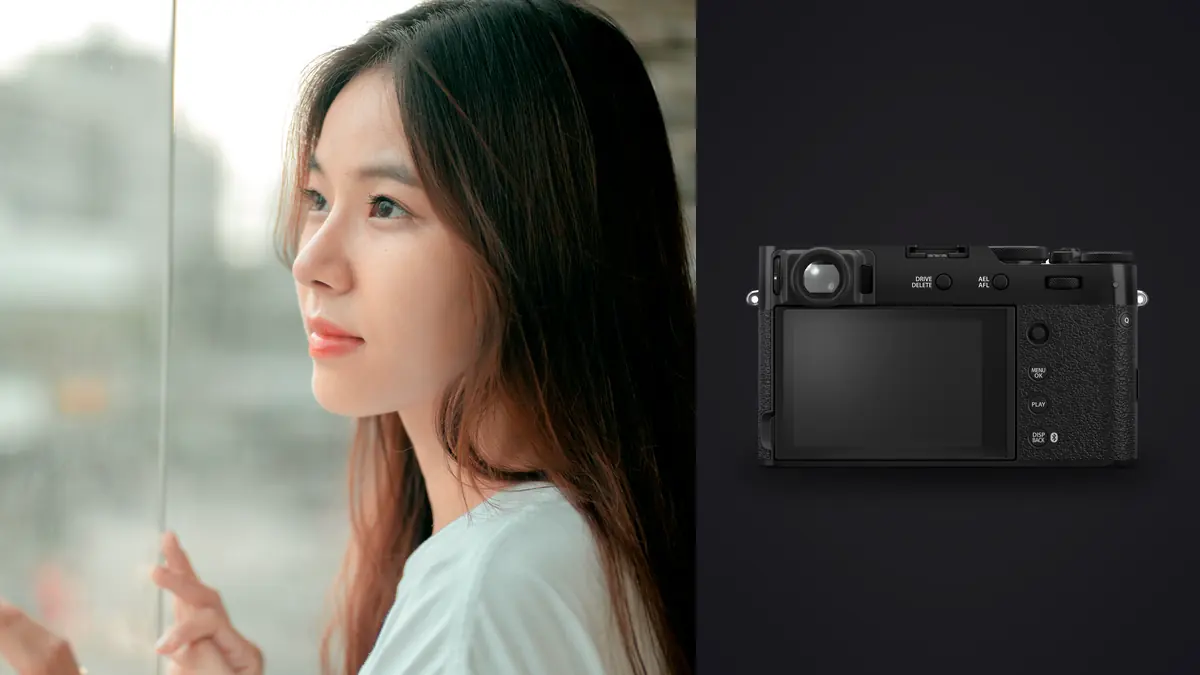
Switching to the X100VI for boudoir work, even mostly out of curiosity, can leave it in the bag for almost every session. That may not be the outcome you'd expect. Coming from a two-body kit with a 35mm and an 85mm, it's easy to assume a fixed 23mm lens on a small APS-C body would feel like a downgrade the first time a client wanted a tighter crop from across the room. It doesn't play out that way, and the reasons have more to do with how the camera behaves in someone's bedroom than with anything on a spec sheet.
Boudoir is an odd genre to shoot technically. You're usually in a hotel room, a home bedroom, or a small studio set dressed to look like one, working close to the subject, often with a client who has never been photographed like this before and is nervous about it. The gear you carry changes the mood of the room before you've taken a single frame. A big DSLR with a battery grip and an 85mm f/1.4 reads as "production." A small rangefinder-style body that looks like something a street photographer would carry reads as something else entirely, and that difference matters more here than in almost any other type of portrait work I do.
One lens, and why that stopped bothering me
The X100VI has a fixed 23mm f/2 lens, which comes out to roughly 35mm full-frame equivalent. On paper that's a wide-ish, general-purpose focal length, not the classic 85mm portrait compression most photographers reach for. In a real bedroom, though, 85mm often isn't usable at all. You need six or seven feet of clear space behind you to frame a three-quarter shot, and most bedrooms don't have that once you account for the bed, a dresser, and whatever chair the client's robe ended up on. At 35mm equivalent I can shoot a full-length pose from eight feet and a tight portrait from three, without backing into a wall or shooting through a doorway.
The tradeoff is real and I won't pretend otherwise. At 35mm, getting flattering compression on a close portrait means getting physically close to the subject, which is a different kind of proximity than a client expects when a stranger is holding a camera near their face. I've had to adjust how I talk through a session because of it, more verbal check-ins, more explaining what I'm about to do before I do it. The lens forced a change in bedside manner that ended up being good for the work regardless of the camera.
Close-focus limits you'll actually hit
The X100VI focuses down to about 10cm in macro mode, which sounds generous until you try to use it for a detail shot of a garter clip or a ring on a hand resting against skin. At that distance the working room between the front element and the subject is almost nothing, and you lose the shallow falloff that makes detail shots feel intimate rather than clinical. I get better detail frames backing off to 30-40cm and letting the 40-megapixel sensor absorb a crop later, rather than fighting the macro mode's narrow plane of focus.
The leaf shutter earns its keep near windows
A lot of boudoir work happens next to whatever window light is available, because window light flatters skin in a way most on-camera flash setups don't without real diffusion. The X100VI's leaf shutter syncs with flash at any shutter speed up to 1/4000s, and it also has a built-in 4-stop ND filter you can toggle without screwing anything onto the lens. That combination means I can shoot at f/2 in bright window light without blowing out the highlights, and still bring in a small speedlight or LED panel for fill without the high-speed sync penalty a focal-plane shutter camera would hit. On an interchangeable-lens body I'd need a dedicated HSS-capable flash and would still lose a stop or two of output doing it. Here it's built in.
The shutter is also quiet, quiet enough that in a silent room a client can sometimes still hear it, but not the mechanical slap of a DSLR mirror or the clack of a larger shutter mechanism. On a genre where half the job is keeping someone relaxed enough to stop performing for the camera, that matters more than it sounds like it should.
Skin tones out of the camera, before any editing happens
Fujifilm's film simulations are the most talked-about part of this camera and I understand why. For boudoir specifically, I shoot Nostalgic Neg for most of the session and switch to Classic Chrome for anything I know is heading toward a black-and-white edit later. Nostalgic Neg pulls skin tones slightly warm without pushing them orange, and it rolls off highlights on skin in a way that hides minor unevenness without looking artificially smoothed. It's not a replacement for retouching, but it means the JPEG preview a nervous client sees on the back of the camera mid-session already looks like a finished image instead of a flat, clinical RAW preview that can spook someone who's already self-conscious.
I still shoot RAW plus JPEG and do the real edit off the RAW file. But showing a client a Nostalgic Neg preview at the halfway point of a session, rather than an unprocessed RAW thumbnail, has measurably changed how relaxed people are for the second half of the shoot. That's a soft, hard-to-quantify benefit, but I'd put it near the top of the list of reasons I keep this camera in rotation.
What actually happens to the memory card afterward
A typical 90-minute session produces somewhere between 350 and 600 frames once you count wardrobe changes and repeated poses. A meaningful chunk of those are near-duplicates, the same pose shot three or four times because the client's expression shifted, or because it wasn't clear the eyes were sharp at f/2 with the lens wide open at close range. Depth of field at f/2 on a 35mm-equivalent lens focused three feet out is thin enough that a half-inch of client movement between the eyes and the camera can soften a shot that looked fine in the moment.
This is where the editing side of the job actually gets slow if you let it. Scrolling through 500 nearly identical frames trying to spot which three have genuinely sharp eyes is tedious and error-prone late in a long editing day. I run everything through imagic before I open Lightroom now, mostly for two things: the local sharpness scoring flags which frames in a burst are actually in focus on the eyes rather than just looking sharp at thumbnail size, and the duplicate and burst clustering groups the repeated poses together so I'm choosing between four similar frames instead of scrolling past all four individually. It cuts a first pass that used to take me the better part of an hour down to something closer to fifteen minutes, and because it runs locally on the machine, none of that culling requires uploading a boudoir session anywhere first.
That last part isn't a minor detail for this genre. Clients booking boudoir sessions are trusting a photographer with images they'd never want to see leaked, misplaced, or sitting in some third-party cloud queue waiting to be processed. Working through a tool that does its scoring and clustering on-device, without the files leaving my laptop, is a conversation a photographer can have honestly with a nervous client before the shoot even starts. If you want the mechanics of how that kind of local sharpness scoring actually works, I wrote about it in more detail in how AI photo culling works.
Getting the edit to look consistent across sessions
Once the culling pass is done, the bigger challenge is delivering a consistent look across a whole gallery, and eventually across a year of sessions, without manually reapplying the same dozen Lightroom adjustments to every single selected frame. I built out my own edit on a handful of sessions I was happy with (skin tone warmth, a slightly lifted black point, a specific amount of clarity pulled back on skin), and imagic's apply_my_style feature trains a preset off those edits directly, so new sessions land close to my established look before I touch a slider. I still fine-tune per image, especially around exposure on mixed window and lamp light, but I'm no longer rebuilding the same grade from scratch every week.
How the X100VI stacks up against the other cameras boudoir photographers actually reach for
I get asked fairly often whether it's worth buying a fixed-lens camera for this kind of work instead of just using a longer lens on a body you already own. Here's how the realistic options compare on the things that actually matter in a bedroom, not on a studio bench.
| Camera / setup | Effective focal length | Max aperture | IBIS | Shooting weight | Flash sync |
|---|---|---|---|---|---|
| Fujifilm X100VI | 35mm (fixed) | f/2 | Yes, up to 6 stops | ~521g | Any speed (leaf shutter) |
| Fujifilm X100V | 35mm (fixed) | f/2 | No | ~478g | Any speed (leaf shutter) |
| Fujifilm X-T5 + XF 35mm f/1.4 | 35mm (interchangeable) | f/1.4 | Yes, up to 7 stops | ~745g combined | Up to 1/180s native, HSS above |
| Sony a7C II + FE 35mm f/1.8 | 35mm (interchangeable, full-frame) | f/1.8 | Yes, up to 7 stops | ~795g combined | Up to 1/250s native, HSS above |
| Leica Q3 | 28mm (fixed) | f/1.7 | No | ~743g | Up to 1/2000s native |
The X-T5 with a fast prime is the closest competitor on image quality and it wins on autofocus speed and lens choice, but it's a heavier, more clinical-looking kit once you add the lens, and swapping glass mid-session means fumbling with a bag in someone's bedroom. The Leica Q3 is the closest in spirit (small, quiet, fixed lens) but at nearly four times the price for a wider, not longer, focal length, and no in-body stabilization to help in the low, warm lamp light a lot of these sessions are shot under. The X100VI sits in a specific gap: small enough to not intimidate, stabilized enough to shoot handheld at 1/15s in a dim room, and cheap enough that losing it to a scratched lens or a dropped bag doesn't feel like a catastrophe.
The annoyances worth knowing before you commit to one
None of this is a perfect-camera pitch. The single SD card slot means no in-camera backup during a shoot, which is a real risk when the content on that card can't be reshot on a client's schedule. I now carry a small portable SSD and back up between wardrobe changes rather than waiting until I'm home. Battery life is mediocre, rated around 450 shots but closer to 300 in real burst-heavy use, so I carry three spares for anything longer than an hour. And the fixed lens means if a client specifically wants a compressed, blurred-background look from six feet away, this body genuinely can't give it to them. On those bookings it makes sense to bring a second camera with a longer lens as backup, which somewhat undercuts the "one small camera" pitch, but it happens rarely enough that it doesn't change the overall case for the X100VI as the primary tool.
If you're deciding whether to add this camera to a boudoir kit versus just renting one for a test session, that's the honest tradeoff: you're buying discretion, a built-in ND, in-body stabilization, and a lens that behaves well in tight rooms, in exchange for giving up focal length flexibility entirely. For the kind of work where the client's comfort in the room shapes the quality of every frame you take, that can be a trade worth making. If you're weighing where a tool like imagic fits into that same budget, the pricing page lays out the one-time cost against what a subscription-based culling tool would run over a year of sessions.
Frequently Asked Questions
Is a single 35mm-equivalent lens actually enough for a full boudoir session?
For most sessions, yes, once you adjust your working distance instead of relying on focal length for compression. Full-length and three-quarter poses work well from six to nine feet, and close portraits work from three to four feet without noticeable distortion. Where it falls short is a specific compressed, blurred-background look shot from across the room, which genuinely requires a longer lens.
How do I know I'm getting sharp focus on the eyes shooting wide open at f/2?
Trust the camera's eye-detect AF for the initial lock, but don't trust the rear screen at a glance to confirm sharpness, thumbnail previews lie at this aperture and distance. I shoot small bursts of three to five frames per pose specifically so I have options, then check actual pixel-level sharpness during culling rather than in the moment.
What's the safest way to handle culling and editing for images this private?
Keep the workflow local end to end if you can. Culling software that uploads client files to a cloud server for AI scoring adds a step you have to disclose and a party you have to trust with the material. Running culling and sharpness scoring on-device, the way imagic does, avoids that conversation entirely and it's something worth mentioning to clients unprompted before a session starts.
Does the jump to a 40-megapixel sensor make low-light files noisier than the older X100V?
Pixel-level noise at a given ISO is very slightly higher on the newer sensor because the photosites are smaller, but it's a marginal difference in practice and the added in-body stabilization on the X100VI more than makes up for it by letting you shoot a stop or two lower in ISO handheld. In real bedroom lighting I find the X100VI's files cleaner overall than the files I used to get from the X100V, simply because I'm not compensating with as much ISO to begin with.