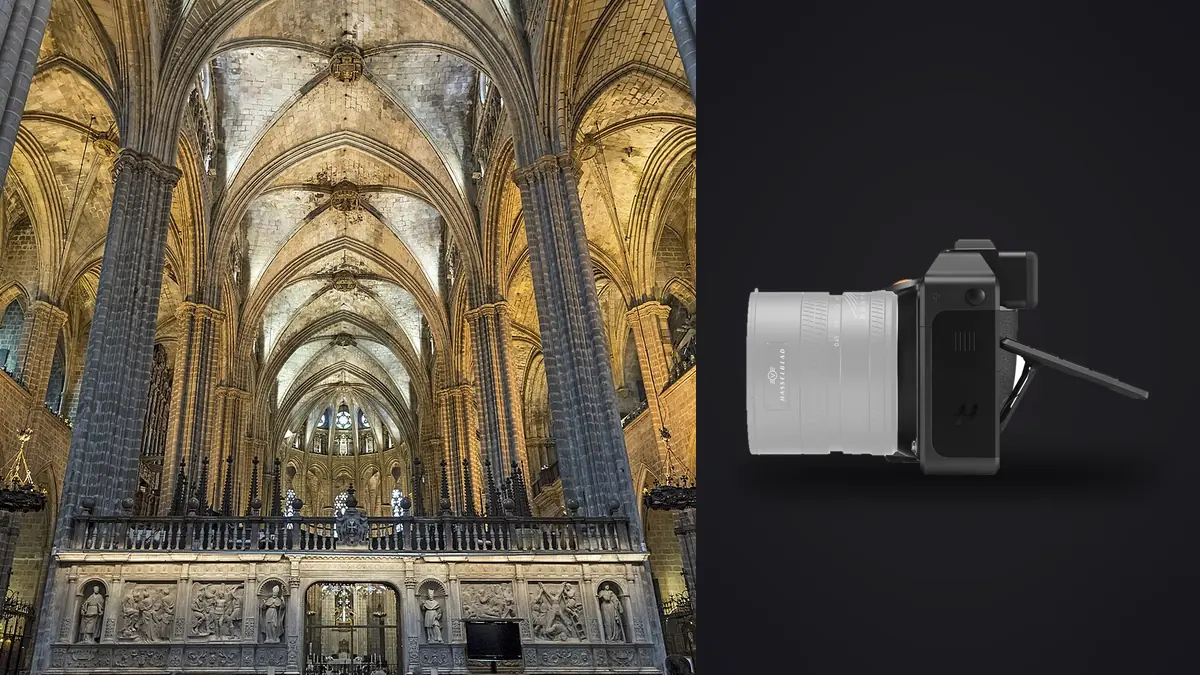
A Hasselblad X2D 100C is an odd thing to carry into a half-finished renovation. It's slower to operate than any mirrorless full-frame body, the native lens lineup is short, and there's no mechanical shutter to fall back on when something in the room won't hold still. And yet for architectural and interior work, especially the kind headed for a six-foot print or a magazine spread rather than a listing thumbnail, it's one of the few cameras I've used that actually rewards the extra care the genre demands. I've shot residential remodels, a boutique hotel refresh, and more kitchen-and-bath jobs than I can count with one, and I've got opinions about where it earns its keep and where it just slows you down.
Why 100 megapixels changes how you frame a room
The obvious selling point is resolution, but the way it actually helps on an interior job isn't print size, it's forgiveness. Rooms rarely let you stand exactly where you need to stand. A hallway is too narrow, a kitchen island blocks the ideal angle, a client's furniture hasn't arrived yet and you're framing around gaps you'll need to crop out later. With 100 megapixels you can shoot a touch wider than the final composition calls for and crop hard in post, correcting verticals or trimming an awkward foreground, without the final file dropping below what a print house or a design magazine wants.
The tradeoff is that the sensor has no patience for sloppy technique. At this pixel density, softness from a slightly-off tripod head or a gust through an open door shows up at 100 percent in a way a 24-megapixel file simply hides. Diffraction also creeps in earlier than people expect; I stop chasing front-to-back sharpness past roughly f/11 on this body and either place focus more deliberately or shoot a short focus-bracketed sequence instead of reflexively stopping down to f/16 the way I would on a smaller sensor.
The tilt-shift gap, and how I actually work around it
This is the part nobody selling you the camera wants to dwell on. There is no native perspective-control lens in the XCD lineup. Canon and Nikon shooters doing this work have dedicated tilt-shift optics to correct verticals in-camera; Hasselblad X-mount shooters do not, short of adapting a technical camera system, which defeats most of the point of buying a integrated body like this.
In practice I've made peace with it. I level the tripod head carefully with the built-in electronic level, frame a little wider than I need, and correct converging verticals in Capture One or Lightroom afterward. The resolution headroom from the first point above is what makes this workable rather than a compromise, since even after a vertical correction crops away 10 to 15 percent of the frame, there's still plenty of file left for a large print. It's not as clean as a true shift lens on a technical camera, but for the majority of residential and commercial interior work it's close enough that clients have never once flagged it.
Shooting with an electronic-only shutter on an occupied site
The X2D 100C has no mechanical shutter at all, which is unusual even among medium format bodies. On a tripod, in an empty room, this is a genuine advantage: zero shutter shock, so a detail shot of tile grout or joinery at a slower shutter speed comes out crisp without a mirror or curtain vibrating the rig. The catch is rolling shutter readout, which is noticeably slower than what you'd get from a mechanical curtain or a stacked sensor. On an occupied job site, anything moving through the frame during exposure (a ceiling fan, someone walking past a doorway, traffic visible through a window) can smear or skew.
My workaround is boring but reliable: clear the room for the hero frames, and if a moving element has to stay in shot (a fan on a hospitality job, for instance), decide on purpose whether to freeze it with a faster shutter and a bump in ISO or lean into the blur as a stylistic choice, rather than let rolling shutter make that decision for you by accident.
Dynamic range and the window problem
Every interior shooter knows the fight between a bright window and a dim room. Hasselblad rates this sensor at roughly 15 stops of dynamic range, and in practice a single well-exposed raw at base ISO holds an unusual amount of window detail alongside interior shadow without a full HDR bracket, in rooms with moderate contrast. That's a real time saver on a job with a dozen setups. It's not a free pass, though. Rooms with direct sun hitting the window, or a strong exterior view you need to hold detail in, still need a two or three-frame bracket. I default to a single frame first, chimp the histogram, and only bracket when the highlights are genuinely clipping.
The lenses that actually get used on this kind of job
The XCD catalog is short compared to a full-frame system, but for interiors and architecture a handful of lenses cover almost everything. Here's what's actually in my bag and why, with field of view given as the 35mm-equivalent (the X2D's sensor carries roughly a 0.79x crop relative to full frame).
| XCD Lens | 35mm-Equivalent Field of View | Approx. Minimum Focus | Where It Earns Its Keep |
|---|---|---|---|
| XCD 3.5-4.5/20-35E | ~16-28mm | 0.35m | Tight galley kitchens, small bathrooms, stairwells where you physically can't back up any further |
| XCD 4/38V | ~30mm | 0.5m | Living rooms and open-plan spaces; the lens most of my interior sets are actually shot on |
| XCD 3.5/30 | ~24mm | 0.25m | Corner-to-corner room shots with cleaner edges than the zoom's wide end |
| XCD 2.5/55V | ~44mm | 0.6m | Detail shots: hardware, joinery, and material samples for the designer's portfolio |
| XCD 3.2/90 | ~71mm | 0.86m | Compressing a facade from across the street, or isolating one piece of furniture |
Notice what's missing: no true ultra-wide, and nothing faster than roughly f/2.5 at the long end. Architecture and interior work rarely needs either, since you're usually stopped down and working from a tripod, but it's worth knowing before you assume the system covers every focal length the way a full-frame kit might.
Color, materials, and why designers keep asking for this camera by name
The reason interior designers I work with specifically request Hasselblad files isn't resolution, it's how the color renders. Wood tones stay believable instead of drifting orange, brass hardware doesn't blow out into a flat yellow, and fabric texture holds enough separation between close tones (think two similar grays of upholstery next to each other) that a materials board photographed alongside the finished room actually matches what the client approved. It's a more restrained, less contrasty starting point than most full-frame color science, which suits this genre better than it suits, say, punchy travel or sports work.
Getting through the files without losing a day to it
A single interior job (a dozen or so rooms, each with two to four bracketed exposures plus detail shots) can easily produce 300 to 500 raw frames, and each 3FR file runs somewhere around 200 megabytes. That's 60 to 100 gigabytes off one shoot, before you've touched a single edit. This is where the camera's strengths turn into a real logistics problem if your workflow doesn't account for it.
The confidentiality angle matters more here than people expect. Architecture and interior shoots are frequently covered by an NDA before a listing goes public or a project is announced, so any workflow step that means files leave your laptop before delivery is a nonstarter. That's part of why I run culling through imagic rather than a cloud-based tool: everything, including the sharpness scoring, stays fully offline and never gets uploaded anywhere while you're sorting an unreleased project.
The other two problems are more mundane but just as costly in time. Bracketed window pulls and near-identical tripod repeats pile up fast, and scrolling through five nearly identical 100-megapixel frames per setup to find the sharp one is exactly the kind of task that eats an evening. imagic's duplicate and burst clustering groups those bracket sets automatically, and its local sharpness scoring flags the actually-sharp frame in each cluster instead of me zooming to 100 percent on a laptop screen a hundred times over. Once a shoot is culled, I lean on an apply_my_style preset trained on my own past interior edits to get a consistent white balance and grade across the whole set, since viewers notice immediately if room four looks warmer than room nine. If you're building any high-volume shoot around fewer manual passes, it's worth pairing with other workflow habits that cut review time generally, not just on medium format jobs.
Handling it on site: weight, batteries, and the parts nobody photographs
With the 38V or the 20-35 zoom mounted, the body sits comfortably enough on a tripod for a full day, but it's noticeably heavier than a full-frame kit once you're carrying it up a ladder for a high interior angle or a second-story exterior shot. Battery life is fine for normal shooting; tethered sessions drain faster, so bring at least two spares on any shoot where you're tethering to a laptop for review, which is common, since interior designers frequently want to approve a composition before furniture gets moved back into place. USB-C tethering into Capture One or Phocus Mobile makes that back-and-forth painless, and it's the single biggest reason clients tolerate the slower pace of shooting medium format on their job.
Is it the right camera for this kind of work
It makes sense for architecture or interior work headed for large-format print, a design portfolio, or a high-end hospitality campaign, where the extra resolution and color rendering genuinely show up in the final deliverable. I would not reach for it on fast-turnaround real estate listings, where a full-frame body with a proper wide zoom and faster overall handling gets you through twenty properties in a day in a way this camera was never built for. It's a tool for fewer, more deliberate setups, not volume. If the file sizes alone give you pause before you've even bought the body, it's worth knowing the software side of this doesn't have to add a second recurring cost: imagic is a one-time purchase, not a subscription, which matters when you're already budgeting for a camera this expensive (see the pricing page for the current tiers).
Frequently Asked Questions
Do I actually need a tilt-shift lens to use the X2D 100C for architecture?
Not for most jobs. There's no native perspective-control lens in the XCD system, so I level the tripod carefully, shoot a bit wider than the final crop, and correct verticals in post. The extra resolution means you can afford to lose 10 to 15 percent of the frame to that correction and still deliver a file large enough for print.
Is the lack of a mechanical shutter a problem when people or traffic are in the shot?
It can be. Rolling shutter readout on this sensor is slower than a mechanical curtain, so anything moving through frame during the exposure can smear or skew. On occupied sites I either clear the room for the main frames or deliberately choose a shutter speed that either freezes or intentionally blurs the moving element, rather than let it happen by accident.
How many raw files does a typical interior shoot generate, and how do you get through them?
A dozen rooms with bracketed exposures and detail shots regularly lands at 300 to 500 raw files, each around 200 megabytes. I cull with imagic because it runs entirely offline (important on NDA-covered projects), clusters the bracket sets automatically, and scores sharpness locally so I'm not zooming into 100-megapixel files by hand across an entire shoot.
Does the X2D's dynamic range mean I can skip HDR bracketing entirely?
Often, but not always. A single base-ISO exposure holds a surprising amount of window detail alongside interior shadow in moderately contrasty rooms. Direct sun through a window or a bright exterior view you need detail in still calls for a two or three-frame bracket. I check the histogram on the first frame before deciding whether to bracket at all.