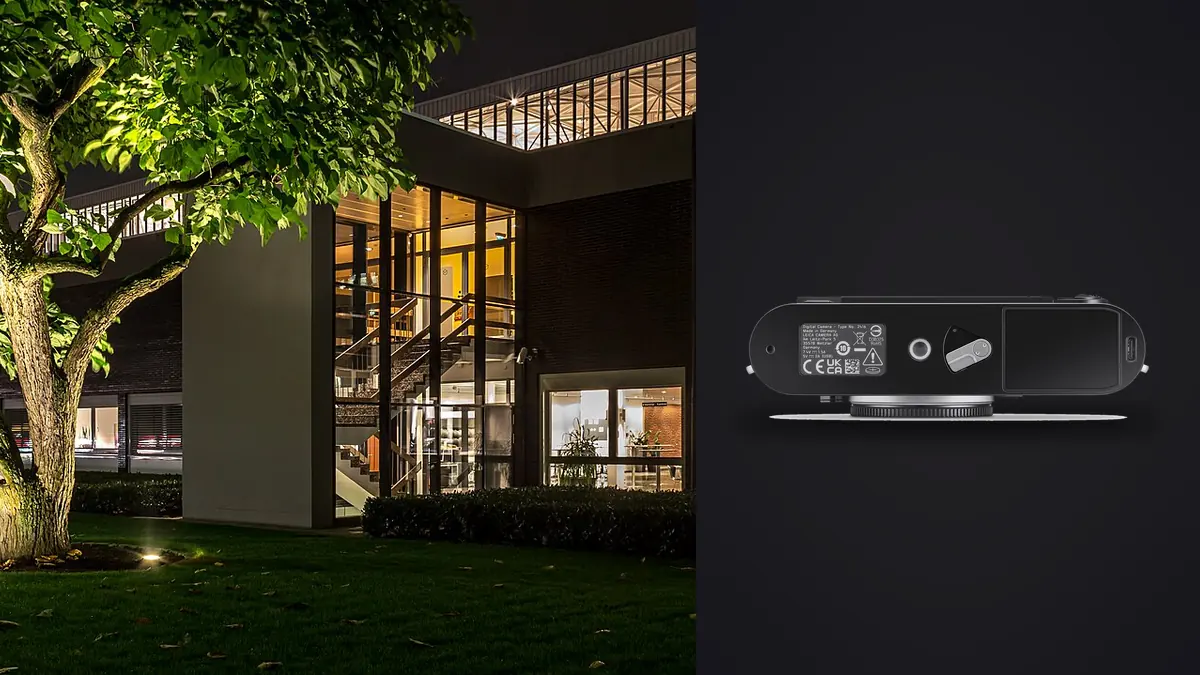
I spent four days last spring shooting a converted textile mill for an interior designer who wanted the finished portfolio to look like it belonged in a design annual, not a real estate listing. I brought two bodies: a mirrorless workhorse with a tilt-shift zoom, and, mostly out of curiosity, a Leica M11 with a 21mm and a 28mm. By day three the M11 was doing more of the actual work than I expected, and not for the reasons I assumed going in.
A rangefinder is a strange choice for this work, on paper
Architectural and interior photography is usually a tripod-and-tilt-shift game. You want perspective control, you want a body that talks to a cable release without drama, and you want autofocus you can trust on a bracket of seven frames so you're not second-guessing focus after the client has already left the building. The M11 offers none of the first, has no autofocus at all, and its native lens catalogue has exactly zero tilt-shift options. So why did it end up carrying more of the mill shoot than the camera I actually planned around?
Because most interior work is static. The room isn't moving. The light isn't moving quickly enough to matter within a bracket. And once you accept that you're going to correct verticals in post anyway (more on that below), a lot of what autofocus and image stabilization solve for stops being relevant. What's left is resolution, dynamic range, and how unobtrusive the camera is in a space someone still lives or works in. The M11 is genuinely good at exactly those three things.
The lens problem nobody mentions until you're standing in the room
Here's the part that catches people out: the M11's optical rangefinder window only carries projected framelines for 28mm and longer (paired as 35/135, 28/90, 50/75). Anything wider, and there's no frame in the viewfinder to compose against. For architecture, wider is usually where you live. A 21mm or 18mm is a normal focal length for a tight stairwell or a small bathroom renovation, and at that point the rangefinder window is decorative.
The workaround is the Visoflex electronic finder clipped into the hot shoe, or the rear screen in live view with focus peaking turned up. Both work fine and both slow you down compared to just looking through an optical finder with a frame in it. I ended up shooting most of the wide work off the rear screen on a tripod anyway, which made the finder question moot, but it's worth knowing before you buy a 15mm expecting to compose the way you would with a 35.
Manual focus itself was never the problem. At 21mm and f/8, depth of field from about four feet to infinity is already covering most of a room, so zone focusing does almost all the work. Where manual focus actually matters is close work, doorframes, staircase detail, cabinetry, and there the rangefinder patch (or peaking on the EVF) is precise enough that I trusted it more than I trust autofocus hunting in a dim corner.
Lenses that actually make sense for this
| Lens | Focal length | Native or adapted | Finder needed | Best for |
|---|---|---|---|---|
| Leica Super-Elmar-M 18mm f/3.8 ASPH | 18mm | Native M mount | Visoflex or clip-on optical finder | Tight interiors, full-room shots in small spaces |
| Leica Elmarit-M 21mm f/2.8 ASPH | 21mm | Native M mount | Visoflex or clip-on optical finder | Interior wides with usable corner sharpness |
| Voigtländer 15mm f/4.5 Super Wide-Heliar | 15mm | Native M mount | Visoflex, dedicated accessory finder | Small rooms, budget option vs. Leica glass |
| Zeiss Distagon 15mm f/2.8 ZM | 15mm | Native M mount | Visoflex | Low light interiors, faster aperture at that width |
| Leica PC-Super-Angulon-R 28mm f/2.8 (adapted) | 28mm, shiftable | Adapted via R-adapter L / Visoflex | Visoflex only, no optical option | True perspective control without cropping resolution away |
That last row is the interesting one. Leica's old R-mount system had a genuine tilt-shift lens, the PC-Super-Angulon-R 28mm f/2.8. It's manual everything, it's heavy for what it is, and finding a clean copy takes patience, but adapted onto the M11 via the R-adapter with the Visoflex for live view, it gives you actual shift correction at capture time instead of digital correction afterward. I used it on two setups where the ceiling was too low to back up further, and it saved real resolution that cropping would have eaten.
Digital correction versus doing it in-camera
For everything else, I corrected verticals in post. The 60-megapixel sensor is genuinely built for this: shoot a hair wide, straighten the converging lines in Lightroom or Capture One, and you still land somewhere around 40-45 effective megapixels after the crop, which is more than most delivered files need anyway. The triple-resolution DNG option (60, 36, or 18 megapixels) is worth knowing about here too. For interior sets where I knew heavy correction was coming, shooting the full 60MP DNG gave me the buffer; for quick walk-throughs or reference shots I didn't intend to publish, dropping to 36MP kept file sizes and culling time sane.
I won't pretend digital correction and a true shift lens produce identical files. The shift lens keeps the sensor plane doing the work optically, so you're not stretching pixels at the edges. But when the final output is a website gallery or a print no larger than a spread in a shelter magazine, the difference stopped being visible to anyone but me.
Dynamic range and the bracket count that actually holds up
Interiors mean windows, and windows mean a room that's four or five stops brighter outside than in. At base ISO 64 the M11's sensor has enough headroom that a three-frame bracket (minus two, zero, plus two) recovers most rooms without banding in the shadows, where older bodies I've used needed five or seven frames to get the same result. That matters more than it sounds like on a paid shoot: fewer frames per setup means fewer files to review, fewer files to merge, and a faster day when you've got twelve rooms on the list and a designer standing behind you checking the time.
It also matters for culling. A four-day interior shoot with brackets at every setup adds up to thousands of near-identical frames fast, and picking the sharpest, best-exposed frame out of each bracket by eye is exactly the kind of task that eats an evening. I run everything through imagic afterward specifically for this: it clusters the bracketed sets and near-duplicates locally on my machine, flags focus quality using its own sharpness scoring rather than me squinting at 200% zoom, and there is no need to upload an unreleased interior renovation to anyone's server to get there. For work under an NDA, which most high-end interior design work is before the reveal, that offline part isn't a nice-to-have, it's the reason a tool like this is usable at all on this kind of job.
Once the bracket sets are narrowed down, I lean on imagic's apply_my_style preset for the first pass of the grade, since it's trained on my own past edits rather than a generic architectural LUT, so the starting point already leans toward how I actually treat warm interior light against cooler window daylight. It's a first pass, not a final one, but it cuts a real chunk of time out of a day that's mostly spent on culling and grading rather than shooting.
Where the M11 actually gets in your way
I'd be lying if I said this was a clean win. A few honest complaints from that week:
- No image stabilization means every handheld frame below about 1/60s is a gamble, and interiors are dim more often than not. I was on a tripod for almost everything, which is fine for architecture but kills the spontaneity that's supposedly the point of shooting rangefinder.
- Live view through the Visoflex has enough lag that fine focus checking on detail shots takes longer than it should. Not unusable, just not fast.
- There's no autofocus fallback for the moments a client walks into frame and you need one quick portrait of them in their finished space. I had to swap to the second body for those, which is a fair trade for how good the M11 is at the static work, but it's a real gap.
- Battery life with the EVF running constantly for live-view composing is noticeably worse than shooting purely off the rangefinder window. Carry spares if you're doing wide-lens interior work all day.
None of that changes my read on the camera for this specific use. It changes how I'd pitch it to someone else: buy it for the sensor, the file quality, and how quiet and unobtrusive it is in an occupied space, not because you think a rangefinder is secretly the perfect architecture tool. It isn't. It's a very good sensor in a body that happens to also do a few things architecture work needs, and a few things it doesn't.
What I'd actually tell someone considering this setup
If your interior work is mostly wide rooms under 24mm, budget for the Visoflex from day one, don't treat it as an optional accessory. If you're shooting anything at 28mm or longer, the optical rangefinder is fast and pleasant and you'll barely touch the EVF. And if verticals matter enough that digital correction isn't good enough for your delivery standard, look seriously at an adapted R-mount shift lens before assuming you need to switch camera systems entirely. It's an unusual path into architectural work, but it's a real one, and on interiors specifically, where nothing in the frame is moving and you have time to get it right, the M11's limitations matter a lot less than they would on a job that needs speed.
For anyone building out a broader interior or real estate portfolio and trying to figure out which parts of the culling and editing chain are worth automating first, our breakdown of how AI photo culling actually works covers the sharpness-scoring side of this in more depth than I can here. And if bracket-heavy shoots like this are new to your workflow, these workflow tips are a reasonable starting point for cutting review time before it becomes a bottleneck.
Frequently Asked Questions
Can you shoot architectural interiors on the M11 without buying a Visoflex?
You can if you're staying at 28mm or longer, since the optical rangefinder carries framelines that wide. Once you go to 21mm or 18mm, which is common for smaller rooms, you're relying on a clip-on optical finder or the Visoflex, because the built-in rangefinder window doesn't project a frame for anything wider than 28mm.
Is the lack of tilt-shift lenses a dealbreaker for real estate and interior work?
Not in practice. Most delivered interior photography today is corrected digitally after capture, and the M11's 60-megapixel sensor gives enough resolution headroom to crop for corrected verticals and still deliver a large file. A true shift lens (adapted Leica R glass, in this case) is nice to have for tricky ceilings or when you want the correction done optically, but it's not required for most jobs.
How does manual focus hold up for detail shots like cabinetry or staircases?
Better than expected, honestly. Manual focus is precise once you slow down for it, and interior detail work rarely involves anything moving, so there's no autofocus-tracking advantage to miss. The rangefinder patch or focus peaking on the EVF is accurate enough for close work; the tradeoff is speed per shot, not accuracy.
Does shooting DNG at full 60 megapixels create a culling problem on a multi-day shoot?
It creates volume, yes, especially with exposure brackets stacked on top of full resolution. That's less of a manual-review problem than it sounds like if you're using something to cluster brackets and near-duplicates automatically rather than scrolling through them frame by frame. I run mine through imagic specifically because it handles that clustering locally, without the files leaving my machine, which matters for anything still under an NDA before the design reveal.