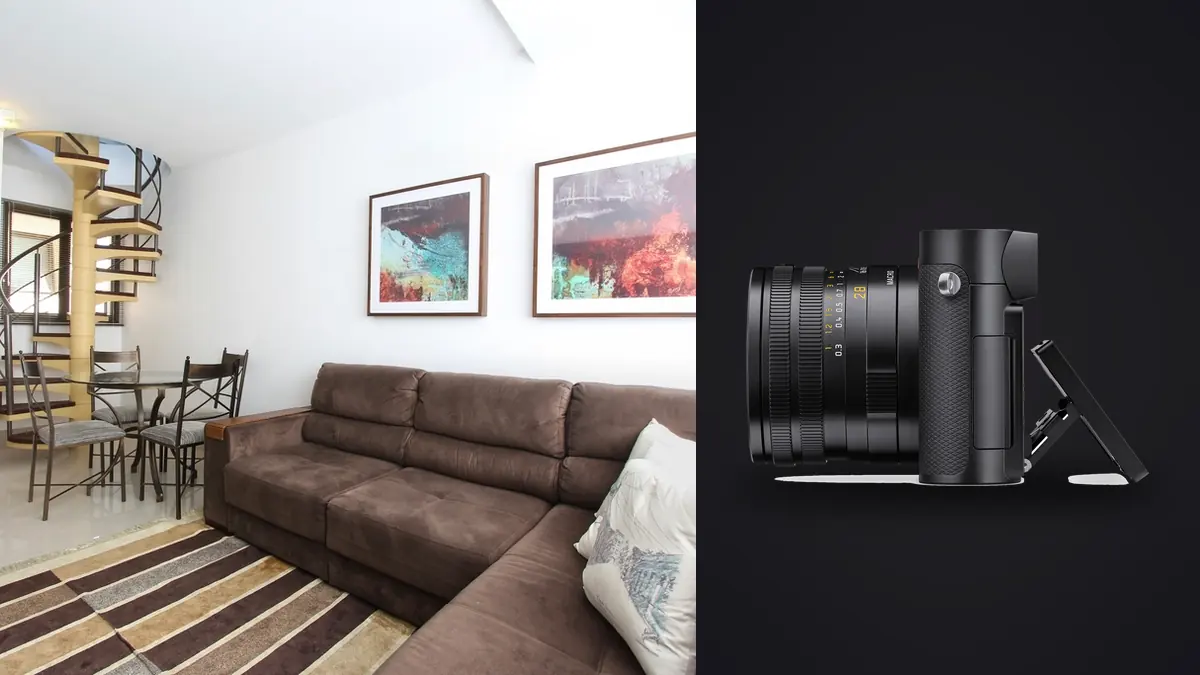
The first time I brought a Leica Q3 onto an interiors job, another photographer on the crew laughed and asked where my tilt-shift lens was. Fair question. Architectural and interior work has been the domain of shift lenses and technical cameras for decades, and here I was with a fixed 28mm compact that costs less than a single Canon TS-E lens. Three years and a few hundred rooms later, I still bring it, though not as my only body, and not for every job. This is what actually works, what doesn't, and where the Q3 earns a place in an interiors kit next to gear that was purpose-built for the genre.
A fixed 28mm is a constraint you learn to use
Interior photography lives and dies on focal length. Too wide and you get a fisheye-adjacent room with stretched corners and furniture that looks like it's falling toward the lens. Too narrow and you can't back far enough into a hallway to show the space at all. The Q3's Summilux 28mm f/1.7 ASPH sits at almost exactly the sweet spot that real estate and interior shooters gravitate toward on zoom lenses anyway, usually somewhere between 24mm and 32mm on a full frame body.
What surprised me is how rarely I missed having a zoom. Most interior compositions are decided by where you stand, not what focal length you dial in. A 28mm forces you to actually walk the room, find the corner that shows the ceiling line and the window and the furniture grouping without distortion piling up in one spot, and commit. I've shot plenty of jobs with a 16-35mm zoom where I'd default to the wide end out of laziness and pay for it later in warped sightlines. The Q3 doesn't let you cheat that way.
Where it does bite you is on genuinely tight spaces: small bathrooms, narrow galley kitchens, stairwells. On those I still reach for a second body with a true ultra-wide, usually 16mm or wider. The Q3 is not a replacement for that lens, it's a replacement for the 24-70mm you'd otherwise be lugging for the rest of the shoot.
The crop modes matter more than the marketing makes them sound
Leica sells the Q3's digital crop modes as a convenience feature for people who want reach without a zoom. For interior work they're closer to a second and third lens built into the file. Because the sensor is a 60-megapixel BSI CMOS, cropping in camera to 35mm, 50mm, or 75mm still leaves enough resolution for full-page magazine spreads or large prints, not just web use.
| Mode | Effective field of view | Approx. output resolution | Where I actually use it on an interiors job |
|---|---|---|---|
| Full frame (28mm) | Full room, wall to wall | ~60MP | Establishing shots, open-plan living areas, anything that needs the whole envelope of the space |
| 35mm crop | Slightly tighter, less corner stretch | ~37MP | Bedrooms, dining nooks, rooms where the 28mm view includes an awkward doorway or fixture I'd rather crop out live |
| 50mm crop | Vignette-style, one wall or feature | ~25MP | Fireplace surrounds, kitchen islands, styled vignettes for listing hero shots |
| 75mm crop | Detail framing | ~11MP | Hardware, tile pattern, joinery detail, tap fixtures, anything a designer wants documented on its own |
The part that took me a while to trust: because the crop is applied to RAW files too, not just JPEGs, I can shoot everything at 28mm to be safe and re-crop later at full resolution, or commit to the crop in the viewfinder and compose tighter in the moment. On a design-focused shoot where the client wants both the room and a set of material and hardware details, that means one lens covers what used to take two bodies.
Vertical lines without a shift lens
This is the honest limitation. The Q3 has no mechanical shift, so converging verticals from shooting up at a ceiling or down a stairwell get corrected in software, not glass. Leica's in-camera perspective correction is decent for casual use, but I turn it off and do the correction manually in post, because automatic correction on a wide lens eats resolution fast, sometimes 15 to 20 percent of the frame gets cropped away to square up the lines. My actual workflow: keep the camera as level as possible using the electronic level in the EVF, accept a small amount of convergence rather than tilting hard, and fix the rest in Lightroom or Capture One with the guided upright tool. On a 60MP file even after a healthy perspective crop you're still left with 35 to 40 megapixels, which is more than most interior deliverables need anyway. If I know a room needs an aggressive shift, like a tall foyer with a chandelier and a full staircase in frame, I bring a shift lens on another body instead of fighting the Q3 for it. Trying to force a compact fixed-lens camera to do a view camera's job is how you end up with mushy corners and a client asking why the ceiling looks bent.
The leaf shutter is the unsung reason this camera works indoors
Interiors are lit lighting problems disguised as photography problems. You've got a bright window wall, dim interior ambient, maybe a lamp with a warm bulb in the corner, and a client who wants the room to look "bright and airy" without turning the window into a blown-out rectangle. The usual fix is flash fill, and this is where the Q3's leaf shutter quietly does a lot of work. Because the shutter is in the lens rather than at the sensor plane, it syncs with flash at every speed, not just the 1/200 or 1/250 ceiling you get with a focal plane shutter. That means I can shoot at 1/500 or faster to pull down a bright window to a natural exposure while still popping enough flash or a speedlight bounced off the ceiling to fill the room's shadows. On a focal plane shutter body you're stuck under the sync speed, which means either the window blows out or you're stacking ND filters and hoping. It's a small technical detail that changes how much lighting gear you need to carry for a job that's mostly about balancing one bright wall against a dim room.
Macro focus for the details clients actually pay attention to
Interior and architecture clients, especially design-forward ones, care about materials in a way that general real estate doesn't. Grain direction on a walnut table, the reveal on a shadow-gap skirting board, the texture of plaster. The Q3's macro mode brings close focus down to around 17cm, and combined with the 75mm crop it lets you get genuinely tight on material detail without a dedicated macro lens. I wouldn't call it a substitute for real macro work on product photography, the working distance is still fairly long and depth of field at close range on an f/1.7 lens is thin enough that you need to stop down to f/5.6 or smaller to hold a whole tile pattern in focus. But for the kind of detail shots that fill out an architecture portfolio or a design magazine sidebar, it covers the job without a lens change.
What a real shoot day looks like, file-wise
A typical interiors day for me with the Q3 produces somewhere between 400 and 900 frames once you count bracketed exposures for high dynamic range rooms, a few crop-mode variants of the same composition, and detail shots. That volume is the actual bottleneck of the genre, not the camera. Every room with strong window light gets shot as a 3 or 5-frame bracket, and every hero angle gets shot at 28mm and again at the 35mm crop in case the wider version includes something a stylist wants cropped out. This is where I stopped sorting through cards by hand. I run the day's cards through imagic before touching anything in Lightroom. Its local sharpness and focus scoring flags which frame in each bracket set is actually the sharpest, which matters more than you'd think when you're hand-holding a fill flash in one hand and the camera in the other for a quick vignette shot. The burst and duplicate clustering groups the bracket sets automatically so I'm not scrolling past six near-identical exposures of the same fireplace trying to remember which one had the cleanest shadow detail. Because it runs entirely offline on the laptop, nothing about an unlisted property or an unreleased renovation gets uploaded anywhere before the cull is done, which matters whenever a property is under an NDA. Once the culling pass is done, I lean on imagic's apply_my_style preset, trained on my own past edits, to get a consistent baseline color and tone across a hundred-plus selects before I go in and hand-finish the hero shots. Interior work lives and dies on consistency between rooms in the same set, a kitchen that reads warmer than the living room next to it in a gallery looks like a mistake, and having every frame start from the same trained baseline instead of Lightroom's generic defaults cuts a real chunk of the editing session. If you're building out your own version of this process, the general culling-to-delivery order in 10 tips for a faster photo workflow lines up closely with how I structure an interiors day, and the color consistency issues specific to mixed daylight and tungsten rooms are worth reading in the color grading guide before your first shoot with mixed lighting.
Where I still reach for something else
I want to be straight about the limits here, because a lot of gear writeups oversell a single body as the answer to a whole genre. The Q3 struggles on:
- Genuinely tight rooms under about 3 by 3 meters, where even 28mm can't back up far enough
- Jobs that need heavy architectural shift correction on tall interiors, like double-height foyers or stairwells with a lot of vertical convering
- Exterior architecture shoots that need a longer lens to compress a facade from across the street, since there's no way to zoom past the 75mm crop and that crop is already down to about 11 megapixels
- Fast-moving walkthroughs where a second shooter needs a totally different focal length simultaneously, since there's only one lens on the one body
For those, a second body with a true wide zoom or a dedicated shift lens still comes on the job. What the Q3 replaced for me wasn't the whole kit, it was the mid-range zoom I used to carry for detail shots and tighter vignettes, plus a chunk of the weight and the two-lens-change fumbling that happens in someone's occupied home.
Frequently Asked Questions
Is a 28mm fixed lens actually wide enough for whole-room interior shots?
For most standard rooms, yes, especially bedrooms, living rooms, and mid-size kitchens shot from a corner. It struggles in small bathrooms, narrow hallways, and closets where you physically can't back up far enough. On those I switch to a second body with a 16mm or wider lens rather than trying to force the Q3 to cover everything.
Do the Q3's crop modes actually hold up for print or do they just look fine on a screen?
They hold up for print. Because the crops are pulled from the full 60-megapixel sensor readout rather than upscaled after the fact, the 35mm crop still gives you close to 37 megapixels and the 50mm crop around 25, both well within range for full-page magazine spreads or large architectural prints. The 75mm crop drops to roughly 11 megapixels, which is fine for web and design portfolio use but I wouldn't push it to a poster-size print.
How do you deal with converging verticals without a tilt-shift lens on the Q3?
Mostly by keeping the camera level in the field using the electronic level and accepting a modest crop from perspective correction in post rather than relying on the in-camera correction, which eats more resolution than doing it manually in Lightroom or Capture One. For interiors with severe vertical convergence, like tall stairwells, I bring a dedicated shift lens instead rather than fighting the fixed lens for it.
Can the leaf shutter really replace off-camera flash gear for bright window rooms?
It doesn't replace flash, it makes flash more useful. Because the leaf shutter syncs at any shutter speed rather than being capped at a focal-plane sync speed, you can shoot fast enough to pull a bright window down to a natural exposure while still firing enough fill flash to balance the room, without needing ND filters or a high-speed sync workaround.