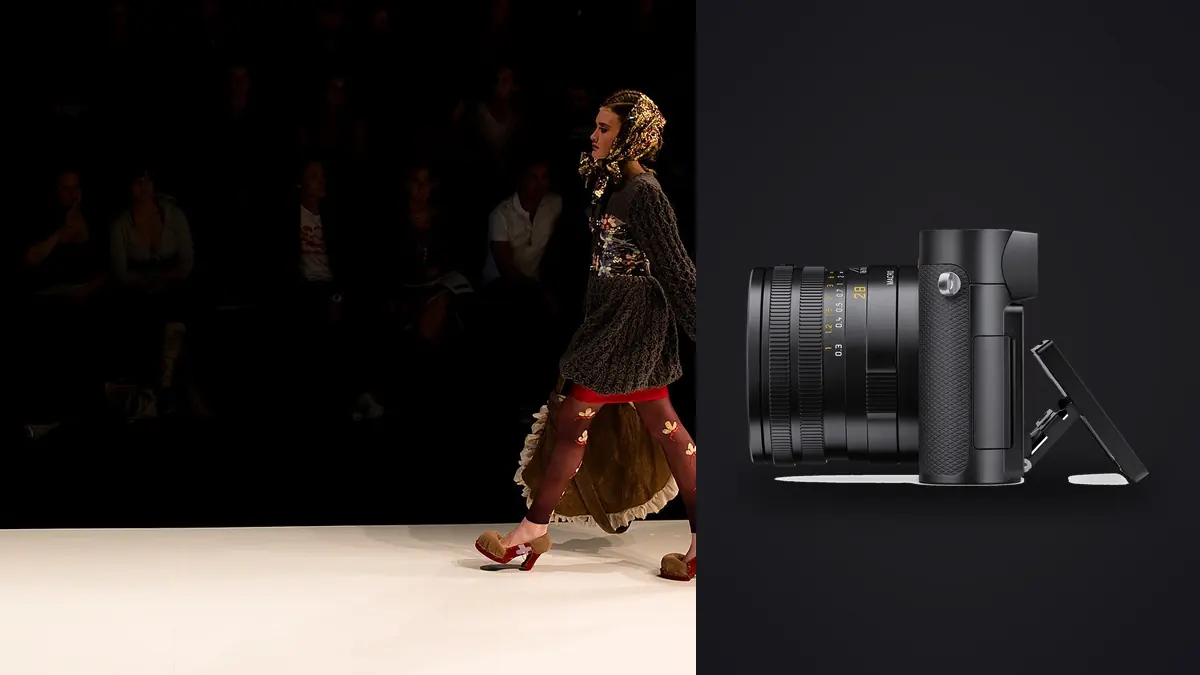
I gave myself a mock brief last winter: a twelve-look lookbook for a small outerwear brand, the kind of job where the client wants e-commerce-clean product shots in the morning and moodier, editorial-leaning frames with a model in the afternoon, all delivered inside four days. My usual kit for that job would have been a 24-70mm zoom on a full-frame body. Instead, on a whim (and because a rental house had one sitting idle), I shot the whole thing on a Leica Q3. No second lens, no backup body, just the Q3 and its fixed 28mm Summilux. It was not a neutral experiment. I went in skeptical that a fixed-lens camera had any business on a commercial fashion set, and I came out with a more complicated opinion than I expected.
The obvious problem: one lens, one focal length
A lookbook shoot lives on variety. You need full-body looks, three-quarter crops, tight fabric and hardware detail, and usually a handful of environmental frames that make the clothes feel like they belong somewhere. On a normal job that variety comes from swapping glass or zooming. The Q3 gives you exactly one physical focal length: 28mm at f/1.7. Everything else is either your feet or the in-camera digital crop.
I was ready to hate this. In practice, the 28mm base focal length turned out to be less of a constraint than I expected for full-length and environmental shots, and more of a genuine problem for close portrait work. Wide lenses distort faces when you get close, and a lookbook with a human model in it eventually needs a face. Standing back and using the crop modes solved most of that, but not all of it, and I'll get into where it broke down.
Crop modes are the actual story here, not the lens
The reason the Q3 is even a conversation for this kind of work is the 60-megapixel sensor. Leica uses that resolution headroom to offer in-camera crop modes that simulate 35mm, 50mm, and 75mm framing by cropping into the native 28mm file, and because there's so much resolution to spare, those crops still leave you with usable file sizes. Roughly, you're looking at somewhere in the high-30-megapixel range at the 35mm crop, mid-20s at 50mm, and down into single digits to low teens at 75mm (Leica doesn't publish these as fixed numbers across firmware versions, so treat them as ballpark). That's genuinely useful for a lookbook. I shot most full-length looks at native 28mm and stepped back further than felt natural, which kept perspective distortion under control. Three-quarter shots went to the 35mm crop. For anything approaching a portrait or a close product detail (a zipper pull, a button, stitching on a cuff), I used 50mm and occasionally 75mm. The files at 75mm are small enough that I wouldn't want to print them large, but for a digital lookbook or a product page they were fine.
What the crop modes don't give you is a different lens. You're still shooting through the same 28mm Summilux optically, just cropping the file afterward (the viewfinder shows you a framed preview, which is nice for composing, but the glass itself hasn't changed). Compression at 75mm crop looks nothing like actual 75mm glass. Backgrounds don't flatten the way they would with a longer lens, and out-of-focus rendering stays wide-angle in character even though the frame looks tighter. For product detail work that doesn't matter. For a beauty-style close portrait, an art director who knows what real 85mm compression looks like will notice.
Where the wide base focal length actually helped
On the environmental half of the shoot, outside a warehouse with decent natural light, 28mm was an asset rather than a compromise. Wide framing that includes the model, the clothing, and enough of the space to establish a mood is exactly what 28mm does well, and I didn't miss having a zoom for those frames. If your lookbook leans editorial and location-heavy rather than tight, controlled studio product shots, the fixed wide end is less of a liability than the spec sheet suggests.
Autofocus and keeping up with a moving model
This was the part I was most nervous about going in, because the Q2 (the previous version) had a reputation for autofocus that worked fine for still subjects and struggled to track anything moving with real confidence. The Q3 added phase-detection AF on top of contrast detection, and it showed. Eye-detect worked reliably enough that I left it on for the entire afternoon session with the model, including walking shots and a sequence where she was adjusting a scarf while moving toward camera. I did not get a flood of soft frames the way I half-expected. Continuous shooting tops out around 15 frames per second in the fastest mechanical-shutter mode, which is more than enough for lookbook work (this isn't sports), but at 60 megapixels per frame, a few seconds of bursts adds up fast in storage terms. A single afternoon of walk-and-pose sequences produced close to four thousand frames once I added up all the bursts, most of them near-duplicates of each other with only one or two actually sharp and well-timed.
The file volume problem nobody warns you about
This is the part that actually changed how I'd plan the next Q3 job. Sixty-megapixel DNGs run somewhere around 70 to 90MB apiece depending on scene complexity. Across four days, two locations, and a lot of burst shooting to catch the right expression and drape on the clothing, I came home with just under 5,000 frames and a card that needed offloading twice a day just to keep working. Culling that volume by eye, at full resolution, in Lightroom, the way I used to do it, would have eaten most of a full day on its own. This is where I leaned on imagic instead of my old habit of flagging frames manually. It runs locally on my laptop and scores sharpness and focus across a folder without me touching anything, and because it groups burst sequences and near-duplicate frames together automatically, I could look at one representative thumbnail per burst instead of scrolling through fifteen nearly identical shots of the same pose. For a job with this much redundant burst data, that grouping step alone probably saved me four or five hours over the culling weekend, and because it runs offline, none of the lookbook images ever left my machine.
How the Q3 stacks up against what I'd normally bring
To make the tradeoff concrete, here's how the Q3 compares to the other kits I'd realistically consider for a one-day lookbook job, based on gear I've either owned or rented recently.
| Kit | Native resolution | Focal length coverage | Approx. kit weight | Rough cost to acquire | Tethering |
|---|---|---|---|---|---|
| Leica Q3 (fixed lens) | 60MP full-frame | 28mm optical, 35/50/75mm via digital crop | ~743g body only | ~$6,000 | Wi-Fi via Leica FOTOS app; no official Capture One integration |
| Sony A7R V + 24-70mm f2.8 GM II | 61MP full-frame | True optical 24-70mm zoom | ~1,330g combined | ~$5,800 combined | Native Capture One and Sony Imaging Edge support |
| Fujifilm GFX100S II + 32-64mm | 102MP medium format | Optical 32-64mm (25-51mm equiv.) | ~1,500g combined | ~$8,700 combined | Capture One tether supported |
| Canon R5 II + RF 24-70mm f2.8 | 45MP full-frame | True optical 24-70mm zoom | ~1,400g combined | ~$5,700 combined | EOS Utility and Capture One tether |
The Q3 wins on weight by a wide margin and it's genuinely pleasant to carry on foot for a full location day, but it loses on tethering. Leica's Wi-Fi-based tether through the FOTOS app works, but it lags noticeably compared to a wired Capture One session, and if your client wants to watch frames land on a laptop in real time during a fast-paced shoot, that lag is noticeable within the first ten minutes. On a shoot like this, reviewing on an iPad between setups rather than watching a live feed is workable, so it isn't a dealbreaker, but on a bigger studio job with a client hovering over a tethered monitor, I'd think twice.
Color and getting to a client-ready first pass fast
Leica's in-camera color profiles (the various "Leica Look" options) are genuinely good starting points, warm and a little filmic without being heavy-handed, but I shoot DNG for anything I plan to edit properly and those profiles don't carry through to raw the way JPEG bakes them in. What did save real time was running the culled DNGs through imagic's custom preset feature, which builds a starting grade from my own past edits rather than a generic filter. Feeding it a folder of the selects from day one meant day two's frames arrived at something close to my usual look before I'd touched a slider, which mattered because I was editing at night in a hotel room with four days to turn the set around, not four weeks.
Battery, storage, and the small stuff that adds up on a long day
The BP-SCL6 battery is rated around 350 shots CIPA, which is a meaningless number for burst-heavy fashion work. In practice, mixing bursts, live view framing, and screen chimping, I got through roughly 900 to 1,100 total frames per charge and carried three batteries to be safe. The single UHS-II card slot plus 32GB of internal backup storage meant I never had a moment of panic when a card filled mid-burst, but I wouldn't call the internal storage a real backup strategy for anything you cannot reshoot. It's a safety net for the last few frames before you notice the card is full, not a substitute for offloading properly between setups. The macro mode, which lets the lens focus down to about 27cm, turned out more useful than I expected for product-adjacent detail work: closures, embroidery, the texture of a wool blend. That's not something a standard 28mm lens on most systems does without an extension tube or a dedicated macro lens.
Would I book it again for this kind of job
For a lookbook that's heavy on environmental and full-length looks, light on tight beauty portraiture, and shot by one person moving fast without a big crew waiting on a tethered monitor, yes. The weight and simplicity of one body and one lens is a real advantage when you're on your feet for eight hours. For a job that's mostly tight product and face-forward shots where an art director wants true focal-length compression and live tethered review, I'd go back to a zoom on an interchangeable-lens body without hesitation. The Q3 isn't a universal fashion tool, it's a good one for a specific shape of shoot, and knowing which shape you're walking into before you book the gear matters more than the spec sheet does. If you're weighing gear against how much time you'll spend afterward sorting through the resulting files, it's worth reading up on how AI photo culling actually works before you commit to a high-burst shooting style on any high-resolution body. The math on file volume changes faster than most people expect once you're past 50 megapixels and shooting continuous bursts of a moving subject.
Frequently Asked Questions
Can a fixed 28mm lens really cover a full lookbook shoot on its own?
For full-length and environmental frames, yes, comfortably. For tight portrait or beauty-style close-ups, the digital crop modes get you there in framing but not in optical rendering, since backgrounds and out-of-focus areas still look like a wide lens up close rather than a true telephoto. Plan your shot list with that limit in mind rather than discovering it mid-shoot.
Do the crop-mode files hold up for a printed lookbook, not just a web gallery?
The 35mm crop stays high enough resolution for most print sizes a lookbook would use. The 75mm crop drops into single-digit to low-teens megapixels depending on firmware, which is fine for a web page or a small inset but tight if the client wants a full-bleed print spread from that frame. I'd shoot anything destined for large print at native 28mm or the 35mm crop and treat 75mm as a web-only tool.
Is the autofocus fast enough for a model who's actually moving, not just posing?
Yes, within reason. Eye-detect held up through walking sequences and hand movement in my test, which is a real improvement over the previous Q2 generation. I wouldn't trust it for genuine action or sports-pace movement, but a model walking, turning, or adjusting an outfit is well within what it tracks reliably.
How do you handle client review on set without a wired tether rig?
The Leica FOTOS app pushes images to a phone or iPad over Wi-Fi, which works but has enough lag that it's not a substitute for a live wired Capture One session if the client expects to watch frames land in real time. On jobs where the client reviews between setups rather than continuously, it's a non-issue. On jobs with a client parked in front of a monitor the whole day, budget for a different tether solution or set expectations up front.