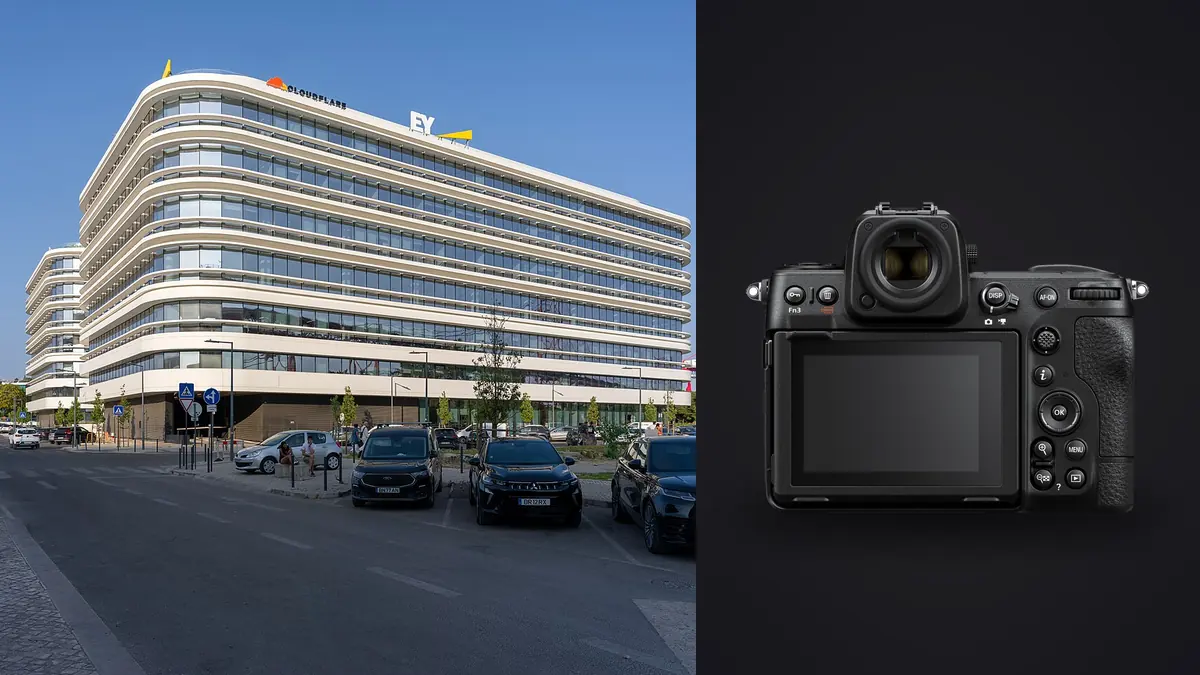
I started shooting interiors with a D850 and a pair of Nikon's old PC-E tilt-shift lenses, and when the Z8 came out the question I actually cared about wasn't the video specs or the stacked sensor's rolling shutter numbers everyone else was excited about. It was whether the camera would make a day of shooting empty apartments, finished-construction walkthroughs, and the occasional architecture firm's portfolio job any less exhausting. Two years and a few hundred properties later, the answer is mostly yes, with one persistent gap that nobody at Nikon seems in a hurry to close.
This isn't a spec-sheet rundown. It's what actually changes in your workflow when you bring the Z8 into rooms with mixed lighting, tight corners, and clients standing behind you waiting to see the back of the camera.
The Sensor Matters More Than the Megapixel Number Suggests
The Z8 uses the same 45.7-megapixel stacked, backside-illuminated sensor as the Z9, and for interior work the number that actually matters is the base ISO of 64, not the resolution. Shooting a living room with a bright window behind the subject furniture, at ISO 64 you get enough headroom in the raw file to pull back a blown-out sky through the glass without the shadows in the room turning into mush. I still bracket for the genuinely difficult rooms (a kitchen with a skylight and under-cabinet LEDs is not a one-frame problem no matter what sensor you're using), but the number of rooms where a single well-exposed frame is enough went up noticeably compared to the D850.
Highlight-weighted metering is the other underrated tool here. Point it at a window and it protects the outside view instead of blowing it to white, which used to require manual compensation on every frame. It's not perfect in every lighting situation, but it cuts down on the "shoot it three different ways and figure it out later" habit that eats time on a multi-room shoot.
Living Without a Native Z-Mount Shift Lens
This is the part that still bothers me. Nikon has not released a Z-mount perspective control lens, so if you want true optical shift, you're adapting the old F-mount PC-E lenses (19mm f/4E, 24mm f/3.5D, or the 45mm and 85mm macro versions) through the FTZ II adapter. That means manual focus, manual aperture ring, and a fair bit of finicky shift-and-check-the-level work through the EVF. It works, and the results are genuinely cleaner than digital correction for anything with strong verticals close to the frame edge, like a stairwell or a narrow hallway shot straight down its length. But it's slow, and I wouldn't want to run a full day of listings this way.
The Laowa 15mm f/4.5 Zero-D Shift is the one native Z-mount option with real optical shift, and it's become my default for the majority of interior jobs where I'd previously have reached for the 19mm PC-E. It's manual focus only and the shift throw is shorter than the PC-E lenses give you, but the light weight and native mount make it far less of a production to use handheld while checking a level.
Correcting Verticals Without Glass
For everything else, I lean on the sensor's resolution. Shooting the Z 14-24mm f/2.8 S or the 14-30mm f/4 S wide and slightly loose, then correcting verticals in post and cropping back to a sensible aspect ratio, still leaves you with a 30-something megapixel finished file even after a fairly aggressive correction. On the D850 that same crop left you closer to 20 megapixels, which was tight for a two-page magazine spread. That extra resolution buffer is the real reason a lot of architecture photographers moved to the Z8 over a lighter, cheaper body: it's not about needing 45 megapixels for the final delivered image, it's about having enough left over after you fix converging lines digitally.
| Lens | Shift capability | Autofocus | Weight | Best use on a Z8 interior shoot |
|---|---|---|---|---|
| Nikkor Z 14-24mm f/2.8 S | None (digital correction only) | Yes | 650g | General room coverage, tight spaces, fast turnaround jobs |
| Nikkor Z 14-30mm f/4 S | None (digital correction only) | Yes | 485g | Lighter travel kit, all-day carry, slightly less speed for dim rooms |
| Laowa 15mm f/4.5 Zero-D Shift (Z mount) | Optical, +/-11mm | No | 586g | Straight verticals in stairwells, tight hallways, formal architecture shots |
| Nikkor PC-E 19mm f/4E (via FTZ II) | Optical, +/-12mm, plus tilt | No | 885g (with adapter) | Highest-precision architecture work, slowest setup |
| Nikkor Z 20mm f/1.8 S | None (digital correction only) | Yes | 505g | Dim interiors, ambient-only shots without flash or long exposure |
Silent Shooting Changes How You Work in Occupied Spaces
A lot of interior work happens in rooms that aren't empty. Staged furniture with a stylist still fussing over a throw pillow, a homeowner hovering in the doorway, a hotel room down the hall from actual guests. The Z8's fully electronic shutter is silent, and because the stacked sensor reads out fast enough that rolling shutter skew is rarely visible in static architecture work, there's not much reason to run the mechanical shutter at all for this kind of shooting. It sounds like a small thing until you've done a shoot in an occupied apartment and realized nobody in the next room can hear you working.
The one caveat worth knowing: flicker from certain LED and fluorescent fixtures can still show up as banding in electronic shutter mode, particularly at faster shutter speeds under dimmer household bulbs. The Z8's flicker reduction helps but doesn't catch everything. If I see banding in a test frame, I'll drop to a slower shutter speed and open up the aperture or raise ISO slightly rather than switch shutter modes mid-shoot, since re-metering and re-leveling every time gets old fast.
Manual Focus and the Discipline of Small Apertures
Autofocus on the Z8 is excellent for people and pets, but for architecture I turn it off more often than not. Interiors usually call for something between f/8 and f/11 to hold depth of field across a room, focused around a third of the way into the space using focus peaking to confirm rather than trusting a single AF point on a foreground table edge. For rooms where the depth is genuinely extreme, a hero shot from a hallway into a distant kitchen, say, I'll occasionally use focus shift shooting to grab two or three frames at different focus distances and blend them in post. It's not something I need often, but having it built in beats carrying a separate rail setup for the rare shot that needs it.
The dual-axis electronic level in the viewfinder is one of those features you stop noticing until you shoot without it. Getting verticals dead straight in camera, rather than fixing them all in post, saves real time across a shoot with forty or fifty setups.
Where the Time Actually Goes After the Shoot
Here's the part that surprised me most about moving to the Z8: the camera didn't just change what I shoot on site, it changed what shows up on the card. Bracketing three or five frames per setup across forty rooms adds up fast, and a chunk of those brackets are near-duplicates by design, same composition, different exposure. Sorting that manually used to mean scrubbing through a folder trying to remember which frame in a five-shot bracket actually had the sharpest focus on the foreground chair.
This is where I've leaned on imagic for the last year or so. Its local sharpness scoring flags the genuinely sharp frame in a bracket set instead of me squinting at a laptop screen at 200%, and the duplicate and burst clustering groups those bracketed sets together automatically so I'm reviewing "setup 12" as one unit instead of five separate unsorted files. For anyone still doing this by eye, our piece on how AI photo culling actually works covers the mechanics in more detail than I'll get into here.
The other reason I stuck with it for this kind of work specifically: everything runs locally, nothing gets uploaded anywhere. Interior photography often means walking through someone's unlisted home or an unreleased development before the client wants any of it public, and not having those raw files touch a cloud service before delivery matters more in this genre than in most others. Once the culling pass is done, I'll run a consistent look across the whole set using a style trained on my own past edits rather than rebuilding a preset from scratch for every property, which keeps a forty-room walkthrough looking like one coherent shoot instead of a patchwork. If your bottleneck is genuinely the sorting stage and not the shooting, this rundown on faster photo workflow has a few habits worth stealing regardless of what camera you're on.
Battery Life and the Boring Logistics
None of this matters much if the camera dies mid-shoot. The Z8 runs on the same EN-EL15c as several older Nikon bodies, which is convenient if you're upgrading from a D850 or Z7 II and already own spares. A full day of interior work with a lot of chimping and electronic level use, plus tethering to a laptop for review on set, usually costs me one battery and change. I carry two and have never gotten close to running dry. Dual card slots (CFexpress Type B and SD UHS-II) mean I record raw to both simultaneously on anything I cannot reshoot, which has saved a shoot exactly once, and once was enough to make it permanent practice.
Frequently Asked Questions
Do I actually need a tilt-shift lens for interior photography with the Z8?
Not for most jobs. Real estate and general interior work is usually fine with a good wide zoom and vertical correction in post, especially given how much resolution the Z8 leaves you after cropping. A shift lens (native Laowa or adapted PC-E) earns its keep on formal architecture work with strong verticals close to frame edges, stairwells, or anything you'd want printed large where digital correction artifacts would show.
Is the Z8 overkill for real estate photography compared to a smaller Nikon body?
It depends on volume and what else you shoot. If interiors are the bulk of your work and you never need the Z8's speed or video capability, a Z6 III or Z7 II covers the same ground for less money and less weight in a bag you're carrying up stairs all day. The Z8 earns its price when you're mixing interior work with anything that needs fast, reliable autofocus, like real estate video walkthroughs or shooting agents and staged rooms with people in frame.
Does the Z8's electronic shutter cause problems under typical household lighting?
Occasionally, mostly banding under certain LED or fluorescent fixtures at higher shutter speeds. It's not constant and the built-in flicker reduction catches a lot of it, but I always shoot a test frame in a new lighting setup before committing to a full bracket sequence in electronic-only mode.
What aperture range works best for interior shots on the Z8?
f/8 to f/11 covers most rooms without pushing ISO high enough to lose the sensor's dynamic range advantage at base ISO. Going narrower than f/13 or so on these lenses starts introducing visible diffraction softness that isn't worth the extra depth of field in a typical room-sized space.