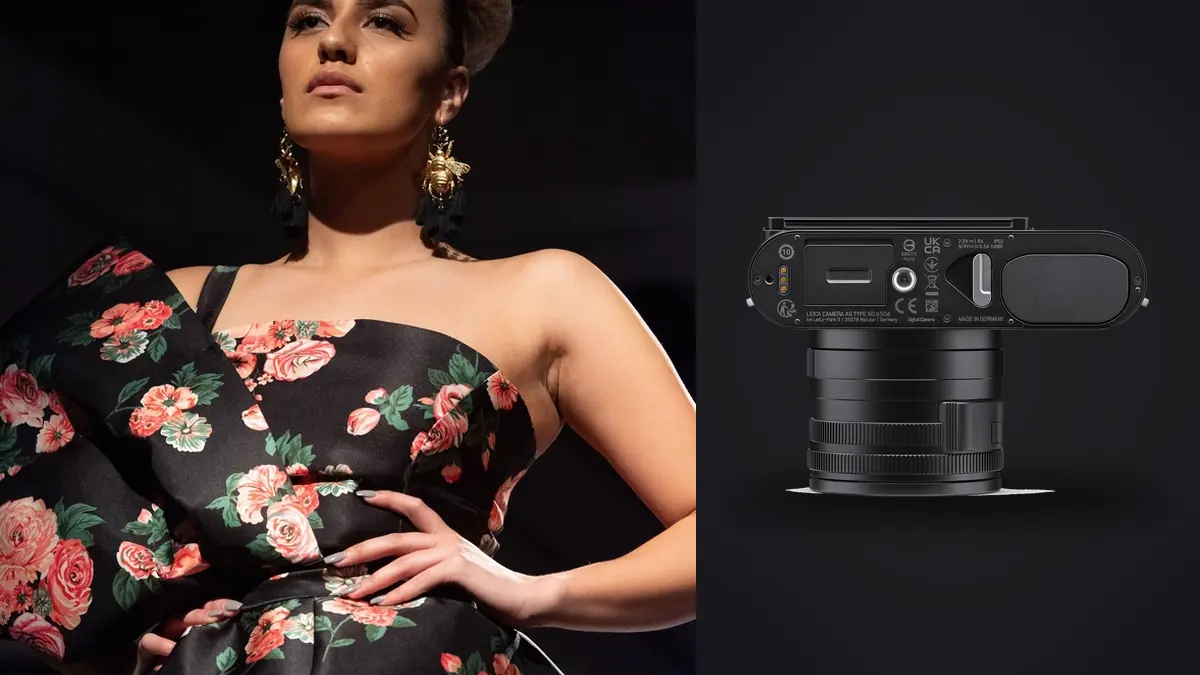
The first time I considered shooting a fall lookbook on "that Leica everyone's been posting," I said yes to the idea before I'd fully thought it through. A fixed 28mm lens on a commercial job that needed full-length shots, three-quarter crops, and tight product details of stitching and hardware sounded like a good way to disappoint a client. A few test lookbooks later, the Q3 is the camera I reach for first when the brief is clean, fast, and doesn't need a 300mm anything. This isn't a spec sheet regurgitation. It's what actually happened across those shoots, where the camera helped, and where I had to work around it.
The lens is the whole decision, so start there
Everything about whether the Q3 works for lookbook work comes down to accepting the 28mm Summilux and never looking back at a zoom. It's an f/1.7 lens, sharp wide open in a way that a lot of kit zooms simply aren't, and it focuses down close enough (about 17cm in macro mode) that you can grab a genuine product detail shot, a zipper pull, an embroidered logo, a shoe's stitching, without swapping to a second body or a macro lens you didn't bring. That's the trade you're making: you give up focal length flexibility and you get a lens that's consistently excellent at the one length it does.
For lookbook work specifically, 28mm is closer to a documentary width than a portrait width, and that changes how you direct the model. You're moving your feet constantly, not zooming with your hand. On a rack of twelve looks with three angles each, that adds up to a lot of walking, but it also means every frame has a consistent perspective signature. Clients who've worked with multiple photographers on their lookbooks over the years actually notice this. The images feel like they belong to one shoot instead of a grab bag of focal lengths.
Where 28mm genuinely struggles
Tight beauty crops on a face, from a full-length standing position, are not this camera's strength. You either move in physically (which changes the relationship between photographer and model, and not always for the better) or you lean on the digital crop modes and accept a resolution hit. I've had exactly one shoot where I needed a proper 85mm-equivalent headshot crop for a catalog cover, and I ended up borrowing a second body with a portrait prime rather than force the Q3 into that role. Know this going in and you won't be caught out on set.
Using the crop modes as real focal lengths, not a marketing gimmick
The Q3's in-camera 35mm, 50mm, and 75mm crop modes get dismissed online as a novelty, but for lookbook work they're closer to essential. The 60-megapixel sensor gives you enough resolution headroom that a center crop to 50mm still delivers a file large enough for a two-page magazine spread or a large product page hero image without visible softness, provided your exposure and focus were dead on to begin with. Sloppy technique gets punished harder in a cropped frame than in a native wide shot, so I shoot slightly overexposed and stopped down half a stop more than I would on a full-frame zoom, just to give the crop some room.
What actually changed my workflow was shooting the EVF crop preview at 50mm for three-quarter body shots, then switching back to full 28mm framing for the wide establishing shots of each look. The files come out of camera at their native crop resolution (not full 60MP files with crop metadata), which keeps the working folder smaller during editing, but it means you commit to the framing choice in the field instead of fixing it later. On any shoot with someone watching over your shoulder, that commitment forces better decision-making than "I'll crop it in post" ever does.
Detail shots and the macro switch
Flip the focus ring collar into macro and the effective range shrinks to roughly 28-45mm, but you get genuinely usable close focus. For a denim brand's lookbook, this is where the camera earned its keep on hardware details, rivets, selvage edges, without a second lens ever coming out of the bag. I wouldn't buy a Q3 for product macro work alone, but as a bonus mode bolted onto a lookbook camera, it saved me a lens change on every single set change.
How it actually compares to the zoom-and-primes kits I used before
People sometimes ask why you'd shoot a fixed lens on a job that used to take a 24-70mm. Here's the honest comparison from gear I've actually rented or owned and used on similar shoots.
| Setup | Weight carried through a shoot day | Resolution across focal range | Lens changes per look | Rough cost to assemble |
|---|---|---|---|---|
| Leica Q3 (28mm + digital crops) | ~743g body, no second lens | 60MP native, ~36MP at 35mm, ~19MP at 50mm, ~9MP at 75mm | Zero | ~$6,000 |
| Sony a7R V + 24-70mm f/2.8 GM II | ~1,360g combined | 61MP at every focal length in the range | Zero, but noticeably heavier by hour four | ~$5,900 |
| Full-frame body + 24mm, 50mm, 85mm primes | ~2,100g total including bag load | Full sensor resolution at every length, no crop compromise | Two to three per look change | ~$7,500+ |
The zoom kit wins on native resolution at every length, no question. What it loses is the thing you don't notice until hour six of a lookbook day: the Q3 is genuinely lighter to carry all day, and there's no lens cap to lose, no mount to worry about dust getting into, and no moment where you're fumbling a lens swap while a model is mid-pose and the light is changing. For a one-camera, one-photographer lookbook day, that adds up to real energy saved.
Keeping up with a moving model
Lookbook shoots aren't sports photography, but there's more motion than people expect, walking shots, fabric movement, a jacket being thrown over a shoulder. The Q3's phase-detect autofocus with subject tracking has been reliable enough that I stopped worrying about missed focus on walking sequences, which was my biggest hesitation going in. Continuous shooting tops out around 15 fps with the mechanical shutter limitations aside, and the buffer holds up for a burst of 20-30 frames in RAW+JPEG before it slows down, which is plenty for a five-second walking pass down a hallway or a spin turn.
Where it gets tight is immediately after that burst. Writing a stack of 60MP RAW files to a single UHS-II SD card takes a few seconds of buffer clearing, and if you fire another long burst too quickly you'll feel the camera catch up. On a shoot where the art director wants to see the back of the camera between every single take, that pause is noticeable. I've learned to use it as a natural beat to check framing rather than fighting it.
The single card slot is the real logistics problem
This is the part gear reviews gloss over and clients never ask about until something goes wrong. The Q3 has one SD card slot. No in-camera backup, no overflow. On a personal shoot that's a mild inconvenience. On a commercial lookbook where a brand is paying for a studio day, a stylist, and a model's time, it's a real risk to manage actively. My workaround is boring but it works: swap cards every 45 minutes to an hour regardless of how full the current one is, label the moment I pull it, and back up to a laptop at the first lull in shooting, not at the end of the day. I've also started carrying more cards than I think I need, because a corrupted card mid-shoot with the client watching is not a conversation you want to have.
Battery life sits around 350 shots per charge under CIPA testing, which in real lookbook shooting (lots of chimping, lots of EVF use, live view for client review) translates to closer to 200-250 usable frames before I'm swapping. I carry four batteries for a long shoot day and that's rarely enough margin for comfort, so I've started shooting tethered via USB-C whenever the setup allows, which also solves part of the backup problem since files land on a laptop as they're captured.
Getting from a full card to a clean lookbook fast
A single lookbook day with the Q3 realistically produces somewhere between 800 and 1,500 frames once you count every crop-mode variation, every burst during a walking sequence, and every "just one more" the art director asks for. Culling that down to the 30-40 final images a lookbook actually needs is where the day either wraps on schedule or drags into the evening. I run the card through imagic before I touch anything in Lightroom, mostly for the duplicate and burst clustering. When a model does six walking passes down the same hallway and each pass is a burst of fifteen frames, having those bursts grouped automatically instead of scrolling through them one by one saves a genuinely large chunk of time, and because it runs locally on the laptop, I'm not uploading an unreleased collection to anyone's server before the brand has even announced it, which matters more on fashion work than most other genres given how touchy brands can be about leaks. The local sharpness scoring is the other piece I lean on hard, since 28mm crop-mode files punish soft focus more visibly than native full-frame shots do, and getting a fast read on which frame in a burst actually landed sharp on the eyes or the fabric detail saves me from picking a "close enough" frame and finding the problem later on a big screen. If you haven't looked at how automated culling tools actually make that sharpness call, it's worth reading through how AI photo culling works before trusting one on a paying job.
Matching color across a full look sequence
Because you're shooting one lens at one aperture range for an entire day, color and contrast tend to stay consistent from frame to frame in a way that switching between three primes doesn't always give you. That consistency makes batch grading genuinely fast. I built an imagic style preset from a lookbook I graded manually months ago (the apply_my_style feature learns from edits you've already made, not a generic filter) and running a new set of look sequences through it gets me about 80% of the way to a finished grade before I touch anything by hand. It's not a replacement for a real edit pass on the hero images the client will actually run in ads, but for the working shots and the internal review gallery, it cuts what used to be a half-day grading session down to under an hour.
If you're coming from a heavier zoom-and-primes workflow and wondering whether switching to something closer to a one-lens system changes your editing rhythm too, it's worth a look at general tips for a faster photo workflow, since a lot of what speeds up a Q3 lookbook day is really just workflow discipline that happens to matter more with a fixed lens.
Who this actually makes sense for
If your lookbook work is mostly full-length and three-quarter shots with a handful of product details, the Q3 is a legitimately strong single-camera solution, and the lack of lens changes genuinely speeds up a shoot day with a tight schedule. If your brief regularly needs true beauty headshots, or if you're shooting in a space where you physically can't back up or move in to get the framing you need, you'll fight the fixed lens more than you'll benefit from it. I still keep a second body with a short telephoto in the bag for exactly those moments, and I don't think that's a failure of the camera so much as an honest limit of any fixed-lens tool.
Frequently Asked Questions
Is a 28mm fixed lens actually workable for a full lookbook, from wide shots to detail crops?
Yes, with caveats. Full-length and environmental shots at 28mm look natural and consistent across a whole shoot. Detail work benefits from the close macro focus. The gap is tight beauty headshots, where you either move in physically or lean on the 75mm crop mode and accept a lower-resolution file.
Do the in-camera crop modes actually hold up for client deliverables?
The 35mm and 50mm crops hold up well for web and standard print use, especially if your exposure and focus were accurate in the original frame. The 75mm crop drops resolution enough that I treat it as a backup framing option rather than a primary output size for anything larger than a social post.
Can the Q3 keep pace with a model walking or moving during a lookbook shoot?
The autofocus tracking and roughly 15 fps burst rate handle walking sequences and turns reliably. The limiting factor is the single SD card slot, which needs a moment to clear the buffer after a long burst before it's ready for another one.
Is shooting RAW on a single card slot too risky for a paid commercial shoot?
It's a real risk you need to manage actively rather than something to ignore. Swapping cards on a fixed schedule regardless of how full they are, and backing up during natural breaks in shooting rather than at the end of the day, has kept it from being a problem across every lookbook I've shot with it so far.