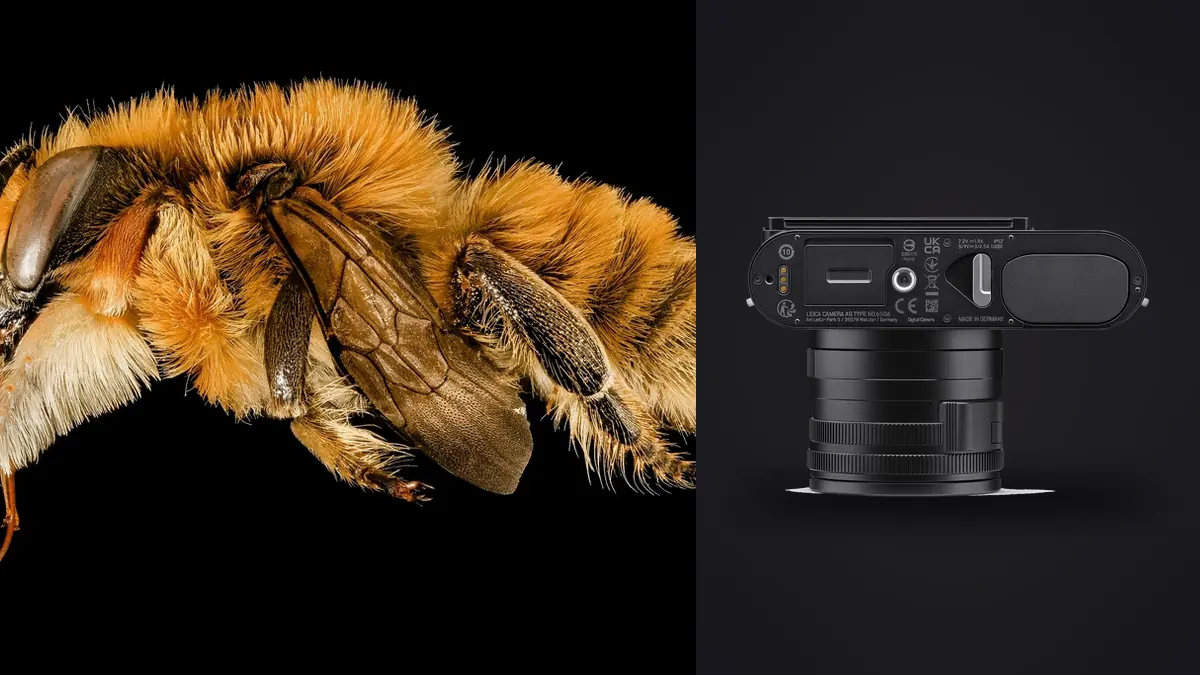
The Leica Q3 approaches close-up photography differently from an interchangeable-lens macro system. Its fixed 28mm lens includes a close-focus setting, so the camera can record insects in context and reveal the plants, bark, or ground around them. That wide perspective also brings practical constraints: the camera must sit near a small subject, the background occupies a large part of the frame, and tiny movements alter both focus and composition. A dependable file process therefore begins before the card reaches a computer.
This RAW Workflow is designed around those constraints. It treats every DNG as part of a sequence with a capture purpose, not as an isolated file. The aim is to preserve enough alternatives for wing position and focus, remove technical failures without erasing the original evidence, develop natural detail, and export a set that remains consistent from a wider habitat view to a close crop.
Decide what each close-focus sequence must prove
Macro culling becomes confusing when a folder mixes several visual goals without any separation. A natural-history record may need the diagnostic markings of a species to be visible. A graphic portrait may prioritize antenna shape, wing color, or eye detail. An environmental frame may accept a smaller subject because the host plant and weather are part of the story. Define those goals while shooting and separate them with a short pause, a deliberate frame of the ground, or another harmless visual marker.
The Q3's close-focus mode changes the usable distance range and limits the maximum aperture compared with its normal focusing range. That is not merely a camera-setting detail. It affects how much background is visible, how quickly shutter speed falls, and whether a subject's eye and near wing can share the focus plane. Record a few frames after switching modes and check magnified focus before building a long sequence. If a series later looks unexpectedly soft, the mode transition, camera distance, and subject movement become the first things to examine.
Use exposure groups rather than letting settings drift one frame at a time. One group might hold the ambient light and protect reflective wings; another might raise shutter speed for movement; a third might stop down for a more descriptive view. Clear groups make RAW comparison meaningful because a reviewer can see what changed and why.
Capture DNG files with culling in mind
DNG is the important working file because it preserves latitude for white balance, highlight recovery, and restrained noise treatment. A JPEG can still be recorded as a reference for a chosen in-camera rendering, but it should not replace the DNG when fine texture and bright specular detail matter. Keep the camera clock accurate, use a fresh card structure for the outing, and avoid renaming files until verified copies exist.
Short, intentional bursts are easier to compare than an uninterrupted stream. Begin just before the expected movement, stop once the action changes, then reframe or refocus. For a stationary insect, a sequence can bracket body sway or the photographer's movement through the shallow focus zone. For a moving insect, the sequence may preserve different leg positions or wing angles. In both cases, the useful unit is the small burst, not the entire card.
Stabilization can reduce camera movement, but it cannot hold a flower still or freeze a subject turning in wind. Preserve the settings metadata and avoid labeling every soft frame as a focusing failure. During review, compare sharp stationary texture at the same distance with the subject itself. If bark is sharp and the insect is smeared, motion is the likely cause. If the sharp plane sits behind the subject, focus placement is the more likely explanation.
Ingest without breaking sequence order
Create a shoot folder with separate locations for original DNG files, working exports, and final delivery. Copy the card into the originals area, verify that the expected file count and representative files open, then make a second verified copy on separate storage. Do not format the card merely because thumbnails appear. The first objective is recoverability, not organization.
Keep original filenames through the initial cull because sequential names preserve the relationship between adjacent frames. If two cards were used across an outing, place each card in its own source folder until filename collisions are resolved. Rename only after both copies are secure, and use a scheme that retains chronological order. A date, location code, subject code, and sequence number are usually more useful than a descriptive sentence.
Record non-image context beside the folders rather than forcing it into filenames. Note the location, weather, host plant, provisional species identification, and any frames that document scale. Species labels should remain provisional until confirmed. The visual file and the biological claim are different records, and neither should silently overwrite the other.
Separate technical culling from biological selection
First-pass culling should answer narrow questions: is the intended area acceptably sharp, is exposure recoverable, and is the frame obscured by a foreground leaf or camera movement? The second pass should judge posture, behavior, background, and whether diagnostic features are visible. Keeping those decisions separate prevents a technically perfect but uninformative image from displacing a slightly less polished frame that actually documents the subject.
imagic can scan supported DNG files, analyze sharpness, exposure, closed eyes where relevant, composition, and near-duplicate or burst relationships. Its decisions set statuses rather than deleting originals, so a rejected frame remains available for reconsideration. Automated scores are evidence for review, not a species-identification tool and not a substitute for checking the eye, head, wing edge, or other intended detail at useful magnification.
When an automated verdict seems inconsistent with the visible file, check score freshness before repeatedly changing the selection count. Reselecting only re-ranks stored scores; it does not analyze the pixels again. A stale result should be reanalyzed through the appropriate freshness workflow before the number is treated as current.
Choose one representative without losing useful variation
Near-duplicate groups reduce decision fatigue, but macro sequences often contain meaningful differences that look small in thumbnails. One frame may show both antennae clearly, another may reveal the near wing, and a third may separate the legs from the background. Open the strongest candidates together and identify the visual fact each contributes. Keep more than one only when the difference changes information or composition, not merely because the shutter was pressed several times.
Evaluate focus at the intended output size and at a diagnostic magnification. Pixel-level inspection can reveal where the focus plane landed, but it should not force rejection of a file that is convincingly sharp in its final use. Conversely, a reduced preview can conceal motion blur around fine hairs or compound eyes. Use both views and make the final decision against the delivery requirement.
Composition scores deserve caution with an off-center insect or a deliberately busy habitat. A clean background is not automatically better if it removes ecological context. Mark the technically credible set first, then use human judgment to balance gesture, negative space, plant structure, and subject scale.
Develop detail without making texture brittle
Begin RAW development with lens corrections, a neutral white balance anchor, and exposure. Protect bright wing reflections and pale hairs before opening shadows. Local contrast and sharpening should follow, because aggressive early sharpening can make noise and demosaicing artifacts look like subject detail. The Q3 file offers substantial crop freedom, but every crop changes apparent noise, depth of field, and the relationship between the insect and its environment.
Apply noise reduction according to the final size, not by trying to make every shadow perfectly smooth at full magnification. Fine scales, hairs, and leaf texture can resemble noise to a strong smoothing process. Inspect transitions around antennae and wing veins, then reduce treatment if edges become waxy or repeated patterns disappear. Color noise can often be handled more firmly than luminance texture, but the appropriate balance depends on exposure and output.
White balance should preserve the lighting conditions unless color accuracy is part of the record. A gray reference can provide a neutral baseline, while a scene frame showing the wider habitat helps prevent an isolated close-up from being processed too warm or too saturated. Apply a shared baseline across one lighting group, then correct individual frames only where clouds, shade, or reflective foliage changed the light.
Keep edits reversible and records legible
Non-destructive editing protects the original DNG and makes alternate interpretations possible. Store adjustments separately, retain a simple version history, and avoid overwriting a natural-history rendering with a high-contrast creative version. A virtual or exported derivative should identify its purpose, such as record, print, web, or monochrome, without changing the original filename relationship.
imagic stores adjustments per photo and applies them during export. If a personal style profile has already been learned from the photographer's own edited work, apply_my_style can provide a starting point. It is not a generic preset, and it should not be invoked as though a profile exists when get_style_profile returns nothing. Macro files still need inspection for subject color, fragile highlight detail, and background saturation.
The desktop workflow overview explains the local application, while related selection and processing articles are collected in AI and Technology. Both are relevant when building a local process that preserves unreleased or location-sensitive files.
Export for the actual viewing condition
Create separate output recipes for print review, web display, and identification records. JPEG is practical for web and routine delivery; TIFF is better suited to a high-quality handoff when another compatible editor will continue the work. Choose color space, bit depth where applicable, dimensions, and sharpening for the recipient rather than exporting one oversized master for every purpose.
Inspect exported files, not only editor previews. Check fine legs against high-contrast backgrounds, gradients in out-of-focus foliage, embedded metadata, orientation, and the result of output sharpening. A web resize can make a marginal file look crisper, while excessive sharpening can draw halos around antennae. The delivery file is the artifact that matters.
Export writes new files, so choose and confirm the destination rather than allowing a tool to invent one. Keep finals outside the originals folder, compare the delivered count with the approved selection, and preserve a manifest of filenames. Archive the original DNG files, adjustment records, notes, and final derivatives according to the retention policy for the project.
Frequently asked questions
Should every Leica Q3 close-focus burst be kept?
No. Keep enough frames to preserve meaningful changes in focus, posture, or behavior, then reject redundant technical failures by status. The original files can remain on disk even when they are not selected for development.
Can stabilization fix a moving insect in a soft DNG?
No. Stabilization addresses camera movement, while subject movement requires suitable shutter timing and speed. Compare stationary detail near the subject to determine which type of blur affected the frame.
Does imagic identify insect species?
No. Its role here is local culling, quality review, duplicate grouping, non-destructive adjustments, and export. Species identification and the decision about which biological features matter require separate expertise.