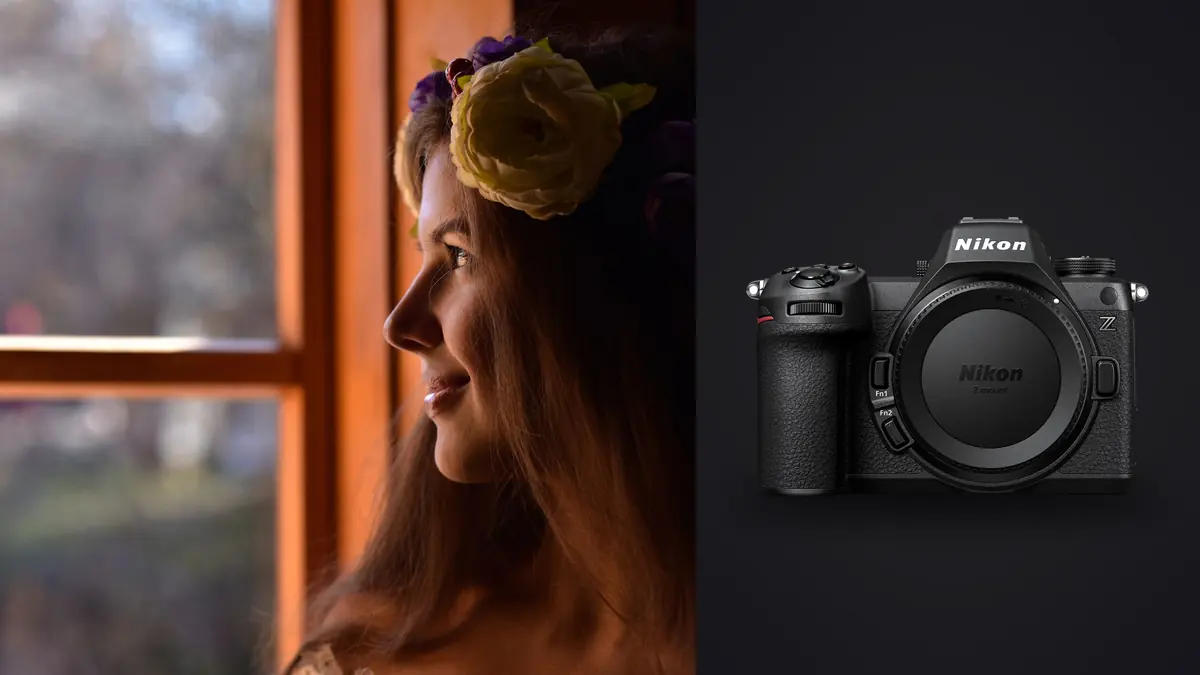
Boudoir is a strange genre to shoot technically. The rooms are small, the light is usually one window and a reflector, the client is nervous for the first fifteen minutes no matter how many times you've reassured her over email, and the whole session lives or dies on whether you can keep working quickly without the camera getting in the way. I moved from a Z6 II to the Z6 III for exactly one reason at first (the vari-angle screen), and ended up finding four or five other things about it that matter more once you're actually in someone's bedroom or a rented studio suite trying to make them feel comfortable in front of a lens.
This isn't a spec sheet regurgitation. I'm not going to tell you the Z6 III is a "versatile hybrid camera" because that tells you nothing about whether it'll hold focus on an eye half-covered by a pillow at f/1.4 in a dim hotel room. Here's what I've actually found shooting real sessions on it.
The sensor's rolling shutter behavior changes how the room feels
The Z6 III uses a partially stacked 24.5MP sensor, which is Nikon's way of getting most of the readout speed benefits of a fully stacked chip without the fully stacked price tag. In practice this means the electronic shutter is usable for real work instead of being a party trick you avoid because of skew and banding. That matters more in boudoir than almost any other portrait genre I've shot, because the mechanical shutter clack is genuinely disruptive to the mood you're trying to build.
A client who's just settled into a pose, breathing slower, not thinking about the camera anymore, will visibly flinch at a loud shutter the first few times. Switch to full silent electronic mode on the Z6 III and you can shoot a run of twelve or fifteen frames while she's mid-movement (hair falling, fabric shifting, a slow exhale) without a single sound breaking the moment. On the Z6 II I tested silent mode and got visible rolling shutter artifacts on anything with quick motion, like a robe being pulled off one shoulder. The Z6 III handles that motion far more cleanly. It's not perfect under whip-fast movement, but boudoir rarely needs whip-fast movement.
Autofocus in the light you actually get
Boudoir lighting is rarely a clean three-light studio setup. More often it's a single window, a warm practical lamp left on for atmosphere, maybe one small softbox bounced off a wall. That's low, mixed, and often warm-cast light, which is exactly where autofocus systems start to hunt.
Eye detection through hair, sheets, and low contrast
Nikon's eye-detection AF on the Z6 III holds up better than I expected specifically in low-contrast situations, meaning pale skin against a white sheet, or an eye that's mostly in shadow with only a rim of catchlight. It still occasionally jumps to the nearer eyelash cluster or a stray strand of hair when the subject turns their head sharply, but recovery is fast, usually within a frame or two rather than losing the subject entirely and hunting the background. I shoot a lot of poses where the subject is lying down and looking back over a shoulder, which is a genuinely hard angle for AF because the face is at an angle and often partially obscured by hair. The Z6 III's subject detection stays locked there more consistently than the Z6 II did, and noticeably more consistently than a Z50 I used to carry as a second body for tighter rooms.
Where it still struggles: sheer black lingerie against dark backgrounds, and lace over skin. Both create low-contrast, repetitive-texture situations that occasionally confuse the algorithm into focusing on the fabric pattern instead of the skin beneath it. I've learned to switch to single-point AF and place it manually for those specific shots rather than trusting subject detection.
The vari-angle screen solves a real posture problem
This sounds minor until you've spent an hour on your knees or lying flat on a hotel carpet trying to get a low, flattering angle looking up at a client on a bed. The Z6 III's fully articulating rear screen means I can hold the camera low, near the floor, and still see my composition without contorting into a position that looks (and feels) awkward in front of a subject who is already self-conscious. A tilt-only screen, which is what the Z6 II has, only really helps when you're shooting from directly in front. The moment you're off to one side for a three-quarter angle, which is most of boudoir work, a tilt screen is nearly useless and you're back to guessing or bending over.
There's a client-comfort angle here too that's easy to underrate. When you're not visibly straining, kneeling awkwardly, or holding the camera up to your eye the whole time, the room feels calmer. Working from the hip with the screen angled toward you, glancing down rather than hiding your face behind a viewfinder, keeps a conversational rhythm going between shots. That matters for how relaxed the client looks in the resulting images.
Skin tones, dynamic range, and how far you can push ISO before it looks bad
Boudoir images live or die on skin rendering. Too warm and everyone looks sunburned; too cool and it reads clinical. The Z6 III's default color science leans slightly warm out of camera on Auto White Balance under tungsten-ish practical lighting, which I actually prefer as a starting point for this genre since it avoids the greyish, flat skin you sometimes get correcting aggressively toward neutral. Dynamic range is where the sensor earns its keep in dim rooms. Shadow recovery on underexposed frames (which happens constantly when you're chasing available light instead of controlling it) stays clean up to about two stops of lift before noise becomes visible in midtones. Push past that and you start seeing chroma noise specifically in the red-orange channel, which is the worst possible place for it to show up on skin. My practical ceiling for usable low-light frames on this body sits around ISO 6400 for anything I'll deliver full-size; above that I'm either accepting more noise reduction than I like or reshooting with a touch more light.
How it stacks up against what else is in this price range
I get asked constantly whether the Z6 III is actually worth the jump over the Z6 II, or whether a Sony or Canon body would serve boudoir work better. Here's how they compare on the things that actually matter for this genre specifically, not on paper specs nobody uses.
| Camera | Silent shutter usability | Screen for low/angled framing | Eye-AF in warm, dim mixed light | Practical high-ISO ceiling for skin |
|---|---|---|---|---|
| Nikon Z6 III | Strong, minimal rolling shutter skew | Fully articulating, best in class here | Reliable, occasional lace/lingerie confusion | ~ISO 6400 clean enough to deliver |
| Nikon Z6 II | Usable but visible skew on fast motion | Tilt only, weak off-axis | Good, slower to recover after occlusion | ~ISO 4000 before chroma noise on skin |
| Sony a7 IV | Excellent, very low skew | Fully articulating | Very reliable, best-in-class tracking | ~ISO 6400, slightly cooler skin rendering |
| Canon R6 II | Strong | Fully articulating | Reliable, warm skin tones out of camera | ~ISO 5000 before noise gets grainy |
The honest read: the Sony pulls ahead on raw tracking reliability if you shoot a lot of movement (dance-adjacent boudoir, flowing fabric), and the Canon gives you warmer skin straight out of camera with less color grading work. The Z6 III wins for me on the combination of screen articulation and shutter silence together, which is the specific pairing that matters most for how these sessions actually go in a small room with a nervous subject.
Lens choices that actually work in small rooms
Boudoir rooms are rarely spacious. Hotel suites, converted bedrooms in a studio, sometimes an actual client bedroom with furniture you can't move. Working distance matters more than most photographers coming from wedding or landscape work expect. I default to the Z 35mm f/1.8 S for environmental context shots (the whole bed, the window light, the room's character) and the Z 50mm f/1.8 S for the bulk of close, intimate frames, because at 50mm I can still back up far enough for a three-quarter shot without pressing myself against a wall. An 85mm is genuinely difficult in a lot of boudoir spaces unless the room is unusually large or you're shooting through a doorway into an adjoining space. I own the Z 85mm f/1.8 S and use it maybe once every four sessions, almost always for a single tight beauty shot against a plain wall where I have twelve or more feet to work with. If you're building a boudoir kit on a Z6 III and can only buy two lenses, the 35mm and 50mm combination covers close to 90 percent of a typical session.
The part nobody talks about: what happens to the files afterward
A boudoir session generates a lot of near-duplicate frames. You're often shooting five to ten variations of essentially the same pose to catch the exact right expression, the exact right hand placement, the exact right moment where a strap has fallen naturally instead of looking arranged. A ninety-minute session routinely leaves me with 600 to 900 raw files, and most of them are visually similar bursts. This is also, obviously, the most sensitive image content most photographers ever handle. Clients trust you with images they would never want leaked, mislabeled, or sitting in someone's cloud storage. That combination (huge volume of near-duplicates, plus content nobody wants touching a server it doesn't need to touch) is why I stopped uploading sessions to cloud-based culling tools entirely. I run everything through imagic now specifically because it processes locally on my machine, nothing leaves my drive during culling, which matters a lot when the files in question are this personal. It also clusters those near-identical burst sequences and ranks them by local sharpness and focus scoring, so instead of scrubbing through 40 nearly identical frames of the same pose by eye, I get the sharpest two or three surfaced automatically and can archive or discard the rest in a few clicks. The other piece that's saved me real editing time is the apply_my_style preset feature, which trains on my own past retouching decisions rather than a generic filter. Boudoir skin retouching has a specific, consistent look I've built over dozens of sessions (soft but not plastic, warm but not orange), and having that applied automatically as a starting point instead of rebuilding it from scratch on every gallery cuts a meaningful chunk out of my post-shoot hours. It's a one-time purchase too, no subscription nagging me every month for software I use in concentrated bursts around shoot days.
Frequently Asked Questions
Is the Z6 III overkill if I only shoot boudoir and never video?
No, and I'd argue the video specs are almost irrelevant to the decision here. The features that matter for boudoir (the vari-angle screen, the quieter electronic shutter, the eye-AF improvements) are stills-focused benefits that happen to also serve video shooters. You're not paying a meaningful premium for capability you won't use; you're paying for the same sensor and AF upgrades that make the stills experience better.
Can clients hear the shutter even in silent mode?
In full electronic silent shutter mode there's no mechanical sound at all, just the faint click of the shutter button itself if you're pressing firmly. I do keep the volume of any AF confirmation beep off entirely for these sessions since even a soft beep breaks the atmosphere. Once that's off, the camera is genuinely silent during capture.
Does the autofocus reliably track through diffusion fabric or a sheer robe?
It's decent but not flawless. Solid, opaque fabric over skin (a robe, a fitted piece of lingerie) tracks well because there's enough contrast and shape for the system to recognize a person and find the nearest eye. Sheer, patterned lace against skin is the specific case where it sometimes locks onto the pattern instead of the face underneath, so I switch to single-point AF for those particular shots rather than fighting subject detection.
What ISO range should I actually plan around for available-light boudoir?
Plan your lighting around staying under ISO 6400 if you want files that need minimal noise reduction work. You can push to 12800 or even higher in a pinch and still get a usable image, especially converted to black and white where chroma noise is less visible, but for color images at full resolution, 6400 is where I personally draw the line for work I'd happily share without extra noise reduction passes.