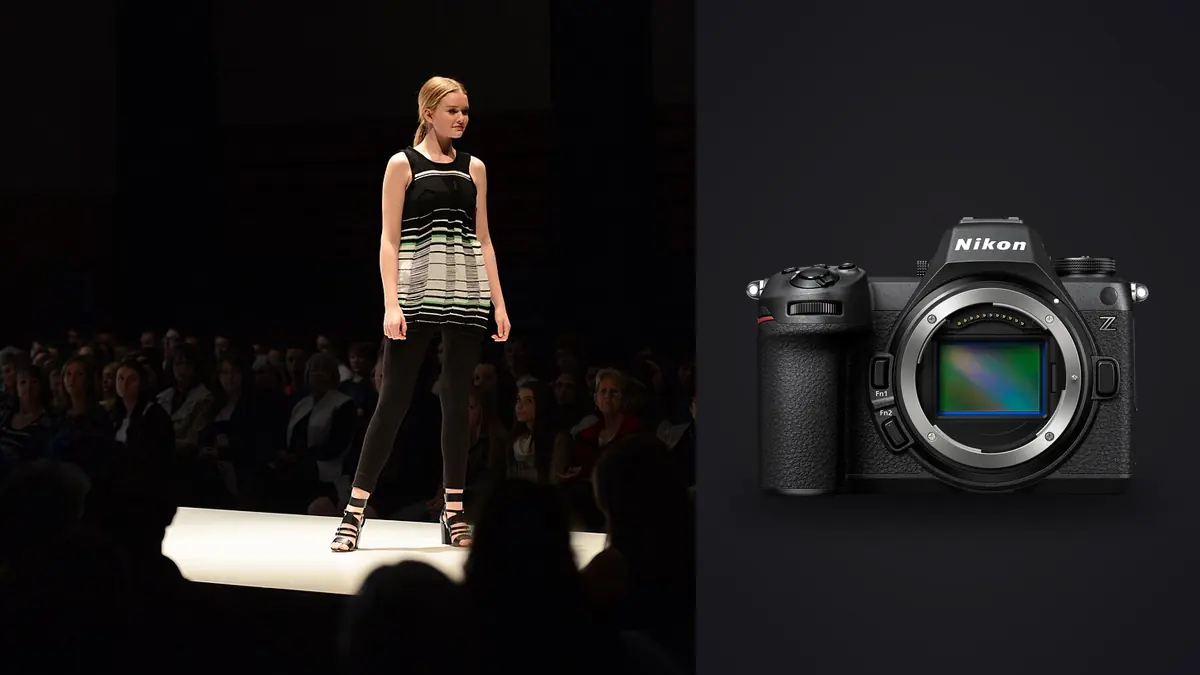
A lookbook day doesn't test a camera the way a wedding or a landscape trip does. There's no single decisive moment to nail. Instead you're running the same look through six or eight variations, twenty minutes apart, for eight to ten hours, with a stylist adjusting a cuff between every third frame and an art director standing behind you asking to see the last take on a tethered screen. I've shot lookbooks on a D850, on an a7 IV, and for the past several months on the Nikon Z6 III, and the Z6 III is the first Nikon body in this price range that stops getting in the way of that specific rhythm. This isn't a spec sheet rehash. It's what actually changes on set when this is the camera in your hands.
What a Lookbook Day Actually Demands From a Camera
Fashion lookbook work is repetitive by design. A brand needs consistent, clean coverage of a full collection: hero shot, three-quarter, detail crop, maybe a walking frame if the concept calls for motion. You're not chasing decisive moments so much as manufacturing the same three or four setups over and over with tiny variations in pose and light. That means the camera's job is less about split-second reaction and more about staying predictable across hundreds of near-identical frames, holding color consistently from the first look at 9am to the last one after the light through the studio windows has shifted, and not making you think about the gear at all once the client's eyes are on the tether screen.
The Z6 III's 24.5-megapixel partially stacked sensor is the right resolution for this. Lookbook files rarely get printed larger than a lookbook or a catalog spread, and the web and social crops that make up most of the deliverable don't need anywhere near 45 megapixels. What you do need is clean files at ISO 100 to 800 (the range most studio lookbook work actually lives in) and enough dynamic range in the shadows to recover fabric texture in black garments without the file falling apart. That's where this sensor generation earns its keep over the Z6 II it replaced.
Handling Through a Twelve-Look Day
Body feel matters more on a lookbook shoot than people give it credit for, because you're holding the camera for most of a working day, often with a 70-200mm f/2.8 hanging off the front for the walking or movement shots. At roughly 760g body-only, the Z6 III sits comfortably with the Z 24-70mm f/2.8 S without wrist fatigue by hour six, which was not true for me on the older Z6 II with the same lens.
The bigger practical change is the viewfinder. Nikon put a 5.76-million-dot, 4000-nit EVF on this body, and on a bright studio cyc wall or a shoot near a window, that brightness is the difference between actually judging exposure through the finder and just trusting the histogram. The older Z6 II's EVF would wash out against a white backdrop lit at f/8; this one doesn't. Blackout-free shooting during continuous bursts also matters more than I expected. When a model is mid-turn and you're firing a short burst to catch the hem settling, not losing the finder image between frames means you can actually track the movement instead of shooting blind and hoping.
Autofocus and Burst Behavior When Garments Are Moving
Most lookbook work is static enough that autofocus isn't the bottleneck, but the shots that sell a collection are usually the ones with a little motion in them: a coat swinging open, hair catching a fan, a model stepping into frame. That's where the partially stacked sensor actually shows up in the files. Rolling shutter is dramatically reduced compared to the standard Z6 II sensor, which matters the moment you're using the electronic shutter for a silent burst near a client meeting or want to push past the mechanical shutter's frame rate to catch fabric mid-swing without the vertical smear you'd get on an older Nikon body.
Eye and body detection locks onto a model reliably even with sunglasses, a hat brim, or a garment collar partially obscuring the face, which happens constantly in fashion work and used to be a weak point on Nikon's older Z-series autofocus. I still manually pull focus back to the eye for tight beauty crops rather than trusting subject tracking completely, but for three-quarter and full-length looks the tracking holds up through a full sequence without hunting.
Here's roughly how the different capture modes break down for this kind of work, based on what I've actually pulled off cards after typical lookbook sessions:
| Capture mode | Frame rate | File type | Practical buffer (CFexpress B) | Where it earns its keep on a lookbook set |
|---|---|---|---|---|
| Mechanical shutter, single frame | N/A | 14-bit RAW | Not applicable | Static hero and three-quarter shots, product-style detail crops |
| Mechanical, continuous high | Up to 14 fps | 14-bit RAW | 200+ frames before slowdown | Fabric movement, a model turning or stepping, safe default for most bursts |
| Electronic front-curtain, high | Up to 20 fps | 14-bit RAW | Deep enough for 3-4 second bursts | Catching the exact peak of a spin or jump without shutter shock |
| Electronic, pre-release capture | Up to 30 fps | JPEG/12-bit buffer | Rolling ~1 second pre-shutter buffer | Unpredictable movement, like a scarf or hair catching wind on cue |
The pre-release capture mode is the one I didn't expect to use as much as I do. On a windy rooftop shoot last month, the art director wanted a specific moment where a coat flared open on a gust, and there's no reliable way to time that by reaction alone. Half-pressing the shutter and letting the camera hold the second before the actual press saved that shot, and it's the kind of feature that sounds like a gimmick until it saves a setup you can't easily repeat.
Color Rendering and Skin Tone Consistency Across a Full Collection
This is the part of the camera that matters most to a client and gets talked about least. A lookbook lives or dies on whether the garment color matches what's on the brand's own color chart, and whether skin tone stays consistent across a dozen different models and lighting setups within the same book. Nikon's out-of-camera color has always leaned slightly warm and forgiving on skin, and the Z6 III carries that forward. What's changed is that it holds that rendering more consistently as ISO climbs, which matters on the shots late in the day when you've bumped from 100 to 400 to compensate for a fading window light source.
I still shoot RAW and build a proper look in post, but the starting point out of this body needs less correction on skin before I get to that stage, which shortens the whole retouching pass for a stylist-heavy shoot with multiple models. For studios running client fittings where color accuracy against a physical swatch actually gets checked, that starting point is worth more than people give color science credit for.
Lens Pairings That Actually Get Used on a Lookbook Set
Three lenses cover almost every lookbook I've shot with this body. The Z 50mm f/1.2 S is the workhorse for hero shots and three-quarter looks; it renders garment texture with enough bite that a client can zoom into a tether screen and see the weave of a wool coat, and the falloff at f/1.2 to f/2 separates a model from a plain backdrop without needing a longer focal length that would force you further back in a cramped studio. The Z 24-70mm f/2.8 S handles the coverage work, detail crops, and the quick reframes an art director asks for between setups; it's the lens that's on the body more than any other simply because swapping glass mid-session kills momentum on a paid day.
For movement and walking shots, the Z 70-200mm f/2.8 S lets you stand back enough that the model isn't performing directly at a lens six feet from their face, which changes how natural the movement reads. The tradeoff is weight; by the last hour of a long day that combination is noticeably heavier than the 50mm setup, which is part of why I keep the 24-70mm mounted as the default and only swap to the longer glass for the specific looks that need it.
Tethering and Keeping the Art Director in the Loop
Nearly every commercial lookbook shoot runs tethered, and the Z6 III's USB-C tethering through Nikon's own software or Capture One has been reliably stable across full-day sessions, which was not always true of the Z6 II. Dropped tether connections mid-shoot are one of the fastest ways to lose an art director's confidence, and I haven't had one on this body in months of use.
The dual card slots (CFexpress Type B and UHS-II SD) matter here in a way that's specific to commercial work rather than personal shoots: a lookbook is a brand's unreleased collection, and losing a card means losing images the client may not be able to reshoot before a launch date. Writing RAW to the CFexpress card as the primary and a simultaneous backup to the SD slot is standard practice on any job where the client's name is on the contract, and having both slot types built in rather than needing an external solution keeps that backup workflow simple during a fast-moving day.
The Real Cost: Sorting Thousands of Frames After Wrap
Here's the part nobody puts in a camera review. A single lookbook day at 14 to 20 fps, shooting bursts through six to eight looks with three to five variations each, easily produces two to four thousand RAW files. Almost none of that volume comes from the camera failing at anything; it comes from doing the job correctly, firing bursts to catch the right moment in a spin or a fabric settle. The problem shows up entirely in the edit bay, not on set.
That's the stage where I lean on imagic rather than scrolling through a Lightroom grid by eye. Because the app clusters burst sequences and near-duplicate frames locally on the machine, a burst of eighteen frames from one turn collapses down to the handful actually worth a second look, and its sharpness scoring flags which of those are genuinely in focus on the eyes and garment detail rather than just close. On a shoot that generated close to three thousand frames, that cut my first pass down from most of a day to under two hours. The culling process itself runs entirely offline, which matters more on commercial work than personal shoots: an unreleased collection shouldn't be touching a cloud service before the brand's own launch, and none of the files leave the machine.
The other feature that matters for repeat clients is apply_my_style. Once the color and contrast look for a brand's first lookbook is built out, training that preset on finished edits means the second and third shoots for the same client start from an edit that already matches, instead of rebuilding the look from a flat RAW file every time. For a studio doing quarterly lookbooks for the same handful of brands, that consistency across bookings saves real hours, and it's a more direct workflow gain than anything the camera body itself adds. If the volume side of this is the bottleneck on your own shoots, it's worth reading through a few workflow adjustments that compound over a season rather than just buying faster cards.
Where the Z6 III Comes Up Short for This Work
It isn't a perfect fit for every commercial job. If a client wants large-format print output or heavy crop flexibility for billboard or window display use, 24.5 megapixels starts to feel tight compared to a 45-megapixel body, and a deliverable spec that calls for more resolution than this sensor comfortably provides can rule it out for that kind of job. Battery life across a long tethered day is solid but not exceptional; I carry three batteries for anything past six hours, which is normal for a mirrorless body of this class but worth planning for if you're used to a DSLR's stamina. And the menu system, while improved from older Nikon bodies, still buries a couple of settings I adjust mid-shoot (Auto ISO minimum shutter speed, specifically) deeper than I'd like when a stylist is waiting on you to reset for the next look.
Frequently Asked Questions
Is the Nikon Z6 III fast enough for movement-heavy lookbook shots like spins or walking sequences?
Yes, for the vast majority of lookbook work. The partially stacked sensor keeps rolling shutter distortion low enough that electronic-shutter bursts at up to 20 fps hold up on a model turning or a coat flaring, which wasn't reliably true on the previous Z6 generation. The one caveat is genuinely fast action, like a jump or a hard sprint toward camera, where a dedicated action body like the Z8 still has an edge in tracking consistency.
How many RAW files should I budget for from a full lookbook day, and how do I cull that volume efficiently?
Two to four thousand RAW files is a realistic range for a day covering six to eight looks with burst coverage on movement shots. Trying to cull that by eye in a standard grid view is where most of the wasted time on a lookbook job actually happens; grouping bursts and near-duplicates first, then sorting by sharpness within each group, cuts that first pass down dramatically compared to scrolling frame by frame.
Does the Z6 III need a CFexpress card, or is UHS-II SD enough for lookbook shooting?
UHS-II SD works fine for single-frame and moderate burst shooting, but if you're using the higher electronic shutter frame rates or want the buffer to keep up through a longer burst without slowing, CFexpress Type B in the primary slot is worth the cost on paid commercial work. Running SD as a simultaneous backup in the second slot is the more important habit for client jobs regardless of which card is primary.
Is 24.5 megapixels enough resolution for commercial lookbook and catalog work?
For web galleries, social crops, lookbook PDFs, and standard catalog print sizes, yes, comfortably. It becomes a real limitation only for large-format print applications like window displays or billboards, where a higher-resolution body gives more room to crop and enlarge without visible softness.