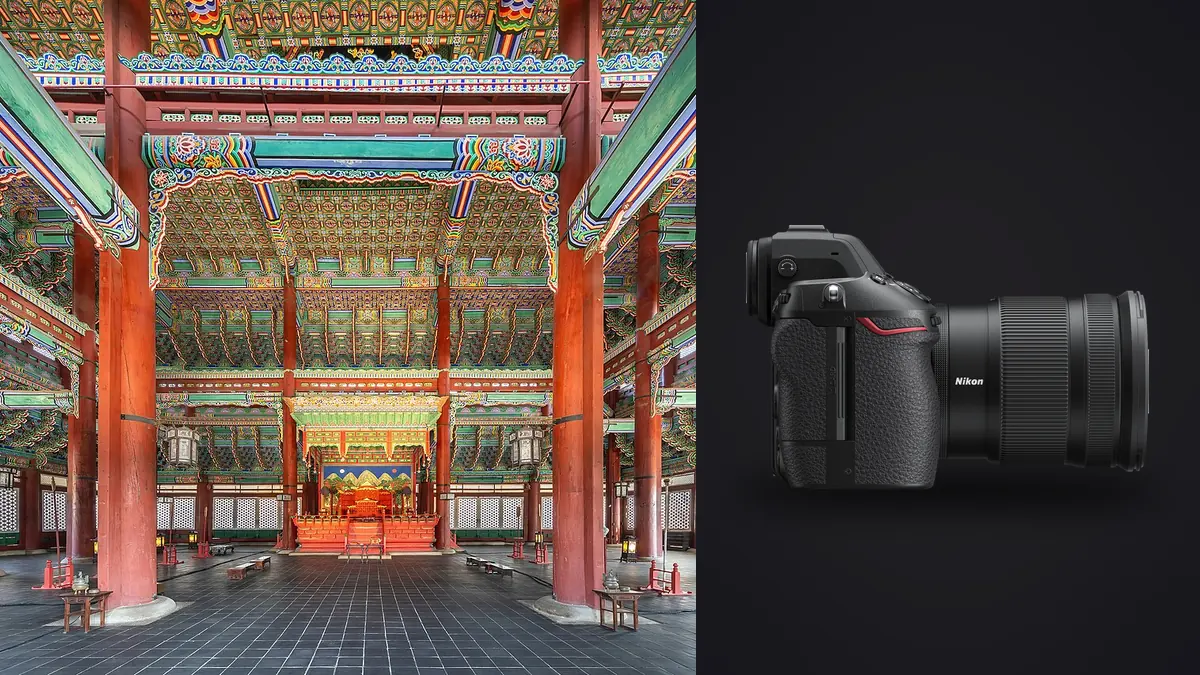
Architecture and interior work is unforgiving in a way that street or portrait photography isn't. A window that blows out two stops brighter than the wood floor in the same frame, a vertical line that leans two degrees off true, a compressor kicking on in the next room while you're trying to shoot silently during a client walkthrough: these are the problems that decide whether a camera actually helps you on this kind of job, not the megapixel count on the spec sheet. I've been shooting the Nikon Z8 on interior design portfolios and small commercial architecture jobs for the better part of a year now, alongside an older Z7II that still comes out for tripod-heavy days, and the differences between the two only show up once you're standing in a half-furnished living room at 4pm trying to beat the light.
The stacked sensor solves a problem you don't notice until it's gone
The headline spec on the Z8 is the 45.7-megapixel stacked, backside-illuminated sensor borrowed from the Z9, and for architecture work the resolution matters less than what the stacking enables: there is no mechanical shutter in this camera at all. Every exposure is fully electronic. On a residential shoot where the stylist is still fussing with a throw pillow six feet away, or a renovated office where staff are working at desks during the walkthrough, that means zero shutter noise and zero shutter shock, even on a tripod at the slower shutter speeds you end up using for ambient-lit interiors in the evening.
The practical side benefit is readout speed. Rolling shutter and banding under flickering LED downlights or fluorescent troffers, the kind you get in almost every renovated kitchen and every office building built after 2015, are much less of an issue than they were on my old D850 or even the Z7II's non-stacked sensor. The Z8 also has flicker detection built in and will time the exposure to avoid banding automatically, which has saved me from a reshoot more than once on mixed-lighting commercial interiors.
Keeping verticals straight without a native tilt-shift lens
Here's the part nobody puts in the marketing copy: Nikon still doesn't make a native Z-mount PC (perspective control) lens. If you want tilt-shift on a Z8, you're either running the old F-mount PC-E lenses (19mm f/4, 24mm f/3.5, or 45mm f/2.8) through the FTZ II adapter in fully manual mode, or you're buying into Laowa's manual 15mm f/4.5 Zero-D Shift, which does ship in native Z mount and has become my go-to for tight interior corners where a shift lens beats correcting verticals in post. Either way, you're focusing manually, and this is where the Z8's high-resolution EVF (3.69 million dots) and focus peaking actually earn their keep, because you cannot rely on autofocus confirmation with a shifted PC lens.
For interiors where I don't need physical shift, the NIKKOR Z 14-24mm f/2.8 S and the 20mm f/1.8 S cover most rooms without forcing me to back into a hallway or shoot through a doorway. Both hold corner sharpness well enough at f/8 to f/11 that I can straighten verticals in post without the file falling apart, which matters more for interiors than for exteriors since you're usually printing these larger for a design portfolio or a listing brochure.
The built-in virtual horizon and framing grid overlays in the viewfinder are dual-axis, so you get roll and pitch at the same time, and I leave this on for every architecture job. It's a small thing, but catching a two-degree lean before you trip the shutter saves a correction crop later, and on a 45-megapixel file you don't have unlimited room to crop and still deliver a usable resolution for print.
Focus stacking, and the high-resolution mode the Z8 doesn't have
Interiors regularly need front-to-back sharpness that even f/11 or f/16 can't deliver in a tight room, especially when there's a piece of furniture six inches from the lens and a window view forty feet away in the same composition. The Z8's Focus Shift Shooting mode handles this well, up to 300 frames per bracket with adjustable step width, and I typically run 8 to 15 frames for a foreground-to-background interior stack, then blend in post.
What the Z8 does not have is an in-camera multi-shot pixel-shift high-resolution mode. If you've used a Pentax K-1 II or a Panasonic S1R for similar work, you'll notice the absence. On the Z8, 45.7 megapixels is the ceiling for a single frame, full stop, so lens choice and technique matter more here than they would on a body with a pixel-shift crutch to fall back on for large-format prints or billboard-scale architectural renders.
What a real shoot day does to your RAW folder
A 14-bit lossless-compressed RAW off the Z8 runs somewhere between 55 and 90MB depending on scene complexity. On a typical interior design shoot, I'm covering 25 to 40 room setups, each one bracketed 3 to 7 stops for the eventual HDR blend, plus the occasional focus stack on top of that. Do the math and you're looking at 300 to 500 RAW files by the end of the day, most of them near-identical exposure variants of the same 30-odd compositions.
That volume is exactly the kind of thing that eats an evening if you're culling by eye. I run everything through imagic before I touch a grading tool, because its duplicate and burst clustering groups each bracket set together automatically instead of making me scroll through seven versions of the same window to find the one where the compressor next door didn't cause a jitter. The local sharpness and focus scoring also catches the manual-focus misses from the shift lens, which is a real failure mode when you're checking focus on a 3.69-million-dot EVF in a dim hallway and the light's about to change. If you haven't looked at how automated culling actually scores frames versus eyeballing a contact sheet, this breakdown of how AI photo culling works covers the mechanics better than I can in a paragraph here.
The offline part matters more on this genre than most people expect. A fair amount of architecture and interior work happens under NDA, either because the building isn't publicly announced yet or because the client hasn't signed off on the design reveal. Running culling and a first-pass edit entirely on the laptop, with nothing uploaded anywhere, is one less thing to explain to a nervous developer's PR team. Once I've settled on a look for a given interior style, whether it's a warm mid-century restoration or a cooler Scandinavian-leaning new build, imagic's apply_my_style feature lets me train a preset off my own previously graded edits and apply it consistently across the rest of that day's rooms, instead of manually matching white balance and warmth room by room. For a photographer who shoots architecture as one part of a broader practice rather than a full-time specialty, that's a meaningful time saving, and it's worth a look at the pricing page if you're comparing it against a subscription tool you're already paying for monthly.
Battery, cards, and the stuff that only matters on a paid job
The EN-EL15c is rated around 340 shots CIPA, but that number assumes you're not running Live View continuously to check verticals against the grid overlay, which is exactly what you do on architecture work. On a full tethered-adjacent day I'm through a battery by early afternoon and carrying two spares as a matter of course. Dual card slots (CFexpress Type B plus SD UHS-II) mean I shoot backup-to-both on any architecture shoot I cannot repeat, since a corrupted card on a one-time access shoot, a model home that gets furniture swapped out the next week, or a renovation that gets demolished further, isn't something you can reshoot.
Weather sealing has mattered more than I expected for exterior architectural shots at dusk, shooting a facade in light rain or heavy dew without babying the camera. And the Z8's smaller body compared to the Z9 is a genuine advantage on this kind of job specifically: architecture shoots involve more ladder work, stepstools, and awkward angles from stairwells than most other genres, and the extra few hundred grams and bulk of the Z9 grip is not nothing after the fourth flight of stairs.
Where the Z8 sits against the alternatives
None of this happens in a vacuum. If you're deciding whether the Z8 is the right tool for architecture and interior work specifically, here's how it stacks up against the bodies I'd actually consider for the same job.
| Camera | Resolution | Native shift lens | Shutter type | Body weight | Approx. street price |
|---|---|---|---|---|---|
| Nikon Z8 | 45.7MP stacked | None (FTZ II or Laowa manual) | Fully electronic | ~910g | ~$3,900 |
| Nikon Z7II | 45.7MP (non-stacked) | None (FTZ II adapter) | Mechanical + electronic | ~705g | ~$2,700 (used market common) |
| Canon EOS R5 | 45MP | None (EF TS-E via adapter) | Mechanical + electronic | ~738g | ~$3,400 |
| Fujifilm GFX100S II | 102MP medium format | None (specialist adapters only) | Mechanical + electronic | ~883g | ~$5,000 |
The pattern worth noticing: nobody in this class currently sells a native mirrorless tilt-shift lens, Nikon included, so that part of the decision comes down to adapted glass no matter which mount you pick. Where the Z8 pulls ahead for this specific genre is the combination of a fully electronic, completely silent shutter with stacked-sensor readout speed, which the Z7II and R5 don't match, at a resolution that's high enough for large interior prints without the file sizes and slower buffer clearing of the GFX100S II's medium format files.
Frequently Asked Questions
Can you use tilt-shift lenses on the Nikon Z8 at all?
Yes, but not natively. The FTZ II adapter passes through the older F-mount PC-E lenses (19mm f/4, 24mm f/3.5, 45mm f/2.8, 85mm f/2.8) in fully manual focus and manual exposure, since the shift mechanism isn't electronically coupled. Third-party options like the Laowa 15mm f/4.5 Zero-D Shift ship in native Z mount and skip the adapter entirely, which is what I reach for most often on interiors.
Is 45.7 megapixels overkill for interior and architecture photography?
Not for large-format prints or a design portfolio meant to be viewed big, but it does mean bigger files and a heavier culling load on a multi-room shoot day. That's less a knock on the Z8 specifically and more a reality of any modern 40-plus-megapixel body; it's worth pairing with a culling workflow that can handle bracket sets and near-duplicates without you manually sorting hundreds of frames per day.
Does the Z8 handle mixed interior lighting well, especially LED and fluorescent fixtures?
Better than older non-stacked sensors in my experience. The fast sensor readout reduces the banding you get from flickering light sources, and the camera's flicker detection will time the shutter to avoid it in most cases. You'll still want to gel or swap out mixed color-temperature fixtures where you can, since no sensor readout speed fixes a room lit by three different bulb temperatures at once.
Is the silent electronic shutter actually reliable for occupied buildings and client walkthroughs?
Yes, and it's one of the more underrated reasons to pick the Z8 for this genre over an older DSLR-era body. There's no mechanical shutter in the Z8 at all, so there's nothing to make noise or introduce shutter shock, which matters when you're shooting a staged model home with a realtor showing it to buyers an hour later, or an office interior during business hours.