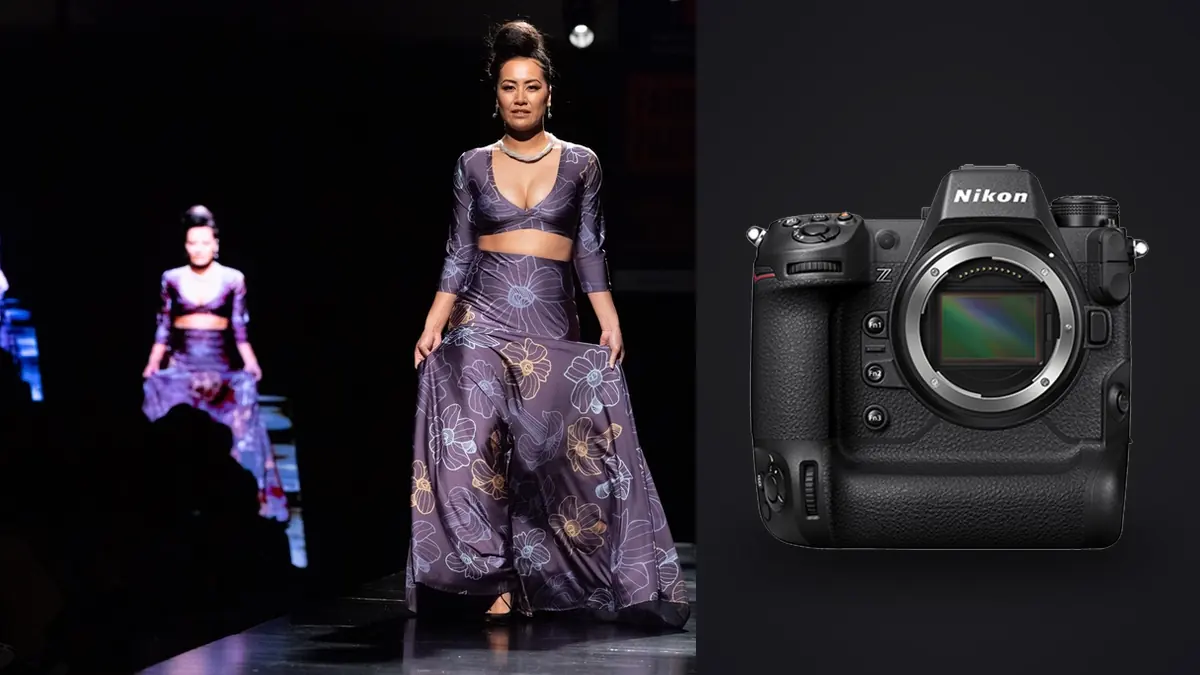
Lookbook days don't feel like other shoots. You've got maybe eight hours, ten to fourteen looks, a stylist re-pinning garments between every third frame, and a client standing behind the monitor asking to see the last setup again. The camera stops being a creative tool for an hour at a time and just becomes infrastructure. It either keeps up with the room or it becomes the bottleneck everyone's waiting on. Most of what matters about the Nikon Z9 for e-commerce and lookbook work has nothing to do with image quality. It's about what happens in the fifteen seconds between "got it" and the next garment going on the rack.
The buffer is the reason I stopped renting a second body
Running a backup body on lookbook jobs purely as insurance is common, not because a failure is expected but because older cameras choke when you lean on the shutter. Shoot a 20-frame burst on a body with a shallow buffer and you're staring at a "busy" indicator for four or five seconds while the stylist is already reaching for the next hanger. On a schedule with fourteen looks and three setups each, those stalls add up to real minutes, and minutes on a rented studio clock are money.
The Z9's buffer changed that math. Shooting 14-bit lossless compressed RAW at 20fps onto CFexpress Type B, I can burst several hundred frames before the camera even thinks about slowing down, and in practice I almost never see it happen mid-look. The electronic-only shutter also means there's no mechanical shutter mechanism racking up an actuation count across a job that can generate 3,000+ frames in a single day. That's not a small thing when you're running the same body through twenty shoot days a month.
Where the frames actually go
Not every part of a lookbook needs the same frame rate. I settled into a pattern over a few seasons that keeps file counts sane without missing the shot that actually gets used:
| Shot type | Mode I use | Frames per look | Card slot |
|---|---|---|---|
| Static hero (front, 3/4, back) | Single or CL, 3-5fps | 15-25 | Slot 1, RAW |
| Walk / turn / movement | C20, 20fps RAW | 80-150 | Slot 1, RAW |
| Fabric flare (skirt, coat swing) | C20, 20fps RAW | 60-100 | Slot 1, RAW |
| Detail / fabric close-up | Single | 5-10 | Slot 1, RAW |
| Client reference / BTS | Single, JPEG | 2-4 | Slot 2, JPEG backup |
Keep the second CFexpress slot writing a JPEG backup of everything, which costs nothing in write speed and means if a card ever corrupts you're not explaining to a client why an entire look is gone. Skip the 30fps or 120fps high-speed capture modes for lookbook work; they drop to reduced resolution and JPEG-only, and a client-facing lookbook needs full-resolution RAW for retouching, so the extra frame rate isn't worth the trade.
Autofocus on a rack full of hats, veils and swinging fabric
Fashion sets throw things at autofocus that portrait work rarely does. Wide-brim hats that shadow half the face. Veiling and lace over the eyes. Sunglasses. A model spinning so the face is only in frame for a third of a second. The Z9's subject-detection AF, set to people with 3D-tracking as the fallback, handles most of this better than I expected going in. It'll pick up an eye through a thin veil and hold it, and if the face turns away mid-spin it grabs the torso and reacquires the eye the moment it's visible again rather than hunting. Where it still needs help is deep-shadow hats on a dim set. If the brim is casting real shadow and the studio isn't lit past f/8-ish exposure, I'll switch to wide-area AF and place the point on the jawline rather than trust subject detection to find an eye that isn't clearly visible. It's a small manual override, but it's the one AF situation on a lookbook day where you shouldn't just leave the camera on auto everything.
The other thing worth mentioning is rolling shutter, or the near-absence of it. The Z9's stacked sensor reads out fast enough that skirt swings, coat flares and hair whips don't skew into that jello-wobble you get on cameras with slower electronic readout. That matters more than it sounds like it should, because a lot of lookbook movement shots exist specifically to show how the fabric moves, and a warped hemline in a frame the client picks as the hero shot is a problem you can't always fix in editing.
Sync speed and the flash power you give up outdoors
Studio lookbooks are simple: strobes, standard sync, done. It's the half-day outdoor add-ons, the ones clients tack onto a studio booking for "one location look," where sync speed actually decides how the shot gets built. Auto FP high-speed sync lets me shoot flash-fill above 1/250 up to the camera's max shutter speed, which is what lets me pull a bright sky down and still put a clean edge of light on the model without stopping down to f/16 and losing the separation from the background.
The trade-off nobody mentions until they're on set: HSS costs flash power, and it costs more the higher the shutter speed climbs. A head that comfortably overpowers sun at 1/250 in normal sync mode is noticeably weaker at 1/2000 in HSS. On a lookbook add-on I don't always have a second head and a assistant to spare, so I plan the outdoor look for late afternoon when I can shoot 1/500-1/800 instead of chasing midday sun at 1/2000, and I get the light I need without asking one strobe head to do a two-head job.
What 3,000 frames from one day does to your evening
Here's the part that doesn't show up in camera reviews. A 12-look lookbook day, shot the way described above, easily produces 2,500 to 4,000 RAW files. At 45.7 megapixels, that's somewhere north of 150GB before you've backed anything up. Multiply the movement bursts by twenty frames a second and you get long runs where twelve consecutive frames are nearly identical, one eye-blink apart, and the client only ever needs one of them per look.
This is where the day actually gets long if you're doing it by hand. Scrubbing through hundreds of near-duplicate burst frames looking for the one where the coat is mid-flare and the eyes are open and sharp is not creative work, it's just tedious, and it's the part of the job that can eat the evening after a shoot day that already started at 7am. I run everything through imagic now specifically for this stage. It clusters the burst sequences and duplicate frames automatically and ranks them by local sharpness and focus accuracy, so instead of paging through 90 nearly-identical spin frames I'm looking at the six or eight it flagged as actually sharp on the eyes. It's local processing too, which matters more on fashion work than most photography, because a lot of these contracts come with an NDA on unreleased garments, and uploading a client's unannounced collection to anyone's cloud to get it culled is a risk.
The other habit I picked up: once I've shot the first two or three looks and I'm happy with how the grade sits, I train imagic's apply_my_style preset on those edits and let it apply that same look across the rest of the day's selects. A lookbook lives or dies on consistency, the client is going to lay these out side by side on a page or a product grid, and nothing looks worse than look four sitting half a stop warmer than look nine because you graded them six hours apart and your eyes had adjusted to the studio lighting differently by then.
Cards, backups, and the client who wants files same day
Twin CFexpress Type B slots sound like a spec-sheet line until you're the one explaining a lost card to an art director. Write RAW to slot one and a JPEG backup to slot two on every frame, full stop, no exceptions even on the throwaway test shots. It costs a bit of card space and nothing in speed. On a lookbook day you hopefully never need the backup slot to save you, and you'd rather it stay that way, but the one time a card does fail mid-shoot is not the day you want to be reshooting looks from scratch because a stylist has already sent the garments back.
Tethering is where I've had to compromise. Tethered to Capture One over USB-C, the Z9 handles single-frame hero shots fine and the client can watch them land on the big screen in real time, which they like. But I don't tether during the 20fps movement bursts. The write overhead slows things down enough that I'd rather shoot those to card only and pull the selects onto the tether laptop afterward for review. It's a small workflow split, tethered for statics, card-only for motion, but once you set it up as a habit it stops being a decision you make on the fly.
Frequently Asked Questions
Do you actually need 45 megapixels for a lookbook, or is that overkill?
Most lookbook deliverables end up resized to something like 2400px on the long edge for a lookbook PDF or a product page, so 45MP is more than the output needs on its own. Where it earns its keep is cropping. Art directors change their mind about composition after the fact more often than they don't, and having enough resolution to reframe a full-length shot into a tighter 4:5 crop for a different platform without falling below print-quality pixel density has saved more than one reshoot request. If your deliverables are strictly web-res social crops, you could get away with less. For anything that might get printed or cropped hard later, the extra resolution is a real cushion, not just a spec number.
Is the fully electronic shutter a problem when shooting fast-moving fabric?
In my experience, no, and it's actually a net positive. The Z9 has no mechanical shutter at all, so there's zero shutter shock and no mechanical wear from a day that can rack up thousands of actuations, but the readout speed of the stacked sensor is what actually prevents the skewing you'd worry about with a slower electronic-shutter sensor. Fast-swinging fabric, a model's turn, hair movement, none of it has shown the rolling-shutter warp I used to see on older electronic-shutter modes on other bodies.
What lens is doing most of the work on a Z9 lookbook day?
A solid pairing is an 85mm f/1.2 for the full-length heroes and a 24-70mm f/2.8 for anything where the art director wants to adjust framing on the fly without a lens change interrupting the flow. The 85 gives the compression that flatters a standing pose without needing much working distance, which matters in a studio that's smaller than you'd like. A longer telephoto can stay in the bag for outdoor add-ons where you want more separation from a busy background, but it rarely comes out on a straight studio day.
How do you manage a same-day file turnaround with this much volume?
Culling has to start on set, not after. Do a rough pass on the back of the camera between looks to catch obvious misses (blinks, garment folds the stylist needs to fix), then the real cull happens the moment the card comes off, running the day's RAWs through imagic to cluster the bursts and surface the sharpest frame from each sequence before you ever open a full editor. That cuts the pile down from thousands of frames to a couple hundred real candidates fast enough that a same-day contact sheet to the client is usually realistic even on a full 12-look day.