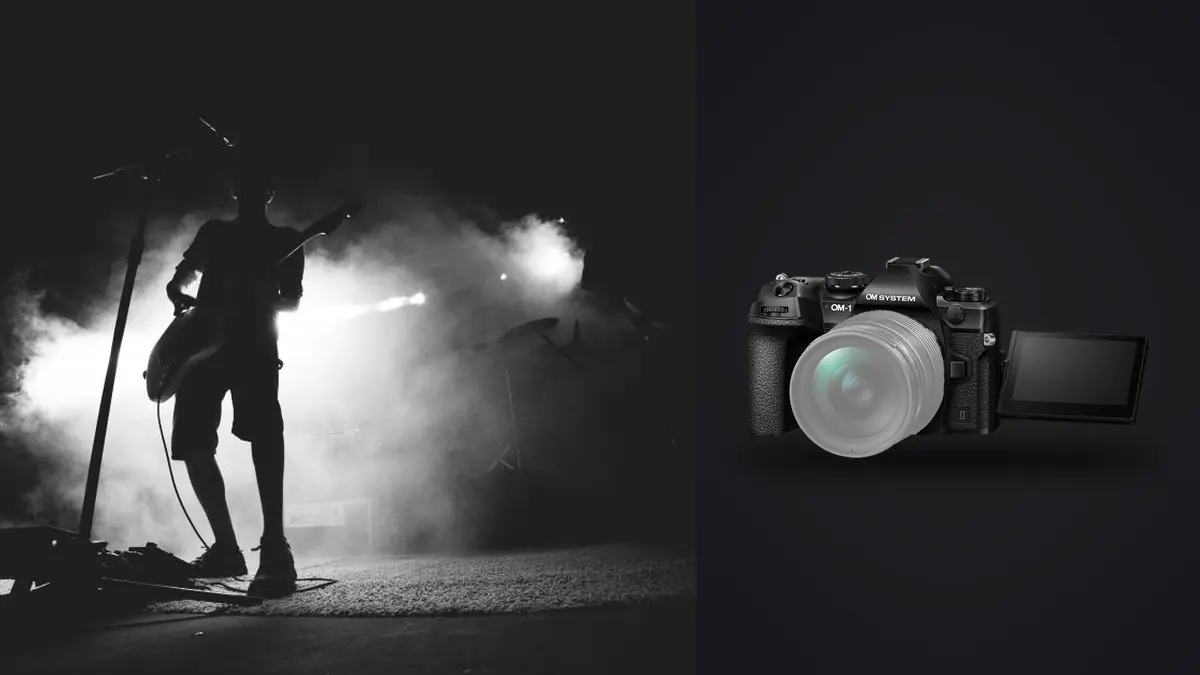
Concert photographs are shaped by sequences: a singer crossing a beam, a drummer lifting a stick, a guitarist turning toward the crowd, or a quiet frame between songs. The OM System OM-1 Mark II can produce many ORF files around those moments, but volume is only one workflow problem. Rapidly changing LEDs, deep shadows, haze, electronic displays, and restricted shooting positions can make adjacent frames differ more than their thumbnails suggest.
This RAW Workflow preserves performance order while separating technical defects from expressive choices. It begins with clock and card discipline, treats flicker and color shifts as sequence-level issues, uses burst grouping without flattening meaningful gestures, and ends with exports suited to editorial, venue, or artist delivery.
Set the file record before the first act
Synchronize the camera clock with any second body and confirm the venue date, artist names, usage terms, and delivery deadline in a project note. Performance order becomes valuable metadata later, especially at festivals where several acts share a stage. A folder labeled only with the venue name cannot explain which files belong to which performer.
Use a fresh or clearly separated card set and choose an ORF capture setting that preserves the latitude required for difficult stage light. A reference JPEG can help communicate an in-camera look, but it should be treated as a derivative, not the only source. Confirm that both card-slot behavior and remaining capacity match the assignment before access becomes restricted.
Create a simple capture marker between acts when conditions allow. A frame of the stage schedule or an obvious wide empty-stage image can divide sequences without distracting performers. Do not photograph confidential credentials or audience information merely for organization. Written notes with frame ranges are often safer.
Capture bursts as phrases, not continuous noise
Short bursts around a gesture create coherent groups. Begin as the movement develops, continue through its peak, and stop when expression or composition changes. Long, uninterrupted runs increase storage pressure and make later comparisons harder because several visual ideas become one sequence. The strongest frame may occur before or after the obvious peak, so include a small lead-in and follow-through.
Keep a few deliberate single frames between bursts. They can preserve quieter expressions, clean transitions, and establishing compositions that a high-speed sequence misses. Stabilization can help with hand movement at slower shutter speeds, but performers remain subject to motion. A blurred hand may express rhythm; a blurred eye usually changes the decision. The intended subject detail should determine whether motion is acceptable.
Stage lighting can cycle faster than it appears. Adjacent frames may show different brightness or color even when camera settings are unchanged. When banding or uneven illumination appears, note the shutter mode and speed rather than assuming the RAW processor is at fault. Avoid mixing mechanically and electronically captured files under one unexplained group if their artifact risks differ.
Ingest by act, card, and camera
Copy each card to a card-specific originals folder, verify the number of files and representative ORF previews, and make a second verified copy before any card is erased. If delivery begins during the event, work from a copy rather than directly from the card. A rushed edit should not become the only version of the source.
Preserve chronological order while dividing the material by performer or set. If two cameras have overlapping filenames, rename only after both source folders are secure. A practical name can combine date, act code, camera code, and a padded sequence number. Retain the original filename in metadata or a manifest when a publication may need to reconcile files with the capture card.
Separate originals, selects, developed masters, rapid editorial exports, and final delivery. The rapid folder may contain a smaller, minimally finished set for immediate needs, while the final folder receives the complete review. Never move unreviewed originals into a delivery directory simply because an automated process marked them as likely keepers.
Use automated analysis as a technical first pass
imagic supports ORF and can analyze sharpness, exposure, composition, closed eyes where a face is visible, and near-duplicate or burst relationships locally. This can reveal groups and obvious technical failures without uploading unreleased performance files. A reject remains a status; the application does not delete the original photograph.
Concert imagery needs interpretation beyond those signals. Closed eyes can be an expressive singing frame, silhouette may be intentional, and a composition score may penalize a performer placed near an edge to leave room for stage light. Review each top-ranked group in context and override the status when the picture communicates more than its technical score.
Check score freshness if results appear inconsistent with visible detail. Reselecting a different quantity only changes ranking from stored scores. It does not re-run analysis. Use the freshness tools and reanalyze stale files when appropriate, then return to human sequence review.
Compare gesture, focus, and lighting separately
Begin at sequence view and mark frames with the right gesture or interaction. Then inspect those candidates for focus at the intended point, usually an eye, face, instrument detail, or hand. Finally compare lighting state. This order protects expressive frames from being rejected too early while still ensuring the delivered file meets technical requirements.
LED flicker can create horizontal bands, partial exposure, or inconsistent color. View adjacent files with identical provisional development to identify the pattern. A single frame may look unusually dark because of the light cycle, not because exposure was changed. Pick a neighboring gesture when possible; aggressive tonal correction will not remove every band cleanly.
Watch microphone placement, stage-edge obstructions, exit signs, screens, and hands crossing faces. These are composition issues that may change within fractions of a sequence. Do not keep five near-identical files simply because each is sharp. Preserve variations that alter expression, performer interaction, lighting geometry, or editorial usefulness.
Build one tonal baseline per lighting scene
Choose a representative ORF from each stable lighting passage and establish exposure, white balance, highlight protection, and basic contrast. Sync that baseline only to files made under genuinely similar conditions. A red wash, white spotlight, and blue backlight are separate scenes even when they occur in the same song.
Stage color is part of the performance. Neutralizing every saturated light can erase atmosphere and create broken skin color where one channel received little exposure. Correct obvious camera or processing bias, protect channels from clipping where possible, and let intentional lighting remain visible. Use a less extreme neighboring frame when accurate editorial color is required.
Apply noise reduction after exposure and color are stable. Judge faces, hair, instrument texture, haze, and dark fabric at final size. Excessive smoothing can remove eyelashes and make stage smoke look blotchy, while excessive sharpening can turn noise into a brittle pattern. Treat shadow noise as one factor, not a reason to crush every dark area.
Edit the story across the full set
A delivery should move beyond repeated tight portraits. Include an establishing venue frame, artist identity, performance action, instrument detail, audience relationship where permission permits, and a closing or transition image. The exact mix depends on the brief, but each file should contribute a different piece of information.
Arrange provisional selects in performance order, then look for visual repetition. Two photographs may show different songs but occupy the same composition and emotional register. Keep the stronger one unless both moments are editorially required. Conversely, a technically quieter frame can bridge two intense images and improve pacing.
For local application details, see the desktop photo workflow. Equipment and capture considerations for this type of assignment are collected under Camera Hardware. These references support the process, but the artist or publication brief remains the authority for required coverage.
Export separate editorial and final deliverables
Rapid editorial JPEGs should use a controlled recipe: agreed pixel dimensions, color space, quality, filename, caption field, and rights metadata. Inspect the actual exports for banding, crop, orientation, and color. A file that looked acceptable against a dark editing interface may appear too dense on a typical browser background.
Final delivery can include larger JPEGs or TIFF files where requested. Do not upscale merely to imply detail, and do not remove contextual metadata that the recipient needs. At the same time, avoid including backstage location details, credentials, or personal audience information without a reason. Metadata policy should follow the contract and publication needs.
Archive ORF originals, manifests, adjustment records, captions, and final files. Keep immediate-event exports separate so they are not mistaken for fully reviewed finals. The ability to trace an exported image back to its original sequence is especially important when a performer, venue, or editor asks about a specific moment.
Reconcile files from a second body without losing chronology
A concert assignment may pair the OM-1 Mark II with another camera carrying a different focal length. Keep each camera's originals in separate source folders, synchronize capture times before sorting, and add a camera code during renaming. If clocks differ, calculate the offset from a frame made at the same visible event, then document the correction instead of rewriting original metadata without a record.
After the files are interleaved, review the performance as one story. Do not let one body's different color baseline or aspect ratio create accidental visual chapters. Establish camera-specific RAW corrections first, then compare matched lighting moments and bring contrast, black level, and skin color into a coherent range. Exact pixel equality is neither possible nor necessary.
Duplicate grouping across two viewpoints requires care. Frames made at the same instant may depict different information and should not be treated as redundant simply because the performer and lighting match. One view may show an expression while the other explains audience scale. Preserve both when each advances the coverage.
Attach captions after the picture edit is stable
Caption work is part of the file workflow. Confirm performer names, band roles, venue, city, date, and any required credit from authoritative assignment records. Do not infer identity from appearance or copy an unverified social-media tag. Add captions to the final selected filenames so metadata does not drift when a late substitute enters the delivery.
Review captions and images together before handoff. A technically correct file paired with the wrong act is still a delivery failure. Preserve the caption sheet or embedded metadata export in the archive beside the finals.
Frequently asked questions
Should every high-speed OM-1 Mark II burst be delivered?
No. Bursts provide alternatives around gesture, focus, and lighting, but delivery should contain meaningfully different frames. Keep the sources, then select the smallest set that covers the performance brief.
Can an exposure slider repair LED banding?
Usually not completely. Banding comes from the interaction between shutter readout and a cycling light source, so a neighboring frame or different capture setting is often the cleaner answer.
Does a reject status delete an ORF file in imagic?
No. Culling changes the photo's status while the original remains on disk. That allows a sequence decision to be reversed after a wider editorial review.