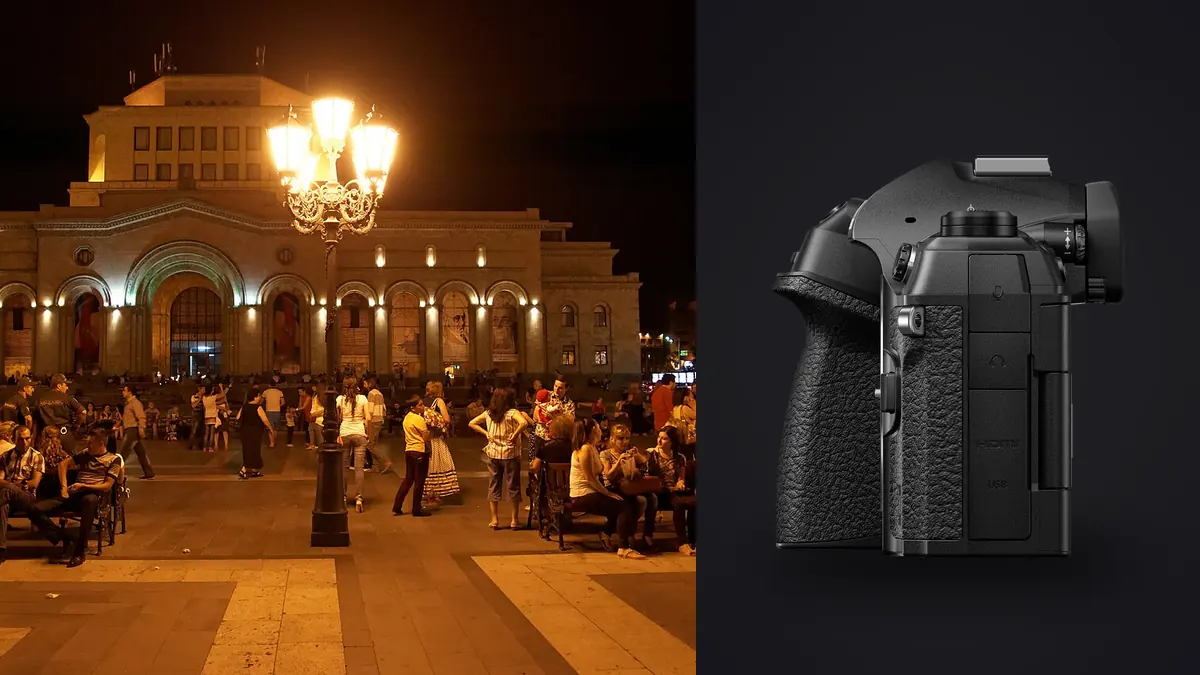
A camera that shoots at 120 frames per second doesn't sound like a street camera. That spec exists for people photographing kingfishers diving into water, not people leaning against a lamppost waiting for someone interesting to walk past. But the OM System OM-1 Mark II turns out to be a genuinely strong tool for street and documentary work, and not for the reasons OM System puts on the box. The stacked sensor, the small Micro Four Thirds mount, and a handful of computational modes solve problems that full-frame street shooters have been complaining about for a decade: bulk, noise from mechanical shutters, and the awkward choice between a fixed-lens compact and a full interchangeable-lens system.
Why the sensor size argument actually works here
Micro Four Thirds gets dismissed in gear forums as the format you settle for, not the one you choose. For studio and landscape work that criticism has some teeth. For street and documentary shooting it mostly doesn't, because the thing MFT trades away (shallow depth of field, top-end high ISO cleanliness) is rarely what makes a documentary frame work, and the thing it gives back (a 2x crop factor that turns small, light lenses into useful focal lengths) is exactly what a walking photographer wants.
A 17mm f/1.8 prime on the OM-1 Mark II gives you a 34mm field of view in a lens that weighs 120 grams. A 25mm f/1.8 gives you a 50mm equivalent in a similarly tiny package. Put either one on the body and the whole rig disappears into a jacket pocket in a way no full-frame 35mm or 50mm combination manages. That matters more on a twelve-hour documentary shoot than most spec sheets let on. Fatigue changes how long you're willing to keep the camera up, and a lighter kit means more hours of actual shooting before your shoulder makes the decision for you.
How it stacks up against the usual street camera picks
Street shooters tend to compare against a fairly narrow set of cameras, so here's where the OM-1 Mark II sits against the ones that actually come up in that conversation.
| Camera | Sensor | Body weight | IBIS rating | Silent burst top speed | Approx. launch price |
|---|---|---|---|---|---|
| OM System OM-1 Mark II | 20.4MP stacked MFT | 599g | Up to 8.5 stops (sync IS) | 120fps (AF locked) | ~$2,399 body only |
| OM System OM-1 (original) | 20.4MP stacked MFT | 599g | Up to 7 stops | 120fps (AF locked) | ~$2,199 body only |
| Fujifilm X100VI | 40.2MP APS-C | 521g | Up to 6 stops | 20fps (electronic) | ~$1,599, fixed lens |
| Ricoh GR IIIx | 24.2MP APS-C | 262g | None | 4fps | ~$999, fixed lens |
| Leica Q3 | 60MP full frame | 743g | None (lens OIS only) | 15fps (electronic) | ~$5,995, fixed lens |
The interesting column there isn't the megapixel count, it's the weight-to-capability ratio. The OM-1 Mark II is heavier than the fixed-lens compacts, but it's the only camera in that table that gives you interchangeable lenses, class-leading stabilization, and a burst rate built for genuinely unpredictable moments, all in a body that a Fuji or Leica shooter wouldn't laugh at when it comes out of the bag.
Pro Capture, and why it changes how you work a scene
Pro Capture is the feature that took the longest to click for me, and now it's the one I'd miss most if I switched systems. Half-press the shutter and the camera starts buffering frames continuously; full-press and it saves not just the moment you pressed but a set number of frames from just before it too. On the OM-1 Mark II you can pull up to 99 frames from before the shutter button was fully depressed, at up to 120fps.
For wildlife, that's for catching the exact instant a bird leaves a branch. For documentary work, it solves a much more human problem: the half-second where you see something forming, a hand about to gesture, a kid about to jump, a driver about to sound a horn in reaction to something, and you know the moment is arriving but you can't react fast enough to catch its peak. Pro Capture removes the reaction-time penalty entirely. You're not guessing when to press, you're pressing as soon as you sense a scene developing and trusting that the actual peak got recorded in the buffer.
The tradeoff is obvious and worth saying plainly: shooting this way generates an enormous number of near-duplicate frames. A five-second Pro Capture burst at 60fps produces three hundred images of essentially the same three seconds. Sorting that by eye at the end of a shooting day is not a reasonable way to spend an evening, and it's the actual reason I now run everything through imagic before I look at a single frame myself. Its duplicate and burst clustering groups those sequences automatically and its sharpness scoring flags which frame in each burst actually landed the moment in focus, so I'm reviewing maybe fifteen candidate frames instead of three hundred near-identical ones.
Silent shooting and working close
Street and documentary photography both depend on being able to work close to people without becoming the event. The OM-1 Mark II's electronic shutter is genuinely silent, no artificial shutter sound piped through a speaker, nothing. Combined with a small body and a lens that doesn't scream "professional," it lets you work at a distance where you can read expressions and reactions without triggering the self-consciousness that a loud mechanical shutter or a big white lens barrel tends to cause.
There's a real caveat here that gear reviews tend to skip: electronic shutter rolling readout on this sensor is fast for the format, but it's not zero. Fast panning motion or a subject moving quickly across the frame can still produce mild skew. It's rarely visible at normal viewing sizes and almost never shows up in a documentary edit where the content of the frame matters more than pixel-level geometry, but if you're photographing something like a moving vehicle at a sharp angle, it's worth knowing the mechanical shutter is still there as a fallback.
Weather sealing that actually gets used
Documentary work doesn't wait for good weather, and this is one area where the OM-1 Mark II earns its price relative to the fixed-lens compacts in that table above. The body carries an IP53 rating, and paired with a sealed M.Zuiko lens it shrugs off rain, dust, and the kind of grime that comes with shooting in markets, construction sites, or protests. I've shot through genuinely unpleasant weather with this camera and never once thought about the gear, which is the whole point of weather sealing: it should be invisible until you need it, then completely reliable when you do.
The lens choices that actually matter for this kind of work
The body is only half the story. Three lenses cover most of what a street or documentary shooter needs from this system:
- M.Zuiko 17mm f/1.8 (34mm equivalent) is the closest thing MFT has to the classic street focal length, small enough to leave mounted permanently.
- M.Zuiko 25mm f/1.8 (50mm equivalent) is the natural-perspective option for portraits within a documentary sequence, still under 140 grams.
- M.Zuiko 12-40mm f/2.8 II PRO (24-80mm equivalent) is the one lens that covers a whole assignment when you don't know what you'll need, at the cost of being noticeably bigger and heavier than the primes.
None of these are cheap relative to their MFT peers, but all three are genuinely weather sealed to match the body, which matters more for documentary work than it does for most other genres.
Where this camera stops making sense
It's worth being honest about the limits, because a lot of camera writing pretends every flagship is perfect for everything. The OM-1 Mark II's high ISO performance, while good for the sensor format, will not match a full-frame body once you're above ISO 6400 in dim interior light, and documentary work regularly happens in dim interiors: bars, back rooms, evening gatherings. If low light is the majority of your work rather than the occasional scene, a larger sensor is still the more forgiving tool.
The menu system is also dense. OM System inherited a lot of Olympus's control philosophy, and the Mark II has more custom buttons, more AI subject-detection modes, and more computational shooting modes than a photographer moving from a simpler camera will want to learn in a weekend. It rewards someone willing to spend a few evenings in the menus before a real shoot, not someone expecting to pick it up and shoot intuitively on day one.
What a working day with this camera actually looks like
In practice, a documentary day with the OM-1 Mark II goes something like this. Morning light, 17mm mounted, camera set to Pro Capture with a short pre-buffer for anything unpredictable. Midday, if there's an interior scene, a quick swap to the 25mm and a bump to Live ND if I want to smooth out foot traffic in a frame without carrying a physical filter. Evening, if there's an architectural or environmental shot worth the extra resolution, a handheld high-resolution capture for a static frame that benefits from more detail than the native 20.4MP sensor delivers on its own.
Then the card comes home, and this is where the workflow either holds together or falls apart. A single day like that can produce several thousand files once Pro Capture sequences are counted, all shot as .orf raw files, and no documentary photographer has time to click through that by hand. I run the card straight into imagic, which reads .orf natively, groups the burst sequences, scores focus and eye closure, and surfaces the handful of frames actually worth editing. Because it processes everything locally rather than pushing files through a cloud service, that sorting happens on the laptop in the hotel room or the car, not over whatever wifi happens to be available at the end of a long day, which matters more on assignment than it does shooting from home. If you want a broader look at how that kind of automated first pass actually works, this piece on AI photo culling covers the mechanics in more depth.
From there, imagic's apply_my_style feature, trained on my own past edits rather than a generic preset pack, gets the surviving frames to roughly where I'd take them by hand, which turns a two-hour editing session into something closer to twenty minutes of fine adjustment. For anyone trying to tighten that same gap between shooting and delivering, these workflow tips pair well with a burst-heavy camera like this one.
Frequently Asked Questions
Is Micro Four Thirds too small a sensor for serious documentary work?
No, though it depends what "serious" means to you. The crop factor is a genuine limitation in very low light and for extremely shallow depth of field, but for the bulk of street and documentary shooting, which happens in daylight or reasonably lit interiors, the format's downsides matter far less than the weight and reach advantages it hands back.
How many frames does Pro Capture actually let me recover before the shutter press?
Up to 99 frames, depending on the burst speed and buffer settings you've chosen. In practice most documentary use cases only need a fraction of that, a half-second to one-second pre-roll is usually enough to catch a moment you sensed but couldn't react to in time.
Do I need the 12-40mm f/2.8 PRO zoom, or are the primes enough?
If you already know your shooting distance tends to sit around 35mm or 50mm equivalent, the primes are lighter, faster in low light, and cheaper. The zoom earns its weight on assignments where you genuinely don't know what the day will demand, or where changing lenses mid-scene isn't practical.
Does shooting this many burst frames actually slow down the editing process?
It can, if you're sorting by hand. That's the real cost of Pro Capture that spec sheets don't mention: more usable moments, but also a much larger pile of near-duplicate frames to work through afterward. Software that clusters bursts and flags the sharpest frame in each one removes most of that overhead, which is the difference between Pro Capture being a genuine advantage and just being extra clutter.