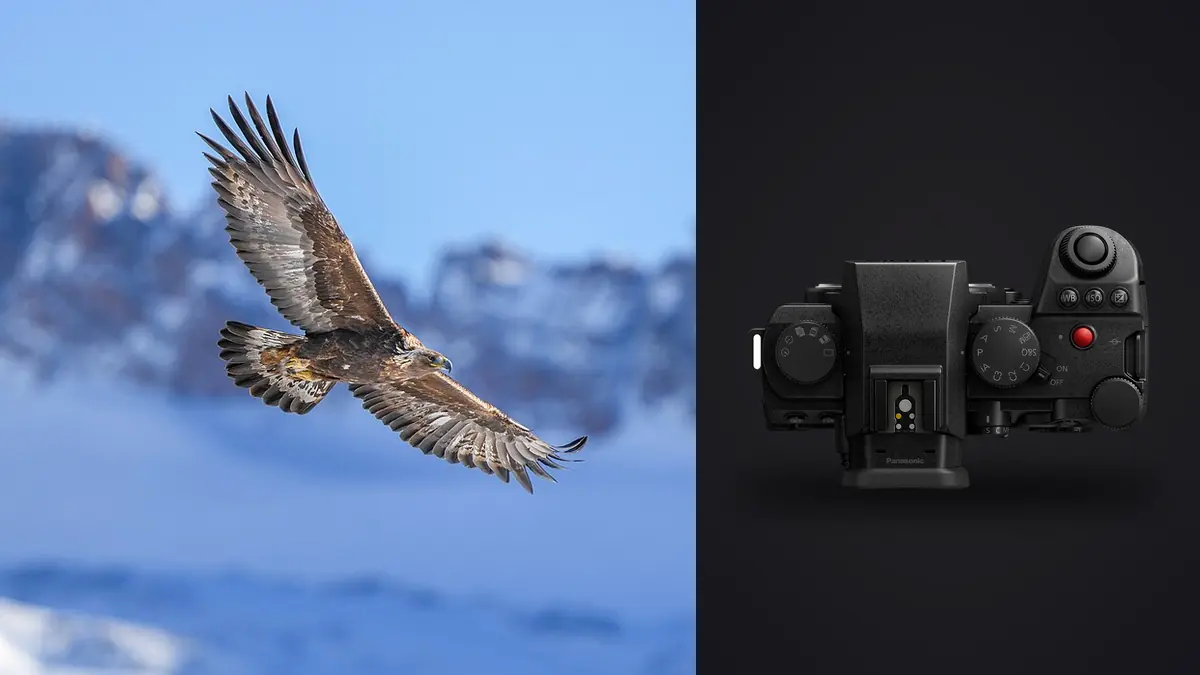
A Panasonic Lumix S5IIX wildlife folder contains more than sharp and soft frames. It records behavior, failed approaches, changing habitats, bursts around takeoff, and sometimes sensitive location information. A useful RAW workflow protects those originals, keeps each behavioral sequence understandable, and separates technical selection from ethical decisions about what should be published.
The S5IIX records Panasonic RW2 files and offers dual SD card slots plus phase-hybrid autofocus. Those capabilities support a resilient capture-to-delivery path, but no body setting replaces verified copies, clear metadata, and a human review of species and habitat. This workflow treats flight bursts, perched portraits, and environmental frames as parts of one documented assignment.
Configure card recording for the consequence of loss
The S5IIX has two SD slots. Simultaneous recording can create two in-camera copies, while separate RAW and JPEG recording or overflow serves different needs. For irreplaceable behavior, duplicate RAW capture is the clearest protection if both cards and selected settings support the required performance. Test the arrangement with a full flight burst before the trip.
Label cards and separate their physical states: blank, exposed, and copied. Format in the camera only after prior files have been verified elsewhere. Keep the two cards from a duplicated set apart after the session so one lost pouch does not remove both copies.
Choose burst rate and RAW format with the card path in mind. Short behavior-led bursts create meaningful changes without filling buffers and cards indiscriminately. The highest available rate may introduce format or setting limitations, so consult current Panasonic documentation and test the exact combination.
Record field context without exposing sensitive sites
Synchronize the camera clock and record broad location, habitat, weather, and species notes. A photographed notebook page or voice memo can mark the beginning of a sequence. When identification is uncertain, use a neutral provisional label rather than embedding a confident but unverified species name in filenames.
Exact coordinates may need protection for nests, threatened species, roosts, or fragile habitat. Disable location transfer when it is unnecessary, or remove precise coordinates from public exports while retaining controlled research metadata if appropriate. Follow local law, landowner rules, and guidance from conservation organizations.
Keep notes about disturbance. If the animal changed behavior, called repeatedly, abandoned feeding, or reacted to approach, end the sequence and record the circumstance. The final edit should not reward a frame created through harmful pressure.
Ingest RW2 files into a verifiable structure
Create a date-led job folder with original card folders, working data, exports, and documentation. Copy each card intact into its own original folder. Keep camera filenames and chronology until burst relationships are understood. Two cameras with overlapping names should remain separated by body or card.
Use checksum verification when available. Otherwise compare counts and sizes, then open samples across each copy. Create a second verified copy on another physical device before formatting cards. A second folder on the same disk does not protect against that disk failing.
Do not edit inside the original card copy. Mark it read-only in the operating routine and use non-destructive adjustments, sidecars, or a working catalog. Preserve small marker frames and apparent failures until sequences have been reviewed; they may contain context or prove when behavior changed.
Sort by encounter before rating individual frames
Group the shoot into encounters: one bird pass, one feeding event, one perch, one family interaction, or one landscape position. This prevents a technically perfect frame from being compared only against unrelated subjects. It also shows whether a burst is redundant or records a meaningful progression.
Within each encounter, remove accidental and unrecoverable frames first. Then compare focus on the eye or head, wing and foot position, gesture, background separation, clipped anatomy, and behavior. Keep more than one frame when the sequence explains an action. Reduce a burst to one when neighboring images add no information.
After sequence selection, review the entire set for species, habitat, scale, and behavior balance. Avoid delivering only tight portraits if the assignment requires conservation context. An environmental frame with a smaller subject may explain more than another close crop.
Diagnose flight misses before rejecting the whole burst
Find the sharpest plane. A crisp background with a soft bird points to acquisition or tracking failure. A sharp head with blurred wings indicates subject motion, which may be acceptable. Uniform diagonal smear suggests panning or shutter speed. Soft detail everywhere can also come from heat shimmer, atmospheric distance, a filter, or aggressive noise reduction.
Check metadata and the sequence order. If focus locks after the first few frames, start AF earlier on the next pass. If it leaves the bird when reeds cross, use a smaller area or different tracking response. If exposure varies against sky and trees, consider manual shutter and aperture with Auto ISO or a fixed manual exposure based on subject light.
Keep a small failure collection with notes until the next field setup is revised. Deleting every miss removes the evidence needed to improve. Once the lesson is documented and backups are secure, the working catalog can reject them without touching originals.
Use local analysis without outsourcing the wildlife judgment
imagic supports Panasonic RW2 files and can scan them locally on Windows or macOS. It scores sharpness, exposure, closed eyes where relevant, and composition, and groups near-duplicates or bursts. Rejection changes status rather than deleting the source, which suits a cautious first technical pass.
Automated scoring cannot identify rare behavior, confirm species, understand an ethical boundary, or know that a partially obscured animal is the only record of an event. Review every selected encounter and inspect rejected groups where context matters. If an old score appears wrong, check freshness; reselecting only ranks stored scores and does not analyze pixels again.
Because processing remains local, unpublished wildlife files and embedded metadata are not sent to a cloud culling service. The photographer still needs encrypted storage, controlled sharing, and a decision about which metadata leaves the workstation.
Develop RW2 files by light and habitat
Choose representative frames from each lighting state: open sun, shade, backlight, water reflection, woodland, and dawn or dusk. Adjust white balance, exposure, and noise treatment at the group level, then refine individual files. Green foliage, reflected blue sky, and warm soil can produce real environmental color that should not be neutralized automatically.
Protect pale feathers, fur highlights, wet noses, and reflective water before opening shadows. Raise shadows enough to reveal needed detail without flattening the habitat. Avoid excessive clarity on feathers or fur, which can create brittle texture and halos. Noise reduction should preserve fine edges rather than turn plumage into smooth patches.
Apply lens correction and crop non-destructively. Leave room in the direction of gaze or flight when composition needs it. A crop that removes habitat may also remove the reason the image matters, so compare the full frame before choosing a tighter result.
Confirm color and sharpness at output size
High magnification is useful for focus diagnosis, but final sharpening should be judged at the delivery dimensions. A web file, editorial JPEG, and large print need different output treatment. Apply capture correction during RAW development and output sharpening only after resize, avoiding a double-sharpened edge.
Soft proof or use the requested color profile when the delivery specification requires it. Saturated feathers and flowers can exceed a destination gamut, so inspect them after conversion. Do not increase saturation merely to match an uncalibrated screen.
Export a sample set and open it in a separate viewer. Check orientation, profile, metadata, noise, halos, and file naming. The rendered file, not the editor preview, is what the recipient receives.
Prepare different delivery layers
A conservation organization may need captioned documentary JPEGs with generalized location. A publication may require full-resolution files, credit, and species captions. A personal gallery may need smaller images with no precise metadata. Create separate versioned export folders rather than sending one universal file everywhere.
Verify species names and captions with a qualified source when accuracy matters. Distinguish observed behavior from interpretation. Do not describe an animal as nesting, hunting, or distressed unless the evidence supports that statement. Captions should add reliable context, not drama.
Use the workflow and editing guides for related delivery systems and the desktop overview for local culling, non-destructive adjustments, learned personal style, and JPEG or TIFF export. This is not a full digital asset management system, so long-term cataloging needs a separate plan.
Archive originals and ethical decisions together
Retain verified RW2 originals, project data or sidecars, final selections, captions, permissions, and delivered exports according to a documented policy. Keep at least one backup away from the active computer and periodically test that files can be opened.
Store sensitive location data separately or with appropriate access control. A public JPEG should not silently inherit GPS coordinates that were meant only for research. Keep a record of which delivery omitted or generalized location.
If the edit changes later, create a new version rather than overwriting the delivered set. This preserves the decision trail and makes corrections to captions, identification, or processing transparent.
A complete wildlife workflow checklist
- Capture: verify dual-card behavior, clock, RAW format, and burst limits.
- Context: record habitat and behavior without exposing a sensitive location.
- Ingest: copy each card intact and create two verified physical copies.
- Group: organize by encounter before comparing individual sharpness.
- Diagnose: separate focus, subject motion, pan movement, and atmosphere.
- Edit: preserve natural color, meaningful habitat, and RAW reversibility.
- Deliver: tailor dimensions, profile, captions, and metadata to the recipient.
- Archive: retain originals, decisions, and protected location information.
Protect the capture during travel from the site
Before leaving, confirm that both card slots recorded as intended and place exposed cards in separate protected locations. Do not begin a complicated copy while standing in rain, dust, or an unsecured public area. If an in-field backup is required, use a stable sheltered workspace and verify it before packing.
Keep the camera clock, notebook, and card labels together in the field log so an overnight or multi-day project remains traceable. A card marked only with a number is ambiguous after several dawn sessions. Add the date and camera identifier without writing on contacts or using a label that can peel inside the slot.
On arrival, let cold or damp equipment acclimate safely before opening compartments, then begin the verified ingest. The first priority is preserving the capture, not publishing a preview from an unverified single copy.
Frequently asked questions
Does imagic support Lumix S5IIX RW2 files?
Yes. RW2 is among its supported RAW formats, and processing remains local. It can assist technical culling and burst grouping, while behavior, species, and ethics require human review.
Should every bird-in-flight burst be reduced to one frame?
No. Keep multiple frames when wing position or interaction explains a behavioral sequence. Reduce a group to one when neighboring files add no technical or narrative value.
Should wildlife exports include GPS metadata?
Only when the recipient needs it and disclosure is safe. Remove or generalize precise coordinates for nests, threatened species, roosts, private land, and fragile habitats.