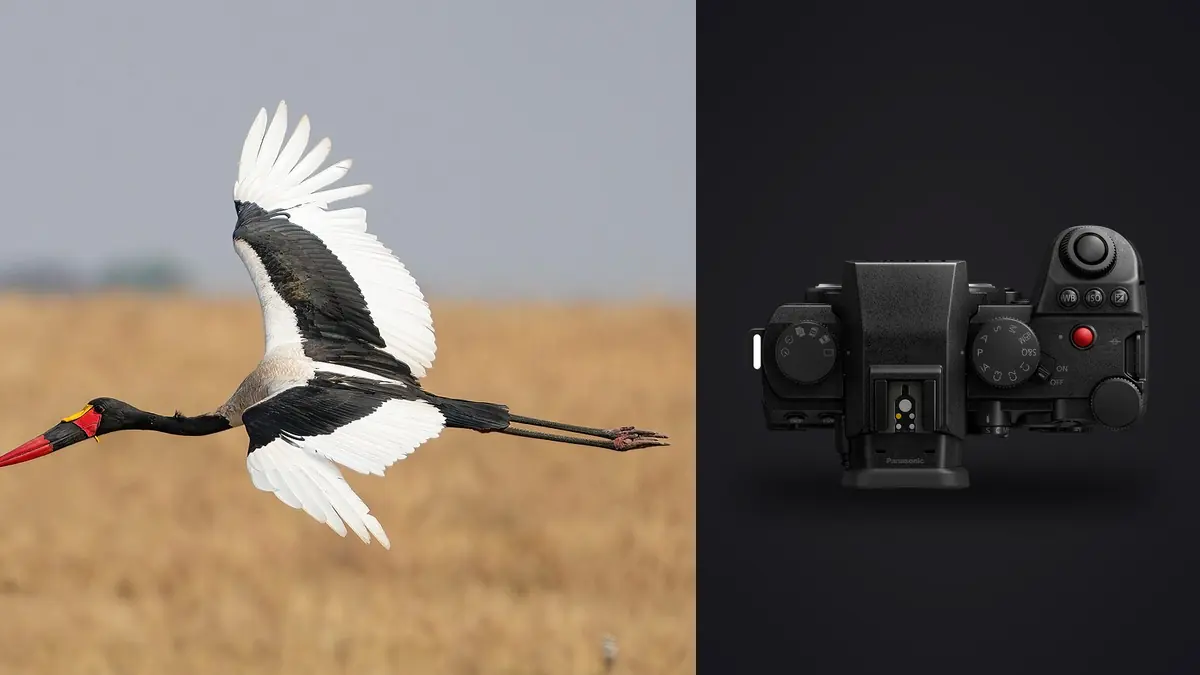
A Panasonic Lumix S5IIX wildlife and bird RAW Workflow should connect field behavior to every later decision. The camera's full-frame RW2 files, phase-hybrid autofocus, stabilization, and dual SD slots support mobile wildlife coverage, but the strongest frame cannot be chosen from focus alone. Species identity, wing position, habitat, ethical distance, and rarity of behavior all matter.
The workflow therefore separates technical filtering from biological selection. It protects both card copies, preserves bursts as sequences, records notes without exposing sensitive sites, checks automated scores before relying on them, and develops the final RW2 files without turning feathers, fur, water, or foliage into artificial texture.
Record behavior before it becomes a filename
Use a field note for date, broad location, habitat, weather, species confidence, and observed behavior. Distinguish what was seen from what is inferred. A bird carrying material may be building, repairing, or removing it, and a still frame may not prove which. Keep uncertainty in the caption record.
Protect nest, den, roost, and rare-species locations. Exact GPS may belong in a restricted research record, not in a public JPEG. Follow land access, seasonal closure, and species protection rules. If the subject changes behavior because of the photographer, increase distance or stop.
Synchronize camera time and any sound recorder or second body. Accurate sequence order helps connect a takeoff, flight path, interaction, and landing. Do not alter timestamps casually during ingest; record a known offset so the original chronology can be reconstructed.
Choose RW2 and preview settings together
Verify that the selected RW2 option opens throughout the editing chain. Create representative files with the current camera firmware before travel, especially if a compressed mode or new feature is involved. Keep the original RW2 even when a later derivative is needed for another application.
Use a stable preview profile and white balance for a coherent light segment. The JPEG preview can make shadow or saturation look more final than the RAW data, so check histograms and important highlights. Pale birds, white fur, reflective water, and sunlit leaves can clip while the overall frame appears moderate.
Set shutter speed for subject motion. Stabilization helps camera movement, not a wing tip or running animal. When panning intentionally, judge whether the eye or head carries the required sharp anchor and whether the blur supports motion rather than looking accidental.
Route the dual SD slots deliberately
Configure the two SD slots for duplicate RW2, RAW and JPEG separation, or overflow according to the assignment. Verify the behavior by reading both cards after a test. Duplicate RAW recording provides an immediate second copy, while overflow only extends capacity and split recording creates different file sets.
Use compatible cards and label them by camera and sequence. Keep blank, exposed, and copied media physically separate. In wet or dusty conditions, change cards only in shelter and make sure doors and seals are closed before returning to the field.
Do not format either card until its files exist in a verified working directory and separate backup. Compare counts, open samples from each sequence, and check the last frames where an interrupted write or full card may appear. Two cards inside one camera are not a complete backup strategy.
Make flight bursts easy to interpret
Begin a short burst before the meaningful phase: takeoff, banking, prey transfer, landing, or interaction. Stop after the phase ends. Long sequences through unchanged flight add repetitive files and make it harder to notice a distinct wing or head position. Burst discipline also preserves space for later behavior.
Keep autofocus areas appropriate to the background. Broad detection can acquire a bird against open sky, while a controlled area may work better through branches or among a flock. If focus moves to the nearest bird, verify which individual the story requires. Technical acquisition and editorial subject are separate decisions.
Review a few frames after a major light or distance change, checking the eye, head, body, and wing plane. Avoid spending the event on the rear screen. A confirmed baseline is enough until conditions change or repeated misses suggest a real problem.
Copy by session and preserve sequence order
Create a stable folder by date, broad location code, camera, and card or field session. Keep original names or add a collision-safe prefix if multiple bodies can duplicate numbering. Preserve metadata and sidecar notes. Derivatives and exports belong outside the original RW2 directory.
Make two verified copies before culling. Verification can use a trusted copy process plus count and sample checks. A thumbnail browser is not proof that every RAW file arrived intact. Keep exposed cards unchanged until recovery no longer depends on them.
If a multi-day trip has limited storage, plan capacity and physical separation in advance. Do not delete technically weak frames in the field merely to free space unless safety demands it and the consequences are understood. Small previews can hide the only useful behavioral detail.
Cull in technical, behavioral, and story passes
The technical pass identifies empty frames, complete obstructions, severe focus misses, and exposures without usable subject information. Change their status rather than deleting immediately. The behavioral pass compares eye visibility, gesture, interaction, prey or nesting material, and identification features. The story pass builds habitat, action, portrait, and transition variety.
Within a flight burst, compare more than sharpness. A clean eye with an awkward wing can be less useful than an adjacent frame with readable posture. Check branch intersections, clipped wings, background birds, and edge distractions. Retain alternates when they show a genuinely different phase.
Do not let a rare frame disappear because it has ordinary composition. Scientific, conservation, or news relevance can outweigh aesthetic neatness. Mark why it remains and route it for knowledgeable identification before publication.
Use imagic scores with freshness checks
imagic supports RW2 files and processes them locally on Windows or macOS. It can score sharpness, exposure, closed eyes, and composition and group near-duplicates or bursts. These signals can reduce repetitive review, but they do not know species, behavior, or location sensitivity.
A stored score may come from an older scorer. If a verdict looks implausible, check score freshness. Reselecting a different number of keepers only ranks the values already stored and cannot repair stale analysis. Reanalyze stale files when current scoring is needed.
Culling sets status and never deletes the source. Keep that reversibility through the human edit. A later archive cleanup should follow the written retention policy and verified backups, not an automated ranking threshold.
Develop RW2 files by habitat light
Group adjustments by coherent conditions: open sky, forest shade, reflected water, backlight, or dusk. A single animal can move through several color environments quickly. Establish white balance, exposure, and broad contrast on a representative frame, then inspect every synchronized file.
Preserve feather and fur texture with restrained noise reduction. Fine natural detail can resemble noise, while oversharpening creates bright outlines against sky or water. Apply output sharpening only after the final dimensions and crop are known.
Keep backgrounds plausible. Strong clarity or saturation can turn distant foliage into a distraction and create halos around fine edges. Local masks may require a separate editor with appropriate tools. imagic's adjustments are non-destructive, but it has no layers or generative fill.
Set crop and lens limits before final selection
A full-frame S5IIX file supports normal composition correction, but distant wildlife still needs sufficient focal length and atmospheric clarity. Judge a proposed crop at its final dimensions. Heat shimmer, missed focus, movement, and high-ISO processing may limit detail before the pixel count does.
Compare frames made at different focal lengths as separate visual roles. A loose habitat image should not lose simply because a closer portrait shows more feather detail. For publication, keep room for text or alternate orientation only where the brief requires it, and avoid turning every frame into the same tight subject cutout.
Record lens and converter combinations through metadata and field notes. A teleconverter or crop mode can change aperture, autofocus behavior, and framing expectations. Do not apply one sharpening or lens-correction baseline across combinations without checking edges, contrast, and background rendering. Preserve a wider alternate when identification, habitat, or publication layout may need space. A severe crop should never be described as additional optical reach. Check the delivered label for accuracy.
Manage identification and caption metadata
Use common and scientific names only when confidence supports them. Record who confirmed a difficult identification and which features were visible. Do not use automated image recognition as sole authority for a rare or consequential record.
Keep exact coordinates and protected-status notes in controlled fields. Strip them from public derivatives unless disclosure is approved and safe. Captions should state observed behavior without assigning motive or certainty beyond the evidence.
Preserve a stable source ID through crops and exports. A vertical crop, web JPEG, and print TIFF should all trace back to the same RW2. This makes corrections possible if an identification or caption changes later.
Export for the real recipient
Confirm file type, color space, dimensions, compression, sharpening, filename, credit, and metadata. JPEG suits many publications and galleries, while TIFF can support a higher-quality downstream stage. Export only the approved status or photo IDs to a confirmed destination.
The imagic desktop workflow explains local culling, editing, and JPEG or TIFF export. The Workflow and Editing section provides wider process guidance. imagic is not a full archive catalog, so rights, sightings, and long-term species records need a separate system.
Open final files outside the editor. Inspect eyes, fine edges, smooth gradients, profiles, crops, captions, and location metadata. Compare the count and sequence with the approved delivery, then archive originals, edit records, notes, and derivatives according to policy.
Use an S5IIX wildlife RAW workflow checklist
- Ethics: set distance, access, and sensitive-location boundaries.
- Notes: record observed behavior and identification confidence.
- Capture: choose compatible RW2 settings and motion-appropriate shutter speed.
- Cards: verify duplicate, split, or overflow behavior in both SD slots.
- Copies: create and verify working and backup storage before formatting.
- Cull: separate technical, behavioral, and story decisions.
- Scores: check freshness before relying on an unexpected verdict.
- Develop: group by habitat light and preserve natural detail.
- Metadata: protect coordinates and keep captions evidence-based.
- Export: audit output settings, count, sequence, and source identity.
Frequently asked questions
Can imagic select the rarest wildlife behavior?
No. It can score technical qualities and group similar frames, but rarity and behavioral meaning require knowledgeable human review. Keep field notes with the sequence.
Does reselecting photos reanalyze an RW2 file?
No. It ranks the stored scores again. Check freshness and reanalyze stale files when an updated scorer is required.
Should both S5IIX SD slots always record RAW?
Duplicate RW2 recording is useful when immediate redundancy matters, but split or overflow modes can serve other workflows. Verify the chosen behavior and still create separate workstation backups.