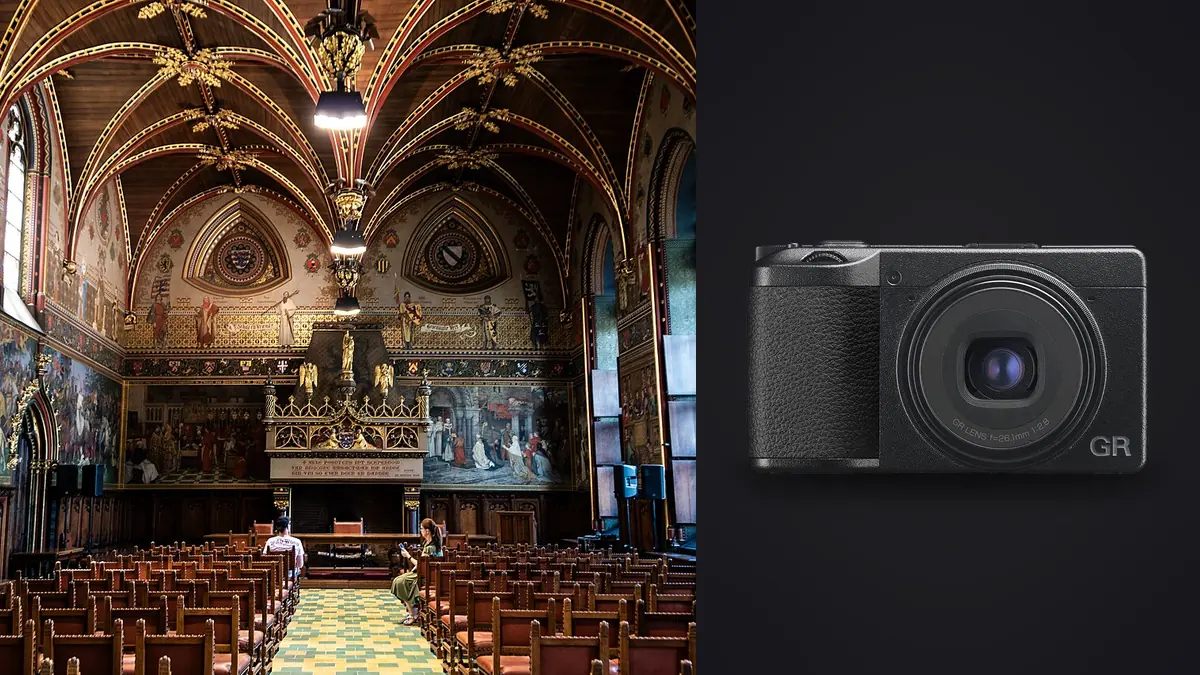
Most interior and architectural photography gets built around wide rectilinear glass: 16mm to 24mm on a full-frame body, sometimes a tilt-shift if the budget stretches that far. So the Ricoh GR IIIx, a fixed-lens compact with a 40mm equivalent field of view, looks like an odd choice to bring on a shoot where the whole point is fitting a room into a frame. And yet a fair number of designers, stagers, and architectural photographers carry one anyway, not on the tripod, but in a jacket pocket for the parts of the job the wide lens was never going to handle well. This is about where that actually pays off and where it just doesn't, focal length math included.
The lens is the whole conversation
The GR IIIx's 26.1mm f/2.8 lens sits on an APS-C sensor, which puts its field of view at roughly 40mm equivalent. That single number decides almost everything about whether this camera belongs on an interior job in the first place. The standard GR III, with its 18.3mm lens, comes out to 28mm equivalent, which is already tight by real estate standards. Push that out to 40mm and you've left "wide" behind entirely. You're now in normal-lens territory, the field of view you'd reach for on a portrait or a still life, not a primary bedroom.
I've stood in enough small primary bedrooms and single-wall galley kitchens to know what 40mm does in those spaces: it means backing into the hallway, or shooting through a doorway, just to get a bed frame and both nightstands in one frame. In anything under roughly 200 square feet, the GR IIIx can't cover a full room in a single shot without stitching, and handheld stitching with a fixed 40mm prime is not something to stake a paid delivery on.
Where 40mm actually works in your favor
The upside is that 40mm reads close to how the eye sees a space, without the barrel distortion or exaggerated foreground furniture you get from cramming a 16mm ultra-wide into a small room to make it look bigger than it is. For furniture vignettes, tabletop styling, and close material detail, that natural rendering is genuinely useful, not a compromise. It's the same reason a lot of catalog and product interiors work leans on 35mm to 50mm rather than wide glass in the first place. So the GR IIIx isn't a bad interior lens. It's a lens for a different slice of the job than the one most photographers reach for first.
The crop modes don't get you back to wide
Ricoh built two digital crop modes into the GR IIIx: an equivalent 50mm and an equivalent 71mm, both cropped in-camera from the same 24-megapixel sensor. They're handy for tightening a detail shot on the spot without switching lenses, which you can't do anyway on this body, but they only ever narrow the field of view further. There's no optical trick that gets you back toward wide on a fixed lens; a digital crop can't invent pixels outside what the lens already drew onto the sensor. At the longest crop you're also giving up a good chunk of the sensor's resolution, which matters if a detail shot needs to hold up as a full-bleed image in a portfolio rather than a small supporting frame in a gallery.
| Mode | Effective focal length | Rough resolution | What it's actually for on an interior job |
|---|---|---|---|
| Native (no crop) | 40mm equivalent | Full ~24MP | Furniture groupings, vignettes, walkthrough reference shots |
| Digital crop | 50mm equivalent | ~15MP | Tighter styling shots, single-object compositions |
| Digital crop | 71mm equivalent | ~7-8MP | Fine hardware and texture close-ups, not portfolio heroes |
| Not available on this body | 16-24mm equivalent | n/a | Full-room real estate coverage; needs a separate wide zoom |
What actually earns it a place in the bag
A few things make the GR IIIx worth carrying even on jobs where it's clearly not the primary tool. It's small enough to live in a jacket pocket, so it comes along on site visits and walkthroughs where a full mirrorless kit stays in the car. Snap focus and the zone-focusing options let you shoot fast while moving through a space, grabbing texture and detail reference without waiting on autofocus to hunt across a patterned rug or a stone countertop. The built-in two-stop ND filter is a small thing but a real one, letting you slow the shutter for handheld detail work in bright rooms without stacking a filter you'd otherwise forget to pack. And the leaf shutter is close to silent, which matters more than people expect when you're shooting inside an occupied showroom or a client's lived-in home during business hours.
The macro mode deserves its own mention. Close-focus shots of cabinet hardware, tile grout lines, fabric weave, stitched upholstery seams, the kind of texture detail that fills out a design portfolio, don't need a wide lens at all, and the GR IIIx handles that focusing distance better than most compacts I've used at this size.
Sorting the pile it generates
Here's the part that doesn't show up in a spec sheet: a GR IIIx used properly on an interior job produces a lot of near-identical frames. Focus at close range on a textured surface is unforgiving, so I'll bracket a material shot by hand, four or five takes of the same cabinet pull or the same stone edge, hoping one lands exactly where I want it. Multiply that across a full-day shoot and I'll come home with a wide-camera folder from the tripod and a second folder of 150 to 300 GR IIIx detail frames, a good third of them near-duplicates of each other.
That's the point where imagic actually earns its keep on this workflow. Its sharpness scoring runs locally on the machine, so it can flag which of six near-identical macro shots of a countertop seam is the genuinely sharp one without sending anything to a server first. The duplicate and burst clustering groups those bracketed takes together automatically, instead of leaving three hundred flat thumbnails to click through one at a time looking for the keeper. If you haven't seen how that scoring actually works under the hood, this breakdown of AI photo culling covers the mechanics in more depth.
Once the keepers are picked, matching the GR IIIx frames to whatever came off the wide-angle body is its own small chore, since a 40mm prime and a wide zoom don't render color and contrast identically even on the same white balance setting. I use apply_my_style for that part, since it trains on my own past edits rather than a generic preset pack, and it gets the detail shots close enough to the hero shots that anyone scrolling a finished gallery doesn't notice a camera swap. If color consistency across a mixed-camera set is a recurring headache for you too, this guide to color grading workflow is worth a read alongside it.
Where it actually falls short on a job
There's no viewfinder on the base body at all. Ricoh sells an optional optical finder, the GV-3, but it's built around the 21mm and 28mm framings and doesn't correspond to the GR IIIx's 40mm field of view, so it's not really an option here. That leaves the rear LCD, which gets close to unusable in direct sun through south-facing windows, which is a fairly common lighting situation on an interior job during the middle of the day.
There's no weather sealing out of the box either. Ricoh sells a filter adapter ring that lets you thread on a protective filter, but there's no official weatherproofing kit the way some competitors offer for their compacts, so exterior architecture work in anything beyond light drizzle is a real risk to the body.
The single UHS-I card slot with no backup matters more on a paid architecture job than it does shooting casually. Battery life sits around 200 shots on the CIPA rating, which sounds reasonable until you're four hours into a full residential walkthrough and detail shoot combined; carrying two or three spares stops being optional pretty quickly. And the fixed lens is the fixed lens: when a shot genuinely needs to be wide, there's no adapter and no swap. On a mixed job, this camera goes in the bag next to a wide zoom, never instead of one.
Matching the camera to the shot
The table below is the version of this I actually keep in my head when shooting, built from shots I take repeatedly rather than a generic spec comparison.
| Shot on the list | GR IIIx (40mm) | 16-35mm wide zoom | GR III (28mm) |
|---|---|---|---|
| Full living room, one frame | Rarely fits, backs into hallway | Standard tool for this | Workable in larger rooms |
| Furniture vignette, natural proportions | Best option of the three | Distorts foreground objects | Slight stretching on close subjects |
| Hardware and material macro | Strong close-focus performance | Not built for this distance | Usable, less tight than the IIIx |
| Quick walkthrough documentation | Fast with snap focus, pocketable | Slower to reposition per room | Comparable speed to the IIIx |
| Client-facing hero image | Wrong tool, too tight for most rooms | Standard choice | Occasionally workable |
How it actually plays out on a job
On a recent residential redesign shoot, the wide zoom on a full-frame body did every hero shot the client actually paid for: living room, kitchen, both bathrooms, the primary suite. The GR IIIx never came off the tripod-free walk between setups. It picked up the tile edge detail in the guest bath, the brass hardware on a custom built-in, a stack of folded throws on the sofa arm that the designer specifically wanted for their own portfolio. None of those needed 16mm. Most of them would have looked worse at 16mm, with the throws bulging toward the lens and the brass pull stretched at the frame edge. By the end of the day the GR IIIx folder had roughly 220 frames in it against maybe 60 from the main body, and almost all of the culling time went into that smaller, tighter, more repetitive detail pile rather than the wide shots, which mostly sorted themselves by exposure and composition alone.
Frequently Asked Questions
Is the Ricoh GR IIIx wide enough to shoot full rooms for real estate listings?
Not usually. At a 40mm equivalent field of view, it's closer to a portrait lens than a real estate lens, and most rooms under about 200 square feet won't fit in a single frame without backing into a hallway or an adjoining space. If full-room coverage is the actual job, a 16-24mm wide zoom on a full-frame or APS-C body is still the right tool, with the GR IIIx sitting alongside it for detail work rather than replacing it.
Should I get the GR IIIx or the standard GR III for interior and architecture work?
If interior and architecture coverage is the primary use, the 28mm GR III is the more flexible of the two, wide enough to handle small-to-medium rooms in a single frame more often than the IIIx can. The GR IIIx makes more sense as a second body specifically for detail, material, and vignette work, or for photographers who already own a wide zoom and want something pocketable to fill the gap it leaves.
Does the GR IIIx's built-in ND filter replace a tripod for interior detail shots?
Not entirely. The built-in two-stop ND helps in bright rooms where you want a slower shutter for handheld macro or texture work without blowing out highlights, but it's not a substitute for a tripod on anything requiring real depth of field control or long exposures in dim interiors. Think of it as extending what's shootable handheld, not replacing careful support.
What's the best way to sort hundreds of GR IIIx detail shots after a shoot?
Manually clicking through bracketed macro takes one by one is the slow way to do it. imagic runs sharpness scoring and duplicate or burst clustering locally on your machine, so it groups near-identical detail frames and surfaces the sharpest one in each set without uploading anything, which matters if a project isn't signed off yet. Pairing that with apply_my_style to keep detail-shot color consistent with the wide-angle set cuts a meaningful chunk out of the post-shoot editing session; the workflow speed tips here cover a few more habits worth building around a high-frame-count shoot like this one.