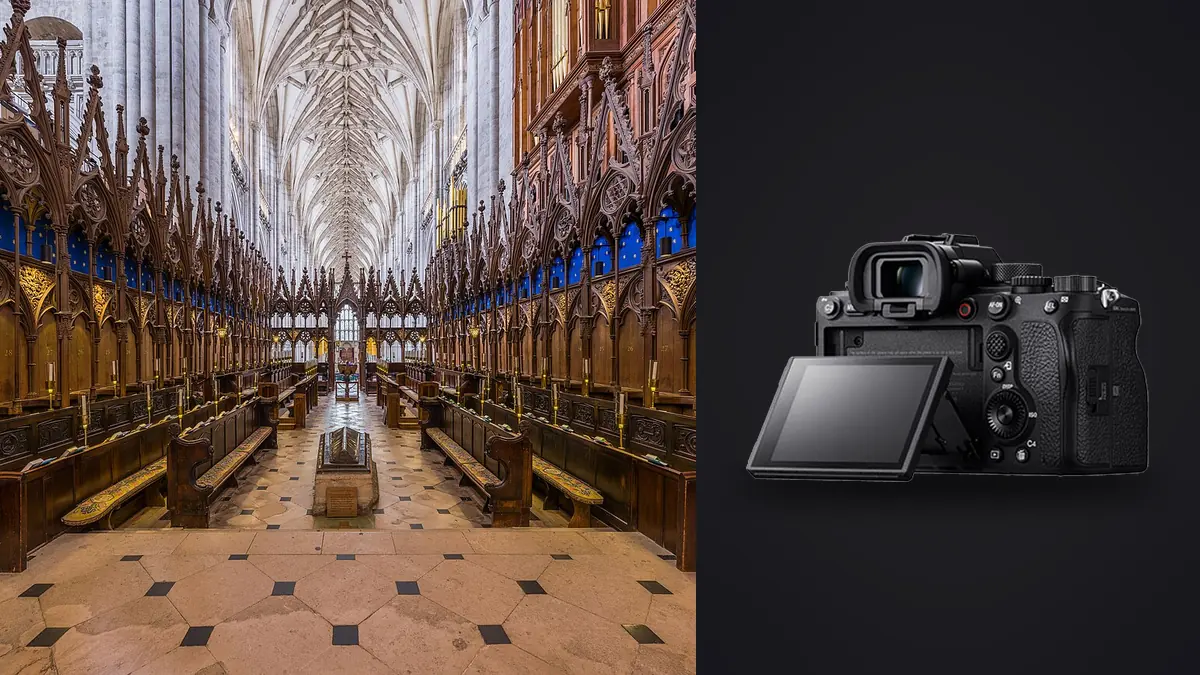
I picked up a Sony A1 about eighteen months ago for a job that had nothing to do with architecture: a two-day sports shoot where I needed 30fps and a buffer that wouldn't choke. It's stayed in my bag ever since, and somewhere along the way it became my main body for interior design portfolios too, which is not the reason anyone tells you to buy this camera. Most of what gets written about the A1 is about autofocus tracking and video specs. Almost none of it is about what happens when you put the thing on a tripod in a client's living room and don't touch the frame rate dial for six hours.
This is that article. Picture shooting for a couple of small interior design studios, with the occasional hospitality job (a lobby refresh, a boutique hotel reopening), and the A1 as your primary body for about a year of that work. Some of what makes it excellent for sports is irrelevant here. Some of what makes it expensive is genuinely wasted here. But two or three things about this sensor turn out to matter more for interiors than they do for the fast-action work it was actually built to win at.
The part of the spec sheet that actually applies
Forget the 30fps number, you will not use it shooting a kitchen renovation. What matters on an interior job is dynamic range at base ISO, because you are almost always fighting a window. A room lit by tungsten or LED fixtures with a bright exterior visible through glass is a five-to-eight-stop spread in a single frame, sometimes more at midday. The A1's 50.1MP stacked sensor holds highlight detail in blown-looking window glass noticeably better than the A7 III I used to shoot with, and it does that without needing as aggressive an HDR bracket to compensate. I still bracket, I'm not reckless, but I can often get away with a 3-shot spread at 1.5 stops instead of the 5-shot, 2-stop brackets I used to run, which cuts both shooting time on location and the number of frames I have to sort through afterward.
The other spec that matters more than anyone talks about: the electronic shutter is genuinely silent and genuinely usable, because the stacked sensor keeps rolling shutter distortion low enough that it doesn't cause problems on a static tripod shot anyway. On a job at an occupied restaurant last winter, I shot the entire dining room during service, between tables, with nobody looking up. Try that with a mechanical shutter slapping away six feet from someone's dinner.
Lenses: the annoying part of shooting architecture on Sony
Here's the thing nobody selling you an A1 mentions: Sony has no native tilt-shift lens. Canon has the TS-E line, Nikon has the PC lenses, and if you want true optical perspective control on an A1 you're adapting a Canon TS-E 17mm or 24mm manually, no autofocus, no electronic aperture coupling on most adapters. I run a TS-E 24mm II on a Fotodiox adapter and it works, but it's a deliberately slow way to shoot and it won't talk to the camera's metadata at all.
For most of my interior work I don't bother with it. I shoot the Sony 16-35mm f/2.8 GM II or the 20mm f/1.8 G, keep the camera level using the electronic level in the viewfinder, and correct converging verticals in post. With a 50MP sensor there's enough resolution headroom that a modest crop after a perspective correction in Lightroom still leaves a print-ready file behind. That's a real practical benefit of the higher pixel count that has nothing to do with what Sony actually marketed the camera for: you can afford to throw away 15 to 20 percent of a frame to a correction and still deliver a file large enough for a two-page magazine spread or a large-format print for a client's office wall.
For very tight interiors, stairwells, small bathrooms, I'll reach for the 14mm f/1.8 GM. It gets ugly at the edges without correction and I use it sparingly, one or two shots per room at most, because heavy-handed wide-angle interior photography reads as trying too hard once you've seen enough of it.
Pixel Shift Multi Shooting is the feature I actually paid for
This is the one that made the A1 worth the money for me specifically, and it's a feature most A1 owners never touch because it only works on a locked-down tripod with a completely static subject, exactly the condition an interior or architecture shoot gives you and almost nothing else does.
Pixel Shift Multi Shooting takes a burst of frames (up to 16 on the A1), shifting the sensor by half a pixel and then a full pixel between exposures, then composites them afterward in Imaging Edge Desktop into a single file with true RGB data at every pixel instead of the demosaiced, interpolated color you get from a standard Bayer capture. The composited file runs close to 199 megapixels. I use it for maybe one frame per shoot, usually the hero shot worth blowing up: a lobby, a kitchen island, a material detail an interior designer might want to show a fabricator. It resolves stone veining and wood grain in a way a single 50MP frame doesn't, and when a client wants a 40-inch print for a reception area, that extra resolution is the difference between a print that holds up close and one that doesn't.
The catch, and it's a real one, is that any movement between frames wrecks the composite. A ceiling fan on low, a curtain shifting in HVAC airflow, someone walking past a doorway in the background, all of it shows up as a smeared, misaligned mess in the final file. I've had to redo pixel shift captures because a barely-perceptible draft moved a sheer curtain three feet from where I was pointing the lens. It's a technique for the one or two hero frames per job, not a default way to shoot a whole room set.
How the A1 stacks up against the obvious alternatives
People considering the A1 for this kind of work are almost always cross-shopping it against the A7R V and, more recently, the A7C R, since both offer more native resolution for meaningfully less money. Here's how I'd actually lay it out for someone trying to decide, based on what matters on a tripod inside a finished interior rather than what matters on a marketing slide.
| Camera | Native resolution | Pixel shift ceiling | Body weight | Where it wins for interiors |
|---|---|---|---|---|
| Sony A1 | 50.1MP | ~199MP (16-shot, app composite only) | 737g | Best dynamic range headroom of the three, a silent shutter that's actually silent, and it still earns its keep on other paid work |
| Sony A7R V | 61MP | ~240MP standard composite | 723g | More native resolution for real money saved, similar shift-composite workflow, gives up a bit in mixed high-contrast light |
| Sony A7C R | 61MP | Supported via app, same sensor as A7R V | 515g | Same resolution in a much smaller body, the pick if you're carrying gear on foot between several properties in a day |
If I were starting from zero and only ever shooting interiors and architecture, I'd have a hard time justifying the A1 over the A7R V. You're paying roughly two and a half thousand dollars more for a camera whose headline features (frame rate, autofocus tracking, video specs) sit mostly unused on tripod work. I own the A1 because it also earns its keep on sports and event days, so the interior work rides along on a body I'd already own regardless. If interiors and architecture were the whole business, the A7R V, or the A7C R for its portability, is the more defensible purchase.
What actually slows a shoot down (and where imagic fits)
None of the camera talk matters much if you can't get through the files afterward. A single interior job for me, a full house or a hotel floor, runs 800 to 1,400 frames once every bracket set across every room and angle gets counted. Most of those brackets are near-duplicates of each other by design, three or five frames of the same static composition at different exposures, and figuring out which bracket in each set is actually sharp (a tripod isn't a guarantee against motion; I've had a leg settle mid-sequence on a soft rug, or a passing delivery truck put a barely visible shake into a frame) used to eat an hour or more per job before I'd even started blending or grading anything.
I run everything through imagic before it touches Lightroom now. It's a local desktop app, so none of these files, which on many interior jobs sit under an NDA before a renovation reveal or a hotel's public opening, ever leave my machine to a cloud service. It scores sharpness and focus against the actual pixel data rather than a preview thumbnail, which matters a lot on 50MP files, since a slightly soft frame can look fine at screen size and only fall apart once you're zoomed into stone or fabric texture. It also clusters the near-identical bracket frames and duplicate takes so I'm reviewing one group per composition instead of scrolling through every individual exposure, which is the part of the old workflow I resented most.
The other piece I actually lean on across a full job is the apply_my_style preset, trained on my own past edits rather than a generic filter. Interior design clients care a lot about consistency across a gallery, forty-plus rooms shouldn't look like six different photographers touched them, and starting from a preset that already leans toward how I habitually grade whites, warm woods, and window light saves a real chunk of the editing pass even though I still hand-finish every hero frame myself. If you haven't looked at how the culling side of that pipeline actually scores sharpness instead of just guessing off a thumbnail, it's worth reading how AI photo culling actually works, and if a shot count like this sounds like it would bury you, the habits in 10 tips for a faster photo workflow cover a lot of ground I had to learn the slow way.
Battery life and cards, the unglamorous stuff
A full day of tripod-based interior work, with the screen on constantly for leveling and review, gets me through on one battery with room to spare, closer to 600 or 700 frames including a couple of pixel shift sequences, which burn through more individual exposures per composite than the final shot count implies. I still carry two spares, because a dead battery on a scheduled shoot with a designer standing next to you waiting is not a risk worth taking to save eighty dollars. Card slot one runs a CFexpress Type A card for the pixel shift sequences and anything I need written quickly; slot two runs SD, mirrored, because losing a card on a job with a hard reshoot deadline (the space gets re-staged and re-furnished the next week, no second chance) is the kind of mistake you only make once.
Frequently Asked Questions
Do I need a tilt-shift lens to shoot architecture on a Sony A1?
No, but you'll be doing your perspective correction in post instead of optically. Sony doesn't make a native tilt-shift lens, so your options are adapting a Canon TS-E manually or, like most A1 shooters I know doing this kind of work, shooting a rectilinear wide angle dead level and correcting converging verticals afterward. The 50MP sensor gives you enough resolution to absorb the crop that correction costs you.
Is Pixel Shift Multi Shooting worth using for every interior frame?
Not in my experience. It only works cleanly on a completely static scene, no HVAC-driven curtain movement, no ceiling fan, nobody walking through, and the compositing happens afterward in Imaging Edge Desktop rather than in-camera, which adds a step to the workflow. I reserve it for the one or two hero frames per shoot that are actually likely to be printed large.
Is the A1 overkill for interior and architectural photography specifically?
If interiors are the only thing you shoot, largely yes. The A7R V gives you more native resolution for meaningfully less money, and the A1's frame rate and autofocus tracking strengths go unused on a tripod. The A1 earns its price for me because it also covers action and event work; someone shooting interiors exclusively should look hard at the A7R V or A7C R first.
How many photos does a typical interior design shoot generate, and how do you get through them?
For a full house or a hotel floor, it's easy to end up at 800 to 1,400 raw files once every bracket set is counted. I run the culling pass locally through imagic before anything hits Lightroom, both for the sharpness scoring on full-resolution files and because a lot of professional interior work is under an NDA before the client reveals it publicly, so keeping files off any cloud service matters as much as the time saved.