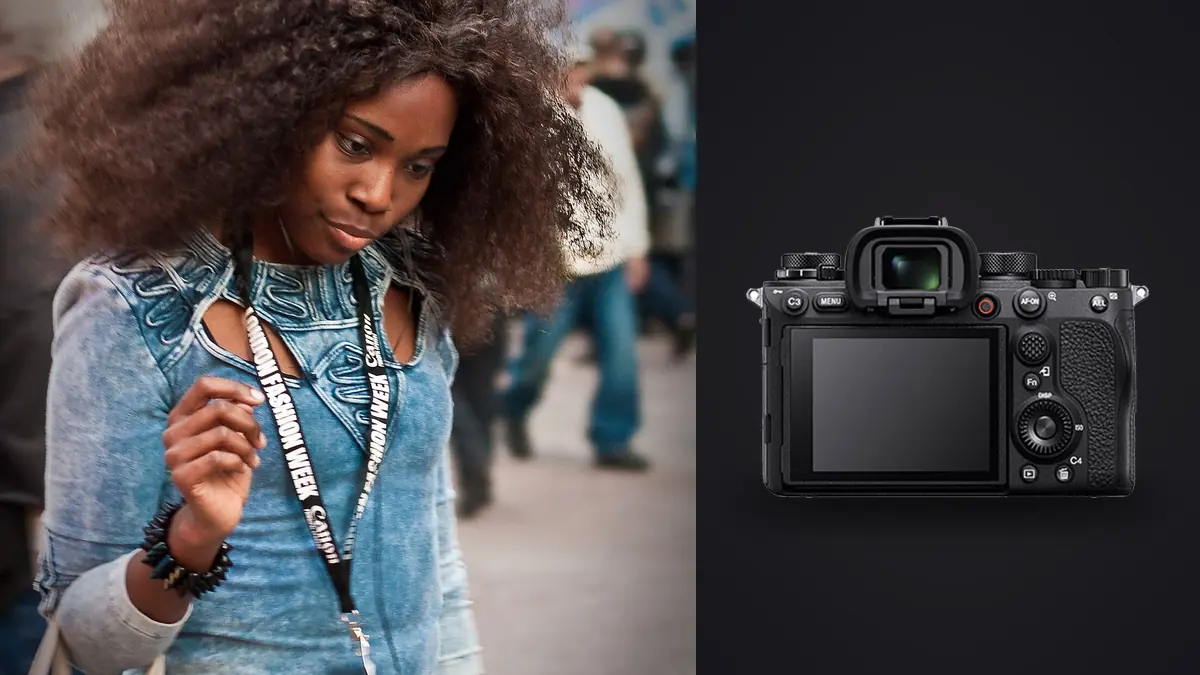
When a brand's photo agency calls about a "twenty looks, one day" lookbook job, the brief usually reads clean and catalog-forward, nothing that needs to feel editorial. The budget line, though, has zero minutes built in for a second shoot day if a garment has to ship back to the showroom that evening. That's the kind of environment a Sony A1 gets used in: picture three lookbook days for a mid-size activewear brand. This isn't a rehash of the spec sheet. It's what mattered, camera-wise, when the real constraint was one model, six clothing racks, and a courier arriving at 6pm sharp.
The resolution question nobody frames correctly
50.1 megapixels doesn't matter for print size on a lookbook. Almost nothing from that day ends up bigger than 1200px wide on a product page or a PDF catalog spread. What it's actually for is crop latitude when art direction changes mid-shoot, which it always does. I shot a full-length look at 35mm from about six feet to keep the whole rack visible in frame, standard coverage shot. Twenty minutes later the brand's creative director, watching tethered frames on a laptop, asked for a tight waist-up crop of that same look for a secondary image slot on the site. With the A1's file, that crop held up clean past 2000px wide. On a 24-megapixel body shooting the same framing, that crop would have fallen under 1000px and started showing softness the second anyone zoomed in on a phone.
That's the real argument for resolution on lookbook work: it buys you the ability to re-decide the shot after the fact, without burning a re-shoot slot you don't have.
Burst speed is useful, but not for the reason people assume
A fashion lookbook isn't a runway show. Most brands want motion that reads as "walking but controlled," garment fabric moving naturally without turning into blur. Where 30fps blackout-free actually earns its keep is narrower than people expect: catching the one frame where a hemline settles correctly and the model's expression hasn't gone flat yet. My actual workflow was a two or three second burst of a small step-turn, which produces somewhere between 60 and 90 frames, then hunting through them for the one where the fabric drape and the face line up.
The catch is that 30fps at 50 megapixels generates an enormous volume of near-duplicate files fast. A single afternoon of look changes and step-turns can leave you with over 3,000 frames by the end of day one, and that's where the actual bottleneck of the day shows up, not on set, at the laptop afterward.
How the numbers compare against the other obvious choices
| Body | Resolution | Practical burst rate | Silent shutter | Where it wins on a lookbook day |
|---|---|---|---|---|
| Sony A1 | 50.1MP | 30fps, blackout-free EVF | Fully electronic | Hero crops after the fact, plus the occasional step-turn burst |
| Sony A7R V | 61MP | 10fps | Yes, electronic | Static hero shots and heavy detail crops, less useful for movement |
| Sony A9 III | 24.6MP | Up to 120fps, global shutter | Fully electronic, no rolling shutter | Genuine movement (a model actually jumping or spinning), weaker for tight crops later |
Realistically, for most lookbook work, the A7R V's 10fps is fine for 80% of what gets shot. The A1 earns its price over the A7R V specifically on the days where a brand wants a handful of movement frames mixed into an otherwise static catalog set, and you don't want to switch bodies mid-shoot to get them.
Culling three thousand near-identical frames without losing the afternoon
This is the part of A1 ownership nobody puts in the marketing copy: a fast, high-resolution body doesn't save you time on the shoot, it moves the time cost to the edit. Scrolling through 90 frames of the same step-turn by eye, twenty times over, is how a "quick culling pass" eats two hours you don't have before a client call. I switched to running the day's burst folders through imagic specifically because its burst clustering groups those near-identical sequences into a single stack instead of 90 separate thumbnails to click through, and its local sharpness scoring flags which frame in each stack actually has crisp eyes versus which ones are motion-soft. It runs entirely on the laptop, nothing uploads anywhere, which matters more than it sounds on a job like this since the collection wasn't public yet and the brand's agreement was explicit about no cloud handling of unreleased garment photography before embargo. That's not a nice-to-have on a fashion job, it's frequently a contract term.
Silent shooting matters more than the spec sheet implies
On a lookbook day you usually have a stylist, a brand rep, and sometimes the designer standing a few feet behind you watching a tethered monitor. A mechanical shutter clattering through a 20-frame burst next to someone's ear for eight straight hours is its own kind of fatigue, for them and for you. The A1's fully electronic silent mode means nobody flinches every time you fire a burst, and it's a genuinely different feeling on set once you notice it. Rolling shutter is the usual caveat with electronic-only shooting, but for lookbook work, a controlled walk rather than a sprint, it rarely shows up in a usable frame.
Autofocus that has to track a moving model, not hold a static face
Real-time Eye AF tracking through a step-turn or a hair flip is where the A1 separates itself from an older body. I keep animal-eye detection off entirely for this kind of work (it occasionally locks onto a print pattern or a logo instead of a face, which is its own small annoyance) and leave it on human-eye, back-button focus, wide tracking zone. The one situation that still trips it up is a model turning fully away from camera mid-burst and back, where it briefly hunts before reacquiring. Nothing a second take doesn't fix, but worth planning for rather than assuming every frame in a burst is usable.
Color matching is the part that actually gets you rebooked
A brand doesn't care how sharp the fabric weave looks if the jacket reads three shades warmer than the actual dye lot once it's on their site next to the swatch. This is the unglamorous half of shooting lookbooks and it matters more than almost anything else on this list. My routine now is a color checker card shot at the top of every rack change, under whatever light I'm actually using for that set, so there's a known reference for every batch of looks rather than one at the start of the day when the light was different.
Once I've graded the first handful of hero shots to a look the brand's creative director has actually approved on a call, I don't want to hand-match white balance and curves across the remaining few hundred images by eye, that's how a Tuesday afternoon disappears. I run imagic's apply_my_style feature trained on that small batch of approved edits, which carries the same grade across the rest of the day's images automatically instead of me re-doing the same three sliders four hundred times. It's not magic color correction, it's closer to a consistent starting point that saves the repetitive part of the edit so I can spend actual attention on the handful of shots that need something custom.
The lenses that earn a spot in the bag on a lookbook day
The 24-70mm GM II does most of the actual work, wide enough for full-length coverage shots with a rack visible in frame, tight enough for a waist-up crop without switching glass. The 85mm GM II comes out for beauty and detail crops, collar stitching, a zipper pull, the kind of shot a brand wants for a secondary product angle. Skip the third lens on lookbook days specifically, since a brand rep watching the clock notices every lens change, and the 24-70 to 85mm pairing covers close to everything a catalog-forward brief actually asks for. A 16-35mm shows up only when the brief explicitly wants group looks or environmental context, which most lookbooks don't. If you're trying to tighten the actual shooting-to-editing loop on days like this, the pacing advice in 10 tips for a faster photo workflow lines up closely with what ends up mattering on set: fewer lens changes, fewer decisions deferred to the edit.
Cards, backups, and the mistake I made exactly once
The A1 pairs a CFexpress Type A slot with a UHS-II SD slot, and for lookbook work the better choice is simultaneous recording to both rather than overflow. It costs some buffer depth clearing speed on long bursts, but overflow-only on a paid job can go wrong: a corrupted SD card mid-afternoon can mean a chunk of the morning's looks only exist on one card that hasn't fully written yet. Even if nothing is lost in the end, it isn't a setup worth running. Simultaneous recording on both cards is the boring, correct answer for anything a client is paying for.
Is the A1 actually worth owning for this kind of work
Used prices sit somewhere around 4,200 to 4,500 dollars as of this year, which is a real number to justify against how often you actually shoot lookbooks rather than portraits or weddings. If burst speed and blackout-free viewing aren't things you'd use more than a handful of days a year, the A7R V is the more honest buy, more resolution for static hero shots, a fraction of the price, and 10fps covers most lookbook briefs fine. If your work leans more toward actual motion, a brand wanting genuine movement rather than a controlled step-turn, the A9 III's global shutter and 120fps are worth the resolution tradeoff. Renting the A1 for a single job runs somewhere around 150 to 200 dollars a day depending on your local house, and for photographers who land two or three lookbook jobs a year, that math rarely favors ownership. I only justified buying because the same body earns its keep on unrelated sports-adjacent commercial work the rest of the month. If lookbooks are your main lane and nothing else needs 30fps, rent it before you buy it.
Frequently Asked Questions
Do I actually need 30fps for a fashion lookbook, or is that overkill for this kind of shoot?
Most of a lookbook day doesn't need it. It earns its place specifically for step-turns and small movement shots where you're hunting for the one frame where fabric and expression line up together. If a brief is entirely static hero shots against seamless, 10fps on a cheaper body covers it without generating thousands of extra files to sort through afterward.
Is 50 megapixels wasted on images that just get resized for a website?
The final web image doesn't need it, but the crop flexibility during the edit does. Art direction changes after the shoot are common on lookbook jobs, and having enough resolution to reframe a shot without losing quality is often what saves you from a second shoot day rather than the megapixel count showing up anywhere in the delivered file.
What's a realistic lens kit for a one-day lookbook shoot with the A1?
A 24-70mm GM II and an 85mm GM II cover the overwhelming majority of a catalog-forward brief, full-length coverage plus detail crops, without lens changes eating time a brand rep is watching you spend. A wide zoom only earns a spot if the brief specifically calls for group or environmental shots.
Should I rent the A1 for one job or buy it outright?
If lookbook work is occasional, two or three jobs a year, renting at roughly 150 to 200 dollars a day is the more honest math against a 4,200 to 4,500 dollar used body. Buying makes more sense when the camera earns its keep on other work the rest of the month, not just on lookbook days.