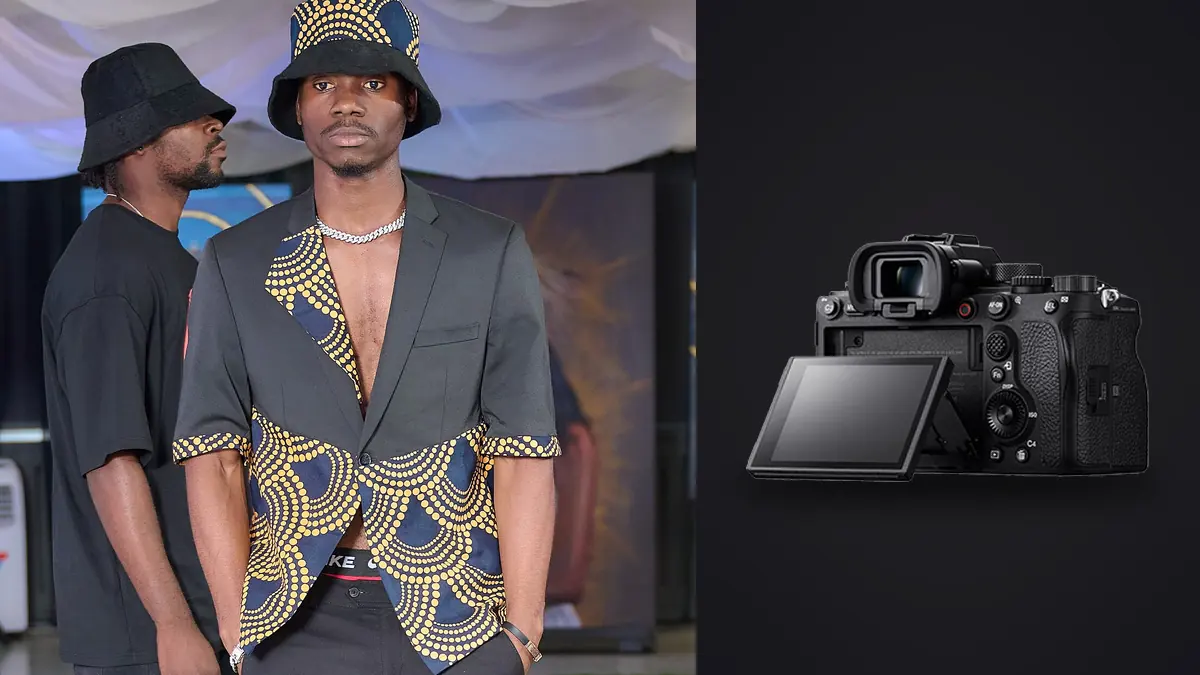
Picture a forty-look denim catalog over two days for a small Berlin label. The brief is blunt: full lookbook by Thursday, a paid social cutdown by the following Monday, three models rotating through twelve outfit changes each, one stylist steaming in the corner the entire time. A Sony A1 is the primary body and a second shooter runs an A7 III as backup. By the end of day one it would be clear which parts of that camera earn its price tag on a job like this, and which parts never get touched.
Why a $6,500 Body Even Enters the Conversation for Lookbook Work
Lookbook photography doesn't need the dynamic range of a landscape body or the frame rate of a sports shooter, so on paper the A1 looks like overkill. In practice, the two things that matter most on a lookbook set are crop room and shot count per pose, and the A1 happens to be strong at both. Fifty megapixels means you can shoot a full-length look from six feet back and still pull a clean waist-up crop for the e-commerce grid without re-lighting or re-shooting. That flexibility matters more than it sounds like it should, because clients change their mind about which crop they want after the shoot, not during it.
The other reason is less about specs and more about pace. A commercial lookbook day runs on outfit changes, not on camera settings, and any friction you add between "model is styled" and "frame is captured" gets multiplied by however many looks are on the call sheet. A camera that keeps up without asking you to think about it buys back time you'll need later for the actual editing.
Thirty Frames a Second Changes How You Direct
The A1's electronic shutter tops out at 30fps with no viewfinder blackout, and this is the one spec that genuinely changes how a lookbook shoot gets directed, not just how it gets shot. Fabric has its own timing. A coat swings for about half a second after a model stops turning, hair settles a beat after that, and the "natural" moment in a pose is usually somewhere in that decay, not at the pose itself. Shooting single frames or even 10fps bursts, you're guessing at when that moment lands. At 30fps you just hold the button through the turn and the settle, and the moment is in there somewhere.
What surprises people is how much this changes direction on set. Instead of calling "hold, hold, good, next," you can let models move through transitions between poses and just keep the shutter open, because the blackout-free viewfinder means you're not losing the model's face for a fraction of a second between frames the way you do on a mechanical shutter body. You see the whole thing happen in real time.
The Buffer Tax Nobody Warns You About
None of that 30fps capability matters if the buffer chokes halfway through a burst. Sony rates the A1 at somewhere in the 150s for compressed raw frames with a CFexpress Type A card loaded, which sounds like plenty until you do the math on a lookbook day: five three-second bursts per look, forty looks, and you're clearing the buffer constantly rather than once. Drop to a UHS-II SD card instead of CFexpress A and that number falls hard, closer to the low double digits before the camera slows to card speed. I learned this the annoying way on look six, holding the shutter through a good sequence and watching the frame rate visibly stutter because I'd left an SD card in the second slot as backup instead of a second CFexpress A card. Buy the CFexpress cards. They're expensive and it's worth it.
Autofocus That Understands Faces, Mostly Not Clothes
The AI-driven subject recognition tracks a model's eye through spins, hair flips, and hats about as well as any body I've used, and for a solo model against a plain backdrop it's close to unmissable. Where it gets less reliable is anything the algorithm reads as ambiguous: sunglasses pushed up into hair, a scarf crossing near the eye line, two models overlapping in a group shot. In those cases the camera sometimes locks onto the nearer garment edge instead of the face behind it, and you won't notice until you're reviewing frames later. My workaround was boring but effective: back-button focus with a single focus point recalled by a custom button whenever a look involved eyewear, layering, or more than one model in frame, and full-time Eye AF for everything else.
For product-forward lookbook frames (a bag, a shoe, a folded stack of the actual garment), I'll also say the AI tracking is wasted effort and you're better off in single-point AF-S. The subject recognition is built for people and pets, and it knows it. Don't fight it on still-life inserts.
Flash Sync at 1/400s Is the Quiet Reason Studio Shooters Actually Care
This is the spec that gets buried under the megapixel count and the frame rate, but for lookbook work shot with strobes it might matter more than either. The A1's mechanical shutter syncs cleanly up to 1/400s, versus the 1/200s or 1/250s ceiling on most full-frame bodies. That extra stop and a third of shutter speed lets you knock down ambient light without stacking ND or dropping your aperture past where you want it for a lookbook's typical f/5.6 to f/8 sweet spot. On an outdoor lookbook shoot at midday, fighting a bright sky with strobe as fill, that difference is the reason you're not shooting wide open just to keep exposure balanced.
How the A1 Stacks Up Against What You'd Actually Get Asked to Bring
Lookbook budgets rarely stretch to a dedicated A1 purchase for one job, so the real decision is usually between the A1 and whatever else is sitting in the studio's kit closet. Here's how the three bodies I get asked about most often actually compare for this specific kind of work.
| Camera | Effective resolution | Real-world burst | Compressed RAW buffer | Mechanical flash sync | Where it wins on a lookbook set |
|---|---|---|---|---|---|
| Sony A1 | 50.1MP | 30fps electronic, no blackout | ~150 frames (CFexpress A) | 1/400s | Crop flexibility plus motion capture in the same body |
| Sony A7R V | 61MP | ~7fps full-frame raw | Deep, but pace matters more than depth here | 1/250s | Static beauty and product detail, not movement |
| Sony A9 II | 24.2MP | 20fps electronic | 200+ frames | 1/250s | Fast-paced runway or backstage, less crop room after |
The pattern that jumps out once you put them side by side: nobody else in this range gives you both the crop headroom and the burst speed together. The A7R V wins on raw resolution but can't keep pace with a moving model, and the A9 II keeps pace but gives up more than half the resolution, which stings the moment a client asks for a tight crop on a look you shot from further back than planned.
The File Pile: Culling Fifty-Megapixel Bursts Without Losing a Week
Here's the part nobody mentions when they're excited about 30fps: forty looks, five bursts each, at three seconds a burst, generates somewhere north of eighteen thousand frames by the end of a two-day shoot. Every one of those frames is a 50-megapixel raw file. That's not a workflow problem you solve by working faster in Lightroom, it's a problem you solve before you ever open Lightroom.
This is where I stopped trying to eyeball sharpness across eighteen thousand frames and started running the whole card through imagic before touching anything else. It scores focus and sharpness locally on the machine, no upload, which matters on any job that comes with an NDA around unreleased garments, and it clusters near-duplicate frames from the same burst so I'm not scrolling through forty near-identical shots of a coat swing looking for the one where the fabric actually settled right. What used to be a full evening of squinting at 100% crops on my laptop after a shoot day is now closer to forty minutes of confirming the software's picks and overriding the handful it got wrong. If you're new to how that kind of local scoring actually works under the hood, this breakdown of AI photo culling covers the mechanics better than I can in a paragraph here.
The second thing that saves real time on a job like that is consistency across a forty-look set shot over two days with slightly different light each time. Grade the first day's hero shots the way the client wants, then use imagic's apply_my_style feature, trained on those already-edited frames, to carry that same look across the second day's culled selects before doing any manual pass. It's not magic and it doesn't replace a real edit on the frames that actually ship, but for getting eighteen thousand frames down to something visually consistent enough to review with a client, it can close a gap that used to eat a full day by itself.
Lens Pairings That Actually Get Used, Not Just Owned
The 50mm f/1.2 GM did most of the work on that shoot, close enough to a normal focal length that full-length looks don't distort at the edges, wide enough at f/1.2 to separate a model from a plain studio backdrop when a client wants that softer look for a hero image. The 85mm GM came out for beauty crops and detail shots, stitching, hardware, the texture of a raw denim hem. For anything wider, group shots or environmental frames where the label wanted the location visible, the 24-70mm GM II covered it without a lens change, which matters more on a tight schedule than the extra half-stop you'd get from primes at every focal length.
One thing I'd flag for anyone renting rather than owning: the A1's in-body stabilization is good, but on a tethered studio setup at 1/200s or faster with strobes, you're not leaning on it anyway. Save the rental budget for a stop of glass in your primes rather than the newest stabilized zoom if the shoot is mostly studio-based.
Where the A1 Doesn't Pay For Itself
I want to be fair about this because too many camera write-ups skip the downside. If your lookbook work is a single model, static poses, studio strobes, no burst shooting, the A1's headline features are mostly sitting idle. You're paying for 30fps you're not using and buffer depth you'll never fill. In that scenario an A7 IV or even a well-supported older body gets you to the same finished lookbook for less than half the cost, and the money is better spent on lighting or a second lens. The A1 earns its keep specifically when movement, crop flexibility, and turnaround speed are all in play at once, which describes a lot of commercial fashion work but not all of it.
Frequently Asked Questions
Do I really need 50 megapixels for lookbook work, or is that just spec chasing?
It matters more than it sounds like it should, specifically because clients ask for crops after the shoot, not during it. A waist-up e-commerce crop pulled from a full-length 50MP frame still holds up on a product page. Pulled from a 24MP frame shot at the same distance, it starts showing softness the moment someone zooms in.
Is the A1's flash sync speed actually noticeable, or is 1/250s close enough?
On an indoor studio set with continuous light or modest strobe power, you probably won't notice the difference. Shooting outdoors against bright sky with strobe fill, the extra stop and a third from 1/400s versus 1/250s is the difference between shooting at a sensible aperture and stopping down further than you want just to control ambient exposure.
How do I stop a forty-look shoot from turning into a three-day cull?
Cull before you edit, not during. Running the full card through a local sharpness-scoring and burst-clustering pass first, before opening any editing software, cuts the review set down to the frames actually worth looking at. Pairing that with a few habits around shoot-day file organization helps too; these workflow tips cover the parts of that process that happen before you even get to culling software.
Should I bring the A1 or rent an A9 II for a runway-adjacent lookbook shoot?
If the shoot involves genuine movement, walking, spinning, fabric in motion, and you'll need to crop tight afterward, the A1 covers both jobs in one body. If it's purely fast-paced action with no crop flexibility needed afterward (backstage documentation, for instance), the A9 II's faster mechanical-feel response and slightly smaller file size can actually make the edit faster, even at less than half the resolution.