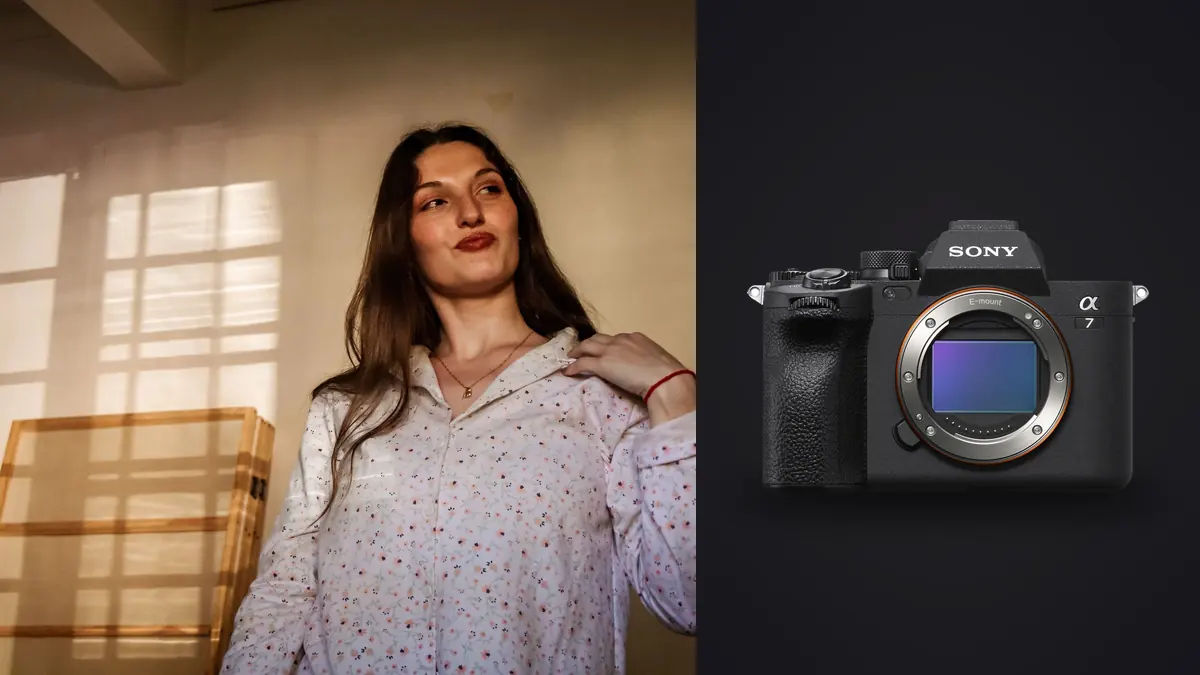
Why the A7 IV Ends Up on So Many Boudoir Kit Lists
I get asked about camera choice for intimate portrait sessions more than almost any other topic, and the Sony A7 IV comes up constantly, not because it's flashy but because it quietly removes the things that make a boudoir session awkward. A loud shutter slap in a small bedroom breaks the mood. A camera that hunts for focus on a shoulder blade or a jawline in low window light makes the client feel like they're being studied rather than photographed. The A7 IV handles both of those problems well enough that I stopped thinking about the gear mid-session, which is really the only compliment a working camera needs.
The 33-megapixel sensor sits in a useful middle ground for this genre. It's enough resolution to crop into a hip-to-shoulder composition without the file falling apart, but it doesn't generate the kind of file sizes that turn a two-hour session into an overnight backup job. Combined with the fully silent electronic shutter option, it lets you work close to a client on a bed or chaise without a mechanical clack announcing every frame.
Settings I Actually Use in the Room
Boudoir is almost never shot with flash, at least not the kind of images clients respond to. Most of what sells is soft, ambient, window-light or continuous-LED work, which means the A7 IV's low-light behavior matters more than its burst rate ever will. Here's roughly where my dials sit for a typical bedroom or hotel-suite session with one north-facing window and maybe a single LED panel bounced off the ceiling.
- Shutter mode: fully electronic, silent. There is a small risk of banding under flickering LED bulbs or fluorescent hallway light bleeding in, so I test a frame before committing. Under daylight or a flicker-free continuous panel it's a non-issue.
- ISO: Let it float between 800 and 3200 depending on how far the subject is from the window, and don't fight it. The sensor is genuinely usable at 3200 for skin tones once you're not pushing shadows hard in post. Above 6400 I start seeing enough chroma noise in shadow-side skin that moving the subject closer to light beats fixing it later.
- Shutter speed: 1/125s minimum even though the in-body stabilization will hold sharper than that handheld, because a moving subject (a hand adjusting hair, a slow breath) will still soften at slower speeds regardless of how steady the camera is.
- Aperture: most of the session lives between f/1.8 and f/2.8. Wider than that on a full-frame body and I lose too much of the face to the focus plane in three-quarter poses; an eye is sharp and the tip of the nose is already soft.
- Autofocus: Eye AF, human, with the tracking sensitivity dialed down a notch from default so it doesn't jump to a hand or a piece of jewelry when the subject turns.
Lens Choices and What They Actually Do to the Room
The lens matters more than the body for how a boudoir session feels, honestly, because working distance affects intimacy and comfort as much as it affects the picture. A tight bedroom doesn't give you the luxury of backing up fifteen feet for an 85mm compression shot, and that changes which lens actually gets used most of the session.
| Lens | Best use in a session | Working distance in a typical bedroom | Trade-off |
|---|---|---|---|
| FE 50mm F1.2 GM | Three-quarter and full-length poses, general coverage | Comfortable at 6-8 ft, works in most rooms | Heavy for a long handheld session, wrist fatigue by hour two |
| FE 85mm F1.4 GM | Close-crop detail shots, flattering facial compression | Needs 10+ ft, cramped in small hotel rooms | Often forces you into the hallway or doorway for the shot |
| FE 35mm F1.4 GM | Environmental context, showing the room and light source | Works at 3-5 ft, best for tight spaces | Distortion on close faces if you're not careful with framing |
| FE 24-70mm F2.8 GM II | Whole session on one lens when you can't predict the room | Flexible across all ranges | Not as forgiving wide open compared to the primes above |
| FE 90mm F2.8 Macro | Jewelry, lace detail, texture close-ups | 12+ inches minimum focus, needs real space | Slower to work with, not for the main coverage |
If I had to keep one lens on the A7 IV for this work it would be the 50mm f/1.2, not because it's the sharpest option (the 85mm arguably wins that fight) but because it's the one lens that keeps working when the room shrinks on you, which happens more often than people realize when an "intimate" hotel suite that turns out to be 200 square feet.
A note on the 24-70mm as a one-lens answer
I've shot entire sessions on just the 24-70mm f/2.8 GM II when I didn't know the location in advance, and it's a genuinely defensible choice. It's not going to render skin quite as softly wide open as the primes, but the versatility means you're not swapping glass while a client is mid-pose and losing the rapport you just built. For anyone shooting boudoir as a side offering alongside regular portrait work, this is the lens I'd tell them to start with before investing in primes.
Mixed Light Is the Real Enemy, Not Low Light
The A7 IV's dynamic range and noise handling get all the attention, but the thing that actually wrecks boudoir images more often is mixed color temperature, not insufficient light. A hotel room with a 3000K bedside lamp, a window letting in 5600K daylight, and a bathroom door left open spilling 4000K fluorescent light will produce a color-cast nightmare that no amount of sensor quality fixes cleanly. The fix is to walk the room before the subject even arrives and either kill the mismatched sources or accept you're shooting a custom white balance for each setup within the same session.
Setting a custom white balance off a gray card under the dominant light source, rather than trusting auto white balance, saves a huge amount of correction work afterward. Auto white balance on the A7 IV is genuinely good for general photography, but it tends to average skin tones toward a slightly cooler, slightly desaturated result when there's a mix of warm and cool sources in frame, which is exactly the opposite of what most boudoir clients want to see of themselves.
Culling a Boudoir Session Without Losing Your Mind
A two-hour session on this camera, shooting Eye AF continuous bursts through wardrobe changes and pose sequences, routinely lands somewhere around 1,200 to 1,800 frames. Boudoir shooting produces an unusual culling problem compared to, say, a wedding: the poses are subtle and repeat in tight clusters (a five-frame burst of someone shifting weight from one hip to the other), and picking the sharpest, most flattering frame out of a nearly identical set by eye is slow and genuinely exhausting after the fifth wardrobe change.
This is where I stopped doing the first pass manually. I run the day's take through imagic before I ever open Lightroom, letting it group the burst clusters and rank frames by actual focus sharpness on the eyes rather than me squinting at a laptop screen at 1am trying to tell two nearly identical frames apart. Because imagic runs the analysis locally on my machine rather than uploading anything, it's also the one step where you don't have to think about where a client's images are going before you've even had a chance to review them yourself, which matters a lot in this particular genre.
Once the first pass is done, I still hand-check the shortlist (I don't trust any tool completely with a genre this dependent on subtle expression and body language), but going from 1,500 frames down to a workable 300 in under twenty minutes instead of ninety changes the whole week's schedule. If you're new to this kind of triage, this piece on how AI photo culling actually works walks through the mechanics in more detail than I can here.
Backup discipline matters more here than in most genres
Run dual card slots on the A7 IV in backup-simultaneous mode for every boudoir session, no exceptions. It's standard advice for any paid shoot, but the stakes feel different when the files in question are ones a client would be genuinely harmed by losing control of. Also wipe cards with a full format (not just delete) after the shoot is delivered and backed up, and never leave a laptop with an open client folder unlocked in a shared space. None of this is camera-specific, but it's worth saying because the gear conversation tends to crowd out the handling conversation, and the handling conversation matters more.
Color and Skin Tone Rendering
Sony's color science has improved a lot since the earlier A7 bodies, and the A7 IV's out-of-camera JPEGs render skin with less of that slightly clinical, greenish undertone that older Sony sensors were known for. That said, I still shoot raw exclusively for this work and grade every session by hand, because skin tones vary enormously and a single default profile is never going to serve every subject well.
What I've settled into is building a consistent base grade from a handful of sessions I was happiest with, then leaning on imagic's apply_my_style feature, which trains a preset off my own past edits rather than a generic filter, to get every new session's raw files into a consistent starting point before I do the finer skin retouching by hand. It's not a replacement for actually looking at each image, but it means I'm not manually rebuilding white balance and tone curve decisions from scratch every single session, which used to eat a full evening on its own. For anyone building out a grading approach from nothing, this guide to color grading covers the fundamentals better than a quick aside here could.
Frequently Asked Questions
Is the Sony A7 IV overkill for boudoir, or would a cheaper body do the same job?
Honestly, a lot of the A7 IV's strengths (silent shutter, reliable Eye AF, solid high-ISO skin rendering) are things you can find on cheaper bodies now too, including Sony's own A7 III on the used market. Where the A7 IV earns its price for this specific genre is the combination of all three at once plus a sensor with enough resolution to crop confidently. If budget is tight, I'd rather see someone buy a fast prime lens on an A7 III than stretch for the A7 IV on a kit zoom.
Does the electronic silent shutter cause banding under bedroom lighting?
It can, but only under certain light sources. Cheap dimmable LED bulbs and older fluorescent fixtures are the main culprits because they flicker at frequencies the rolling readout can catch as visible banding across the frame. Daylight, quality flicker-free LED panels, and most modern warm-white bulbs don't cause problems. I always shoot a test burst under whatever's in the room before relying on silent mode for the whole session.
What's a safe ISO ceiling on the A7 IV for available-light boudoir work?
I treat 3200 as my comfortable working limit for skin tones I'm happy delivering without heavy noise reduction. I'll go to 6400 if the alternative is missing the shot entirely, but I know I'm accepting more cleanup work in exchange, and skin texture starts to get mushy under noise reduction at that point in a way that's hard to fully hide.
How should client images be handled and stored after a boudoir session?
Dual-slot backup during the shoot, an encrypted external drive or password-protected local backup afterward, and a workflow that doesn't route anything through cloud storage the client hasn't explicitly agreed to. It's part of why offline processing tools make sense for the culling stage, rather than anything that requires uploading a client's raw files to review them.