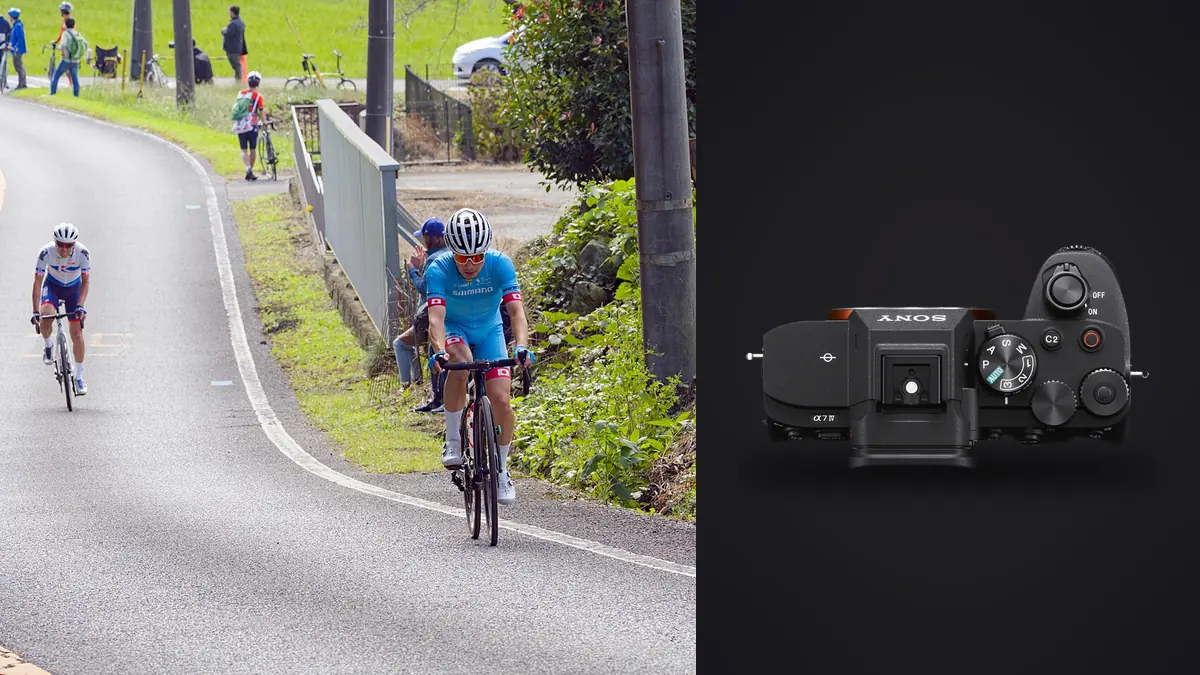
The Sony A7 IV is a 33-megapixel full-frame hybrid camera capable of continuous autofocus and shooting at up to 10 frames per second in supported settings. For track sports, its strongest setup is not the fastest menu option at every moment. It is a control scheme that keeps the athlete selected, protects highlight detail, and lets the photographer change between starts, lateral motion, finish-line action, and quieter portraits without entering the main menu.
Track events are unusually structured. Lane markings, start lists, event order, and known finish directions make it possible to prepare. Use that structure to create two or three reliable camera states. The setup below emphasizes still photography and should be tested with the exact lens, card, firmware, and file type before an important event.
Troubleshoot track frames with a four-part check
Troubleshooting Sony A7 IV track photographs is faster when focus, motion, shutter behavior, and position are checked separately. A sharp lane marker behind a soft athlete suggests the autofocus area left the subject. A sharp face with blurred hands or feet needs a faster shutter, not stronger stabilization. Bent implements or repeating bands under venue lights can indicate an unsuitable electronic-shutter choice. A blocked finish or athlete hidden by officials is a position-planning failure. Review a short burst before the decisive final, confirm where focus travels across the sequence, and change only the control linked to that evidence. A reset to the known baseline is safer than stacking several speculative menu changes.
Map the event before mapping the buttons
Identify legal shooting positions, sun direction, background, and the side from which bib numbers will be visible. Starts benefit from a view down or across lanes. Sprint finishes need an unobstructed line and enough distance to avoid athletes running into the working area. Field events require separate safety rules and should never be approached without official direction.
Build a simple position list: start, mid-race side view, finish, and reaction area. Not every event allows time to cover all four. Decide which image is mandatory before the schedule begins. A camera setup is successful when it serves that priority, not when every feature is active.
Check whether electronic timing displays, LED boards, or stadium lights appear in frame. They can flicker or band at some shutter settings. Make test frames under the live lighting rather than relying on a daylight setup saved at home.
Create a dependable baseline exposure mode
Manual exposure with Auto ISO is a practical baseline when shutter speed and aperture define the look but light changes as athletes move past shade. Choose a fast shutter for crisp sprint action, set an aperture that keeps the relevant athlete within depth of field, and place an upper ISO limit appropriate to the final use. If the light is stable, fixed ISO makes sequences more consistent.
For a panning variation, store a second state with a slower shutter. The exact speed depends on athlete speed, distance, focal length, and desired blur. Start conservatively, follow the torso smoothly, and inspect whether the face and bib remain readable while limbs and background carry motion.
Use exposure compensation only when Auto ISO or another automatic component is active. Protect white uniforms and sunlit skin with highlight warnings. Bright lanes or a dark grandstand can move a meter reading even when the light on the runner does not change, which is why manual control often produces a steadier series.
Set autofocus for the lane, not the entire stadium
AF-C is the starting mode. Human subject recognition can help find a face or eye, but a distant athlete may be too small or partly hidden. Use a tracking area that begins where the intended runner will enter. A medium zone or tracking spot gives the camera guidance without requiring a tiny point to stay perfectly placed.
Wide-area tracking is convenient for a lone runner against a clean track. It becomes less reliable when officials, hurdles, other athletes, or spectators occupy similar distances. Narrow the starting area and acquire the correct subject before the decisive action. Keep the shutter half-press focus behavior consistent with the chosen back-button method; mixed habits create missed acquisitions.
For a finish line, preselect the lane or athlete and begin tracking before the lean. Do not wait for the tape to enter the frame. For a side-on pan, place the tracking area where the torso will remain, leaving room in front of travel. At hurdles, acquire on approach and avoid letting the area jump to the foreground barrier.
Use mechanical and electronic shutters for different risks
The electronic shutter is quiet, but the A7 IV's sensor readout can distort fast lateral motion and show bands under pulsing lights. Bent poles, leaning lane markers, and skewed limbs are signs that readout and motion are interacting. Use the mechanical shutter as the conservative action setting unless silence is required and test frames show no problem.
Anti-flicker options can help under compatible artificial lighting, but their behavior and availability depend on shutter mode and settings. They do not guarantee clean results under every LED board. Check a burst at the actual shutter speed and inspect brightness across consecutive frames.
At starts, the mechanical sound may be acceptable because the official signal dominates. During quiet award moments or indoor preparation, electronic shutter can be useful if movement is slow and the lighting is stable. Store shutter mode in the appropriate custom state instead of changing it from memory under pressure.
Build a control map that can be used through the viewfinder
Assign one rear button to focus activation if back-button autofocus is part of established technique. Assign another reachable button to temporarily switch focus area, such as moving from a tracking zone to a spot for podium portraits. Put subject-recognition selection somewhere accessible only if the event includes humans, vehicles, and other subjects in quick succession; otherwise leave it fixed.
Use the front and rear dials for shutter and aperture. Keep exposure compensation on a dedicated dial if Auto ISO is active, and consider locking that dial to prevent accidental changes. A custom button for APS-C crop can provide a tighter view, but remember that it records fewer pixels rather than increasing lens reach. It may help framing; it does not add detail.
Save complete states to memory positions:
- State one: crisp action, AF-C tracking zone, mechanical shutter, fast shutter, Auto ISO.
- State two: pan, AF-C tracking, slower shutter, stabilization configured for the lens and movement.
- State three: reaction or portrait, single-frame or low drive, eye detection, quieter operation if safe.
Match drive mode and file type to the actual moment
The advertised maximum frame rate depends on file compression, shutter mode, focus, exposure, and lens conditions. Treat it as an upper capability, not a guaranteed speed for every RAW setting. Compressed RAW generally supports the fastest workflow; lossless or uncompressed options may reduce shooting speed and increase card load.
Use short sequences around known peaks: blocks release, hurdle clearance, baton exchange, finish lean, and immediate reaction. Holding the shutter through an entire straight creates many near-identical frames and can fill the buffer before the finish. Track continuously, but expose selectively.
Set the camera so it continues to prioritize focus or a balanced focus-release behavior appropriate to the sport. Pure release priority may produce more frames without improving usable focus. Review an early sequence at full detail and change the acquisition method if the selected athlete is not consistently sharp.
Plan cards and recording before the first heat
The A7 IV has two media slots, with the first accepting CFexpress Type A or SD media and the second using SD. Choose whether the second slot provides backup, overflow, or separates file types. Backup is valuable for non-repeatable competition, but both cards must sustain the selected format and sequence behavior.
Format approved cards in camera, label them, and start with enough capacity for the schedule. Do not delete individual frames during short gaps; it consumes attention and does not create a reliable backup. Swap media at a planned break, record which events are on each card, and keep full cards physically separate from empty ones.
Battery strategy should follow the schedule. Keep a charged spare accessible without placing loose contacts against metal. USB power can help during long static positions when permitted, but cables near a track or public route create hazards and should not be improvised.
Run a three-minute field check
- Photograph a moving warm-up athlete using the intended focus area.
- Inspect the face or bib at magnification, not only the rear-screen fit view.
- Check pale highlights and the darkest uniform under current light.
- Review several consecutive frames for LED banding or exposure cycling.
- Confirm the correct athlete can be acquired among adjacent lanes.
- Watch the card indicator clear after a realistic short burst.
- Verify both media destinations and remaining battery before the call to start.
Keep the post-race workflow tied to the event
Ingest into folders by date and event, preserving card identity until copies are verified. A file structure such as meet/event/round/card makes a late request for a specific heat easier to answer. Make a second copy before formatting media.
imagic can locally assess sharpness, exposure, closed eyes, composition, and duplicate or burst groups. For track work, use that as a technical shortlist, then verify bib, lane, event stage, and peak action manually. Status changes do not delete the source file, so unusual but important frames can be restored.
Tune stabilization and support to the lens
Long sports lenses may combine optical stabilization with the A7 IV's in-body system. Use the lens maker's recommended mode for ordinary tracking and for panning; some lenses provide a setting that limits correction on the panning axis. The wrong mode can make the view resist a smooth lateral movement or settle unpredictably at the start of a pan.
A monopod can reduce fatigue with a heavy telephoto from a fixed legal position. Attach it to the lens collar rather than the camera body when the lens is designed for that support, set a height that permits a relaxed stance, and keep the foot within the photographer's controlled space. It must never project into a lane, walkway, or athlete runoff.
Make a support comparison during warm-up: one normal action sequence handheld and one with the intended monopod or stabilization mode. Inspect framing and subject detail, but also note whether the setup slows turns between events. The best support is the one that improves control without preventing safe repositioning.
Learned style application and non-destructive adjustments can create a consistent starting point before JPEG or TIFF export. See the desktop workflow for local processing and Camera Hardware for related setup guides.
Frequently asked questions
Should the Sony A7 IV use electronic shutter for track sports?
Usually begin with the mechanical shutter because fast lateral motion and some lights can expose electronic-readout artifacts. Use electronic shutter after testing when silence has a clear benefit.
Which autofocus area is best for runners?
A tracking spot or medium zone is a strong starting point because it tells the camera which athlete to acquire. Wide tracking works better when the subject is isolated and the background is clean.
Does APS-C crop mode increase telephoto reach?
It records a tighter crop using fewer sensor pixels. It can simplify framing and reduce file size, but it does not change lens magnification or capture more subject detail than cropping the same full-frame image.
Why does the camera not always reach 10 fps?
Continuous speed depends on the selected RAW compression, shutter, lens, autofocus, and exposure conditions. Check Sony's mode limitations and verify the exact working configuration before the event.