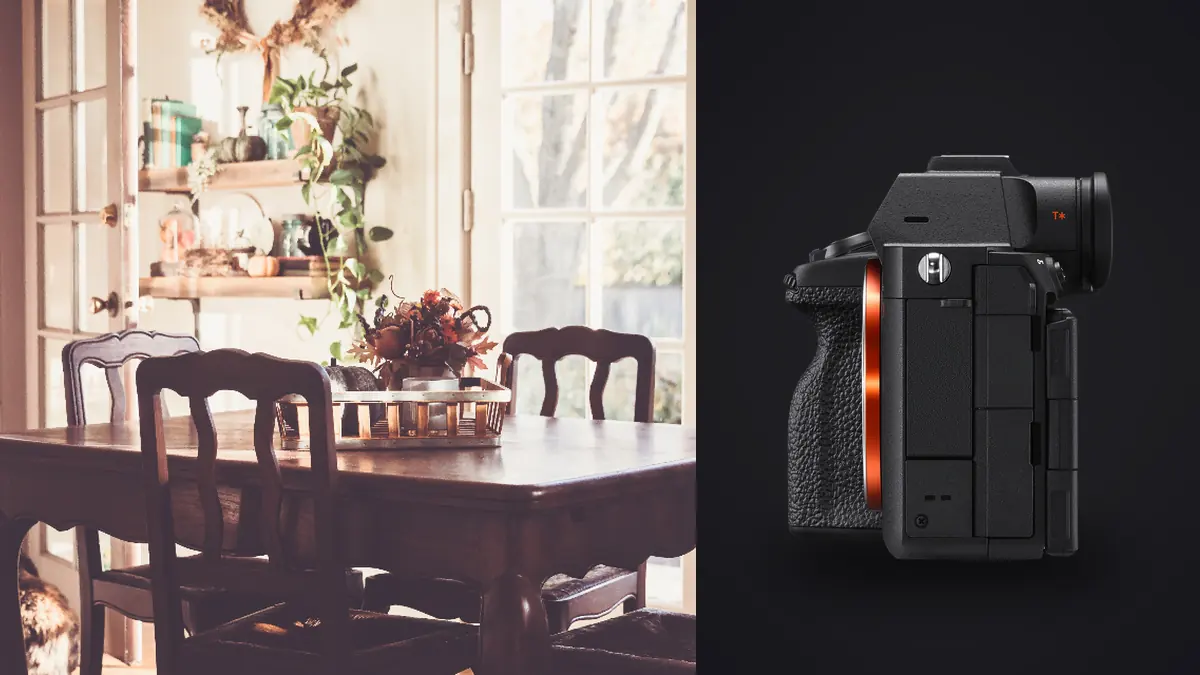
I picked up the Sony A7R V about a year ago specifically to replace an aging A7R III for interior and small-scale architecture shooting: boutique hotel interiors, residential renovations, and the occasional commercial lobby. None of that work involves fast glass or tracking eyes across a soccer pitch, so a lot of what Sony markets around this camera (the AI autofocus unit, the burst rate) barely comes into play. What does matter for this kind of shooting is resolution headroom, dynamic range discipline, and how much friction there is between capture and a folder of usable files ready to share. This is what I've actually found, good and annoying, after a year of tripods, ladders, and too many hallway shots with mismatched color temperature.
Why 61 megapixels is not just a spec sheet number here
On paper 61MP looks like overkill for anything that ends up on a real estate listing at 1200 pixels wide. In practice it solves a specific problem: architecture and interiors almost always need perspective correction after the fact, and correction eats resolution. Shoot a tall lobby wall with converging verticals and pull the top corners out in post to straighten them, and you can lose 15 to 25 percent of your frame to the correction alone. Do that on a 24MP body and you're printing a cropped, upscaled file. Do it on the A7R V's 9504 by 6336 pixel sensor and you still have comfortable margin for a two-page magazine spread or a large lobby print.
The other place it pays off is when one hero image later needs blowing up for a large print or backdrop, after I've already shot the whole set at normal working resolution. Having the extra pixels banked means I'm not going back to re-shoot a space that's since been re-staged or re-painted.
Dynamic range and the window problem
Every interior shoot eventually runs into the same fight: bright daylight coming through glass against a room lit by tungsten lamps and maybe a dim hallway beyond an open door. Sony rates the base ISO dynamic range on this sensor in the neighborhood of 14 stops, and in practice that number holds up better than I expected coming from the A7R III. I can usually recover a blown-looking window in a single raw file, pulling highlights back without the muddy gray look you get from cameras with less headroom. That said, I still bracket for anything with a window wall or a skylight in frame, typically three frames at 1.5 to 2 stops apart, because "usually recoverable" is not the same as "always recoverable" when you want a clean single exposure rather than a blend.
What changed my workflow more than the sensor itself was how I handle those bracket sets afterward. A tripod-based bracket produces three or four frames that look nearly identical at a glance but differ in exposure and sometimes in tiny things moving in frame (a curtain edge, steam off a coffee cup on a staged table). Sorting those by hand across forty rooms in a hotel is tedious and it's where mistakes happen, picking the slightly soft frame because you're scanning too fast on a laptop screen at 11pm. I run the day's card through imagic before I touch anything in Lightroom, since it groups the near-duplicate bracket and burst frames together and flags which one in each cluster is actually sharpest rather than just first in the sequence. It's a local app, so nothing leaves my laptop, which matters more than you'd expect when the photos show people's private homes.
Pixel Shift Multi Shooting: worth the extra time, sometimes
The A7R V carries forward Sony's Pixel Shift Multi Shooting mode, and it's genuinely useful for architecture specifically because so much of the subject matter holds still. Point the camera at a locked-off tripod, fire a shift sequence, and merge afterward in Imaging Edge Desktop for either a moire-free 61MP file or a composite pushed out to roughly 240 megapixels. I reach for the 16-shot mode maybe twice a shoot: the lobby hero shot that gets printed at four feet wide, or a kitchen with fine tile grout and patterned tile that would otherwise moire badly in a single exposure.
The catch is that it demands conditions most interior shoots don't reliably have. No HVAC vent blowing a curtain, nobody walking past a doorway mid-sequence, no flickering LED strip under a cabinet. I've thrown away more pixel-shift attempts to a barista steaming milk in a hotel cafe than I care to admit. It's a tool for the two or three frames per job that are actually worth the setup time, not a default shooting mode.
| Mode | Output resolution | Approx. file size (merged) | Capture time | Best use / tolerance |
|---|---|---|---|---|
| Single compressed raw | 61MP (9504×6336) | 60-90MB | Instant | Any room, including occupied spaces; handles minor movement fine |
| 4-shot Pixel Shift | 61MP, full RGB per pixel | 90-120MB | ~2-4 seconds | Fine patterned tile/fabric to kill moire; tripod required, low tolerance for movement |
| 16-shot Pixel Shift | ~240MP (19008×12672) | 1.2-1.5GB (16-bit TIFF) | 8 sec to over a minute, depending on interval setting | Print-scale hero shots only; needs a dead-still room and locked tripod |
Lenses: working around no native tilt-shift
The one real hole in Sony's E-mount lineup for this genre is a native tilt-shift lens. There isn't one. For architecture photographers coming from Canon, that's a genuine adjustment. My working solution is a Sony FE 16-35mm F2.8 GM II most of the time, shot slightly wider than framed and corrected in post using the resolution margin discussed above. For the handful of jobs where I want an actual shift movement rather than digital correction, usually a facade shot where I want to preserve edge sharpness across the full frame, I carry a Laowa 15mm f4.5 Zero-D shift lens, which is native FE mount and fully manual. It's slower to work with than a modern autofocus lens (manual focus, manual aperture ring, no electronic communication with the body at all) but the shift mechanism itself is smooth and the corner performance holds up.
I've also adapted a Canon TS-E 24mm II onto the body for exterior architecture work using a basic mechanical adapter. Since a tilt-shift lens doesn't need autofocus or electronic aperture control to be useful, the lack of native support matters less than it would on a standard lens. It's a workaround, not a real substitute for a purpose-built native option, and I'd switch the day Sony ships one.
For interiors specifically I lean on the FE 20mm F1.8 G more than the zoom. Tight bedrooms and bathrooms often don't leave room to back up, and a rectilinear 20mm with reasonably controlled distortion means less correction work later, which again comes back to preserving resolution instead of burning it on post-fixes.
Stabilization, the EVF, and small things that matter on a walkthrough
Sony rates in-body stabilization on this camera at up to 8 stops, and while I don't trust marketing numbers at face value, handheld interior shots at 1/4 second with the 20mm are reliably usable, which is enough for the walkthrough shots I take between formal tripod setups (a quick record shot of a hallway, a detail on a staircase) without breaking stride to set up a tripod every time. The in-body level and grid overlay in the electronic viewfinder get more actual use on this job than eye autofocus does. Keeping verticals close to true in-camera means less correction later, and less correction means keeping more of that 61MP frame.
Battery life on the NP-FZ100 gets me through a half-day residential shoot without a swap if I'm not chewing through pixel-shift sequences constantly. A full-day commercial job with a lot of bracketing and a few 16-shot composites, I carry a second battery and don't think twice about it.
What actually gets on my nerves
Two things. First, this isn't a stacked sensor, so rolling shutter with the electronic shutter is noticeable if anything in frame moves quickly, a door swinging shut, someone walking through a shot you're trying to keep quiet for. I stay on the mechanical shutter for most interior work anyway since silence isn't usually a requirement indoors, so this is a minor complaint rather than a dealbreaker. Second, the menu system, even after Sony's redesign a couple of generations back, still buries a few settings I reach for constantly (interval timing for pixel shift, specifically) two or three taps deeper than I'd like. Neither of these has cost me a shoot, but they're the kind of friction you notice on the fortieth room of a hotel refresh.
Handling the file volume afterward
A one-day residential shoot with brackets on every room and a couple of pixel-shift heroes routinely leaves me with 400 to 600 raw files plus a handful of merged TIFFs pushing 1.5GB each. That volume is the actual tax you pay for shooting this way, not the camera price. My rule now is to run everything through imagic the same evening: it clusters the bracket sets and near-duplicate tripod frames automatically instead of me scrubbing through a filmstrip guessing which of four nearly-identical frames is sharpest, and I lean on the apply_my_style preset trained on my own past interior edits to get a consistent starting grade across a whole property before I do room-by-room fine adjustments. That's cut what used to be a half-day of triage down to under an hour most weeks, which is the difference between turning a job around in two days versus five. For anyone weighing whether AI-assisted culling is worth adding to an architecture or real estate workflow at all, this breakdown of how the culling actually works covers the mechanics better than I can in a paragraph here, and these workflow tips are aimed at exactly this kind of high-volume, low-drama shooting.
Frequently Asked Questions
Do I need a tilt-shift lens to shoot architecture well with the A7R V?
No, but it helps for specific shots. Most of my work is done with a standard wide zoom or prime shot slightly loose and corrected in post, which the sensor's resolution makes painless. I reach for an actual shift lens (adapted or the native Laowa option) only for facade shots where I want full-frame edge sharpness without any digital stretching, maybe one or two shots per job.
Is 61 megapixels actually necessary for real estate and interior work, or is it marketing?
For listing photos alone, no, you'd be fine with 24MP. The resolution earns its keep specifically because interior and architecture shots get cropped and perspective-corrected after capture far more often than other genres, and that process consumes real pixels. It also means one camera can serve both quick-turnaround listing work and the occasional large-print hero shot without swapping bodies.
How much extra time does Pixel Shift Multi Shooting realistically add to a shoot?
Per shot it's fast, seconds for a 4-shot sequence, up to a minute for 16-shot depending on your interval setting. The real time cost is setup: clearing the room of anything that could move, locking the tripod down hard, and then the merge step afterward in Imaging Edge Desktop, which isn't instant on a large batch. I budget it for two or three shots a day, not as a default capture mode.
Does the A7R V handle mixed daylight and tungsten lighting well straight out of the raw file?
Better than the previous generation I was using, but I still don't treat it as a fix-everything sensor. Single exposures recover blown window highlights more often than not thanks to the dynamic range headroom, but I bracket anywhere a window and warm interior lighting share the frame rather than betting the shoot on one exposure. The improvement is real, it just isn't a reason to stop bracketing.