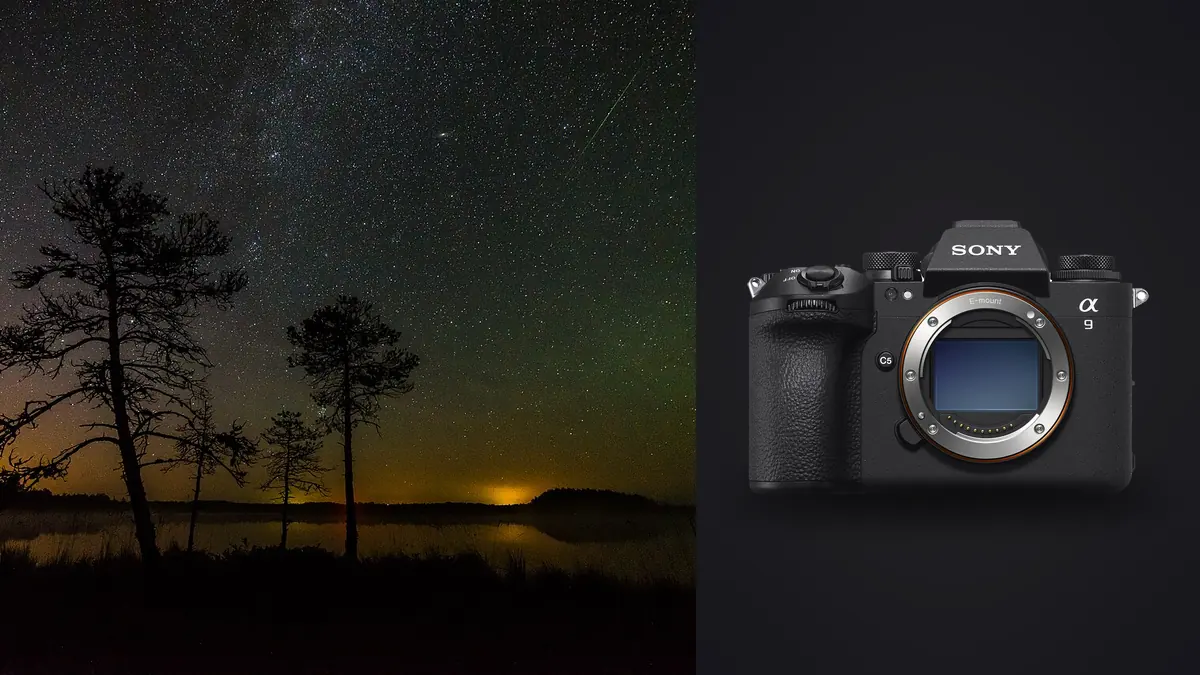
A Sony A9 III astrophotography and star stacking RAW Workflow should account for a camera designed primarily around speed and global-shutter capture. Its 24.6-megapixel full-frame files can record night landscapes and sky sequences, but the global-shutter sensor has different priorities from cameras chosen mainly for maximum low-light latitude or resolution. Exposure and final output should be evaluated from representative ARW files.
The workflow matters more than a specification comparison. A complete night set needs ordered sky frames, any foreground or calibration components, two verified copies, consistent RAW development, a dedicated stacking stage, and a final archive that explains what was combined. imagic can assist before the merge, but it does not stack stars.
Evaluate the camera with a representative sky
Before travel, photograph a sky with similar darkness, temperature, focal length, and exposure approach. Process the ARW at final output size. Inspect star color, shadow noise, hot pixels, gradients, and foreground recovery. Do not infer astrophotography quality from the camera's action performance or from an extreme screen crop.
Compare a single frame and a short stack using the same output. A stack can reduce random noise and improve faint detail when capture and alignment are consistent. It does not repair missed focus, dew, severe trailing, light pollution gradients, or a foreground that moved between frames.
Choose the A9 III when its overall kit, handling, lens access, and other assignments make sense. A dedicated night camera may offer a different balance, but a disciplined workflow can still make the A9 III useful for many wide-field and environmental night images.
Write a component plan before capture
Define whether the result will be a single exposure, untracked noise-reduction stack, tracked sky and fixed foreground, star trail, or panorama. List the required components in capture order. A clear plan prevents a tracker test or foreground exposure from entering the sky stack accidentally.
Give every composition a short code and record lens, focal length, aperture, focus reference, orientation, tracker state, and filter. Mark the beginning and end of a sequence with a safe separator or note. Avoid light that disturbs other photographers or dark-adapted observers.
Record broad location and conditions while protecting fragile sites and sensitive access. Plan safe routes in daylight, follow closures, and keep lighting controlled near wildlife. Exact coordinates need not travel in public metadata.
Choose ARW settings for consistency
Verify the selected RAW format with every developer and stacking application. Use current camera firmware and representative long exposures in the test. Preserve native ARW originals even when another program needs TIFF or another intermediate.
Set manual exposure and a fixed white balance for a stack. RAW permits later correction, but coherent previews make drift easier to notice. Disable automatic changes that cause frame-to-frame variation unless the chosen method explicitly requires them.
Establish focus on a bright star with magnified live view, then secure the control without damaging equipment. Recheck after temperature changes, lens adjustments, or a camera move. Fine points make small focus changes visible even when the rear preview appears acceptable.
Capture clean sky sequences
Keep framing, focus, aperture, exposure, and camera support unchanged across sky members. Begin with a test frame, inspect the histogram and star shape, then run the planned sequence. Avoid touching the tripod. Note aircraft, satellites, cloud, dew, tracker errors, or stray light rather than assuming every member is equal.
Use shutter duration appropriate to focal length, tracking state, and final tolerance for star movement. A global shutter removes rolling-shutter scanning, but it does not stop the sky's apparent motion during a long exposure. Tracking or shorter exposures remain the tools for controlling trails.
Protect bright stars and illuminated foreground elements while retaining enough shadow information for the planned stack. Do not lower every frame solely for a tiny lamp or direct light that can remain bright. Evaluate the meaningful scene information.
Keep foreground and calibration roles distinct
A foreground exposure may use a different focus distance, shutter duration, or time. Mark that change clearly. If it will be combined with a sky made at another moment or tracking state, retain capture times and describe the method where editorial context requires it.
Dark frames and other calibration files should match the requirements of the stacking method. Record how and when they were made. Do not use an older calibration set merely because the exposure time looks similar; temperature, sensor behavior, and software method may matter.
For panoramas, keep exposure and white balance consistent across panels and provide enough overlap. A tracked sky panorama and fixed foreground add alignment complexity. Record panel order and orientation before packing the tripod.
Manage dew, batteries, and both card slots
Inspect the lens between sequences for dew and record when a heater begins operating. Route power and heater cables so they cannot tug the camera. A gradual softening may affect only later members, which makes endpoint review essential.
The A9 III has two slots that support SD and compatible CFexpress Type A media. Configure duplicate ARW, split recording, or overflow intentionally and verify both cards. Different media choices can affect how the recording plan behaves.
Start with charged batteries and choose change points between sequences. After the session, create verified working and separate backup copies before formatting. Open frames from each composition, the final member of long groups, and files from both card destinations.
Preserve groups during ingest
Organize originals by date, broad location code, composition, and sequence without scattering calibration files. Keep original names or add a collision-safe prefix. Store alignment caches, intermediates, and exports outside the ARW directory.
Use a manifest for each stack. Record member range, excluded frames, foreground source, calibration group, conversion settings, stacking software, and master version. This makes the final image rebuildable and prevents a similar sequence from being substituted later.
Verify counts and file integrity before clearing cards. Large night projects can include several compositions with visually identical thumbnails. A folder total is not enough; compare each sequence with the written plan.
Cull components for consistency
Review full frames for clouds, aircraft, satellites, light spills, tripod movement, tracker slips, and foreground changes. Then inspect center and corner stars for focus and trailing. A frame can look usable centrally while one edge reveals a disturbed setup.
Do not select one hero from a stack and reject all near-duplicates. Similarity is the point. Exclude a member only for a reason the chosen stack method cannot manage, and keep excluded files until the merged master is verified.
imagic can ingest ARW files locally, score sharpness and exposure, assess composition, and group near-duplicates. Its grouping can make a sequence easier to navigate, but the stack role must be preserved manually. Culling changes status and does not delete the source.
Normalize RAW development before merging
Apply white balance, broad exposure, compatible lens correction, and restrained detail settings uniformly across sky members. Avoid local masks and per-frame tonal changes that introduce inconsistency. Process foreground files separately according to their role.
Control bright-star color and avoid clipping through aggressive saturation. Use conservative noise reduction before stacking because the merge should handle part of the random noise. Delay final sharpening until the master reaches delivery dimensions.
Check lens profiles and vignetting corrections for stack compatibility. Strong per-frame correction can amplify corner noise. Use a repeatable baseline and inspect the merged edges rather than assuming more correction is always better.
Use dedicated stacking and layer software
imagic does not align or merge star stacks, stitch panoramas, create HDR composites, or provide layers. Export or convert components in the format required by dedicated software, retaining enough color and tonal information. Never stack from small delivery JPEGs.
Inspect rejection results for missing stars, repeated patterns, trails, and gaps. At the horizon, check trees, buildings, rocks, and masks where tracked sky and fixed ground meet. Preserve an editable master and the source manifest.
Be accurate about the final method. A stacked or composite image is a legitimate photographic construction, but it should not be described as a single exposure when timing or manipulation matters to the audience.
Compare single-frame and stacked versions separately
Keep a carefully developed single frame beside the stacked master during review. It provides a reference for star size, natural noise, foreground relationships, and color. The stack should improve the intended quality without introducing false repeated texture, clipped star cores, or an unnaturally smooth sky.
Evaluate both versions at the same output dimensions and profile. A magnified stack can invite stronger contrast and sharpening simply because more detail is visible. Consistent viewing makes it easier to decide whether the merge adds useful information or only a more processed appearance.
If the single frame is selected for publication, retain the stack project as a separate variant rather than replacing the source edit. If the stack is selected, record the member range and exclusions. This distinction keeps future revisions and disclosure accurate. Store the two approved variants under different version names and never overwrite their common ARW sources.
Finish and export the night master
Refine gradients, contrast, color, and local balance after the stack is complete. Avoid crushing the sky background or creating brittle stars. Reduce to intended dimensions, then apply output sharpening and inspect smooth tonal transitions.
Choose JPEG or TIFF, color space, compression, filename, metadata, and disclosure appropriate to the recipient. The imagic desktop page describes local processing for supported files, while Camera Hardware gives broader system context.
Open the rendered file outside the editor and check profile, gradients, edges, crop, and metadata. Archive ARW components, calibration files, manifest, stack project, editable master, and derivatives. Remove temporary caches only after the project can be restored without them.
Use an A9 III astro RAW workflow checklist
- Evaluate: process representative ARW files at final output size.
- Plan: define the stack, foreground, calibration, and panorama roles.
- Focus: verify stars and recheck after temperature or camera changes.
- Consistency: lock framing, exposure, aperture, and white balance.
- Conditions: monitor dew, power, stray light, and safety.
- Cards: verify both slot destinations and separate storage backups.
- Manifest: record every member, exclusion, conversion, and master.
- Cull: inspect focus, motion, cloud, trails, and contamination.
- Merge: use dedicated software and preserve component identity.
- Deliver: audit gradients, profile, disclosure, and archive completeness.
Frequently asked questions
Does the A9 III global shutter stop star movement?
No. A global shutter exposes the frame without line-by-line scanning, but stars still move relative to a fixed camera during long exposures. Use suitable shutter duration or tracking.
Can imagic merge an A9 III star stack?
No. It can help cull and prepare supported ARW files, but alignment and stacking require dedicated software. Keep the source sequence and manifest intact.
Should every night frame use the same development settings?
Sky members in one stack should begin from a consistent baseline. Foreground, calibration, and different compositions have separate roles and may need different treatment.