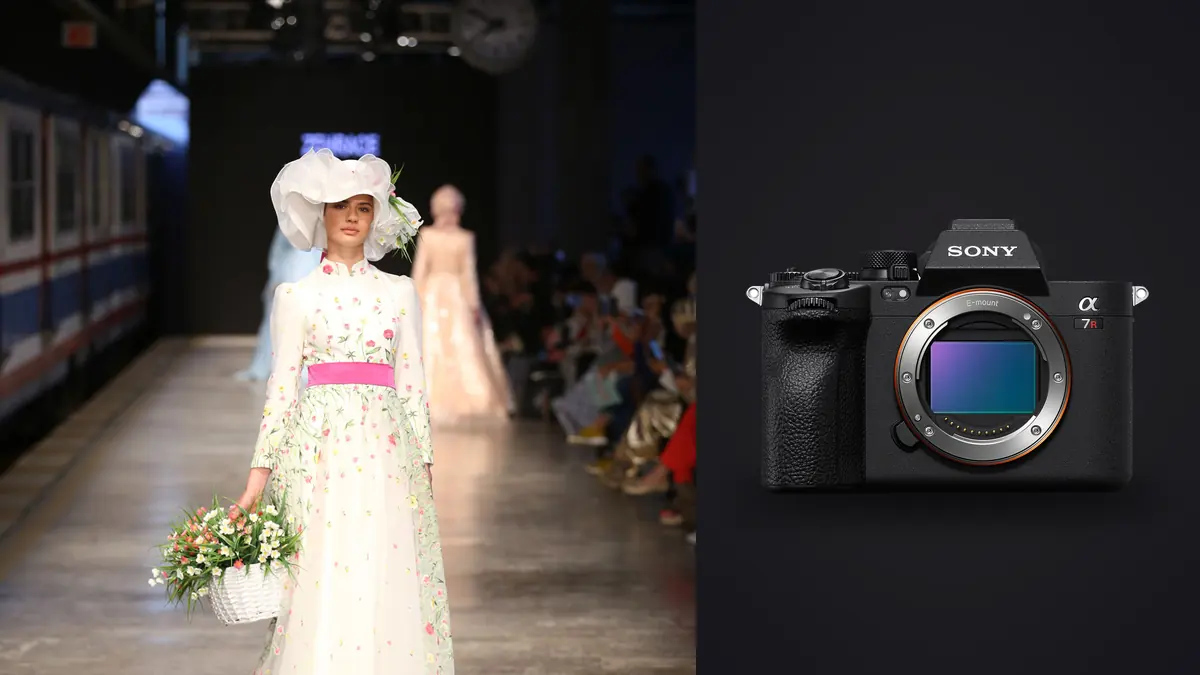
Lookbook days are a specific kind of chaos. You've got a rack of twelve to twenty looks, a model who needs to be back on set for a video call by 4pm, a stylist re-pinning a jacket between every third frame, and a client standing behind you who wants to see the back view "just in case." The camera in your hand has to keep up with all of that without becoming its own problem. Moving to a Sony A7R V from an A7R IVa for this kind of shoot, the differences that actually matter on set are narrower and more specific than the marketing copy suggests.
Why resolution matters more for lookbooks than it does for editorial
A lot of camera reviews treat 61 megapixels as a number you brag about and then never use. On a lookbook shoot it's a working tool. Clients almost always want the same frame delivered in three or four crops: a full-length hero shot for the site, a tight torso crop for the product page, a square for social, and sometimes a portrait crop for a print catalog insert. If you're shooting a fixed distance because the model is working a mark on set, that resolution is what lets you punch into a three-quarter shot and pull a clean product crop without the retoucher complaining about soft edges around buttons and stitching.
I also lean on it for detail shots I don't always get to schedule separately. A stitched hem, a zipper pull, a fabric texture, that's often grabbed as a crop from a full-body frame rather than its own setup, especially when the schedule is tight and the stylist hasn't budgeted time for macro detail shots. The extra pixels give you room to do that without the client noticing the image was never framed as a close-up in the first place.
Where it stops helping
Pixel-shift multi-shooting, which stacks multiple exposures for extra resolution and color accuracy, is basically useless on a lookbook set. It needs a static subject and usually a tripod, and models move, breathe, and shift weight between frames even when they're trying to hold still. I've tried it twice for flat-lay product shots between looks and it worked fine there, but for anything with a person in it, skip it. It's a studio-product feature that happens to live in the same camera.
Autofocus that survives a fast outfit change
The autofocus system is the actual reason I upgraded, not the sensor. The A7R IVa's eye AF was good in controlled light but would occasionally hunt when a model turned quickly toward a window or moved from shade into direct sun mid-sequence, which happens constantly on lookbook days when you're shooting near a storefront or a loading dock with mixed light. The A7R V's AI-based subject recognition holds eye lock through those transitions noticeably better, and it also does a better job recognizing a face at an angle, which matters when the art director wants a three-quarter turn rather than a straight-on pose for half the looks.
What actually changed my keeper rate wasn't the eye AF in isolation, it was how the camera handles a model walking toward camera for a movement sequence. Those are the frames clients often pick as heroes for lookbooks that need some energy instead of static poses, and they're also the frames where older autofocus systems drift half a step behind. I'm getting a noticeably higher percentage of genuinely sharp frames out of a 15-frame walking burst now than I did two bodies ago, which sounds like a small thing until you're the one culling four thousand frames that night.
File handling on a day with no time to breathe
Card and buffer behavior is where a lot of gear reviews go vague, so here's what it actually looks like on set. Lossless compressed RAW is the better pick for lookbook work than uncompressed. The file size difference is real (uncompressed files run noticeably larger) and on a day where you might come back with six or seven thousand frames across twenty looks, that difference adds up fast on both card space and backup time that night. I haven't found a visible quality gap between lossless compressed and uncompressed for garment detail or skin tone, and the buffer clears faster on lossless, which matters when the stylist is already calling the next look before you've finished a burst.
Dual card slots matter more on commercial work than personal work because the client's usage rights depend on you actually having the files. I run CFexpress Type A in slot one for the working card and overflow or simultaneous write to an SD card as the immediate backup, and I still copy to a laptop at lunch if the shoot runs past a few hundred frames. No card is worth trusting alone on a paid commercial day, camera reliability aside.
| RAW setting | Approx. frames per 20 looks | Buffer recovery between bursts | Best use on a lookbook day |
|---|---|---|---|
| Compressed RAW | Highest frame count, smallest files | Fastest, rarely fills | Fast-paced movement sequences, quick outfit turnover |
| Lossless compressed RAW | Moderate file size, most of my shoots | Clears quickly between short bursts | Standard lookbook coverage, static and light movement poses |
| Uncompressed RAW | Largest files, slowest to move off card | Fills fastest on long bursts | Hero frames only, or when heavy retouching is planned client-side |
Stabilization and shooting handheld all day
Lookbook shoots rarely involve a tripod once you're past any flat-lay or product-only setups. You're moving around the model constantly, crouching for a low angle, stepping up on a box for a high one, following a walk cycle sideways. The in-body stabilization on the A7R V lets me shoot handheld at shutter speeds I wouldn't have trusted a few camera generations ago, which matters more than people expect on overcast days when you're trying to keep ISO down for clean skin tones and don't have the luxury of a fast shutter from bright sun. It's not a reason on its own to choose this body, but combined with everything else it's one less thing to manage during a day that already has plenty to manage.
The articulating screen, actually useful here
The four-axis screen sounds like a minor spec until you're shooting a low-angle boot detail while the client wants to see the back of the frame from where they're standing. Being able to flip the screen out to the side rather than just up or down means you can angle it toward the client monitor position without twisting the whole camera off its line. Small thing, but it comes up on any lookbook shoot with a client present on set.
What happens after the shoot ends
This is the part gear reviews skip and it's honestly the harder half of a lookbook day. You leave set with somewhere between three and eight thousand frames depending on how many looks and how many angles per look, and the client wants a first edit within 24 to 48 hours. Going through that volume of 61-megapixel files frame by frame in a standard catalog view is a different kind of slow, the files are big enough that scrubbing through thumbnails lags, and burst sequences of the same pose blur together after the two-hundredth near-identical frame.
I run the card through imagic before I open anything in my main editor. It scores sharpness and focus locally on the machine, which matters for unreleased images that should not go anywhere before sign-off, and it clusters the walking-sequence bursts and near-duplicate poses together so I'm choosing between five visually similar frames instead of scrolling past all of them individually. On a shoot with twenty looks and multiple bursts per look, that alone probably saves me an hour or more before I've made a single creative decision. If you haven't looked at how AI-assisted culling actually works under the hood, this breakdown of how AI photo culling works covers the mechanics better than I can in a paragraph here.
The other piece I use regularly is the apply_my_style preset, trained on my own past edits rather than a generic filter. Lookbook clients tend to want a consistent look across the whole set, consistent enough that if you edit look three differently from look fourteen it's obvious in the final grid. Having a preset trained on my own prior work gives me a fast first pass that's already close to the look I want, rather than starting flat and having to rebuild the grade look by look. It doesn't replace real retouching on hero images, but it gets the bulk of the set to a presentable state fast, which is what actually determines whether you hit that 24 to 48 hour turnaround.
If your current culling process is still a first pass in Lightroom followed by manual flagging, it's worth comparing how much of that time is genuinely creative decision-making versus just clicking through duplicates. A faster photo workflow on the editing side compounds with faster culling on the front end, and on a volume shoot like a lookbook, both ends matter about equally.
Where the A7R V actually falls short for this work
I don't want to write this up as a pure win. The files are heavy, and if your storage and backup habits aren't already solid, a 61-megapixel body will expose that fast, especially on a multi-shoot-day week where the drives don't get a break. Battery life is fine for a single lookbook day but carry two spares anyway because an add-on shoot at the end of the day can catch you at 15%. And if your lookbook work leans heavily on video content alongside stills for the same campaign, which a lot of ecommerce lookbooks do now, the video spec on this body is solid but it's clearly built as a stills-first tool, and a hybrid shooter doing both on the same day might find themselves wanting a second body rather than asking one camera to do everything.
Frequently Asked Questions
Is the Sony A7R V overkill for lookbook work compared to a lower-resolution body?
It depends on how much cropping and repurposing the client expects from each frame. If you're delivering one fixed crop per pose and nothing else, a lower-resolution body shoots faster in some ways and produces smaller files to manage. For lookbooks where the same frame gets cropped four different ways for site, social, and print, the extra resolution earns its keep. I wouldn't buy it purely for lookbook work alone, but if you're already shooting other commercial work that benefits from the resolution, it carries over well.
Do I need CFexpress Type A cards for lookbook shooting, or will SD cards keep up?
SD cards will get you through a lookbook day without major issues if your bursts are short and controlled. Where CFexpress earns its cost is on longer movement bursts and faster buffer recovery when the stylist isn't giving you a break between looks. I keep CFexpress in the primary slot and SD as backup, which covers both the speed and the redundancy without needing two CFexpress cards.
How many frames should I expect to shoot on a typical fashion lookbook day?
For a twenty-look ecommerce lookbook with two to three angles per look plus a short movement burst for each, I typically come back with four to six thousand frames. Bigger campaigns with multiple locations or heavier movement direction can push past eight thousand. That volume is exactly why the culling step after the shoot matters as much as the shoot itself.
Does the AI autofocus actually help with fast pose changes, or is that mostly marketing?
In my experience it's a real, measurable improvement over the previous generation specifically for re-acquiring focus after quick movement, like a model spinning into a new pose or stepping toward camera. It's not magic, and a model moving unpredictably close to camera in low light will still occasionally beat any autofocus system. But for the standard rhythm of a lookbook shoot, pose, hold, quick movement, next pose, it noticeably reduces the number of frames you throw out for missed focus.