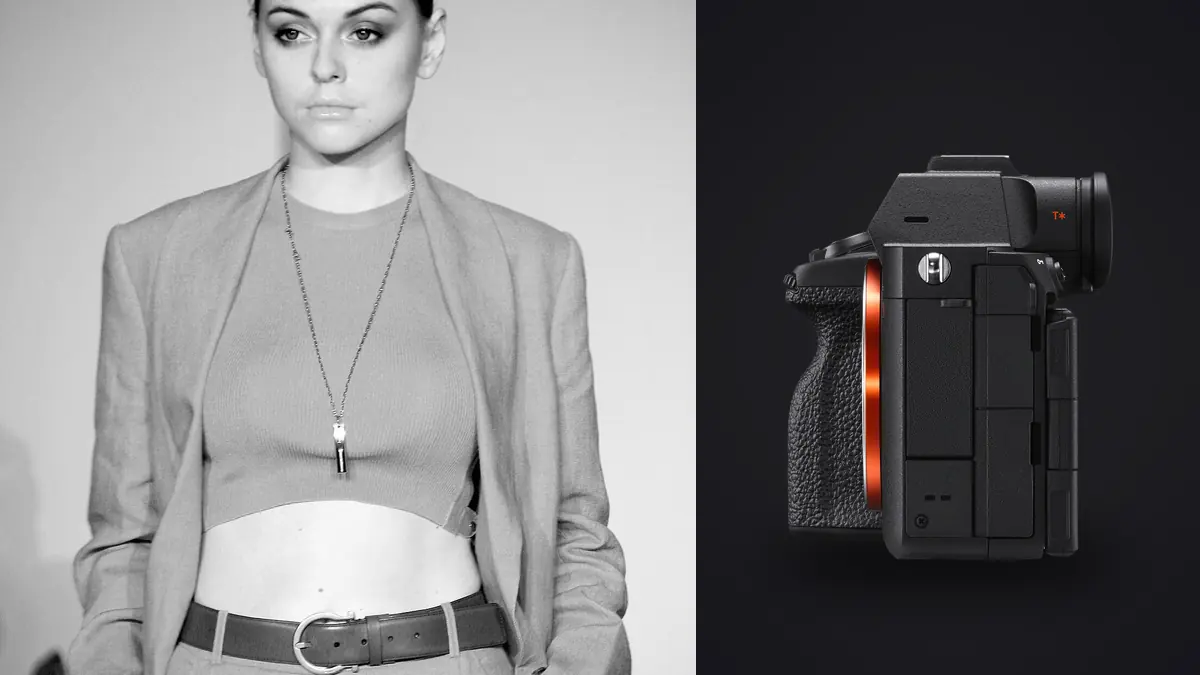
A commercial fashion lookbook day is not a portrait session with nicer clothes. You're usually running through twelve to twenty looks in a single afternoon, swapping backgrounds every hour or so, and handing off a folder of raw selects to an art director before the model has even left the building. I've shot lookbooks on a few different Sony bodies over the last several seasons, and the A7R V has changed how I plan those days more than any single lens purchase has. Not because it's flashy on a spec sheet, but because a handful of specific things about it (the crop modes, the buffer behavior, the way the autofocus handles a model who won't hold still) solve problems that only show up on a fast, high-volume commercial set.
Do You Actually Need 61 Megapixels for a Lookbook?
Most of the time, no. A lookbook frame that's going to end up as a 1200px web thumbnail or a single Instagram tile doesn't care whether it came off a 24MP sensor or a 61MP one. Where the resolution earns its keep is the handful of frames per look that get reused three or four different ways: a full-length shot that also needs a tight crop for a homepage banner, a group-of-three that gets split into individual product tiles, a spread in a print catalog that needs headroom for a bleed. On a lookbook day you don't know in advance which frame is going to get that treatment, so having 61 megapixels sitting there as insurance means you're not going back to the client asking for a reshoot because someone wants a portrait crop out of a frame shot loosely for a landscape layout.
The tradeoff is file size and the discipline it demands. Full-frame lossless compressed RAW on the A7R V runs somewhere around 60 to 70MB per file depending on scene detail, and compressed RAW drops that to roughly 28 to 35MB. On a day where you're shooting fifteen looks with five to eight frame bursts per pose, that's easily 2,500 to 3,500 frames, which puts you at 90 to 120GB before you've even opened a laptop. Shoot compressed RAW for anything that isn't a hero shot and switch to lossless compressed only for the two or three looks flagged as cover candidates. Trying to shoot everything at max quality "just in case" is how you end up re-buying CFexpress cards mid-season.
Autofocus for a Model Who Won't Hold Still
Fashion movement is a different problem than portrait autofocus. You're not tracking a face that's roughly stationary, you're tracking a face that's spinning with fabric, dropping below frame during a jump, or turning three-quarter profile while a scarf whips across it. Real-time Eye AF on the A7R V holds onto a subject through that kind of motion better than you might expect on a commercial set, including the awkward half-second where the model's eyes are closed mid-laugh and the system has to guess where the face is going to reappear. It's not perfect. I still lose the occasional frame when hair or fabric fully occludes the eye for more than a beat, but that's true of every AF system I've shot with, and the miss rate here is low enough that I stopped chimping every single frame to double-check focus, which used to eat real time between looks.
Continuous shooting tops out around 10fps with the mechanical shutter and full AF/AE tracking, which is plenty for the walk, spin, and jump sequences that make up most lookbook energy shots. Faster sensor readout than the previous generation also means less rolling shutter distortion if you switch to the electronic shutter for quieter shooting near a video crew doing behind-the-scenes coverage, which is common now that brands want BTS content bundled with the still deliverables.
APS-C Crop Mode as a Second Lens
This is the feature I didn't expect to lean on as much as I do. Switching into the in-camera APS-C crop gives you roughly a 1.5x reach increase at about 26 megapixels, which is still plenty of resolution for a product detail shot, a jewelry close-up, or a fabric texture insert. On a set where you're moving fast between a full-length look and a tight accessory shot, being able to punch in without swapping from an 85mm to something longer saves real minutes, and minutes matter when you're paying for a model's day rate by the hour.
| Capture Mode | Effective Resolution | Typical File Size (RAW) | Where It Actually Gets Used on a Lookbook Set |
|---|---|---|---|
| Full-frame, compressed RAW | 61MP (9504 x 6336) | ~28-35MB | High-volume days, general looks, anything headed straight to e-commerce sizing |
| Full-frame, lossless compressed | 61MP | ~60-70MB | Cover candidates and hero frames the client flagged before the shoot |
| APS-C crop (in-camera) | ~26MP (6192 x 4128) | ~25-30MB | Accessory and detail inserts, extending an 85mm without a lens change |
| Pixel Shift Multi (tripod, 4-shot) | ~240MP composite | Several hundred MB per set | Static flat-lay or product texture shots only, not usable for anything with a moving model |
Buffer and Card Choice: Where Lookbook Days Actually Stall
Nobody warns you that the real bottleneck on a fast commercial day isn't the camera, it's the card. With a CFexpress Type A card, the buffer on compressed RAW clears fast enough that I can chase a jump sequence or a fabric-flare moment through several bursts in a row without the camera locking up mid-shot. Drop down to a UHS-II SD card and you feel the difference within the first hour: bursts of more than 20 to 25 frames start to lag on write, and if you fire another burst before the buffer clears, you can lose the exact frame the art director wanted because the camera is still writing the last one.
I run two CFexpress Type A cards in-body for redundancy on anything commercial, with the SD slot only there as a backup write, not a primary. It's a real cost difference at checkout, but the alternative is explaining to a client why the one frame that actually landed the jump didn't get recorded because a cheaper card choked.
Keeping Skin Tone and Color Consistent Across Fifteen Looks
Straight out of camera, Sony's color science handles skin tones reasonably well under strobes, but it drifts the moment your lighting setup changes between looks, especially if you're mixing strobes for the main set with a tungsten-balanced modeling light or a window-light bounce for a more editorial look partway through the day. Auto white balance will chase that drift frame to frame, which is exactly what you don't want when a client is laying fifteen images side by side on a single lookbook page and expects them to feel like one shoot. I pull a manual white balance reading off a grey card every time the lighting setup changes, full stop, no exceptions, even when I'm confident the ambient hasn't shifted much.
The bigger consistency problem shows up in editing, not capture. If a brand has an established lookbook grade from a previous season, matching it by eye across a new batch of a few hundred selects is slow and easy to get subtly wrong from image to image. This is where I've started using imagic's apply_my_style feature, which trains a preset off a set of your own previously graded images rather than applying some generic filter. Building one off last season's delivered lookbook edits and running the new set through it gets you most of the way to a consistent grade before you touch a single slider by hand, which matters when the client is comparing frame twelve to frame ninety and expects them to look like they came from the same photographer on the same day, because they did.
The Culling Problem Nobody Mentions
Here's the part of a lookbook shoot that doesn't make it into camera reviews. Fifteen to eighteen looks, five to eight frames per burst, multiple bursts per pose, and you're looking at 2,500 to 4,000 frames by the end of the day, out of which maybe 150 to 220 actually get delivered as selects. Going through that by eye, zoomed to 100% to check focus on hands, eyes, and fabric edges, is a multi-hour job on its own, and it's the job you least want to be doing at 9pm when the client wants a Dropbox link of options that same evening.
I run the card through imagic before I open anything else. Its local sharpness and focus scoring flags the soft frames out of a motion burst automatically, and the duplicate and burst clustering groups near-identical frames together so I'm comparing the sharpest two or three out of a fifteen-frame sequence instead of scrolling past all fifteen manually. It's also worth saying that everything runs on the laptop with no upload step, which matters more on lookbook work than most other genres because you're frequently handling an unreleased collection under an NDA, and an agency does not want to hear that their pre-drop images touched a cloud service before the collection is public. Given how much time this stage eats compared to actually shooting, that alone changes how late I have to stay after a shoot day. If you want more on how automated culling actually scores frames rather than just guessing, this breakdown of how AI photo culling works covers the mechanics in more depth than I have room for here.
Lens Pairings That Actually Earn Their Keep
The 24-70mm f/2.8 GM II does most of the heavy lifting on a lookbook set simply because it covers full-length-to-mid shots across background changes without a lens swap, and lens swaps are dead time you're paying for at a model's hourly rate. The 85mm f/1.4 GM comes out for hero and beauty crops where you want the model isolated from a busy background with real subject separation. I used to carry a dedicated macro for jewelry and accessory detail shots, but between the APS-C crop mode and the 85mm's close-enough focus distance, I've stopped bringing it, which is one less thing to change out mid-shoot. A 35mm f/1.4 GM is worth having in the bag too now that clients increasingly want a handful of environmental or behind-the-scenes frames bundled in with the formal lookbook deliverables.
Frequently Asked Questions
Is the A7R V overkill for a same-day turnaround lookbook, or does the extra resolution actually get used?
It gets used, just not on every frame. The value isn't that every image needs 61 megapixels, it's that you don't know in advance which two or three frames per look will need an aggressive crop for a different deliverable format later. Shooting compressed RAW for volume and only switching to a higher-quality mode for flagged hero shots keeps file sizes manageable without giving up that flexibility.
How many frames should I budget for a fifteen-look commercial lookbook, and how long does culling really take?
Plan on 2,500 to 4,000 frames for fifteen to eighteen looks with typical burst shooting, delivering somewhere around 150 to 220 final selects. Culling that manually, checking focus at full zoom on every burst, is a multi-hour job. Running the card through automated sharpness scoring and burst grouping first, the way imagic handles it, gets that down to a fraction of the time because you're only reviewing the frames the software has already ranked as the sharpest in each sequence.
Does the in-body stabilization matter much on a strobe-lit studio lookbook shoot?
Less than you'd think, since strobes freeze motion regardless of shutter speed and IBIS is mainly solving for camera shake at slower shutter speeds. Where it does help is handheld work during natural-light or window-light segments of a shoot, or when you're shooting tethered and moving around the set rather than staying locked behind a tripod.
What's the fastest way to keep color consistent across a full day of look and lighting changes?
Two things: pull a fresh manual white balance reading every time the lighting setup changes rather than trusting auto white balance to track it, and build a grading preset off your own previously delivered work rather than starting from a generic look each season. If you're building that grading workflow from scratch, this guide to color grading is a useful starting point for establishing a repeatable base before you layer a brand-specific look on top of it.