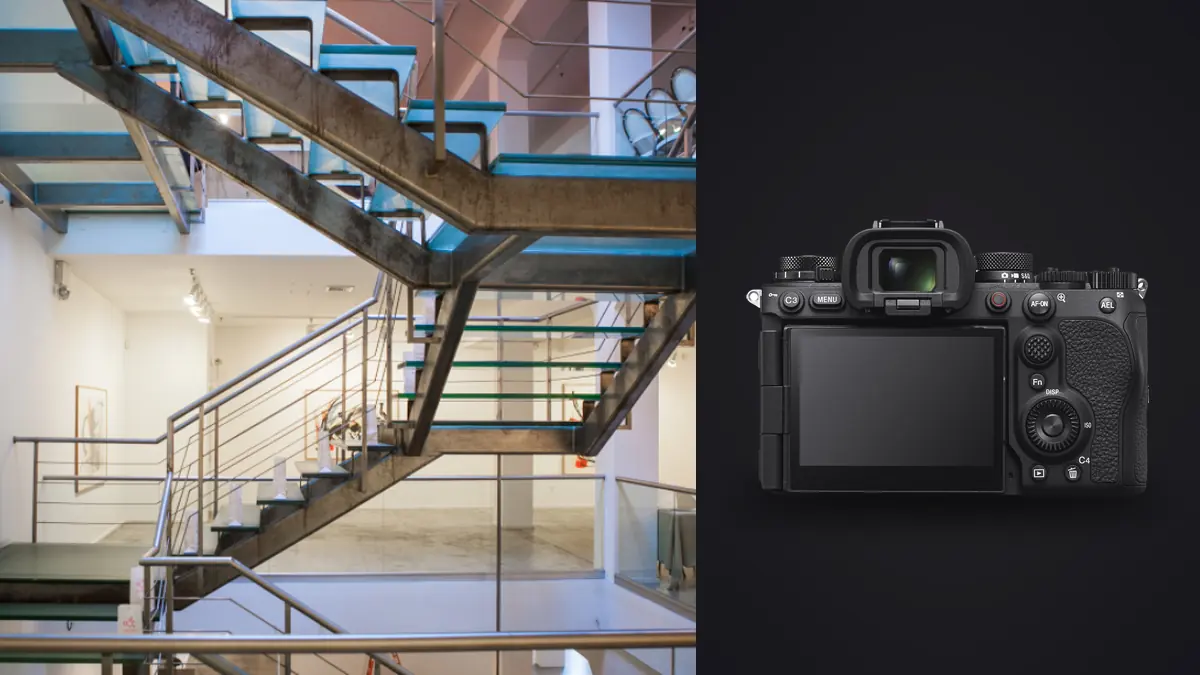
A studio I sometimes shoot for handed me a Sony A9 III for a boutique hotel refit last spring, half as a joke. The body had been ordered for a motorsport contract that fell through, and nobody wanted five thousand pounds of camera sitting in a drawer for a month. My first reaction was that it was the wrong tool for the job. Twenty-four point six megapixels is modest by current architecture standards, the base ISO sits at an odd 250 instead of the usual 100, and every review of this camera talks about birds in flight or Formula 1 grids, not skirting boards, reception desks, and cove lighting. Three days and roughly four thousand frames later, I had a more complicated opinion than "wrong camera," and that's the one I want to lay out here rather than the marketing version.
This isn't a general "should you buy the A9 III" piece aimed at wildlife or sports shooters, there's plenty of that already. It's specifically about what happens when you point a global-shutter action camera at static interiors, at architects' walkthroughs, at spaces lit by dimmable LEDs and full-height glazing, and whether any of its headline features actually solve problems that interior and architectural photographers run into on real jobs.
The one interior problem the global shutter genuinely fixes
Start with the thing that actually surprised me. Hospitality and retail interiors are lit by warm-dim LED downlights on dimmer modules more often than not, and when those fixtures are pulled down to twenty or thirty percent output, a lot of them flicker at a frequency your eye never notices but a rolling shutter absolutely will. I've had banding show up across a shot of a reception ceiling that looked perfectly steady through the viewfinder, only to reveal faint horizontal bands once I zoomed in on the LCD, usually because I'd switched to electronic shutter to keep the room quiet while other people were around. The fix has always been to drop back to mechanical shutter, accept the noise of the shutter firing in a hushed lobby, or reshoot and hope the dimmer setting hadn't drifted.
The A9 III reads the entire sensor at once instead of scanning it line by line, so that category of flicker banding simply doesn't happen, in any shutter mode, at any speed. I spent an evening deliberately hunting for it under a bank of dimmed cove lighting in a spa corridor, cycling the dimmer from full to near-off, and never produced a single band. That's a narrow, specific problem, but it's a real one on hospitality and retail work, and it's the single feature on this camera that actually earns its keep on an interiors job rather than being a spec sheet curiosity carried over from sports shooting.
Where the headline numbers stop mattering
Most of what the A9 III is famous for is close to irrelevant on a tripod-based interior shoot. Twenty stops per second and autofocus that can track a swallow through a hedge don't do anything for a room that isn't moving. A lot of architectural work is still shot on manual tilt-shift glass too (I run a Laowa 15mm shift lens and an old Canon TS-E adapted for the wider stuff), which takes autofocus completely out of the equation, so the part of this camera's marketing budget spent on AI subject recognition and 120fps buffering is money you're not using.
What does carry over usefully: the dual card slots for instant backup on shoots where a reshoot isn't realistic because the space gets re-staged or handed back the same afternoon, the blackout-free electronic viewfinder for checking framing continuously while someone adjusts a blind or repositions a light without the finder ever cutting out, and in-body stabilization that's rated aggressively enough to let me shoot handheld detail shots down a hallway at a half second without a tripod when there wasn't time to set one up. None of that is unique to this body, but it's the part of the spec sheet that actually shows up in the delivered set, not the part that gets talked about in the launch video.
The catch: a base ISO of 250 and a dynamic range trade-off
Global shutter sensors give something up for that flicker immunity, and it's dynamic range at base ISO. The A9 III's native floor sits at ISO 250 rather than the 100 most full-frame bodies default to, and independent sensor testing has consistently put its usable dynamic range at base ISO a stop or more behind conventional stacked sensors from the same generation. For interior work, that's the spec that actually costs you something, because a room with a window wall routinely has eight to ten stops of range between the exterior view and the shadow under a sofa, and squeezing shadow detail back up from a sensor with less headroom shows its grain sooner than I'd like.
In practice this pushed me toward shooting more exposure brackets than I normally would on a job with a conventional sensor, three or five frames per setup instead of relying on pulling a single raw file. That's not a disaster, bracket-and-blend is standard practice on most architecture work anyway, but it does mean more frames per room and more culling afterward, which is where a lot of my actual editing time goes regardless of camera body. I've been running imagic to sort those bracket stacks since a subscription-based tool I was using got too expensive to justify for the volume, and its duplicate and burst clustering groups the bracket sequences automatically instead of me scrolling through a folder trying to remember which five frames belonged to which exposure set. It's a small thing until you've got forty rooms shot in a day and a laptop full of near-identical thumbnails.
Flash sync at any shutter speed is the underrated feature
The spec that's easy to skip past on a data sheet turned out to matter more on this job than the global shutter did. Because there's no mechanical curtain to synchronize with a flash, the A9 III syncs strobes at any shutter speed the sensor supports, up to 1/80,000 of a second. On a normal camera, balancing a bright window wall at midday against interior flash fill means either underexposing the room to protect the window or switching into high-speed sync and eating a couple of stops of flash output to compensate. Here I ran a Profoto B10 bounced off a ceiling at 1/2000s and full power with no HSS penalty at all, which meant I could darken that glare off a glass meeting room table without starving the flash of the power it needed to fill the room evenly. For anyone shooting interiors with heavy daylight glazing, that's a genuinely practical advantage, not a spec-sheet number.
Resolution: enough for some jobs, not for others
Twenty-four point six megapixels covers web galleries, real estate listing sites, and most social and editorial use without any argument. Where it starts to feel thin is large-format prints for an architect's own office wall, double-page magazine spreads, or any shot that needs a hard perspective correction and a crop afterward, since correcting verticals on a wide interior eats real pixels off the edges before you've even started retouching. On the hotel job I mentioned, three of the rooms were destined for a print portfolio piece at roughly A2 size, and I ended up reshooting those specific angles on a colleague's A7R V rather than trust the A9 III's file to hold up at that scale after cropping for verticals. That's the honest limit of this camera for architecture work: it's not under-resolved for most delivery, but it has no headroom left for the jobs that need it.
How the three bodies I'd actually consider stack up
| Camera | Resolution | Native base ISO | Flash sync | Banding risk under dimmed LEDs | Where it earns its place on an interiors job |
|---|---|---|---|---|---|
| Sony A9 III | 24.6MP | ISO 250 | Any shutter speed, up to 1/80,000s | None, true global shutter | Mixed hospitality lighting, flash-balanced glazing, tight turnaround jobs |
| Sony A7R V | 61MP | ISO 100 | Mechanical, roughly 1/250s | Possible in silent/electronic mode under flicker | Print-scale deliverables, heavy perspective correction, tight architectural crops |
| Sony A1 II | 50.1MP | ISO 100 | Mechanical, roughly 1/400s | Low, fast sensor readout, but not immune | A generalist body covering both stills detail and interior walkthrough video |
None of these is a wrong answer. They're just optimized for different failure points, and the failure point that costs you a reshoot on your particular jobs should decide which one you carry.
What the day actually looks like once the shooting's done
A single interior job at this scale produces a lot of near-duplicate material, three or five bracket frames per angle across forty-plus rooms, plus safety frames shot again after moving a chair or catching a reflection in a mirror I'd missed. Sorting through that by eye is where hours disappear, and it's the part of the workflow I've stopped doing manually. I run everything through imagic before I open a single raw file in an editor, letting its local sharpness and focus scoring flag which frame in each near-identical stack is actually the sharpest, since even on a tripod, a passing lift door or someone walking past on a wooden floor introduces just enough vibration that one frame in five isn't quite as crisp as the others. It runs entirely on the laptop with nothing going to a cloud service, which matters more than it sounds on architecture work specifically, because a lot of these interiors are shot under an NDA before a hotel or a commercial space has publicly opened, and a client doesn't want their unreleased design sitting on someone else's server while it gets culled.
Once the set is trimmed down, getting a consistent finish across forty rooms shot in mixed light is its own problem, and that's where I lean on imagic's apply_my_style preset, trained on a batch of my own previously graded interior work rather than a generic filter, so the warm-dim lobby and the daylight-lit atrium land in the same visual family without me manually matching white balance and contrast room by room. If you haven't built a repeatable grading approach for interiors yet, it's worth reading through our guide to photo color grading before you try to automate any of it, since a style preset is only as good as the editing habits it's trained on. And if the culling side of this is new to you, how AI photo culling actually works covers the mechanics in more depth than I've gone into here.
So who should actually buy one for this kind of work
If you already own an A9 III for sports, motorsport, or wildlife and architecture or interiors is secondary income, it's a far more capable second body for that side of the business than its marketing would suggest, mainly because of the flicker immunity and the sync-at-any-speed flash behavior. Both of those solve real, recurring problems on hospitality and retail interiors specifically. But if you're buying a single camera specifically and only for architectural and interior work, I wouldn't lead with this one. The resolution ceiling and the base ISO trade-off are real costs on a genre where dynamic range and print-scale detail matter more than frame rate ever will. Put that budget toward an A7R V or similar high-resolution body first, and toward a proper tilt-shift lens second, and treat the A9 III as the camera you reach for when the lighting is going to fight you, not the one you build a kit around.
Frequently Asked Questions
Is 24.6 megapixels enough resolution for architectural print work?
For web galleries, listing sites, and most editorial or social delivery, yes, without any real compromise. Where it gets tight is large-format prints or shots that need a hard perspective correction followed by a crop, since verticals corrections eat pixels off the frame edges before retouching even starts. If print-scale output is a regular part of your work, a higher-resolution body is the safer default and the A9 III is better treated as a specialist tool for specific lighting problems.
Does the A9 III's flicker-free sensor actually change anything for interior photography?
Yes, and it's the strongest argument for this camera on interior jobs specifically. Dimmable LED fixtures, common in hospitality and retail spaces, can produce visible banding on rolling shutter sensors, especially in electronic shutter mode or at higher shutter speeds. A true global shutter reads the whole sensor simultaneously, so that banding doesn't occur regardless of dimmer setting or shutter mode, which saves reshoots on jobs with a lot of dimmed cove or downlighting.
Should I choose the A9 III over the A7R V for a dedicated interior and architecture kit?
For a first and only body built specifically for this genre, the A7R V's higher resolution and stronger base-ISO dynamic range make it the better default purchase, since those are the specs that most directly affect print quality and shadow recovery on window-heavy rooms. The A9 III makes more sense as an addition to an existing kit, or for photographers who already need it for another genre and want a body that also handles tricky interior lighting well.
Does the global shutter cause any problems with flash or LED lighting indoors?
If anything it removes problems rather than causing them. Because there's no mechanical curtain, the A9 III syncs flash at any shutter speed up to 1/80,000 of a second, so you can use full flash power to balance bright window light without the output penalty of high-speed sync on a conventional shutter. Combined with its immunity to LED flicker banding, it's genuinely one of the more forgiving bodies for interiors that mix strong daylight, dimmed ambient fixtures, and flash fill in the same frame.