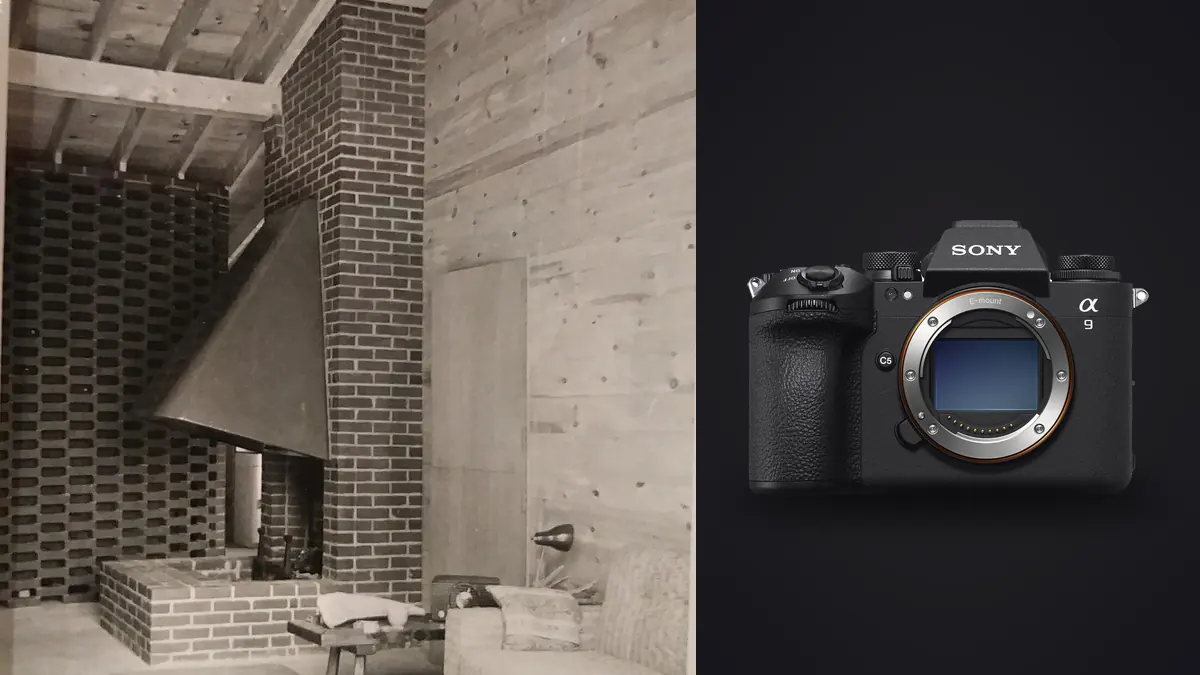
Every time Sony launches a camera aimed squarely at sports and wildlife shooters, a subset of architecture and interior photographers starts asking whether it's secretly a good fit for their work too. The A9 III got that treatment almost immediately, mostly because of one spec: a full-frame global shutter sensor. No rolling shutter, no banding under artificial light, flash sync at any shutter speed. On paper, those are things an interiors shooter cares about just as much as a football photographer does. The reality is more mixed, and worth working through properly rather than just repeating the marketing line.
I want to be upfront about the conclusion before walking through the reasoning: the A9 III is not the camera I'd tell someone to buy specifically to start shooting real estate or interior design work. But if you already own one for sports, events, or fast-moving commercial work and you're being asked to shoot a boutique hotel or a furniture showroom, it handles that job better than its spec sheet suggests, for reasons that have nothing to do with frame rate.
The global shutter is the actual reason to care
Interior photographers deal with a lighting problem that sports shooters mostly don't: mixed and flickering light sources in the same frame. A living room shot at dusk might have LED downlights, a floor lamp on a dimmer, daylight coming through a window, and maybe a television left on for ambiance. Cheap and mid-range LED fixtures flicker at frequencies that don't always align cleanly with a rolling shutter sensor's readout speed, which shows up as horizontal banding in stills and a rolling wave in video, especially at faster shutter speeds or when you're bracketing quickly.
A global shutter reads every pixel at the same instant instead of scanning line by line. That eliminates the banding problem structurally rather than requiring you to hunt for a "safe" shutter speed that happens to avoid it. If you've ever stood in a client's kitchen doing test shots at 1/60, 1/80, and 1/100 trying to find the one frame without a faint stripe across the cabinetry, you know how much time that eats into a shoot. The A9 III just doesn't have that failure mode, full stop, at any shutter speed including 1/80000.
The second global shutter benefit that matters more than people expect is full-range flash sync. Interior and product photographers who supplement window light with strobes (bouncing a speedlight or monolight off a ceiling to fill a dark corner, for instance) are normally capped at their camera's mechanical sync speed, often 1/200 or 1/250. Go faster and you get a black band from shutter curtain travel. The A9 III syncs flash at any shutter speed because there's no curtain to travel. That means you can freeze a bright window view and balance it with flash fill in the same frame without resorting to high-speed sync flash modes that cut your strobe's output by two or three stops. For anyone shooting occupied interiors with people near windows, that's a genuinely practical advantage, not a spec-sheet curiosity.
Where the resolution argument falls apart
Here's the part the camera's marketing conveniently skips: architecture and interior work has historically leaned on resolution more than almost any other genre outside of landscape and product catalog photography. Wide shots of a room get printed at large sizes for design portfolios, cropped hard to fix verticals in post, and sometimes stitched into panoramas that need to hold detail when a client zooms into a listing photo on a 27-inch monitor. The A9 III's 24.6-megapixel sensor is a stills-and-video hybrid choice built for a completely different priority: fast, clean readout at high frame rates, not maximum pixel count. Compare that to Sony's own A7R V at 61 megapixels, which is what most working architecture photographers I know actually reach for, or even the A7 IV at 33 megapixels as a middle ground. Cropping a converging-vertical correction out of a 24-megapixel file leaves noticeably less room to work with than doing the same correction on a 61-megapixel file. If your output is mostly web galleries and MLS listings, this barely matters. If you're delivering large tabletop books for architects or oversized prints for a design firm's lobby, it matters quite a bit.
| Camera | Resolution | Flash sync | Rolling shutter / banding risk | Best fit for interiors |
|---|---|---|---|---|
| Sony A9 III | 24.6 MP | Any shutter speed (global shutter) | None, structurally | Mixed-light rooms, flash-fill work, people in frame |
| Sony A7R V | 61.0 MP | 1/250s mechanical | Moderate on fast pans/HDR bursts | Large-format prints, portfolio and print catalog work |
| Sony A7 IV | 33.0 MP | 1/250s mechanical | Moderate | General-purpose real estate and small studio work |
| Sony A7C II | 33.0 MP | 1/250s mechanical | Moderate | Budget-conscious solo shooters, travel-friendly kit |
Dynamic range and the window-versus-room problem
Every interior shot with a visible window fights the same battle: the room interior might need three or four stops more exposure than the view outside to look natural. Most photographers solve this with either heavy flash fill, exposure bracketing for an HDR blend, or both. The A9 III's dynamic range at base ISO is good but not class-leading; it trades a bit of low-ISO latitude for its stacked sensor's speed advantages. In practice this means you'll still want to bracket exposures for tricky window shots rather than trying to pull an extra three stops out of a single RAW file the way you sometimes can with a slower, higher dynamic range sensor.
The upside is that because the global shutter has no rolling shutter artifact, bracket sequences shot in rapid succession (which the A9 III can do at absurd speed, well beyond what any interior job actually needs) come out geometrically consistent even if something in the frame moves slightly between frames, like curtains shifting in an air vent's breeze. That consistency makes HDR blending in post noticeably less fiddly, because you're not fighting ghosting artifacts introduced by the sensor readout itself.
Lens choices that actually make sense here
The A9 III is a native E-mount body, so your lens options overlap entirely with what an A7R V or A7 IV shooter would use. For interiors specifically, a wide rectilinear zoom does most of the work: the 16-35mm f/2.8 GM II is the default choice for most working shooters because it stays sharp into the corners at f/8 to f/11, which is where you'll live for depth of field on room-wide shots. If you shoot enough architectural exteriors to justify it, Sony doesn't currently offer a native tilt-shift lens, which is a real gap compared to Canon's TS-E lineup; most Sony shooters either correct verticals in post or adapt a manual tilt-shift lens with no autofocus.
One thing worth noting: because the A9 III has no mechanical shutter at all, you lose zero shutter life shooting thousands of frames per job, and there's no shutter-slap vibration to worry about on a tripod at a shutter speed where mirror or shutter shock would otherwise soften a long exposure. That's a small but real win for anyone doing twilight exterior shots at 1/4 second or slower.
What this actually costs
The A9 III launched at roughly $5,999 body-only, which puts it well above the A7R V and close to double the price of an A7 IV. For a photographer buying a body specifically to start an architecture or interior design practice, that price is hard to justify against a body with more resolution and a lower price tag. Where it makes sense is the photographer who already owns one for another reason (sports, motorsport, wildlife, fast-paced events) and wants a single body that can also handle the occasional interiors or real estate job without buying a second system. In that scenario, the flash sync and flicker-free light handling genuinely pay for themselves in saved time on set.
The part after the shoot that nobody talks about
Whichever body you're shooting with, an interiors job produces a specific kind of mess in your file browser: dozens of near-identical frames per room from bracket sequences, a handful of test shots with the wrong flash power, and a few genuine duplicates from checking focus twice. Sorting that by eye, room by room, across a twenty-room property is where a lot of the actual time in this genre goes, not behind the camera. This is the part of the workflow I've found imagic genuinely useful for. It runs sharpness and focus scoring locally on the machine, groups bracket sequences and near-duplicate frames automatically, and none of the files leave your laptop to do it, which matters when you're handling unreleased interior design work under an NDA. Once you've settled on a look for a project (say, a slightly warm, low-contrast grade that suits a hospitality client's brand), imagic's apply_my_style feature lets you train a preset off your own past edits and apply it consistently across every room in the shoot rather than re-grading each image from scratch. For a genre where visual consistency across twenty or thirty photos in one gallery matters more than any single hero shot, that consistency is worth more than it sounds. If you're building out a repeatable workflow for interiors work, it's worth reading through how AI photo culling actually works to understand what the scoring is doing under the hood before you trust it on a paid job.
A practical way to decide
If you're choosing a body from scratch purely for interior and architectural photography, buy for resolution and dynamic range first: an A7R V or a comparable high-resolution body will serve you better on more days than the A9 III will. If you already have an A9 III in your bag for other work and someone asks you to shoot their newly renovated restaurant or a furnished model home, don't turn the job down because "it's the wrong camera." The flicker immunity and full-range flash sync will save you real time on set, and 24 megapixels is plenty for anything short of large-format print work. Just plan your bracket sequences a little more deliberately than you would with a higher dynamic range sensor, and lean on your post-shoot culling process to keep the volume of files manageable; a few of the workflow habits in this rundown on faster photo workflows apply directly to bracket-heavy interior shoots.
Frequently Asked Questions
Is the Sony A9 III worth buying specifically for real estate or interior photography?
Generally no. Its 24.6-megapixel sensor and price point are hard to justify against the A7R V's resolution or the A7 IV's lower cost for a genre that leans on detail and post-crop flexibility. It makes more sense as a secondary use for a body you already own for faster-paced work.
Does the global shutter actually help with interior lighting, or is that just a video feature?
It helps in stills too. Rolling shutter sensors can produce banding under flickering LED or fluorescent light at certain shutter speeds, which is common in interiors with mixed artificial lighting. A global shutter reads the whole frame at once, so that banding simply can't occur, regardless of shutter speed.
What lens pairs best with the A9 III for architectural interiors?
A wide rectilinear zoom like the 16-35mm f/2.8 GM II covers most room-wide shots and stays sharp when stopped down to f/8-f/11. Sony has no native tilt-shift lens, so exterior architectural work that needs perspective control either happens in post or with an adapted manual tilt-shift lens.
How does the A9 III compare to the A7R V for building a design portfolio?
The A7R V's 61-megapixel sensor gives you far more room to correct converging verticals and crop for large prints, and its mechanical shutter's 1/250 flash sync is fine for most fill-flash work. The A9 III wins specifically on flicker-free artificial light handling and full-range flash sync, which matters more on chaotic mixed-light interiors than on a controlled portfolio shoot.