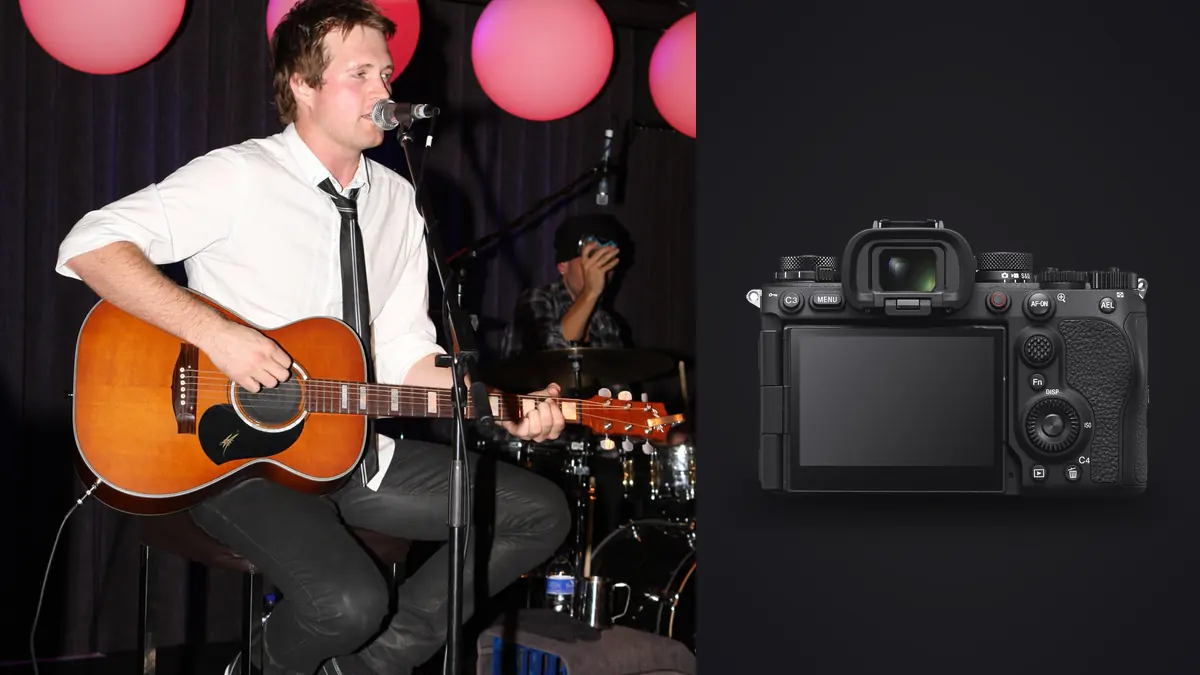
The first time I pointed a Sony A9 III at an LED video wall during a support band's set, I kept waiting for the banding to show up in the EVF the way it always had with every other mirrorless body I'd rented for a tour. It never came. That one detail, more than the frame rate number or the flash sync spec that everyone quotes, is what actually changes how you work a pit with this camera. Most of what follows is really just downstream of that single fact.
What the global shutter actually fixes in a pit
Every electronic shutter before this one reads the sensor a row at a time, top to bottom, in a few milliseconds. Most of the time that's invisible. Put it in front of an LED wall or a bank of moving-head fixtures pulsing at a frequency that doesn't line up with your readout speed, and you get banding, or worse, partial frames where the top third of the image is lit correctly and the bottom third is a stripe of black. I've thrown away entire bursts from festival mainstages because of this, usually the exact bursts where the singer finally hit the pose I'd been chasing all set.
The A9 III's sensor reads every pixel at the same instant, so there's no row-by-row scan for a flickering panel to interfere with. I spent two nights deliberately shooting straight into a video wall running fast content changes at 1/8000 and 1/16000, expecting to find the edge case where it breaks. I didn't find one. That doesn't mean every possible lighting rig on earth is immune, some genuinely ancient dimmer packs still flicker at frequencies odd enough to cause exposure inconsistency frame to frame, but the banding artifact itself, the thing that used to make electronic shutter unusable near screens, is gone.
The second half of this story is flash sync. Because there's no rolling readout to worry about, the A9 III syncs flash at any shutter speed up to 1/80000 of a second. For pure concert photography that's mostly academic, you're rarely using flash once a headliner's lighting rig kicks in. But for the corporate gigs, award shows, and hybrid live-event work that pays a lot of touring photographers' actual bills, being able to underexpose ambient stage wash and pop in fill flash without hunting for a high-speed sync workaround is a genuine change in how you'd approach a dim ballroom stage.
The ISO floor trade-off nobody warns you about
Here's the part that doesn't make it into the launch-day excitement. The A9 III's native ISO starts at 250, not 100 like the A9 II or A1. That's a full stop higher floor before you've touched a dial. In a black-box club at f/2.8 and 1/1000 to freeze a drummer's stick, you're not choosing between ISO 1600 and ISO 3200 anymore, you're starting a stop hotter across the board.
In practice this matters less than the number suggests, because the sensor's noise handling at ISO 3200 to 6400 is genuinely better than the A9 II's, so a lot of that stop gets clawed back in image quality even if you can't claw it back in exposure choice. What you do lose is flexibility on the rare quiet moment, a ballad with the house lights actually up a little, where you'd have liked to drop to ISO 100 for maximum cleanliness and now you can't. I've stopped fighting it and just expose slightly to the left (a little under) on those calmer songs and lift shadows in post rather than trying to force the ISO floor down. It's a minor adjustment to a habit, not a real limitation, but it's the kind of thing you want to know before your first paid gig with the camera rather than discover mid-set.
Frame rate is a culling problem now, not a shutter problem
120 frames per second, fully blackout-free, with continuous autofocus and exposure tracking, sounds like a sports spec that snuck into a music camera. In a pit it changes behavior in a way the marketing doesn't really explain: because there's no mechanical shutter to wear out and no viewfinder blackout to fight through, there's very little reason to be conservative with the shutter button anymore. A four-second guitar solo pan at even a moderate 30fps setting is 120 frames. Run the full three-song allotment at a festival main stage and you can walk out of the pit with fifteen or twenty thousand images from one set.
That's genuinely the harder problem this camera creates. Sorting through that volume by eye, at 1am, before a label needs three selects for social media by morning, is not realistic. This is where a local culling pass earns its keep. I run imagic on the laptop the moment I'm off the barricade, no internet required since it processes everything on the machine rather than uploading to a cloud queue, and it clusters the near-identical burst frames together and scores each one for actual sharpness rather than just flagging "in focus / not in focus." A 6,000-frame set from a single band usually collapses to a genuinely reviewable shortlist inside twenty minutes, which is the difference between filing on time and apologizing to an editor.
| Spec (concert relevance) | Sony A9 III | Sony A9 II | Sony A1 II |
|---|---|---|---|
| Sensor readout | Global shutter, entire sensor at once | Rolling shutter, stacked CMOS | Rolling shutter, stacked CMOS |
| Blackout-free burst | Up to 120 fps with full AF/AE | Up to 20 fps, partial blackout | Up to 30 fps, minimal blackout |
| Fastest shutter speed | 1/80000 sec (electronic only) | 1/32000 sec | 1/32000 sec |
| Flash sync | Any shutter speed up to 1/80000 | Around 1/500 sec max | Around 1/400 sec max |
| Native base ISO | 250 | 100 | 100 |
| LED wall banding risk | Effectively eliminated | Moderate to high near screens | Reduced but still present |
| Mechanical shutter | None, fully electronic | Yes, hybrid mechanical/electronic | Yes, hybrid mechanical/electronic |
Lenses that actually make sense in a pit
Without a mechanical shutter mechanism to house, the A9 III body sits around 703 grams, noticeably lighter in the hand than the A9 II across a three-hour night when you're rotating between wide and long glass on two bodies. Paired with the 24-70mm f/2.8 GM II on one body and the 70-200mm f/2.8 GM II on the other, that's still a serious amount of weight hanging off a harness, but the balance is better than earlier generations.
I don't bring a monopod into a standard club pit, there just isn't room, but for elevated festival risers where you're shooting over barricades from twenty feet back, it's worth it, especially with a 2x teleconverter on the 70-200 when you need reach on a wide stage. Autofocus does slow down at the resulting f/5.6, as it does on every body, but it still tracks a moving vocalist through stage haze reliably enough to be usable, which wasn't always true of older bodies at that effective aperture.
Handling wild swings in stage lighting
Auto white balance genuinely struggles at a modern concert, because it's not one lighting condition, it's ten of them cycling every few seconds: warm tungsten wash, a hard blue backlight, a red strobe hit, then near-total darkness before the next cue. I stopped trusting AWB years ago and shoot a fixed daylight preset instead, which at least gives me a consistent starting point across a set that I can grade uniformly rather than fighting a different color cast on every single frame.
Where this actually gets faster is at the edit stage. I trained imagic's apply_my_style feature on a batch of my own previously graded concert sets, so it applies a look consistent with how I already edit that kind of lighting rather than a generic preset built for someone else's taste, and it does it locally on the laptop without any files leaving the machine. For a working photographer who's often editing on hotel wifi that can barely load email, let alone upload a few hundred raw files to a cloud service overnight, keeping that step entirely offline isn't a nice-to-have, it's what makes hitting a 7am deadline from a tour bus actually possible.
A realistic workflow after the last song
Doors close, gear comes off, and the clock is already running if there's a same-day filing deadline. The honest sequence looks like this: cards come off the body straight into a card reader, import runs while I eat whatever's backstage, then a culling pass strips the burst duplicates and soft frames down to a shortlist I can actually look at with tired eyes. Only after that does real editing start. If you're building out a faster version of this chain for your own shoots, it's worth reading through how AI photo culling actually works before you assume every tool handles bursts the same way, because a 120fps body is exactly the scenario that breaks culling software built for a 20-frame wedding burst. There's also a broader rundown of the pieces that speed up a night like this in this workflow guide, most of which applies whether you're shooting a club show or a stadium date.
Frequently Asked Questions
Does the global shutter really kill LED wall banding at every venue?
In every venue I've personally tested it in, yes, the banding artifact that used to show up in electronic-shutter bursts near video walls simply doesn't appear anymore. The one caveat is older, non-LED dimmer-controlled lighting rigs running at unusual flicker frequencies, which can still cause frame-to-frame exposure shifts even though they won't produce the classic banding stripes. It's rare gear at this point, but festivals with decades-old house rigs still exist.
Is the higher base ISO a real problem for dark club venues?
Not in practice. You lose the option to shoot at ISO 100, but the sensor's noise performance from ISO 1600 up through 6400, which is where most club photography actually happens, is strong enough that the higher floor doesn't cost you usable image quality. It mostly changes your metering habits, not your final files.
Do you actually need 120fps for a normal club show?
Rarely, and I'd argue against running it as a default. It's genuinely useful for a specific unrepeatable moment, a jump, a mic swing, a crowd surf, but leaving it on for a whole set just multiplies your culling workload for no real benefit. I keep it mapped to a dedicated button and reach for it deliberately rather than shooting continuous at 120fps for three songs straight.
What's a realistic way to get through a full festival day's worth of frames before an early deadline?
Treat culling as its own separate step from editing, not something you do while scrubbing through a folder half asleep. Get the sharpest, most distinct frame from each burst identified first, ideally with software doing the sharpness comparison rather than your own eyes at 2am, and only start color and export work on that shortlist. Trying to edit straight out of a 15,000-frame import is how deadlines get missed, regardless of how good the camera is.