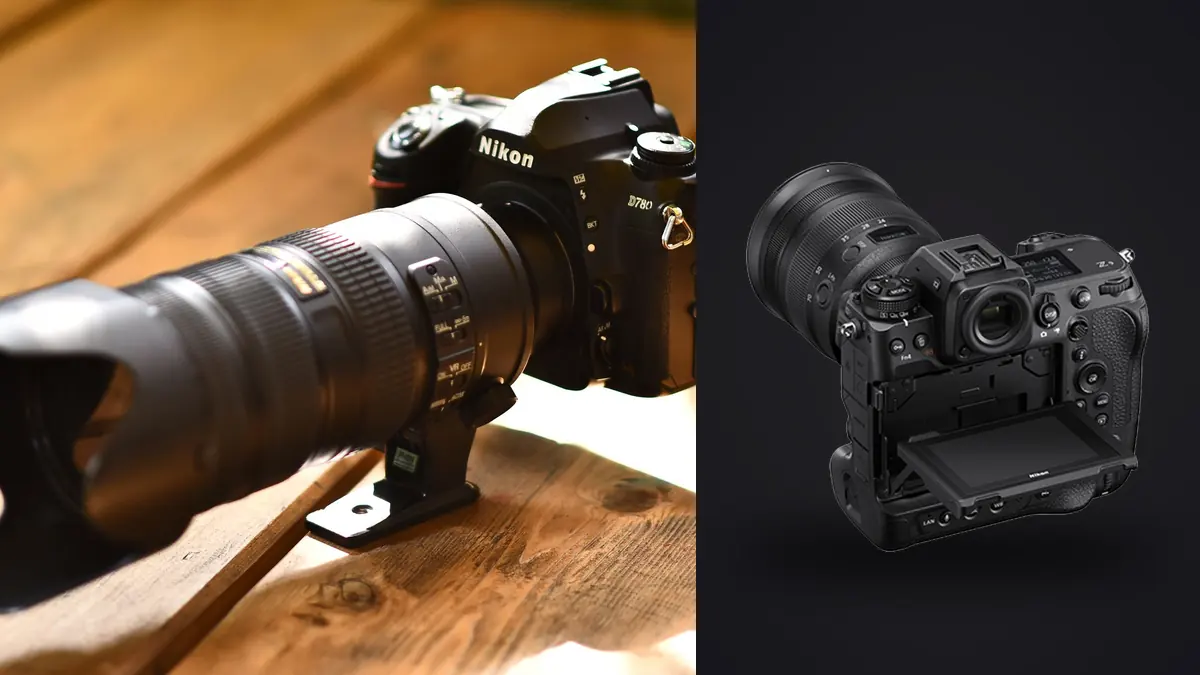
The Nikon Z9 can create a difficult kind of abundance. Its 45.7-megapixel sensor, 20 fps full-resolution RAW capture, electronic shutter, and deep buffer make it easy to cover a decisive sports sequence without interruption. Those same strengths can leave the photographer with long runs of almost identical NEF files, several card states, and more decisions than the deadline can comfortably absorb. A useful Z9 workflow therefore begins before the event. Capture settings, card roles, folder structure, culling rules, and delivery specifications need to support one another.
The objective is not to suppress the camera's speed. It is to spend that speed only where it improves the odds of a meaningful frame, then preserve enough context to judge the sequence correctly. The process below is designed for track, field, court, and stadium assignments where action repeats but expressions, ball position, body shape, and background alignment change within fractions of a sequence.
Design the workflow around the final assignment
Start with the delivery rather than the frame rate. A wire-style deadline, a team gallery, an editorial feature, and an athlete portrait package all require different select counts and metadata. Write down the output before setting the camera: expected subjects, horizontal and vertical needs, caption requirements, crop freedom, color space, file type, and delivery time. This determines whether every sequence deserves full-resolution RAW or whether some routine coverage can be handled more selectively.
The Z9 offers full-resolution 20 fps RAW capture, while its faster high-speed modes use JPEG and, at the highest rate, reduced resolution. Those modes are not interchangeable. RAW is appropriate when exposure, white balance, and crop latitude matter. A fast JPEG mode may suit a narrow, immediate use where the output is known and extensive correction is unlikely. Avoid changing formats impulsively in the middle of an event. Mixed file types complicate ingest, sorting, and consistent export.
Create a simple capture policy. Use single frames or short bursts for podiums, static portraits, and predictable pauses. Use a controlled burst through the peak of a jump, tackle, finish, or reaction. Reserve a longer burst for action whose peak cannot be predicted reliably. This policy reduces duplicate volume without asking the photographer to guess the exact millisecond of every play.
Also build a coverage matrix before access becomes complicated. List the essential wide scene, the principal competitors, details that establish venue and conditions, reaction frames, and any required branding. Mark which positions can produce each item and when movement between positions is possible. This prevents burst volume from masquerading as complete coverage. Hundreds of frames from one excellent angle cannot replace a missing establishing image or the only clean view of a medal reaction. The matrix also gives the cull a purpose: once a required category has a strong candidate, later sequences can be judged for improvement and variety rather than kept merely because they are technically successful.
Configure cards and filenames before warm-up
The Z9 has two CFexpress Type B slots. Matching card types simplify rotation, but the slot behavior still needs an explicit plan. Redundant recording protects against a card failure but halves effective capacity. Overflow maximizes capacity but creates a handoff point between cards. Separating RAW and JPEG can support a rapid JPEG delivery, yet it also splits a single moment across two media sources. Choose according to the assignment's actual risk and deadline, then keep that choice unchanged unless circumstances force a documented change.
- Format in camera: begin with verified, empty media after all prior work has been backed up.
- Synchronize clocks: align every body used on the assignment so sorting by capture time remains reliable.
- Set a file prefix: distinguish bodies or photographers without relying on folder names alone.
- Label card wallets: separate blank, active, and copied cards physically.
- Keep one card state: a card marked copied should not return to the camera until its copy has been verified.
High-efficiency NEF options can reduce storage demand, but compatibility with the intended RAW processor should be confirmed before the assignment. A space-saving setting is not helpful if the delivery workstation cannot decode it. Perform that check with ordinary, non-client frames and the complete application chain, including metadata and export.
Use 20 fps as a timing tool, not a default
The electronic shutter removes mechanical shutter cycling, but it does not remove the need for exposure discipline. In changing stadium light, start with a shutter speed that freezes the relevant subject movement, choose an aperture that gives the necessary depth around the focus plane, and let ISO move only within a range acceptable for the final output. The right values differ between a sprinter moving across the frame, a swimmer approaching head-on, and a goalkeeper waiting for a set piece.
At 20 fps, a one-second burst produces twenty full-resolution candidates. Many sports peaks need much less than a second of coverage. Develop a cadence: acquire focus, track the approach, press just before the anticipated peak, release after the expression or follow-through resolves, and reacquire. Leaving the shutter held through uneventful setup frames makes the later comparison slower and can hide the actual peak inside an oversized group.
Watch artificial lighting. Electronic capture can reveal bands or uneven color under some pulsed fixtures. Use the camera's flicker-related controls where appropriate, make test frames during warm-up, and inspect flat areas of the image rather than relying on a small thumbnail. If a venue's lighting remains inconsistent, prioritize a shutter setting and capture mode that produces dependable files over the highest nominal frame rate.
Ingest without turning the cards into the archive
At the workstation, create the job folder before copying. A practical structure separates original captures, working exports, final delivery, and administrative material. Copy each card into a body-and-card subfolder so duplicate filenames cannot overwrite one another. Do not rename, format, or reuse the source card until the copied data has been verified and a second copy exists on separate storage.
- Create the job and original-capture folders using a stable date and assignment identifier.
- Copy one card at a time, preserving its folder structure inside a clearly named subfolder.
- Verify that expected file counts and sizes are present, using checksum verification when the ingest tool supports it.
- Create or confirm a second copy on different storage.
- Mark the physical card as copied, but keep it untouched until the assignment is safely delivered.
Do not begin editing directly from a card or from a temporary download directory. Stable paths matter when edits are non-destructive and the application stores instructions separately from original files. A deliberate ingest also makes it easier to resume after an interruption without wondering which card has already been handled.
Cull sequences in passes
A sports cull is more accurate when it separates technical rejection from editorial preference. First remove frames that cannot succeed: accidental releases, severe obstruction, clear focus failure, unusable exposure, or a moment hidden by another athlete. On the second pass, compare each burst for timing and body position. On the third, judge expression, background, story value, and variety across the whole assignment.
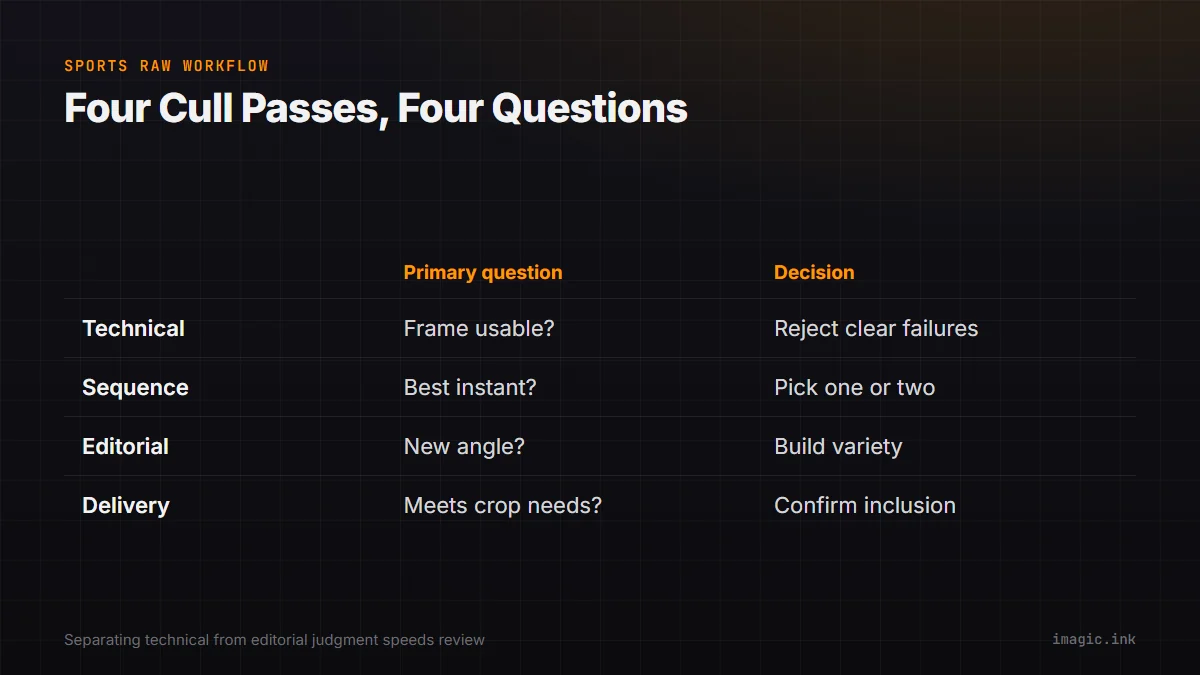
Near-duplicate grouping is especially helpful with Z9 sequences because it keeps adjacent moments in context. A local desktop app such as imagic can score sharpness, exposure, closed eyes, and composition, then group duplicates and bursts without uploading the photographs. Treat those results as a review aid, not an instruction to discard context. Culling changes status rather than deleting originals, and a lower-ranked frame may still contain the better ball position, cleaner face, or required sponsor mark.
| Pass | Primary question | Decision |
|---|---|---|
| Technical | Can this frame survive normal output? | Reject only clear failures |
| Sequence | Which instant best describes the action? | Choose one or two peaks |
| Editorial | Does it add subject, angle, or emotion? | Build a varied set |
| Delivery | Does it meet crop and caption needs? | Confirm final inclusion |
When two frames remain close, compare at a useful zoom and check the intended output. Minute pixel-level differences may not matter for a modest web crop, while eye focus can matter greatly for a tight portrait. The assignment, not the maximum zoom level, decides.
Apply consistent edits without flattening the event
Batch editing works best after the cull. Group selected files by lighting condition, such as open shade, direct sun, one indoor court zone, or a night field under fixed lamps. Establish white balance, exposure baseline, highlight handling, contrast, and lens corrections on a representative file from each group. Synchronize only the settings that should genuinely match. Crops, local corrections, and difficult mixed-light frames still need individual attention.
A learned style can provide a consistent starting point if it was built from the photographer's own finished edits. It should not override exposure differences or force every venue into identical color. Review skin tones, uniforms, sponsor colors, and white lines after any batch operation. Non-destructive adjustments preserve the original NEF files and make later revisions possible without duplicating source data.
For a broader view of local editing and export, the desktop app overview explains the available workflow. More camera-specific process guidance is collected under Camera Hardware.
Export, inspect, and hand off cleanly
Export settings should follow the delivery agreement. JPEG is usually appropriate for online galleries, publication systems, and general client use. TIFF is useful when a downstream editor needs a high-quality rendered file. Neither replaces the original RAW archive. Set dimensions, quality, output sharpening, color space, metadata, and filename pattern intentionally rather than accepting the last job's settings.
Inspect a representative sample at final size, including a dark frame, a bright uniform, a tight face crop, and a high-detail scene. Confirm orientation, sequence numbering, caption fields, and duplicate filenames. Deliver from a clean folder containing only approved outputs. Internal proofs, rejected frames, sidecars, and alternate crops should not leak into the handoff simply because they shared a working directory.
After delivery, preserve the verified originals, edit instructions, and final outputs according to the assignment's retention policy. The camera card is temporary capture media, not long-term storage. Only return it to the blank-card pool when the independent copies are confirmed.
Frequently asked questions
Should every Nikon Z9 sports sequence be shot at 20 fps RAW?
No. Use 20 fps when the peak is brief or difficult to predict, and use shorter bursts or single frames for predictable and static moments. Selective use preserves the Z9's advantage while reducing review volume.
Does the Z9 electronic shutter eliminate lighting problems?
No. It eliminates the mechanical shutter cycle, but some artificial lights can still produce banding or color variation. Test the actual venue lighting and inspect full-size files before the event begins.
Can automated culling choose the winning sports frame by itself?
It can help identify sharp, exposed, and duplicate frames, but it cannot know every editorial requirement. Ball position, expression, sponsor visibility, and narrative importance still need a photographer's review.
What should remain after the final delivery?
Keep verified original RAW files, the non-destructive edit data, and the approved exports according to the agreed retention policy. Do not rely on camera cards as the only remaining copy.