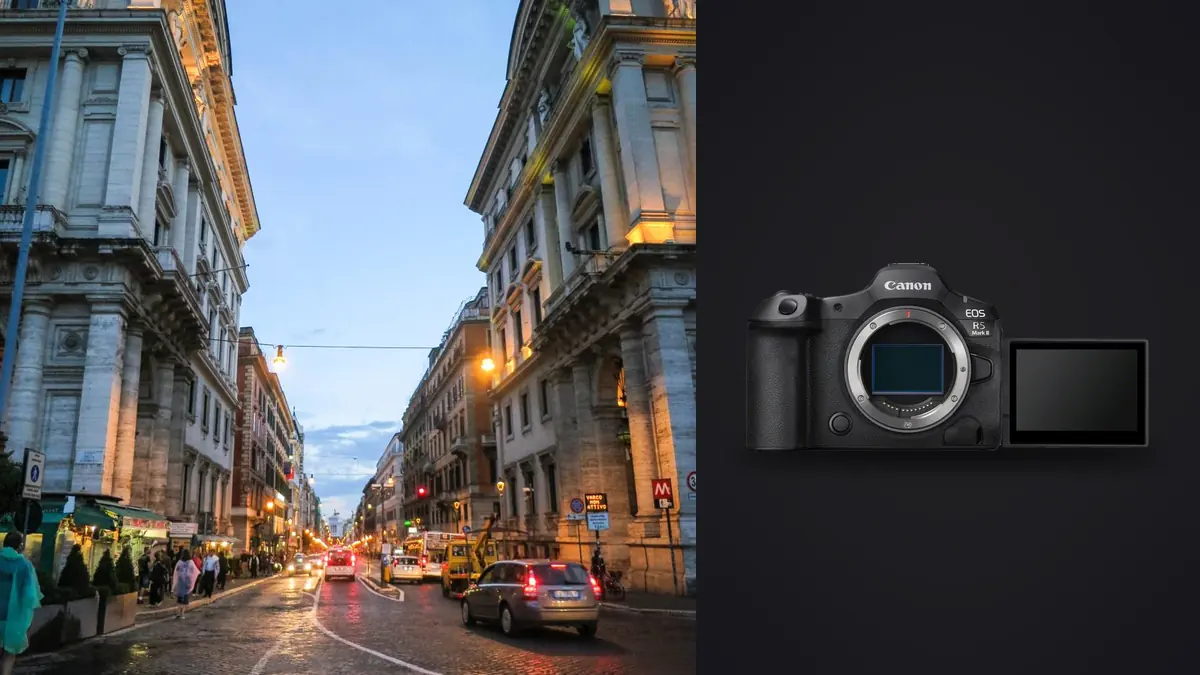
I picked up the R5 Mark II expecting an incremental update to a camera I already liked. What I got instead was a body that changed how I actually shoot on the street: quieter, faster to lock focus on a face in a crowd, and stubbornly reliable in the kind of harsh doorway light that used to make me second-guess my exposure. This isn't a spec sheet regurgitation. It's what happened after several months of carrying this camera through markets, protests, transit stations, and the kind of long documentary days where the gear either earns its keep or gets left at home.
The Sensor and Shutter Combination That Actually Matters on the Street
Canon built the R5 Mark II around a 45-megapixel stacked CMOS sensor, and the word "stacked" is doing more work here than most marketing copy admits. On the original R5, dropping into full electronic shutter meant accepting visible rolling shutter distortion the moment someone walked briskly through frame or a cyclist crossed your composition. The stacked readout on the Mark II shrinks that distortion to the point where I stopped avoiding electronic shutter altogether, which matters enormously for documentary work where the whole point is not to be noticed.
That silence changes behavior on the street in a way I didn't fully anticipate. Subjects who'd glance over at a mechanical clack simply don't react to the R5 Mark II in full electronic mode. I've stood three feet from a street vendor mid-transaction, fired eight frames, and watched him never break eye contact with his customer. That's not a small thing when your subject matter depends on people acting like the camera isn't there.
Shutter Modes, Compared for Real Shooting Conditions
| Shutter Mode | Max Frame Rate | Audible Sound | Rolling Shutter Risk | Where I Use It |
|---|---|---|---|---|
| Mechanical | 12 fps | Soft but present | None | Bright outdoor scenes where I don't mind being heard, fast-panning action |
| Electronic 1st-curtain | 12 fps | Nearly silent | Low | Rarely, mostly a fallback for certain flash-adjacent situations |
| Full electronic (silent) | 30 fps | Silent | Minimal, thanks to the stacked sensor | Close-quarters street work, interiors, anywhere discretion matters |
| Full electronic (Hi, reduced blackout) | 20 fps | Silent | Minimal | Fast-moving documentary sequences where I still want a live viewfinder feed |
| Pre-continuous shooting | Buffers roughly half a second before the shutter press | Silent | Minimal | Decisive-moment street frames where the gesture happens faster than my reaction time |
That pre-continuous buffer deserves its own callout because it's the closest thing Canon has put into this body to a genuine street photography feature rather than a sports feature repurposed for street use. Half-press the shutter, and the camera is already holding frames from just before you fully commit. On a body like this, that's the difference between missing the exact second a hand reaches for a door handle and having it clean.
Autofocus in a Crowd Is Where This Camera Separates Itself
Dual Pixel CMOS AF II with the deep-learning subject recognition is genuinely different from what I was using on the original R5. Face and eye detection holds onto a subject through partial occlusion, someone stepping in front of them for a half second, a hand gesture crossing the face, in a way that used to cause the older system to hunt and lock onto whatever was left in frame. Walking through a crowded plaza and tracking one person's face as they weave between other bodies used to be a coin flip. Now it mostly just works.
Eye Control AF, carried down from the R3, is the feature I was most skeptical of and the one I've ended up relying on most for candid work. After the calibration routine (which takes about two minutes and needs redoing if you switch glasses or shooting position significantly), the camera tracks where your eye is looking through the viewfinder and shifts the focus point there. For street photography, where you're often composing on the fly and don't have time to thumb a joystick to a new AF point, this cuts out an entire mechanical step between seeing the moment and capturing it. It's not flawless in low light, and it needs a steady viewfinder position to stay accurate, but on a well-lit afternoon walking a market street, it's faster than any button-based AF point selection I've used.
Dynamic Range for the Light You Actually Get in Documentary Work
Documentary shooting rarely gives you controlled light. You're in a doorway with three stops of difference between the interior shadow and the sunlit street behind your subject, or you're shooting through a bus window with reflections stacking on top of your exposure. The R5 Mark II's sensor holds detail in shadow recovery noticeably better than I expected from a 45-megapixel chip pushed to high ISO. I've pulled usable detail out of ISO 6400 RAW files shot in a dim interior that, on paper, should have looked like mush, and the noise pattern that does show up is fine-grained enough that a light pass of noise reduction in post doesn't smear away texture in skin or fabric.
That headroom matters most when you're editing later and realize the exposure you nailed for the highlights left the shadow side of someone's face two stops under. On a documentary assignment you don't get to reshoot the moment. You need the sensor to have banked enough information that the edit can save the frame, and this one generally does.
The File Volume Problem Nobody Warns You About
Here's the part that doesn't show up in camera reviews but matters enormously once you've actually used this body for a few weeks: 45-megapixel RAW files at up to 30 frames per second produce an amount of data that will bury you if you don't have a plan for it. A single afternoon of street shooting where I lean on bursts for gesture and expression can easily produce 1,200 to 1,800 RAW frames. Multiply that by a multi-day documentary assignment and you're looking at tens of thousands of files, the overwhelming majority of which are near-duplicates from the same burst, three frames apart, with only subtle differences in expression or hand position.
This is exactly the bottleneck that pushed me toward running imagic as the first pass on every card. It scores sharpness and focus locally on the files as they come in, so instead of scrubbing through 40 frames of the same handshake looking for the one where both faces are in focus and nobody blinked, I get the sharpest candidates surfaced automatically. The duplicate and burst clustering does the grouping so those 40 frames present as one cluster with a best pick rather than 40 individual decisions. For a documentary workflow where you might be reviewing footage during travel between locations with no reliable internet, the fact that all of this runs locally without uploading files anywhere also matters more than I expected. It's one thing to trust a cloud culling tool with vacation photos. It's another to send unpublished documentary material, sometimes involving people who haven't consented to wider distribution yet, up to a server before you've even made an editorial decision about which frames run. If you haven't looked at how the underlying scoring works, this breakdown of how AI photo culling actually evaluates sharpness and duplicates is a reasonable primer before you trust it on real assignment files.
Rough Card-to-Delivery Numbers From a Typical Shoot Day
| Stage | Frame Count (Typical Street Day) | Time Without a Culling Pass | Time With Automated First Pass |
|---|---|---|---|
| Raw import from card | 1,400 frames | N/A | N/A |
| After duplicate/burst clustering | ~380 distinct moments | 2.5 to 3 hours of manual scrubbing | 15 to 20 minutes reviewing suggested picks |
| After sharpness/focus filtering | ~210 sharp candidates | Included above, often missed sharpness errors by eye fatigue | Consistent, same criteria applied to frame 1 and frame 1,400 |
| Final select for edit | 25 to 40 frames | Subjective, done last | Subjective, done last (this part stays manual either way) |
The last row is deliberate. No tool should be making the editorial call on which frame tells the story, and imagic doesn't try to. What it removes is the mechanical fatigue of getting from 1,400 to a shortlist a human can actually think clearly about.
Handling and Discretion in the Field
At 746 grams body-only, the R5 Mark II isn't a small camera, but it carries better than its predecessor thanks to a slightly deepened grip that keeps the weight from twisting in your hand over a long day with a 35mm or 50mm prime attached. Weather sealing held up through an afternoon of unexpected rain during a protest shoot without any hesitation in the controls, which is exactly the situation where you don't want to be thinking about your gear at all.
The vari-angle 3.2-inch touchscreen gets criticized by some street shooters who prefer a fixed screen for a lower profile, and I understand the objection, but I've found flipping it to a low angle for waist-level candid framing more useful than the marginal bulk it adds when closed. For documentary work where you sometimes need to shoot from the hip without raising a viewfinder to your eye, that articulation earns its place.
Battery life across a full day of mixed stills and the occasional video clip for behind-the-scenes documentation held up better than I expected, though I still carry a second battery for anything past eight hours, particularly if I'm leaning on the rear screen and Eye Control AF calibration checks, both of which draw more power than a pure viewfinder workflow.
Building a Consistent Look Across a Long Documentary Project
One thing that's easy to lose sight of on a multi-week documentary project is visual consistency. You're shooting in wildly different light across dozens of locations, and if you're grading each session from scratch, the final edit can end up looking like it was shot by five different people. What's worked for me is establishing a color and tone treatment early in the project on a handful of representative frames, then using imagic's apply_my_style feature, which trains a preset from your own already-edited images rather than a generic canned look, to carry that treatment across the rest of the take. It's not a substitute for making individual exposure and crop decisions on each frame, but it keeps the baseline grade consistent without me manually re-deriving the same curve adjustments hundreds of times over a project that might span months. If your current process is closer to editing each session in isolation, this rundown on tightening up a photo workflow covers some of the surrounding habits worth adopting alongside a tool like this.
What I'd Tell Someone Deciding Between This and an Older Body
If you're coming from an original R5, the honest answer is that the autofocus and shutter improvements are the reasons to upgrade, not the resolution, which is unchanged. The silent shutter finally being trustworthy for fast subjects, combined with Eye Control AF actually working well enough to rely on in the field, are the two things that changed my daily shooting behavior rather than just improving numbers on a chart. If you're coming from a smaller APS-C body for weight reasons, know that the R5 Mark II is a heavier commitment, and the file sizes alone mean you need a culling and storage plan in place before your first big shoot, not after your card is full of 1,400 unsorted RAW files three days before a deadline.
Frequently Asked Questions
Is the electronic shutter on the R5 Mark II actually safe to use for moving subjects on the street?
For most street and documentary scenarios, yes. The stacked sensor readout is fast enough that rolling shutter distortion, the skewing effect you'd see on a subject moving quickly through frame, is far less visible than on the original R5's electronic shutter. I still switch to mechanical for very fast lateral motion like cyclists close to the lens, but for walking pace subjects and general candid work, electronic shutter has become my default.
How much storage should I budget for a multi-day documentary shoot with this camera?
Plan conservatively. A single 45-megapixel RAW file runs roughly 55 to 65 megabytes depending on scene complexity, and a day where you lean on bursts can easily produce over 80 gigabytes of RAW data. For a week-long assignment, I carry enough CFexpress and SD capacity for at least 600 gigabytes and back up to two separate drives each night rather than relying on a single card surviving the whole trip.
Does Eye Control AF work for people who wear glasses or have astigmatism?
It works, but calibration accuracy varies more than Canon's marketing suggests. I've had clean results wearing my regular glasses, but the calibration needs to be redone if you switch eyewear, and in low light the eye-tracking accuracy degrades noticeably. I treat it as a strong assist for well-lit street work rather than something to rely on in dim interiors, where I go back to the joystick.
Is 45 megapixels overkill for documentary work that mostly ends up published small on the web?
For web publication alone, yes, you're capturing far more resolution than you'll ever use. But the extra resolution buys you cropping flexibility after the fact, which matters when you didn't have time to perfectly frame a fast-moving scene, and it gives you more room to work with when a client later asks for a print or a larger format use you didn't originally plan for. The tradeoff is file size and the sorting burden that comes with it, which is really a workflow problem rather than a camera problem, and it's solvable with the right culling process rather than a reason to avoid the resolution.
The R5 Mark II isn't a camera that reinvents street or documentary photography. It's one that gets out of the way more consistently than its predecessor did, which, on the kind of assignments where the moment doesn't wait for you to catch up, is the whole point. If the file volume side of that equation is what's holding your workflow back, it's worth seeing what a proper culling pass does to your editing time; imagic's pricing page lays out the one-time cost against what you're currently losing in hours at the desk.