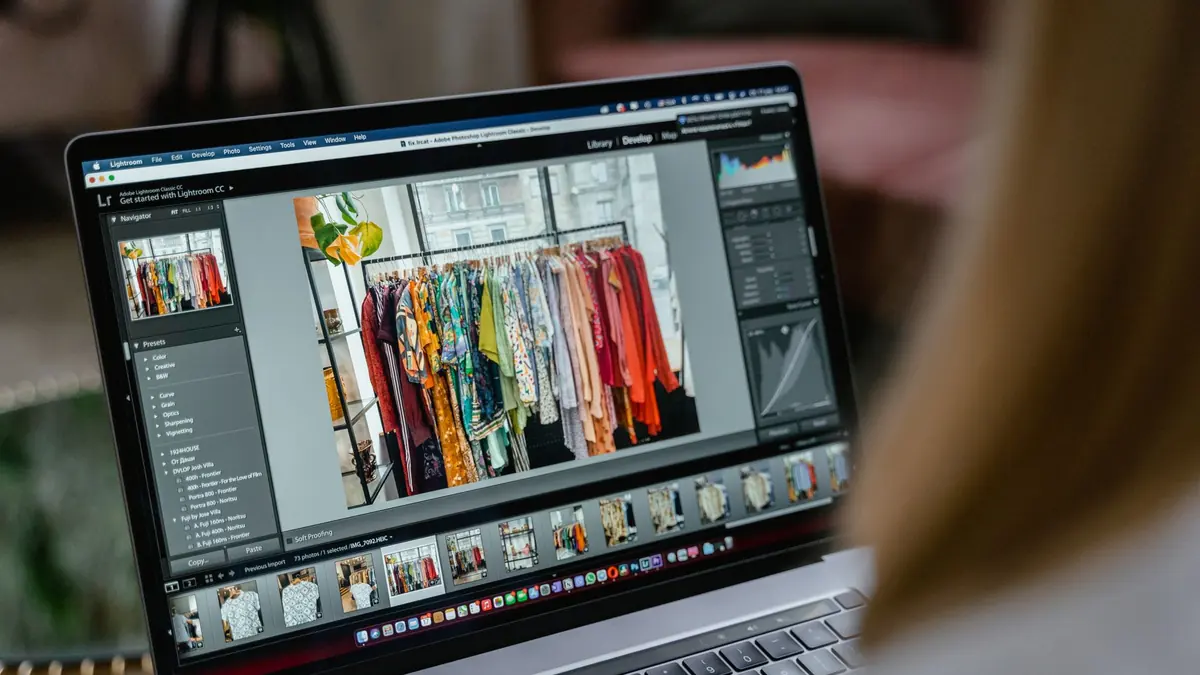
Laptop buying guides for photographers spend most of their word count on GPU benchmarks and not nearly enough on the one component that actually determines whether your edits look right: the screen. Get the priority order backwards and you can end up with a fast machine that still produces photos that look wrong once a client opens them somewhere else.
Screen Quality Comes First, Not Last
If the display cannot show accurate color and enough of it, every editing decision made on that laptop is being made on bad information. Look for a panel with genuinely wide sRGB coverage (close to 100%), reasonable factory color accuracy, and enough brightness to judge contrast indoors without eye strain. A cheaper CPU with a good screen will produce more reliable, deliverable edits than a fast CPU paired with a washed-out, undersaturated panel that quietly makes every export look duller than intended once it is viewed correctly elsewhere.
RAM and NVMe Storage Thresholds
For RAW editing at typical modern resolutions, 16GB of RAM is a workable floor and 32GB removes most day-to-day friction, especially once you are batch processing or running AI-assisted culling and scoring alongside a browser and email client. Storage matters just as much: NVMe SSDs are non-negotiable at this point for RAW workflows, since a full shoot's worth of large files on a slow drive turns every import, preview, and export into a wait. Budget storage generously; RAW files from modern high-resolution cameras add up fast, and running low on drive space mid-shoot is a preventable problem.
The GPU Truth
The GPU matters less for most photo editing than marketing copy suggests. Local RAW processing and AI-based quality scoring lean heavily on CPU and RAM; a discrete GPU helps mainly with certain rendering-heavy operations and, more relevantly for photographers, with driving a high-resolution external display smoothly. Unless your workflow includes heavy video export or generative tools, a mid-range integrated or entry discrete GPU is usually enough, and the money saved is better spent on the screen or on RAM.
Battery-vs-Plugged Performance, and Sensible Configs
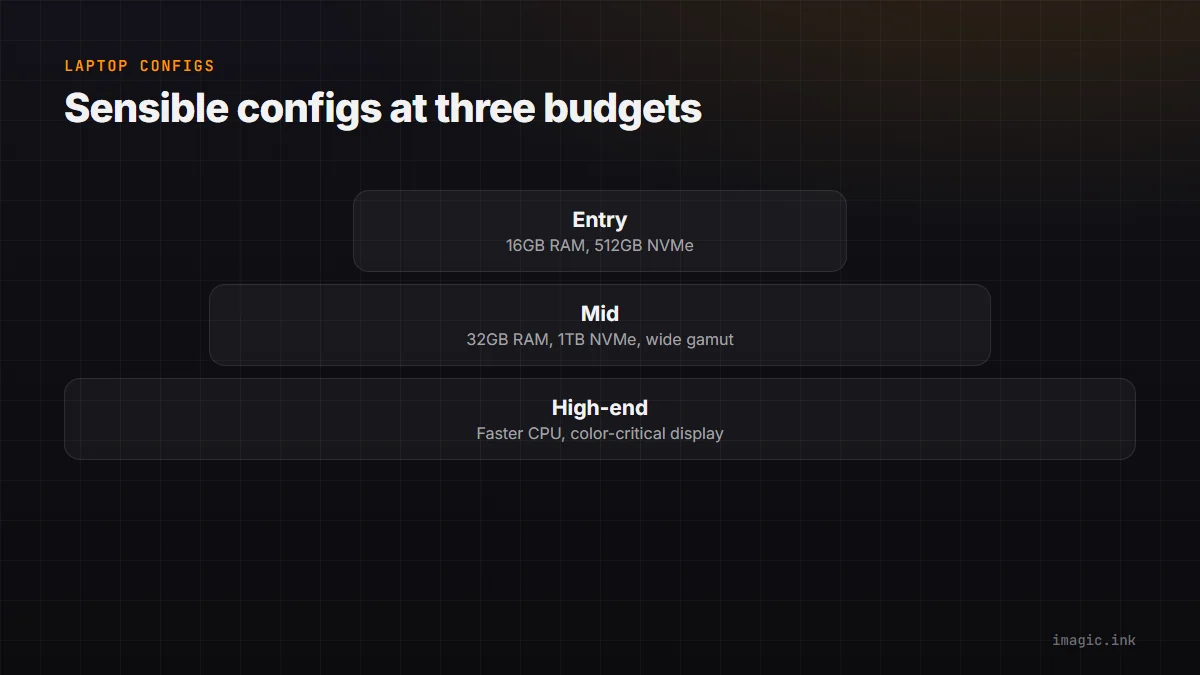
Many laptops throttle CPU performance meaningfully on battery to save power, which matters if you plan to cull or edit on location rather than always plugged in at a desk. Check real-world battery-mode benchmarks, not just plugged-in specs, if fieldwork is part of your process. As a rough guide: an entry-level config (16GB RAM, 512GB NVMe, a solid but unspectacular screen) suits casual or hobbyist volumes; a mid config (32GB RAM, 1TB NVMe, a wide-gamut accurate panel) fits most working photographers; a high-end config adds a faster CPU and larger, color-critical display for those editing high-resolution RAW at real volume, including on a desktop app like imagic's desktop editor where local processing means the machine, not a cloud server, does the work.
Frequently asked questions
Do I need a discrete GPU for photo editing?
Not usually, unless your workflow includes heavy video work or GPU-accelerated generative tools. Most RAW processing and AI culling work leans on CPU and RAM more than graphics hardware.
How much RAM is enough for RAW photo editing?
16GB is a workable minimum for most current workflows, but 32GB is a more comfortable target, especially once batch editing or AI scoring is running alongside normal multitasking.
Is screen quality really more important than CPU speed?
For editing accuracy, yes. A fast CPU on a poor screen still produces edits made on inaccurate color information, which shows up as soon as the image is viewed on a correctly calibrated display.
High-resolution bodies like the Sony A7R V make storage and RAM headroom especially relevant. This pairs well with workflow habits covered in landscape photography guides, and more hardware-adjacent guides live in Guides.