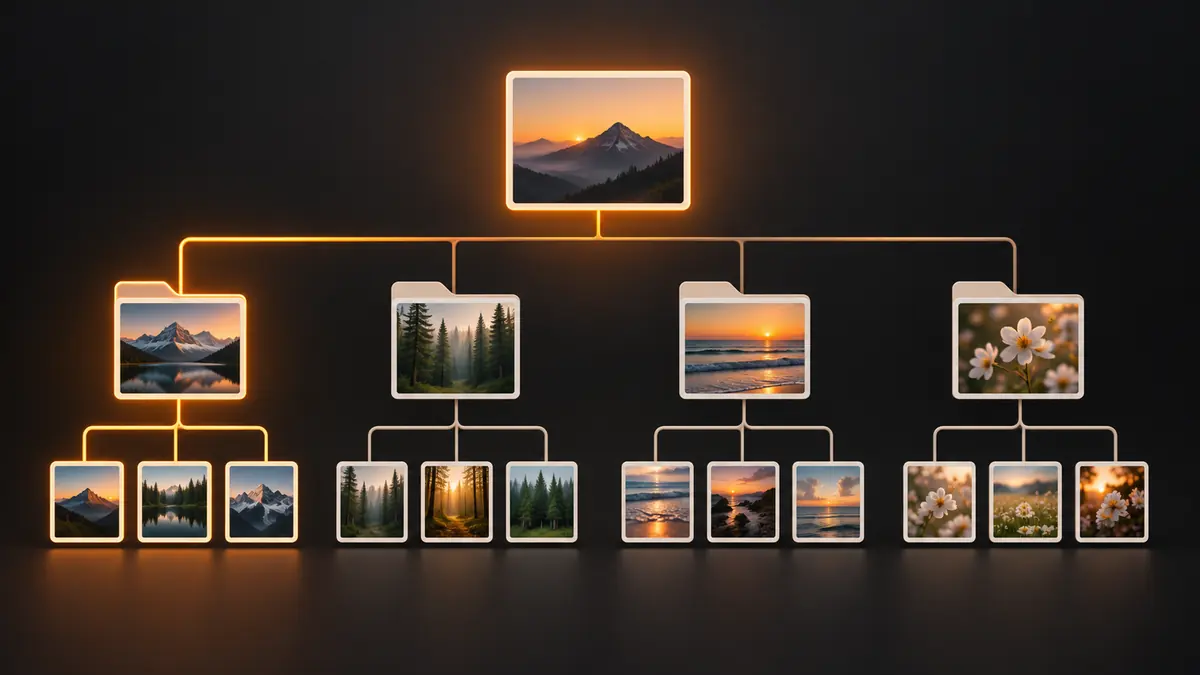
Every photographer eventually asks the same question: where do these files actually go? A folder structure decided in year one either keeps working once the library passes 50,000 images, or it quietly becomes the reason nothing can be found without opening a catalog first. The fix is boring on purpose: pick a structure that does not depend on any single piece of software, and stick to it.
Why Folder Structure Outlasts Any Catalog
Catalogs get rebuilt, migrated, or abandoned. Lightroom catalogs corrupt, software gets discontinued, or you switch tools, and metadata tied to a proprietary database does not always survive the move cleanly. A folder structure with clear names and dates, by contrast, is readable by any operating system, any backup tool, and any editor you might use ten years from now. If a shoot's date and client are encoded in the path itself, a plain file search finds it even if every editing app you own today is gone. That is the real argument for folder discipline: it is the layer that survives software churn, and it costs almost nothing to maintain once you set it up.
Date-Based Trees: Simple, but Only Half the Story
The simplest system is a top-level tree by year, then a folder per shoot: 2026/2026-10-20-oak-park-wedding. It sorts naturally in any file browser, it is fast to file new shoots into, and it never runs out of room. The weakness shows up the moment you need everything for one repeat client across three sessions spread over two years. A pure date tree makes you search by memory of dates instead of by what you actually remember, which is usually the client's name.
Client-Based Trees: Good for Repeat Clients, Awkward Alone
The opposite approach groups by client first: Clients/Martins/2026-10-20-wedding, Clients/Martins/2025-06-vow-renewal. This genuinely works better for studios with repeat business, wedding and family photographers especially, since everything for one relationship lives in one place. But a pure client tree gets awkward for one-off shoots, stock work, or personal projects with no client name attached, and it makes browsing by season or by year painful when that is what you are actually trying to recall.
The Hybrid That Actually Scales
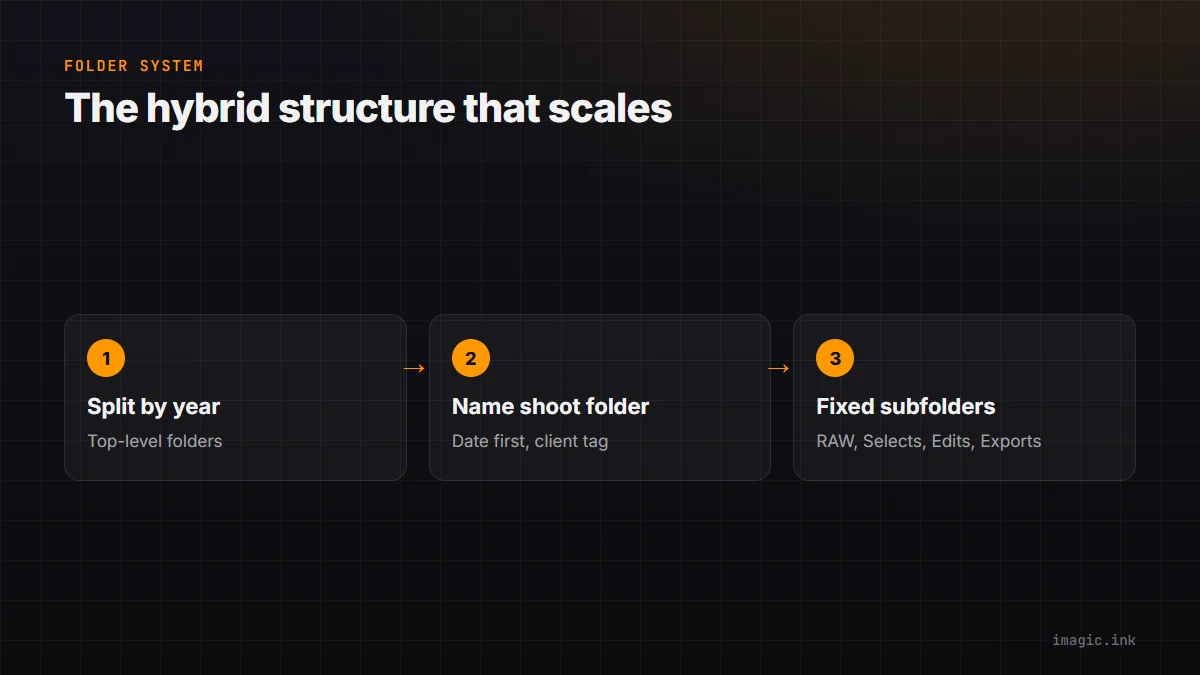
Most working photographers land on a hybrid: split by year at the top level, then a folder per shoot named with the date first and a short client or subject tag second, for example 2026-10-20_martins-wedding. This sorts chronologically by default, keeps the client name visible for a quick scan, and does not force you to decide in advance whether a shoot counts as client work. Add a simple client index, even a spreadsheet, if you need fast cross-referencing across years, and you get the searchability of a client tree without losing the natural sort order of a date tree. See how to back up and organize a photo library for how this pairs with a backup routine.
Naming Conventions That Save You Later
Inside each shoot folder, keep subfolders predictable: RAW, Selects, Edits, Exports, always the same names, so muscle memory and any automation script both work without exceptions. Resist renaming original files away from the camera's own numbering; let the folder and export names carry the date and client info instead, and reserve custom filenames for delivered exports where a client will actually see them. This keeps RAW files traceable back to the card and shoot order, which matters more than it seems the first time you need to recover one specific frame. Consistent keywording on top of a clean tree, covered in photo metadata management, closes the loop for search by subject rather than just by date.
A consistent structure also pays off once editing software enters the picture. imagic reads folders directly instead of locking a library inside a proprietary catalog, so a shoot organized this way stays just as easy to open in five years as it is today. More workflow fundamentals like this live in the guides section of the blog.
Frequently asked questions
Should I rename RAW files with the client name?
Generally no. Keep the camera's original filenames intact for traceability back to the card, and let the folder path carry the date and client information instead. Save custom names for exported deliverables.
How many folder levels is too many?
If you need more than three or four clicks to reach a shoot, the tree is too deep. Year, then shoot folder, then a handful of fixed subfolders (RAW, Selects, Edits, Exports) is usually enough for any volume of work.
What about shoots that do not have a client name?
Use a short subject tag instead, for example 2026-10-20_farmers-market or 2026-10-20_personal-hike. The date-first hybrid works the same way whether the second part of the name is a client, a subject, or a project.