
Two photographers at one wedding rarely shoot the same way. Different bodies, different exposure habits, sometimes different lenses entirely, and the couple only sees one gallery at the end. Making two people's files read as one consistent body of work is a specific workflow problem, not just an editing style choice.
Why Two Shooters Produce Two Different Baselines
Even two photographers using similar gear will differ in habitual exposure (some shoot a touch under to protect highlights, others expose brighter and pull back later), white balance approach, and how tightly they crop in camera. None of this is wrong on its own, but side by side in a gallery, a slightly warmer, brighter set of frames next to a cooler, darker set reads as inconsistent even if both are individually well exposed. The fix happens in post, not by asking a second shooter to change how they shoot mid-wedding.
Step One: Merge the Timeline, Not Just the Folders
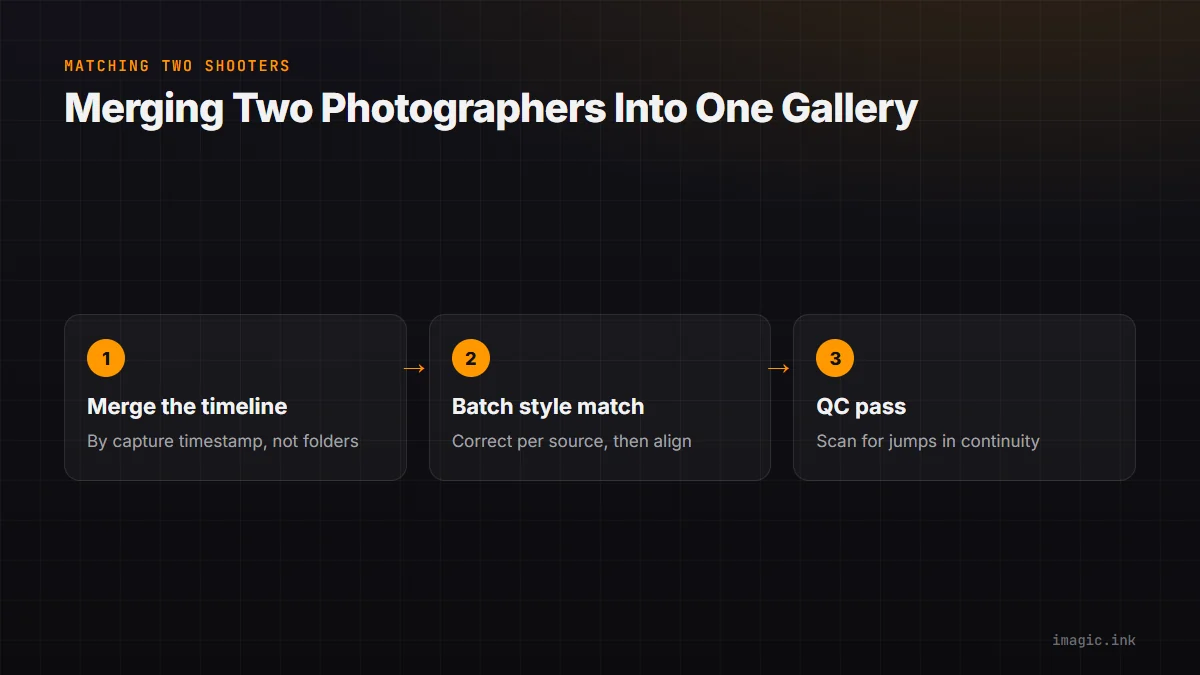
Before any editing, combine both photographers' files into a single chronological timeline rather than keeping them as two separate folders edited independently. Sorting by capture timestamp across both cameras (accounting for any clock offset between bodies, which is worth correcting at ingest) groups moments together regardless of who shot them, which makes the next step, matching style across sources, far easier because you are comparing frames from the same moment rather than guessing.
Step Two: Batch Style Matching Across Sources
Once the timeline is merged, cull and group by scene and lighting condition as usual, but treat "which camera shot this" as an additional grouping variable. Apply your base color grade as a batch to each photographer's frames from a given scene separately, then compare the two batches side by side and adjust one toward the other, usually nudging white balance and exposure rather than rebuilding the whole edit. imagic's batch editing lets you apply and copy a style across a selected group of images, which makes it practical to run this two-pass match (base correction per source, then a matching pass) without re-editing every frame individually.
Step Three: A Dedicated QC Pass for Color Continuity
After both sets are edited, do one final pass through the merged, chronological gallery specifically looking for jumps, not judging individual photos on their own merits, but scanning for the moment a viewer would notice two different photographers' work. This pass goes fast because you are pattern-matching, not evaluating each frame from scratch, and it is the step most photographers skip under deadline pressure, which is exactly when inconsistency slips through into a delivered gallery. See the second shooter photo merging workflow for a fuller breakdown of the merge step, color grading vs color correction for the difference between fixing a mismatch and building a look, and the tips and workflow archive for more.
What This Looks Like on a Real Timeline
In practice, the getting-ready and ceremony segments are usually where two shooters diverge most, since they are working different rooms or angles under different light. Reception coverage tends to converge naturally because both photographers are working the same dance floor under the same bulbs. Budget your QC time accordingly, more attention on the early segments, a lighter pass on the reception. For more on running a full two-photographer day, see imagic for wedding photography.
Frequently asked questions
Should I tell my second shooter to match my exposure style in camera?
It helps to align on a general approach beforehand, but expecting an exact match in camera is unrealistic; plan for a post-production matching pass regardless.
How much time should the QC pass add to my workflow?
Usually 15 to 30 minutes for a full wedding gallery once both photographers' edits are merged, since you are scanning for jumps rather than re-evaluating every frame.
What if the two photographers used completely different lenses?
Focal length and rendering differences cannot be fully corrected in post, but color and exposure matching still closes most of the visible gap between the two sets.