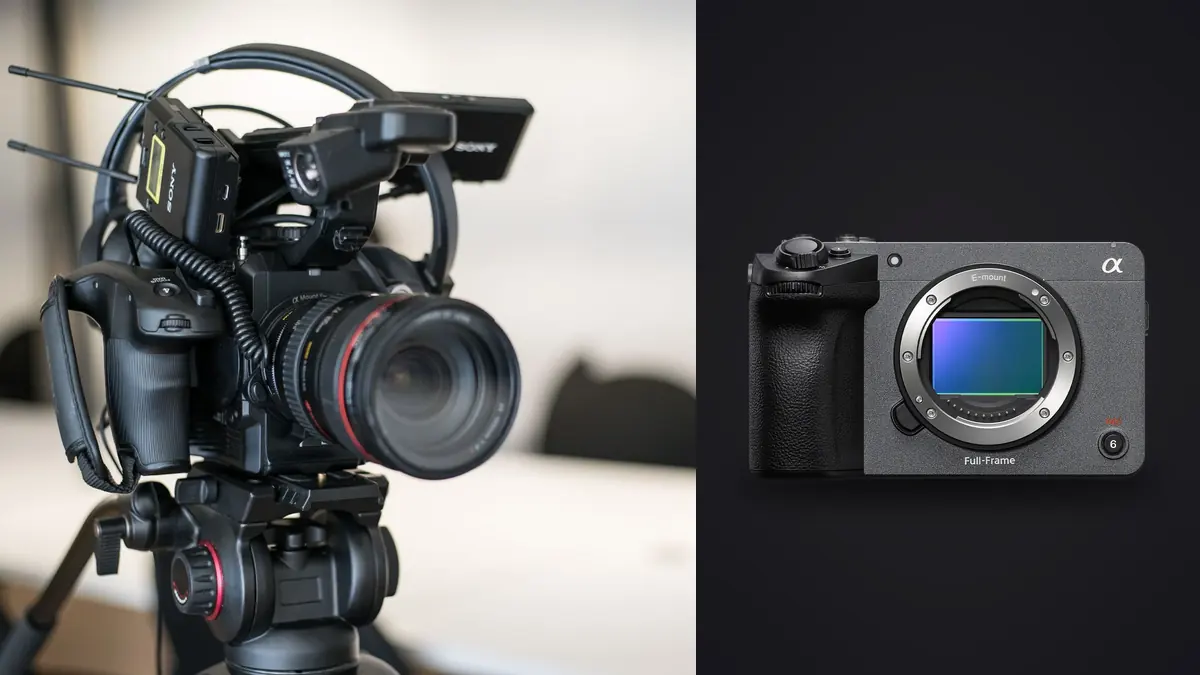
The Sony FX5 belongs at the center of a cinema workflow, even when a commission also asks for photographs. That distinction prevents a common planning mistake. A frame pulled from motion can be an excellent publicity image, continuity reference, social asset, or web illustration, but it is not automatically equivalent to a dedicated RAW still. The camera settings that make motion look natural may also leave an individual frame with more blur than a photographer would accept.
Sony's official FX5 product information, checked on 15 August 2026, describes a full-frame stacked sensor, 5K Open Gate recording, internal X-OCN options, proxy recording, and two card slots that accept CFexpress Type A or SDXC media. The practical question is not whether those features sound impressive. It is how to assign each deliverable to the right capture method, preserve the original media, and keep frame extraction from becoming an improvised task at the end of the edit.
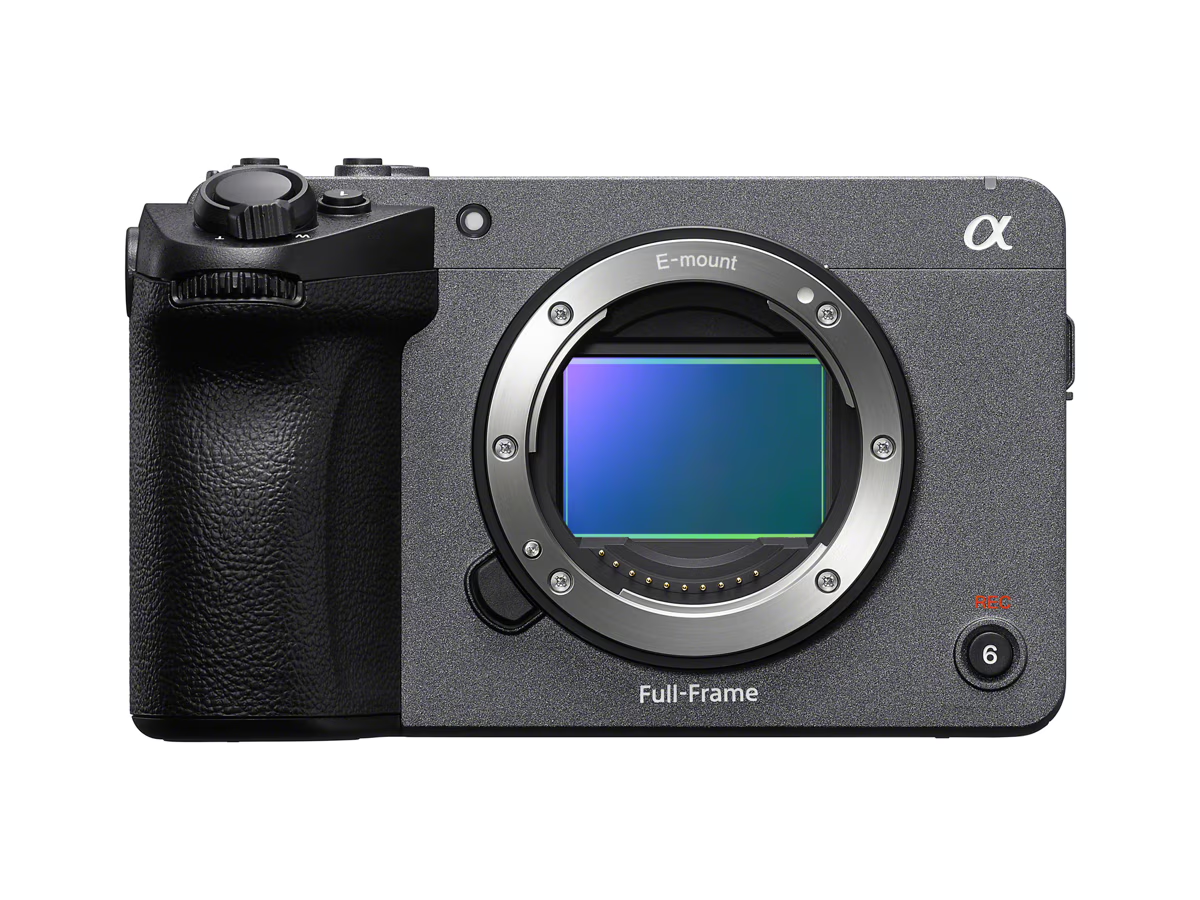
Start with the cinema-first reality
The FX5 specification is organized around movie recording. Its sensor dimensions, scan modes, codecs, frame rates, audio, cooling, timecode, proxy options, and video autofocus are the relevant foundations. That makes it a strong candidate for crews whose main product is motion. It does not turn every recording mode into a conventional photographic burst, and the official specification should not be read as promising a normal ARW stills workflow.
Open Gate uses a taller sensor area than a standard 16:9 recording. This gives an editor more room to derive horizontal, square, and vertical compositions from one take. The benefit is reframing flexibility, not unlimited cropping. Final detail still depends on the recorded raster, codec, focus, lens performance, motion blur, noise reduction, compression, and the size at which the extracted image will be used.
Internal X-OCN is motion RAW, not a folder of ordinary photo RAW files. It needs compatible video software and a deliberate color-management path. Likewise, a proxy is a lighter viewing or editing file, not the source from which to make a final still. Keep camera-original media, working transcodes, proxies, and extracted photographs visibly separate so nobody mistakes a convenient derivative for the master.
Map every deliverable before choosing settings
Write a capture matrix before the call sheet is final. List the hero film, alternate aspect ratios, thumbnails, press stills, behind-the-scenes images, continuity references, and any print requirements. Then label each item as motion-derived, separately photographed, or either. A still intended for a small web card may be entirely reasonable as a frame grab. A campaign image that needs a vertical crop, detailed retouching, or a large print usually deserves a dedicated stills capture unless the client has approved the limitations.
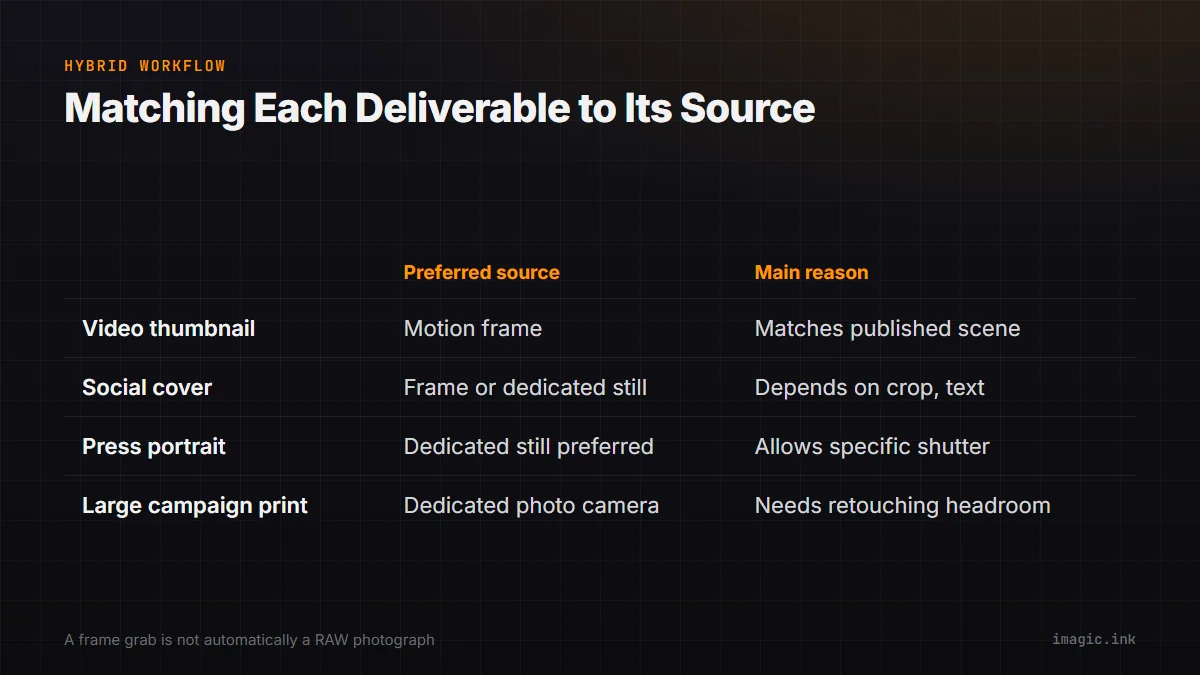
| Deliverable | Preferred source | Main reason |
|---|---|---|
| Video thumbnail | Selected motion frame | Matches the published scene exactly |
| Social cutdown cover | Open Gate frame or dedicated still | Depends on crop and text space |
| Press portrait | Dedicated still when possible | Allows photo-specific shutter and posing |
| Continuity reference | Proxy or frame grab | Speed matters more than finishing latitude |
| Large campaign print | Dedicated photo camera | Needs predictable still-image quality and retouching headroom |
Record the approval in the brief. Phrases such as "high-resolution stills from video" are too vague. Specify approximate pixel dimensions, expected crop, color space, file format, and intended use. If the producer expects both a natural cinematic shutter and crisp action frames, schedule a short stills pass with different shutter settings instead of forcing one compromise to serve both jobs.
Record Open Gate with extraction in mind
Open Gate helps when the final channels disagree about aspect ratio. Compose with a protected central zone for the main film, but inspect the top and bottom edges that a vertical or square version may use. Keep microphones, flags, matte-box edges, floor marks, and lighting stands outside every planned extraction area. A clean 16:9 frame can conceal unwanted objects that become visible in a taller scan.
Do not assume that more sensor area removes the need for a shot-specific composition. Important faces should not sit so close together that a vertical crop cannot isolate them. Leave intentional negative space for titles when the brief requires it. If separate horizontal and vertical framing would materially improve the work, capture separate takes. Open Gate is insurance and flexibility, not a substitute for composition.
Choose the recording format by post-production capability as well as camera capability. Confirm that editorial, grading, archive, and client systems can read the selected X-OCN variant or other codec before production. Run a short end-to-end sample through ingest, checksum verification, backup, edit, grade, frame export, and delivery. A format that cannot move through the real pipeline is not the safest format, regardless of its theoretical latitude.
Balance cinematic motion with a usable frame
Motion shutter choices determine how much subject movement is recorded inside each frame. A conventional cinema treatment often allows visible motion blur because it helps movement flow during playback. A publicity still of a runner, dancer, or moving hand may need a shorter exposure to look crisp when frozen. Raising shutter speed can improve the extracted instant but make motion appear more staccato. The right answer belongs to the primary deliverable.
For scenes that must provide both, plan alternatives. Capture the hero take with motion settings chosen for the film. Then record a brief pickup with a faster shutter or switch to a dedicated photo body. Keep lighting flicker in mind because shorter exposures can reveal banding that was not obvious at the motion setting. Review a full-resolution sample on location rather than trusting the camera display alone.
Focus decisions need the same discipline. Subject recognition can assist, but the operator still chooses the target, transition behavior, depth of field, and acceptable moments. For a group, a frame in which the lead subject is sharp may leave a second person outside the focal plane. Mark promising timecodes during the take and note why they matter. This dramatically narrows the later extraction search without pretending an automated score understands the narrative.
Build a media tree that preserves provenance
At ingest, copy each card as a complete, uniquely named unit. Verify the copy before erasing media, then create an independent second copy. Do not reorganize camera folders inside the only master. A production can create main clips, proxies, audio, metadata, and sidecar information whose relationships are safer when the original structure remains intact.
JOB_042_FX5/
  01_CAMERA_ORIGINALS/
    CARD_A001/
    CARD_B001/
  02_AUDIO_ORIGINALS/
  03_PROXIES/
  04_PROJECTS/
  05_FRAME_SELECTS/
    REVIEW_JPEG/
    APPROVED_TIFF/
  06_DELIVERY/
  07_CHECKSUM_REPORTS/
Use source clip name and timecode in every extracted still filename, for example A001_C004_01234512_v01.tif. If the image is later retouched, the team can return to the exact source frame. Keep review JPEGs apart from approved high-quality renders. Store the extraction recipe or project version with the selects so a color correction can be reproduced.
Dual-slot recording can support a production strategy, but it is not an archive by itself. Decide whether the camera is making simultaneous copies, separating main and proxy files, or relaying between cards. Label cards according to that choice. A second card in the same camera shares risks such as loss, physical damage, and operator formatting, so the verified offload still matters.
Select frame grabs without turning video into a photo burst
Begin with story, not sharpness. The best frame may show the decisive expression, product position, gesture, or interaction even if an adjacent frame has slightly cleaner edges. First narrow by scene and timecode, then compare a short neighborhood around each marked moment. Check eyes, hands, mouth shape, background intersections, rolling-shutter distortion, compression artifacts, and motion blur at the intended output size.
Export a review set from compatible video software before using any photo-oriented workflow. The documented imagic pipeline starts with ingested photos, then analyzes sharpness, exposure, closed eyes, composition, and near-duplicate or burst groups locally. It is not described here as a video decoder or frame extractor. If extracted files are to be reviewed in imagic, confirm the installed build's accepted inputs and inspect the tool schema first. Its culling decisions set reversible statuses rather than deleting originals.
Automated ranking can shorten a technically repetitive comparison, but it should not choose the communication moment. Review the leading candidates in sequence, because a frozen mouth shape or transitional gesture may look awkward outside motion. Preserve a few alternates until the art director has placed the image in the actual layout.
Keep color and delivery consistent
Extract from the graded or deliberately color-managed source, not from a random player screenshot. Confirm whether the project uses a log-to-display transform, a wide-gamut working space, or an HDR pipeline. A screenshot can inherit display transforms, operating-system color behavior, interface overlays, and the wrong resolution. A controlled export gives the colorist and photographer a repeatable result.
Match the still delivery to its destination. Web JPEG, print-ready TIFF, and a retouching intermediate have different needs. Embed the agreed profile, preserve useful metadata, and avoid adding video legal-range assumptions to a photo file without checking levels. Inspect the delivered image in a color-managed viewer and in the actual publishing system when possible.
Create a small frame-grab manifest for the handoff. It should identify the source clip and timecode, extraction project, grade version, crop, output profile, pixel dimensions, retouching status, and person who approved the choice. This is especially helpful when a campaign uses several near-identical expressions across regional layouts. The manifest prevents a later editor from rebuilding a still from an ungraded proxy or selecting a neighboring frame that was rejected for a subtle reason.
Archive at least the camera original, the project information needed to reproduce the grade, and the approved still master. Delivery JPEGs can be regenerated, but an undocumented screenshot cannot. A clear derivative chain also makes honest answers possible when a publisher asks whether an image was separately photographed or extracted from motion.
For more local photo-workflow context, the desktop overview explains imagic's processing boundary, while the camera hardware guides cover capture decisions around other bodies. The important boundary remains simple: finish motion in motion-capable software, extract intentionally, and use photo tools only after a real image file exists.
Frequently asked questions
Is a 5K Open Gate frame the same as a RAW photograph?
No. It is a frame from a video recording and inherits that recording's codec, shutter choice, color pipeline, and compression. It can be highly useful, but it should be evaluated against the final size and purpose rather than treated as an interchangeable photo RAW.
Should the FX5 replace a separate stills camera on a hybrid job?
Only when the approved still deliverables fit motion-derived frames. If the job needs photo-specific shutter timing, flash, extensive cropping, or large print output, schedule a dedicated stills body or a separate capture pass.
Can imagic extract still frames directly from FX5 video?
The documented imagic tool surface covers photo library, culling, editing, style, and export operations, not video frame extraction. Use compatible video software for extraction, then inspect the current imagic tools before deciding whether to add the rendered photos to that workflow.