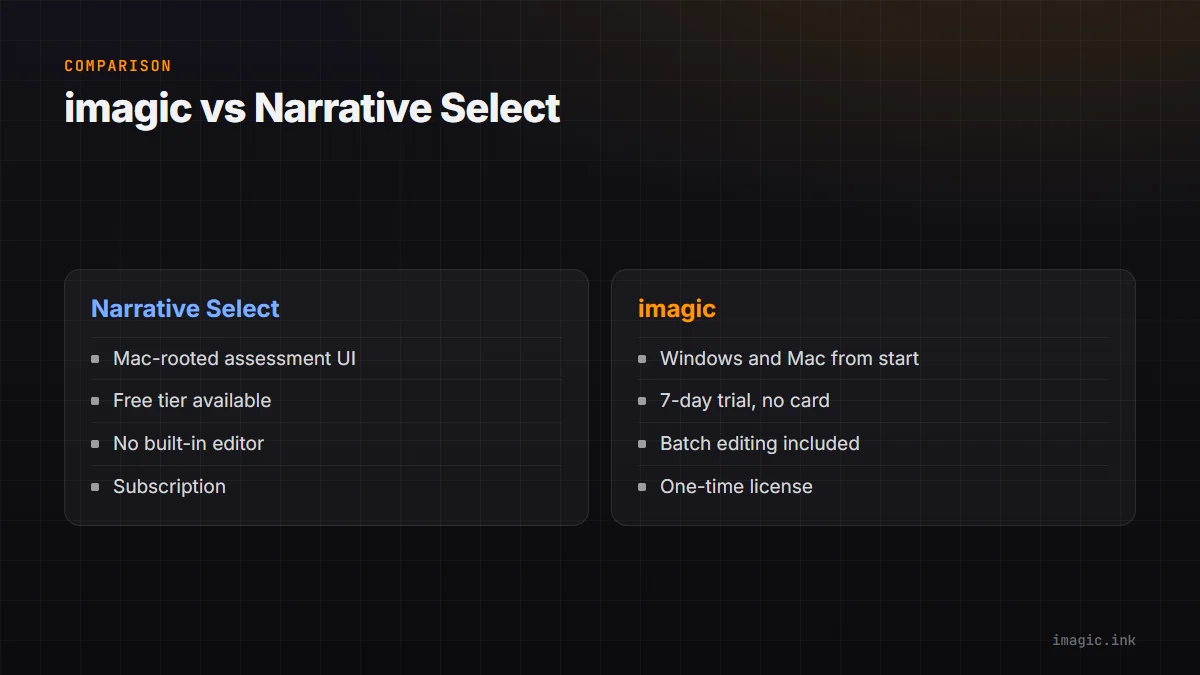
Narrative Select built its reputation on a clean, assessment-focused interface for reviewing AI culling results, and a free tier that lets photographers try the model before paying anything. imagic takes a different shape: quality scoring, duplicate detection, and batch editing with one-click styles inside one app, sold as a one-time license rather than a subscription. Both are legitimate approaches to the same problem; here is where they actually differ for someone evaluating a narrative select alternative.
The Assessment Interface
Narrative Select's reviewing screen is purpose-built for scrolling through AI-scored results quickly, with keyboard-driven accept and reject flows that longtime users tend to praise specifically. imagic's culling review works on a similar principle, ranked or filtered results you can flip through and adjust, but it is one step inside a broader app that also handles batch editing rather than a dedicated review-only screen. If the review interface itself is the deciding factor for your workflow, spend time in both free offerings (Narrative's free tier and imagic's 500-export trial) before committing.
Platform History: Mac-Only vs Windows and Mac
Narrative Select began as a Mac-only tool, and while that has expanded over time, its roots and community skew heavily toward macOS users. imagic has shipped on Windows and macOS from the start, which matters directly if your studio runs a mixed-platform setup or you are on Windows and want AI culling without checking platform compatibility first.
Culling Plus Editing vs Culling Alone
Narrative Select is a culling and assessment tool; it does not include an editor, so the workflow hands off to Lightroom or another editor afterward. imagic includes batch editing and one-click styles in the same app the culling happened in, so the shortlist you build can be edited without exporting to a second tool. Neither is objectively better, a dedicated culling tool can be sharper at that one job, but it does mean an extra piece of software in your stack either way.
Pricing: Free Tier vs One-Time License
Narrative Select's free tier is a real way to test AI culling at no cost, with paid tiers unlocking more volume or features on a subscription. imagic skips the subscription entirely: Lite EUR 19, Plus EUR 49, Max EUR 99, paid once, with a free 500-export trial (no card) that includes everything in Max so you can test the top tier before deciding what to buy. If you cull only occasionally, Narrative's free tier may cover you completely; if you cull at volume every month, compare the one-time cost against what a year or two of a paid Narrative plan would total.
Where Each Fits
Narrative Select fits Mac-based photographers who want a dedicated, keyboard-fast review screen and are happy handing off to a separate editor afterward. imagic fits photographers on either platform who want culling and batch editing together, paid once. Read What Is Photo Culling for the fundamentals if you are new to AI-assisted review, and see more software comparisons for other tools in this space.
A Note on Switching Costs
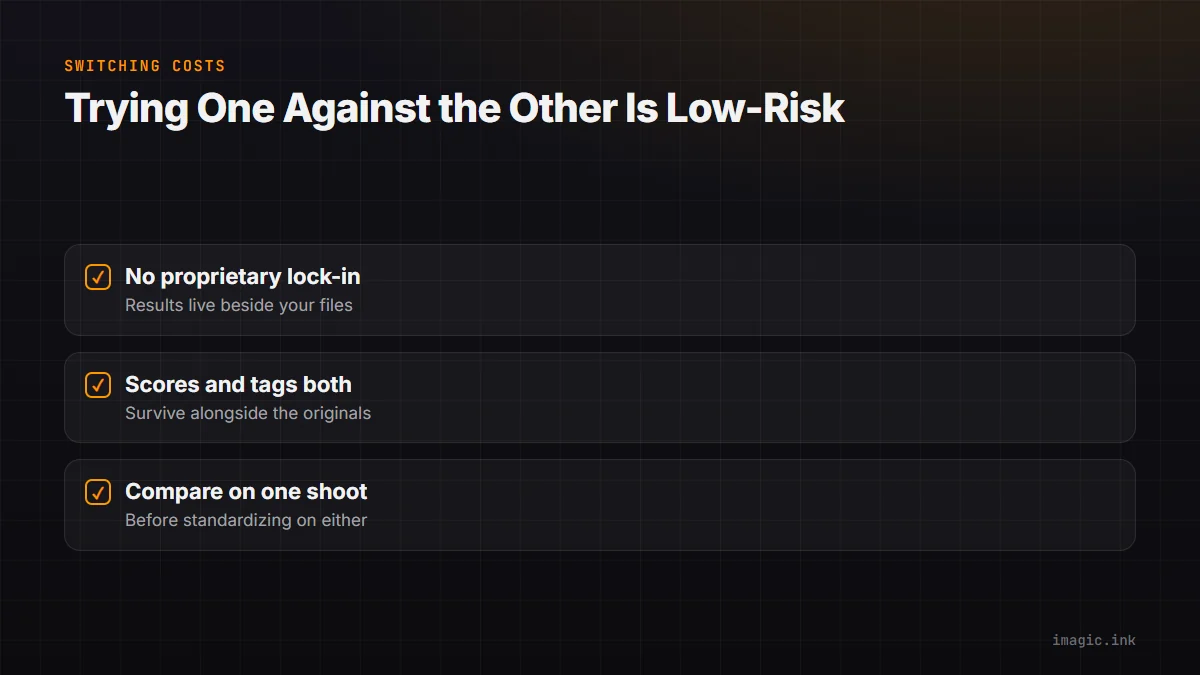
Neither tool locks your images into a proprietary format, so switching between them is lower-risk than it might sound. Narrative Select's assessment results and imagic's quality scores both live alongside your files rather than replacing them, so trying one against the other on a shoot you already reviewed manually is a reasonable, low-stakes way to see which review flow actually fits how you work before standardizing on either one.
Frequently asked questions
Does imagic run on Mac as well as Windows?
Yes, imagic ships as a desktop app for both Windows and macOS, with local-only processing on either platform.
Is Narrative Select's free tier good enough for a working photographer?
It depends on your volume and which features sit behind the paid tiers; check Narrative's current free-tier limits against your typical shoot size before assuming it covers your workflow.
Can I edit photos inside Narrative Select after culling?
No, Narrative Select is a culling and assessment tool without a built-in editor, so editing happens in a separate application afterward.
Try imagic free for 500 exports, no card required, and compare the full culling-plus-editing workflow on your own shoot. See the full imagic vs Narrative Select comparison or start the free trial.