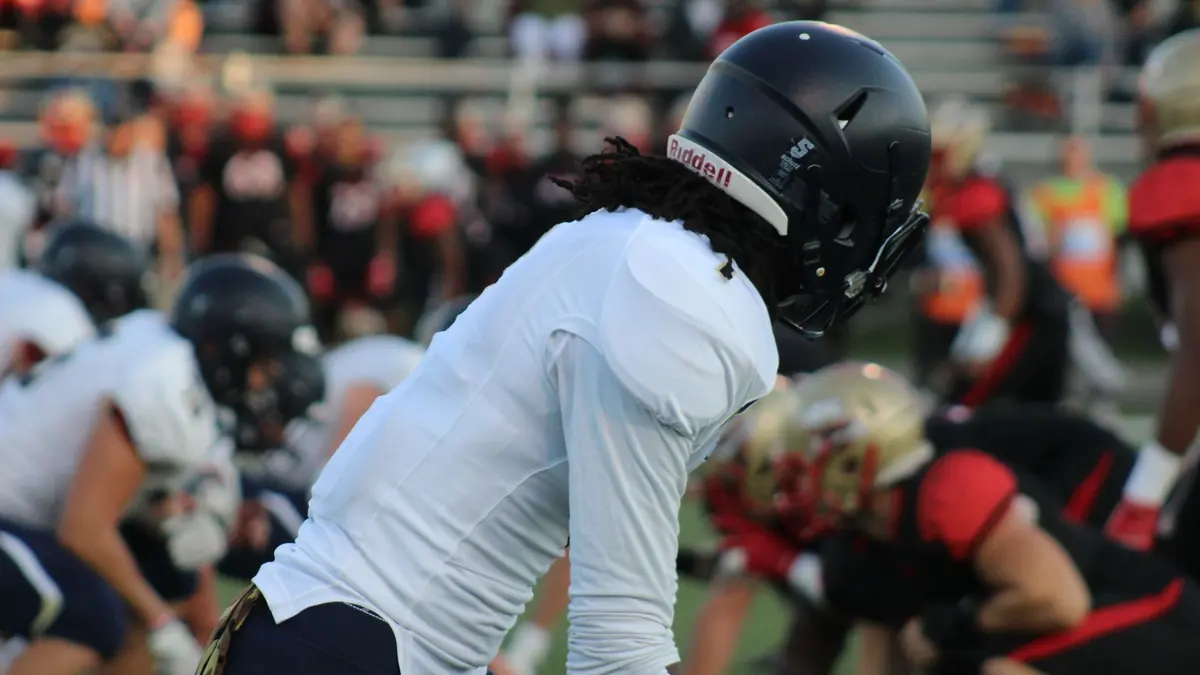
Sports shooters live under a specific kind of pressure: a game ends, and a caption desk or a client wants selects within the hour, sometimes faster. There is no time to review 3,000 frames one at a time, and there never has been, which is why this niche built its own tools and habits around speed long before AI culling existed.
The Burst-Heavy Reality
A single game shot in continuous burst can easily produce 3,000 to 6,000 frames, most of them near-duplicates of the same play separated by fractions of a second. This is structurally different from a wedding or portrait shoot: the challenge is not reviewing unique moments, it is finding the one or two peak frames buried inside dozens of near-identical ones per sequence. Treating every frame as an individual review is the single biggest time sink in a sports workflow.
Picking the Peak-Action Frame
Within a burst, the frame that matters is usually the one at peak action: the ball at the highest point of contact, the moment of full extension, the exact instant before or after impact. This is a judgment call an AI model cannot make reliably, since "peak action" is about narrative timing, not sharpness or exposure. What AI scoring can do is eliminate the technically unusable frames within a burst first, motion blur, missed focus, eyes closed, so the peak-action decision is made across a handful of clean candidates instead of the full burst.
Caption and Delivery Deadlines Set the Real Pace
Sports delivery deadlines are usually set by someone else: a publication's print or web deadline, a team's social media desk, a league's same-day gallery requirement. This means the workflow has to be built around a hard external clock, not an internal sense of when the work feels done. Cutting the culling stage down is the highest-leverage move because it is the stage that scales worst with frame count; editing and captioning a fixed number of selects takes roughly the same time regardless of how many frames you started with.
Why Sports Shooters Kept Tools Like Photo Mechanic, and What Changes With Scoring
Sports and photojournalism workflows have long relied on fast browsing tools like Photo Mechanic specifically because reviewing thousands of frames quickly, without waiting on previews to render, was the entire bottleneck. AI quality scoring does not replace that fast-browsing need, it adds a filtering layer on top of it: instead of scanning every frame in a burst by eye, you can sort by sharpness and exposure score first and concentrate manual review on the top tier within each sequence. imagic's AI culling runs this scoring locally, which fits a deadline workflow where you cannot wait on an upload before making a call. See imagic compared to Photo Mechanic for how the two approaches differ, sports photography burst culling for more on the pick workflow itself, and the tips and workflow archive for related deadline workflows.
A Realistic Hour
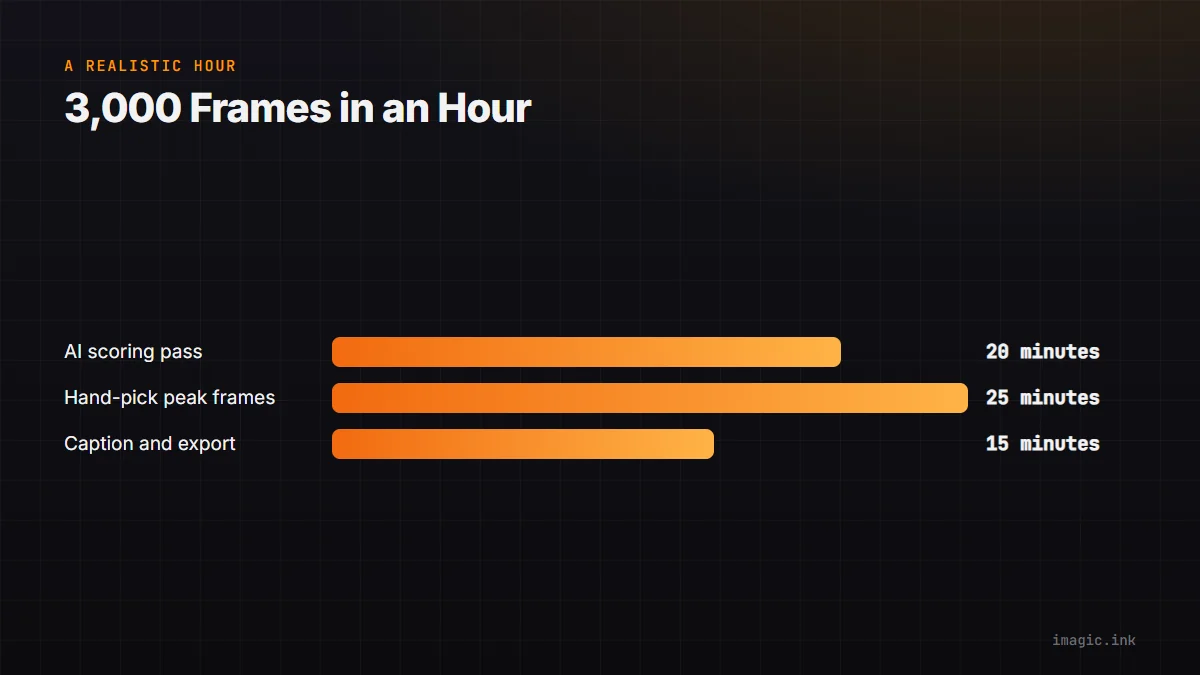
Roughly: 20 minutes to run AI scoring and eliminate the clearly unusable frames across all bursts, 25 minutes to hand-pick peak-action frames from the remaining clean candidates, 15 minutes to caption and export the final select set. That is a tight but realistic hour for 3,000 frames, and it only holds together if the first pass genuinely removes the dead weight instead of leaving everything for manual review. imagic's culling and batch editing apply directly to sports photography deadline work.
Frequently asked questions
Can AI pick the actual peak-action frame for me?
Not reliably. AI scoring judges sharpness, exposure, and technical quality, which narrows a burst to clean candidates, but choosing the peak moment within those candidates is still a human, narrative judgment call.
How many frames per burst is normal in sports shooting?
Anywhere from 5 to 40 frames per sequence depending on the sport and your camera's burst rate; a single fast-action play at high frame rates can produce dozens of frames in under two seconds.
Does a 3,000-frame game really need a full hour?
An hour is a realistic target once AI pre-scoring removes the technically unusable frames first; without that step, manual review of 3,000 frames alone typically runs well past an hour.