Most photographers do not need a bigger website, they need a website that looks like their work instead of a template someone else picked for a demo photo. The gap used to be a choice between two bad options: pay a developer a few thousand dollars for something custom, or pick a page builder theme and spend a weekend fighting its defaults back into something that feels like you. AI coding tools have quietly opened a third option, and it is closer to the custom result than most people expect.
What "vibe coding" actually means here
The term gets thrown around loosely, but the mechanics are simple. You describe what you want in plain English (colors, fonts, layout, pages, how the gallery should behave) and an AI coding app such as Claude or Cursor writes the actual HTML, CSS, and JavaScript. You are not learning to code, you are learning to brief clearly, the same skill you already use when you explain a shot list to a second shooter or a mood board to a client.
The catch is that "make me a photography portfolio" is a bad brief. It is too vague for the AI to make good decisions, so it defaults to generic choices: a stock hero image treatment, a predictable grid, whatever font pairing shows up most often in its training data. The output looks like a website, not your website. The fix is not a better AI, it is a better brief, and that is the part most photographers skip.
The decisions that actually move the needle
We spent time looking directly at the portfolios of working photographers across genres (wedding, fashion, architecture, documentary) rather than guessing at what "looks professional." A few patterns showed up often enough to matter.
Nearly every one of them hides its navigation behind a single hamburger icon, even on desktop, with no visible list of links sitting in the header. That is a deliberate choice: the homepage stays almost entirely free of interface chrome so the first thing a visitor sees is a photograph, not a menu bar. Most also lead with one large image at a time in a simple slideshow rather than a grid of thumbnails, often with a small numbered counter like "01 / 06" instead of dots. And interface color is nearly nonexistent: backgrounds run pure white, pure black, or an off white close to either, with text in a single dark or light tone and at most one restrained accent color. The photography supplies the color. The interface gets out of the way.
None of this is exotic. It is the kind of detail that is obvious once you see it done well and easy to miss when you are staring at a blank AI chat window trying to describe "clean and professional."
Turning a look into a brief an AI can build from
Once you know the direction you want, the brief needs to get specific: exact hex colors, exact font names (not "something modern," an actual Google Font pairing), how the gallery should lay out and transition, what happens to navigation on mobile, and which pages you actually need. That level of detail is tedious to write from scratch, which is why we built a free tool for it.
Vibe Code Your Portfolio walks through the choices visually (aesthetic direction, color palette, typography, gallery style, navigation, image framing, hosting tier) and shows a live mock preview as you pick, so you can see roughly what you are choosing before committing to it. At the end it writes out a full structured prompt covering every decision, ready to paste into whichever AI coding app you use. It is free, needs no account, and takes about two minutes.
What to prepare before you paste the prompt in
The prompt handles design and structure, but the AI still needs raw material. Before you start the actual build, get these ready:
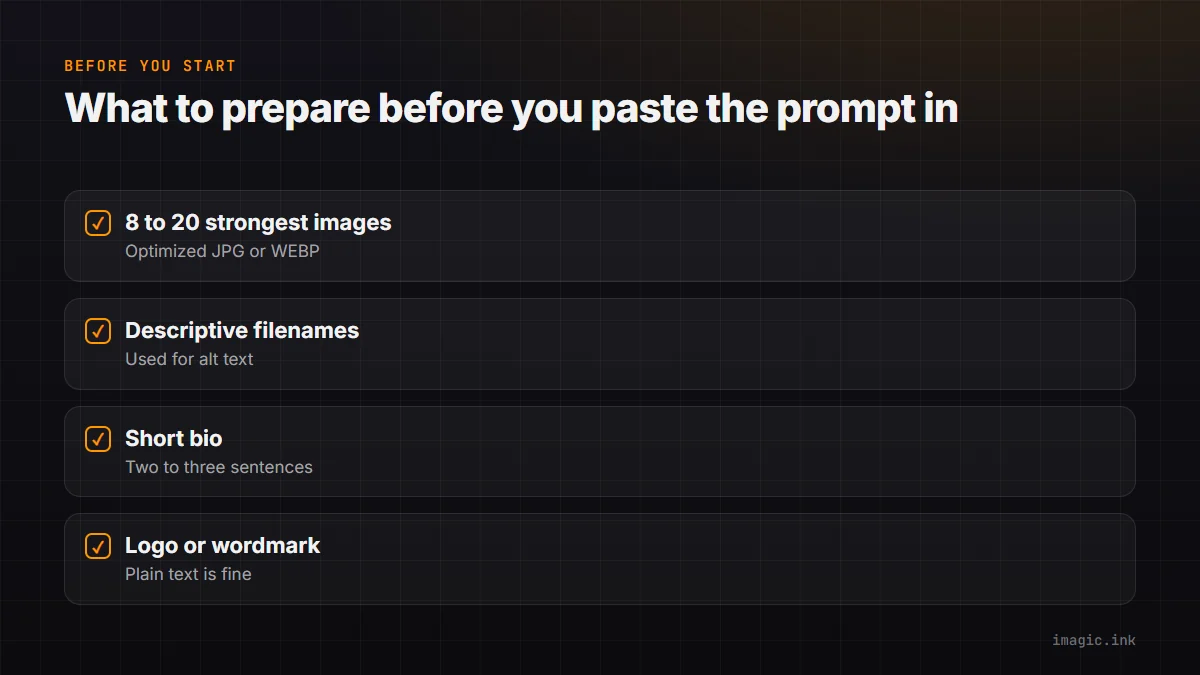
- 8 to 20 of your strongest images, exported as optimized JPG or WEBP, ideally under about 500KB each so the site loads fast.
- Descriptive filenames instead of camera-generated ones, since a good AI coding app will use them as a starting point for alt text.
- A two or three sentence bio, written the way you would introduce yourself to a client, not a formal artist statement.
- A logo or wordmark if you have one. If you do not, plain text in a good typeface is a completely legitimate choice, most of the portfolios this tool is based on use exactly that.
Also decide up front how simple you want the technical side to stay. A plain static site hosted free on Netlify or Vercel costs nothing and has nothing to break, but updating the gallery later means asking your AI app to edit files and redeploy. Adding a small admin page for swapping photos yourself costs a little more and adds a few moving parts, but means you are not going back to an AI chat every time you want to add a shoot. The tool walks through this tradeoff in plain English before you commit to one.
The part a portfolio builder cannot help with
A great site still needs great, well culled images behind it, and that is a separate problem from design. If a shoot produces a few hundred or a few thousand RAW files, sorting the actual keepers by hand before you even get to picking a hero image is usually the slowest part of the whole process. That is the specific problem imagic is built for: it scores every frame for sharpness, closed eyes, and composition, groups duplicate bursts together automatically, and batch edits the keepers through a bundled RAW engine, all running locally with nothing uploaded anywhere. Once your portfolio site exists, that is what actually keeps it stocked with new work without eating a full evening every time.
For a broader look at the genre choices behind a portfolio shoot itself, the guides section covers everything from lighting setups to delivery workflows, and the by genre hub breaks down camera and workflow advice for specific kinds of photography if you are still deciding what your portfolio should even be a portfolio of.
Frequently asked questions
Do I need to know how to code to build a portfolio site this way?
No. You make visual choices in the tool, it writes a detailed prompt in plain English, and an AI coding app such as Claude or Cursor turns that into the actual site. The skill involved is briefing clearly, not writing code.
Will the result look like a template, or actually look like my work?
That depends entirely on how specific the brief is. A vague prompt gets a generic result no matter how good the AI is. A brief with exact colors, exact fonts, and a clear gallery and navigation pattern (which is what the portfolio builder tool generates) gives the AI far less room to default to something generic.
How is this different from just picking a Squarespace or Format template?
A template gallery shows you a finished design and asks whether you like it. This approach starts from patterns actually observed on real working photographer portfolios, then hands you a brief specific enough that an AI coding app builds something to that spec rather than a preset theme, and you end up owning the code rather than renting a template slot.