Capture One built its reputation partly on offering a genuine perpetual-license alternative to Adobe's subscription model, which made its pricing shift toward subscription plans over recent years sting more than it might have for a tool that never made that promise. This is a look at the capture one price increase timeline, what the tool actually costs to use today, and where photographers who wanted the old perpetual model have been going instead.
The Shift, in Brief
Capture One originally sold primarily as a perpetual license: pay once, own that version, upgrade later if you wanted the newest features. Over time, subscription plans became a larger part of its pricing structure and, for some purchase paths, the default option presented to new customers, with perpetual licensing becoming harder to find or priced less favorably by comparison. Exact current pricing and available plans change, so check Capture One's site directly for today's numbers rather than relying on older figures.
What It Costs to Actually Use Today
The honest answer is: it depends entirely on which plan path you take, and Capture One still offers meaningfully more than a basic RAW converter, tethering support, layer-based editing, and color tools that are genuinely strong. The pricing shift itself is the real story here, not a claim that the software got worse; a subscription plan means the cost recurs indefinitely, while a perpetual license (where still available) is a larger upfront number with no forced ongoing payment. Compare both paths against your own multi-year usage before assuming either is automatically cheaper.
Why Photographers Notice Pricing Shifts Like This
A subscription that starts small adds up in a way that is easy to underweight in the moment. A photographer who has used the same tool for five or ten years and watches perpetual licensing quietly become the harder-to-find option is not just paying more, they are watching the terms of a long relationship change without much say in it. That is the actual source of frustration in most "price increase" discussions, not the number on its own.
The Alternatives Spectrum
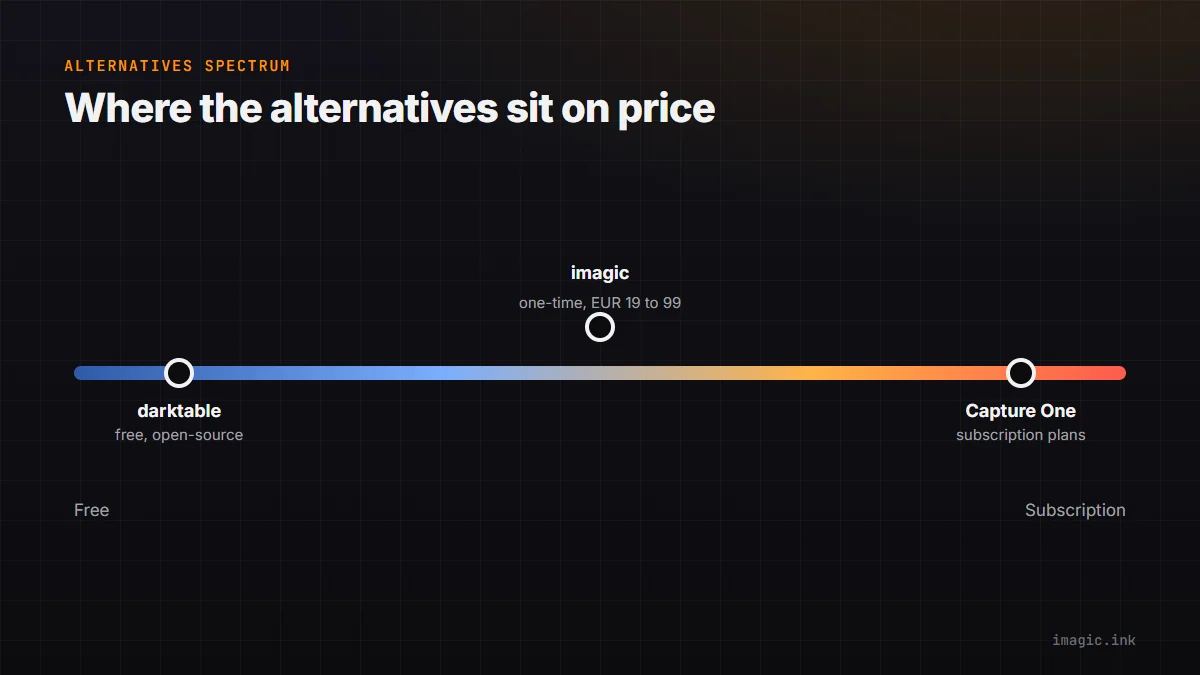
Photographers responding to this have scattered across a wide range of options rather than converging on one replacement. On the free end, darktable offers a genuinely capable open-source RAW workflow at no cost, with a steeper learning curve than a commercial tool. On the paid end, imagic offers a one-time-purchase alternative (Lite EUR 19, Plus EUR 49, Max EUR 99) built around AI culling and batch editing rather than Capture One's tethering-and-color-grading focus, so it is not a direct feature-for-feature swap, more a different way of getting a shoot processed. See the fuller imagic vs Capture One comparison for where the feature sets actually overlap and where they do not.
What to Actually Check Before Switching Anything
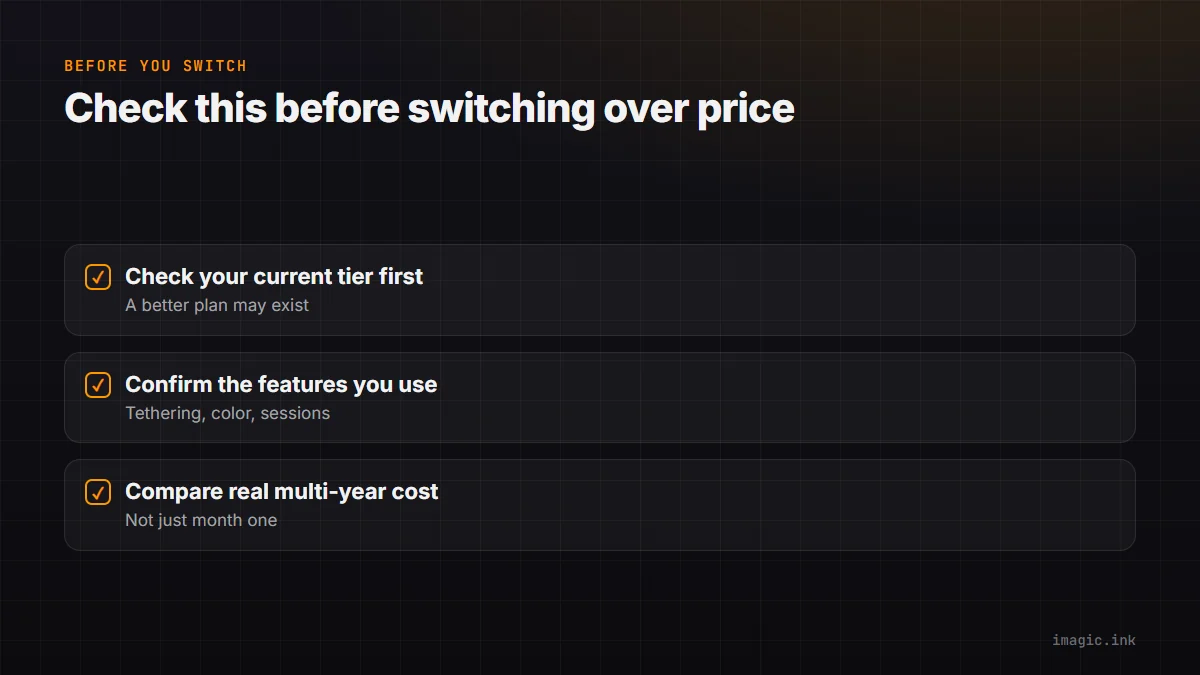
Before moving off Capture One over pricing alone, check whether your current plan's cost is genuinely climbing or whether a better-fitting tier already exists within Capture One itself, whether the specific features you rely on (tethering, color editing, session-based workflow) exist in whatever alternative you are considering, and what a realistic multi-year total looks like for each option rather than comparing month-one prices. See The Hidden Cost of Adobe Creative Cloud for the same math applied to a different subscription, and more industry insights on software pricing trends.
Frequently asked questions
Is Capture One still available as a perpetual license?
Availability and terms have changed over time and vary by plan; check Capture One's current offerings directly rather than relying on older pricing pages.
Is imagic a direct replacement for Capture One?
Not feature for feature. imagic focuses on AI culling and batch editing; Capture One's tethering and advanced color-grading tools have no direct imagic equivalent.
Is darktable a realistic free alternative?
For photographers willing to learn a different interface, yes, darktable is a capable, actively developed free RAW editor, though it has a steeper learning curve than most commercial tools.
Try imagic free for 500 exports, no card required, to see if a one-time-purchase workflow fits better than a subscription. Start the free trial.