If you have just switched your camera from JPEG to RAW and are wondering what actually changed, here is the plain answer: nothing changed about what the sensor captured, only about how much of that data your camera kept and how much it threw away. This is what RAW is in photography, explained without jargon, plus when JPEG is genuinely the better call and how to start a RAW workflow that does not feel overwhelming.
Sensor Data vs a Finished JPEG
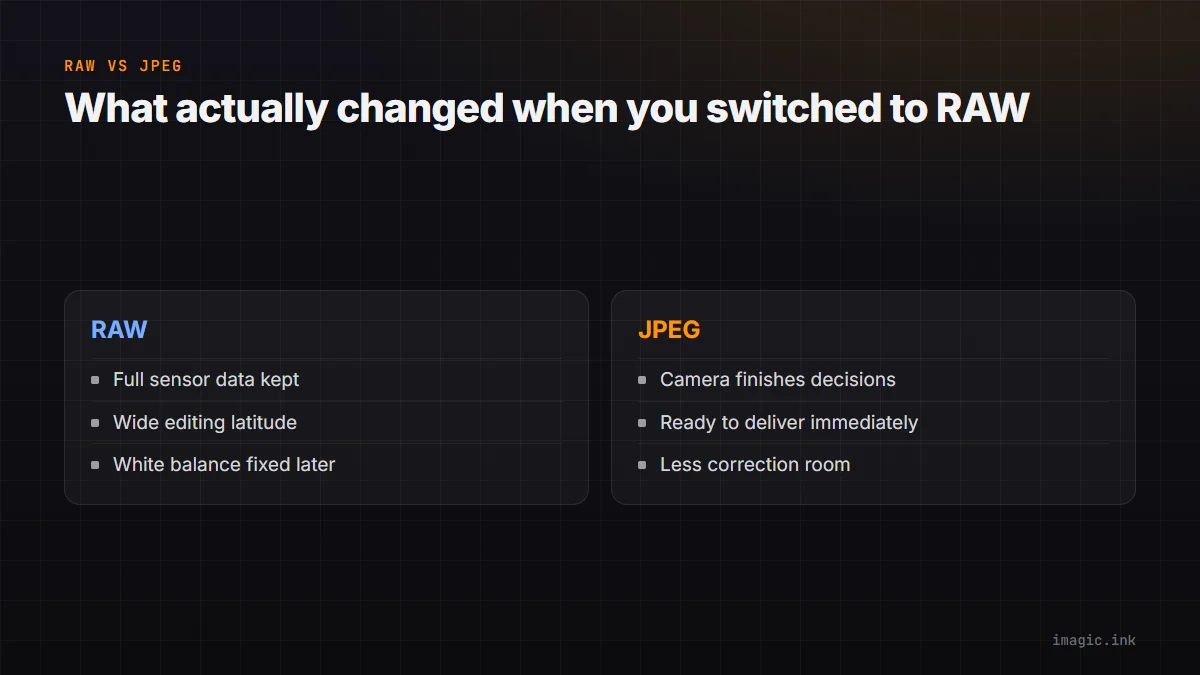
When you shoot JPEG, the camera makes a series of processing decisions the instant you press the shutter: white balance, contrast, sharpening, color rendering, and then it compresses the result and discards the raw sensor data behind those decisions. A RAW file keeps that underlying sensor data largely untouched, deferring those same decisions to you, later, on a computer, with far more information to work with. Think of a JPEG as a photo the camera already finished and RAW as the ingredients the camera used to make it. You can still cook the same meal from the RAW ingredients, but you also get to change the recipe.
What Extra Latitude Actually Means
"Latitude" is the term for how much a file can be pushed and pulled in editing before it visibly falls apart. In practice: a RAW file that looks slightly too dark can usually be brightened back to a natural-looking exposure with detail intact in both shadows and highlights. A JPEG pushed the same amount often shows blocky artifacts in shadows or a flat, grey look in recovered highlights, because that detail was already discarded at capture. The same applies to white balance: a RAW file shot with the wrong white balance setting can be corrected after the fact with essentially no quality cost, while a JPEG shot with a bad white balance carries a color cast that is much harder to fully remove.
When JPEG Genuinely Wins
RAW is not automatically the right answer for every situation, and it is worth being honest about where JPEG is the better tool:
- You need to deliver images immediately with no editing time, event coverage with same-day turnaround, for instance
- Card space or transfer speed is a hard constraint and every frame counts
- You are confident the in-camera JPEG rendering already looks correct and editing headroom will not be used
- You are shooting high-volume burst sequences where most frames are backup coverage, not hero shots
Many photographers shoot RAW+JPEG specifically to keep this flexibility: a usable JPEG immediately available, full RAW editing latitude in reserve. See RAW vs JPEG: Shooting for Workflow for the deeper tradeoff breakdown.
A First RAW Workflow That Is Not Overwhelming
The most common beginner mistake is trying to manually perfect every single RAW file individually, which turns a hundred-photo outing into hours of tedious work. A saner starting point: cull first, decide which frames are actually worth editing before touching a single slider, apply a consistent starting adjustment across similar-lighting frames rather than starting from zero each time, then fine-tune only the frames that matter most. That order, cull, batch, refine, is the difference between RAW feeling powerful and RAW feeling like a chore.
Where imagic Fits a Beginner RAW Workflow
imagic's free web editor at /editor lets you try single-photo RAW editing with no install and no account. The desktop app adds AI culling and batch editing so a whole outing does not need frame-by-frame manual work, supporting CR2, CR3, NEF, ARW, RAF, ORF, RW2, DNG, and PEF. See TIFF vs JPEG vs RAW: When to Use Each, or browse more format basics in the Guides section.
Frequently asked questions
Do I need expensive software to edit RAW files?
No. Free options exist, including imagic's web editor for single photos and a 7-day free desktop trial for batch work, plus other open-source RAW processors.
Will RAW files always look better than JPEGs straight out of camera?
Not without editing. An unedited RAW usually looks flatter and less saturated than the camera's own JPEG rendering; the benefit is the editing headroom, not the unedited appearance.
Should a beginner shoot RAW, JPEG, or both?
RAW+JPEG is a reasonable starting point: it keeps a usable JPEG on hand while you learn to edit RAW without pressure, and you can drop the JPEG once you are comfortable with a RAW workflow.
Try imagic's free web editor with no install, or start the 7-day desktop free trial, no card required. Start the free trial.