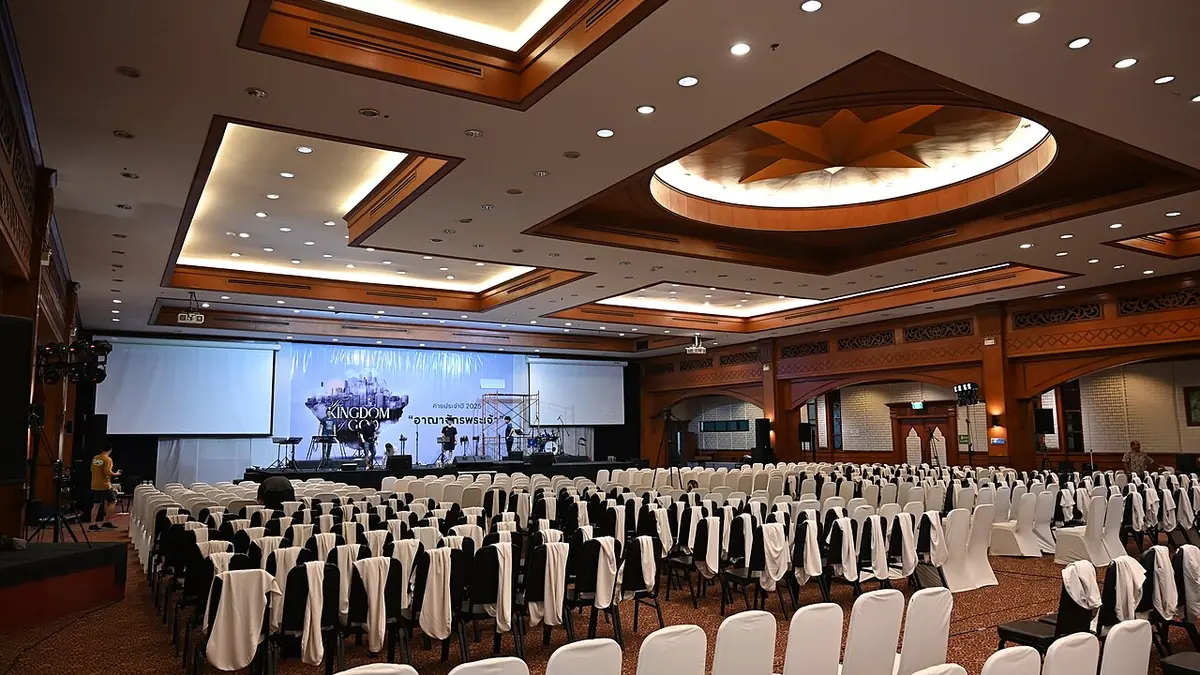
A wrong white balance is one of the most common reasons an otherwise good photo looks off, and it is also one of the fastest problems to fix once you know what to look for. This is a practical guide to fixing white balance, from reading a cast by eye through batch-correcting a whole venue's lighting at once.
Reading a Color Cast by Eye
Before reaching for a tool, train your eye on the two most common casts. A yellow-orange cast usually means the white balance is set too cool for a warm light source (tungsten bulbs, sunset, candlelight) and needs correcting toward blue. A blue-cyan cast usually means the opposite: white balance set too warm for a cool light source (shade, overcast sky, some fluorescent or LED fixtures) and needs correcting toward yellow. The giveaway is usually skin tones and anything that should read as neutral white or gray; if a white shirt or tablecloth in the frame reads distinctly yellow or blue, that is your cast, and correcting toward neutral there usually fixes the whole frame.
The Gray-Point Method
The most reliable manual correction technique is picking a point in the frame that should be neutral gray or white and telling your editor to treat that point as the reference. Most RAW editors have an eyedropper or white balance picker tool for exactly this: click on a genuinely neutral area (a gray card if you shot one, or a white shirt, plate, or wall if not), and the software calculates the correction needed to make that point neutral, then applies it to the whole frame. This is faster and more objective than adjusting temperature and tint sliders by feel, and it is the method to reach for whenever the frame has a plausible neutral reference point.
Batch-Correcting a Venue's Tungsten Across 300 Frames
A single consistent light source, a reception hall lit entirely by tungsten, for instance, is the best-case scenario for batch correction: fix the white balance on one representative frame using the gray-point method, then sync that correction across every frame shot under the same light. A practical order:
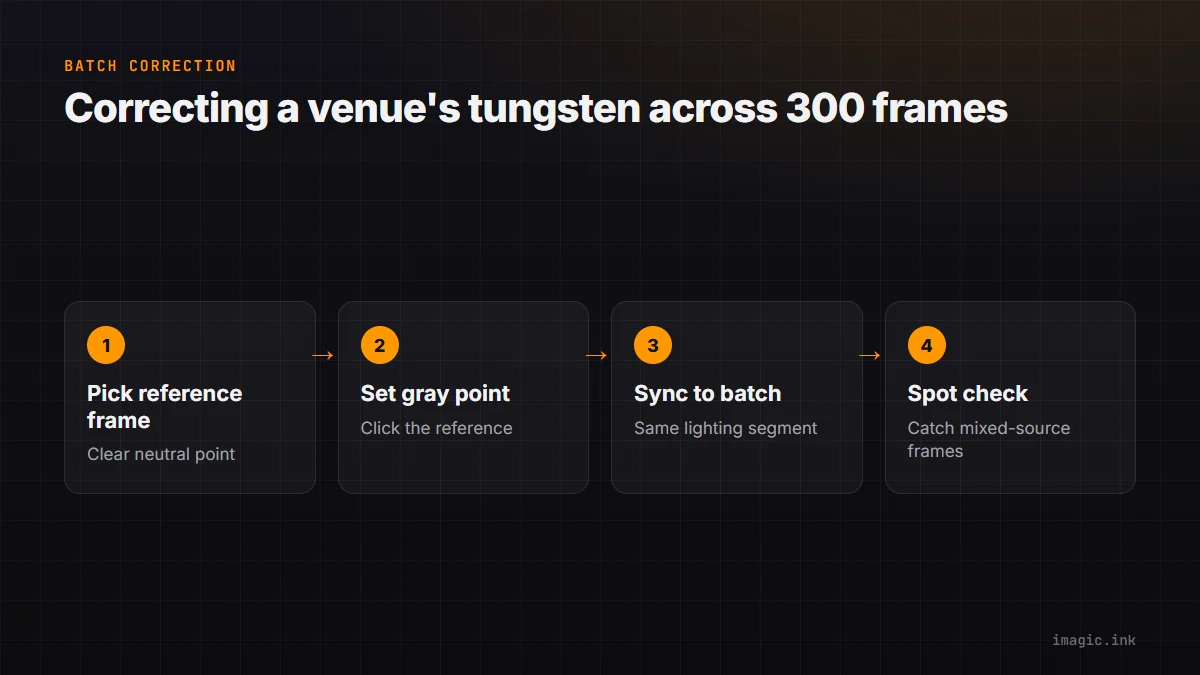
- Pick a frame with a clear neutral reference (white tablecloth, shirt) shot under the venue's main light
- Set white balance on that frame using the gray-point method
- Select all frames from that lighting segment and apply the same correction
- Spot-check a handful of frames across the batch, since a mixed-source moment (a flash-lit close-up under otherwise ambient light) can need its own correction
This turns a 300-frame tungsten-lit segment into one correction decision instead of 300.
Mixed-Lighting Triage
Real shoots rarely stay under one light source for long. The fix is not correcting each frame individually but sorting by lighting condition first, then batch-correcting each group separately: outdoor daylight, indoor ambient, flash-lit, mixed. A frame that straddles two light sources (window light plus room tungsten) is the hardest case and usually needs individual attention rather than a batch correction, but those frames are typically a small minority once the rest is grouped and handled in bulk.
Where imagic Fits
imagic's free web editor at /editor includes a white balance picker for single-photo correction with no install. The desktop app extends this to batch correction and sync-to-selection across a whole shoot, processing locally on Windows or Mac. See The Complete Guide to Photo Color Grading and HSV and HSL Color Correction in Photography for related color work.
Frequently asked questions
Can I fix white balance perfectly on a JPEG?
Not as reliably as on RAW. JPEGs have already committed to a white balance during in-camera processing, so corrections are more limited and can introduce color banding under a heavy shift; RAW files carry far more correction headroom.
What if there is no neutral gray or white object in the frame?
Estimate using known references, skin tones have a fairly predictable range, or match the correction visually against a nearby frame from the same lighting that does have a neutral point.
Is batch white balance correction accurate for a whole event?
It is accurate within a consistent lighting segment. Splitting the shoot into lighting groups before batch-correcting, rather than correcting the whole event as one block, is what keeps the accuracy high.
Try imagic's free web editor with no install, or start the 7-day desktop free trial for batch correction. Start the free trial.