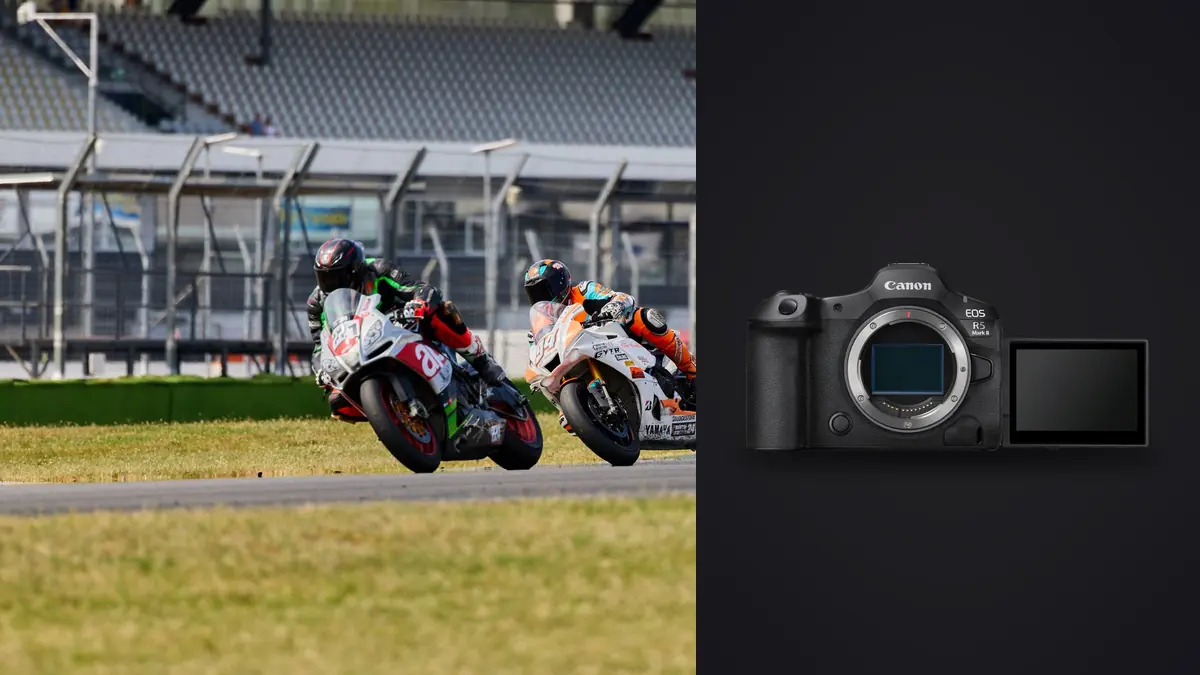
The Canon EOS R5 Mark II and EOS R6 Mark II can both cover fast action, but they impose different costs after the shutter is pressed. The R5 Mark II combines higher resolution with a CFexpress Type B and SD card layout. The R6 Mark II uses a lower-resolution sensor and two SD card slots, while advertising a higher maximum electronic-shutter frame rate. None of those facts alone identifies the better camera. The useful choice depends on crop needs, sustained sequences, light behavior, card strategy, and the volume a photographer is prepared to review.
Canon's official specifications, checked on 15 August 2026, list approximately 45 effective megapixels for the R5 Mark II and approximately 24.2 for the R6 Mark II. They also list electronic-shutter continuous rates up to about 30 frames per second and 40 frames per second respectively, subject to camera settings, lens, battery, file type, and shooting conditions. Treat those figures as upper modes, not guaranteed assignment throughput.
Begin with the delivered image, not the burst headline
Resolution matters when the final frame may require a severe crop, detailed commercial retouching, or a large output. Forty-five megapixels gives the R5 Mark II more spatial room for those tasks, provided focus, shutter speed, lens performance, and atmosphere support the detail. It also produces larger RAW files, increases transfer and backup volume, and asks more of preview generation and storage.
The R6 Mark II's 24.2-megapixel files can be a practical fit for editorial galleries, events, web delivery, and sports work where framing is already disciplined. Lower resolution does not make a file easier in every respect, and it does not compensate for missed focus. It does reduce the amount of data generated per comparable frame, which can matter more than nominal frame rate during a long day.
Define the minimum delivered pixel dimensions and likely crop before choosing. If the brief repeatedly turns a distant subject into a tight vertical, additional source resolution has real value. If the final gallery consists mostly of full-frame compositions at moderate output sizes, the operational simplicity of smaller files may be more valuable.
Read continuous-shooting figures in context
A maximum frame rate describes one operating point. It does not say how long that rate continues, how rapidly the buffer clears, whether exposure or focus behavior changes, which lenses support the mode, or how lighting interacts with an electronic scan. Canon manuals and support notes attach conditions to headline rates for good reason. Test the exact camera, firmware, lens, battery state, card, RAW setting, shutter mode, autofocus case, and anti-flicker configuration that will be used.
More frames are useful when a peak gesture is brief and unpredictable. They are less useful when the action is readable enough to time, or when every additional frame creates an almost identical choice. A 40-frame-per-second option is not automatically more productive than a slower, well-timed sequence. It can fill cards and buffers sooner, lengthen transfer, and make the decisive frame harder to see.
Use short bursts around anticipated transitions. Follow the subject before pressing fully, continue through the event, then release. For a jump, that may cover takeoff, peak, and landing rather than the entire approach. For a ceremony, it may cover the exchange of expression rather than every second of a procession. Timing reduces volume without sacrificing the moment.
Choose mechanical or electronic shutter by risk
Electronic shutters provide quiet capture and high rates, but sensor readout can distort fast lateral movement or interact with pulsed artificial light. The amount depends on subject speed, direction, camera movement, lighting frequency, exposure settings, and the camera's readout behavior. A straight bat, club, wheel, or architectural line is a useful warning subject during a venue test.
Mechanical operation can reduce some electronic-readout artifacts, but it brings its own noise, wear considerations, and lower top rates. Electronic first-curtain may be another compromise depending on lens, shutter speed, and rendering needs. The right mode can change within one assignment. Quiet indoor moments, daylight field sport, LED-lit arenas, and flash photography should not inherit one universal setting.
Test banding at the actual venue when possible. Cycle through realistic shutter speeds and inspect the frame, not just the rear-screen thumbnail. If lighting varies across the field or stage, repeat the test in several positions. A clean warm-up area does not guarantee a clean background under a different fixture bank.
Understand the card-layout difference
The R5 Mark II pairs one CFexpress Type B slot with one UHS-II SD slot. The R6 Mark II uses two UHS-II SD slots. That difference affects media cost, physical handling, buffer clearance, redundancy choices, and how rapidly files can be moved to a workstation. It also affects what happens when the camera is configured to write the same data to cards with different performance ceilings.
Decide whether the second card is backup, overflow, or a separate destination for JPEG or video. Simultaneous duplicate recording may improve resilience but can constrain the workflow to the slower path in some configurations. Overflow extends capacity but does not create an in-camera duplicate. Splitting formats can make transmission easier, yet only if the desk understands which card holds the authoritative file.
Label cards with a simple identifier and log their state as blank, active, copied, verified, or held. Do not rely on case position alone. After a card is copied, verify file counts and readability, make an independent copy, and keep the original card protected until the job has two confirmed storage locations.
Make RAW settings part of the assignment plan
RAW, compressed RAW variants, JPEG, and pre-capture features involve different tradeoffs. A smaller RAW option can extend storage and sometimes burst depth, while a full-resolution file preserves more crop and processing latitude. A pre-capture mode can help with unpredictable starts, but it also changes how files are recorded and reviewed. Canon's exact behavior should be confirmed in the manual for the selected camera and current firmware.
Run a short compatibility drill before using an unfamiliar mode. Record a representative sequence, copy it with the planned reader, open every file type in the intended software, confirm timestamps and grouping, and export a delivery-sized image. A mode is not production-ready simply because the camera can create it. The ingest, metadata, selection, adjustment, and archive path must all understand it.
Avoid changing file format merely to chase a deeper burst unless the delivery permits the compromise. If a client expects a full-resolution RAW archive, a lower-resolution mode needs explicit approval. Conversely, generating the largest file at the highest rate for a small same-day gallery may create work with no visible benefit.
Build autofocus around subject behavior
Subject detection can reduce the effort of placing an autofocus point, but it does not know which athlete, animal, face, or vehicle matters. Establish a reliable way to nominate the intended subject and recover when the camera switches. Use an area that matches the scene: too broad can invite background grabs, while too narrow can lose an erratic subject.
Shutter speed should reflect the motion rendered in the final frame. A fast burst cannot repair subject blur from an unsuitable exposure. Stabilization can reduce camera movement, not stop a runner or wing. Aperture must provide enough depth for the subject's path and framing error, especially when high resolution makes slight focus misses easy to inspect.
Customize controls so shutter mode, drive rate, AF area, subject selection, and exposure compensation can change without a menu search. Keep the layout consistent across bodies if two cameras are used. A short written setup card is valuable after a rental, service visit, or firmware reset.
Compare total data per useful moment
Estimate data from realistic sequence length, not a continuous minute at the maximum rate. Count the number of action peaks per period, average frames per burst, expected RAW size from a sample, and duplicate-recording policy. Add video if the same cards share that duty. This creates a defensible card and backup plan without inventing a universal capacity rule.
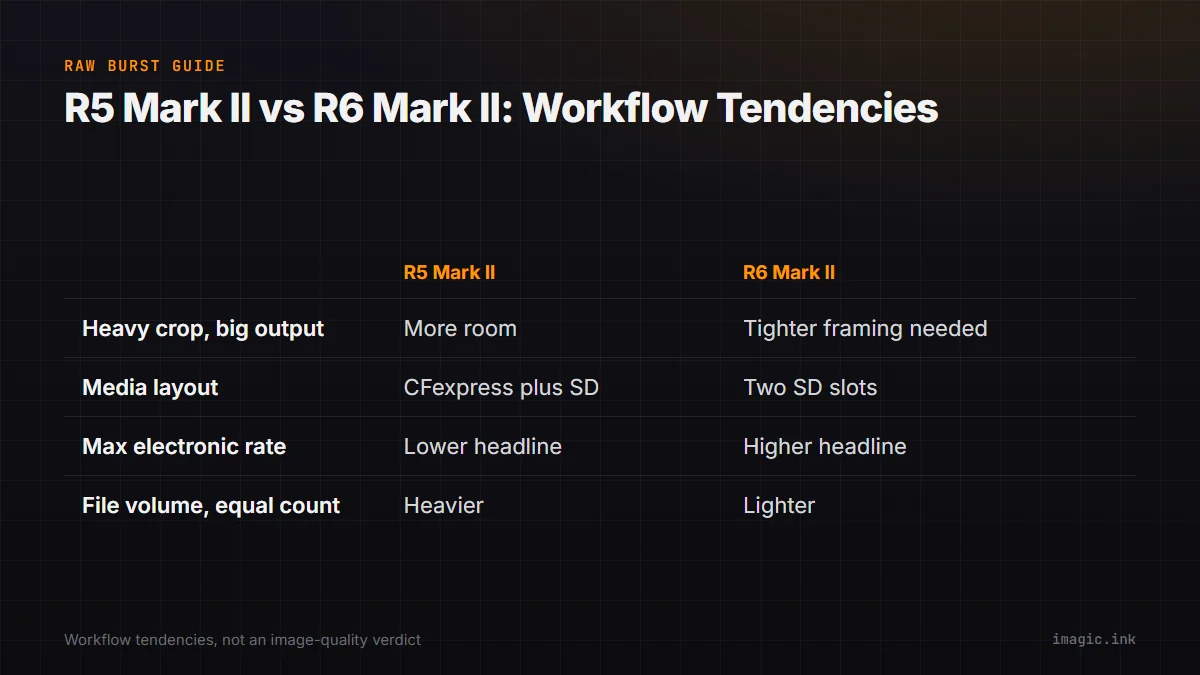
| Decision | R5 Mark II tendency | R6 Mark II tendency |
|---|---|---|
| Heavy crop or large output | Higher source resolution offers more room | Requires tighter framing to preserve detail |
| Media layout | CFexpress Type B plus SD | Two SD slots |
| Maximum electronic rate | Lower headline maximum | Higher headline maximum |
| File volume at equal frame count | Generally heavier | Generally lighter |
| Best fit | Detail and crop latitude prioritized | Volume and simpler SD handling prioritized |
This table describes workflow tendencies, not image-quality winners. The R5 Mark II can be used conservatively, and the R6 Mark II can generate an enormous take at its fastest settings. Operator discipline changes the outcome more than a specification row.
Cull sequences without deleting the evidence
Ingest by card into a job structure that preserves original filenames. Keep bursts contiguous and make the first pass at sequence level. Remove clear technical failures, then compare the meaningful candidates for peak action, face, ball position, limb shape, obstruction, background, and story. A technically sharp frame immediately before the decisive event is still the wrong selection.
imagic's documented local pipeline can scan a copied directory and analyze sharpness, exposure, closed eyes, composition, plus near-duplicate and burst groups. Culling sets a status and does not delete the original files. If an earlier score predates the installed scorer, freshness should be checked and stale photos reanalyzed rather than simply re-ranked. The desktop application describes that local approach, while the Camera Hardware section provides context for body and media choices.
Finish with an exception pass. Look for intentional motion, a key participant partly obscured, an emotional reaction, or a frame whose value is contextual rather than technical. Automated grouping can shorten navigation, but editorial responsibility remains with the photographer.
Choose the body by the recurring constraint
Select the R5 Mark II when high source resolution, substantial crop latitude, or the CFexpress workflow repeatedly solves a paid requirement. Select the R6 Mark II when 24.2 megapixels meets delivery needs and dual-SD handling, smaller source files, or its high-rate option better fits the work. If those priorities vary, rent both with the intended lenses and media, then run the same capture-to-delivery exercise.
The useful comparison ends with an operational answer: which camera produces the required frame while keeping focus control, lighting artifacts, card handling, transfer, culling, and archive volume within acceptable limits. A body that wins one specification but disrupts the rest of the chain is not the better tool for that assignment.
Frequently asked questions
Does the R6 Mark II's higher maximum electronic rate make it better for sport?
No. Rate is only one factor alongside readout artifacts, focus behavior, buffer, file format, cards, and timing. Test the complete setup under representative light and motion.
Is 45 megapixels always preferable for action photography?
No. Extra resolution helps cropping and large output, but it increases file and processing load. It is valuable only when the delivered image or framing uncertainty needs it.
Can the same cards be used in both cameras?
Compatible SD media can serve both bodies, subject to Canon's performance requirements. The R5 Mark II also has a CFexpress Type B slot, so confirm the intended recording mode and card plan before purchase.