
Losing files at ingest is one of the few photography mistakes that cannot be fixed afterward. A bad edit can be redone, a missed shot cannot be reshot after the fact, and a lost card of client work is a conversation nobody wants to have. A disciplined ingest workflow is the cheapest insurance in the entire photography process.
Card Handling Rules Worth Following Every Time
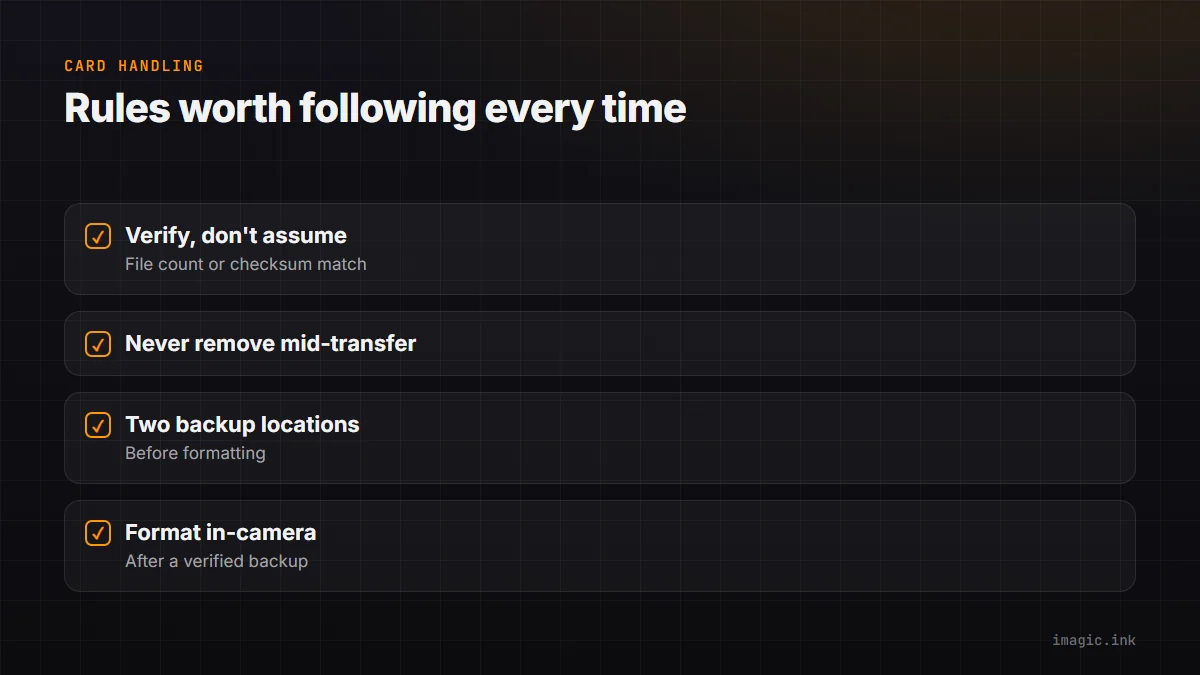
Treat every card as if it is the only copy of irreplaceable files, because until the next step, it is. Do not format a card until the copy on at least one other drive has been verified, not just visually confirmed to exist, but actually checked (a file count match, or a checksum comparison for anything critical). Avoid removing a card mid-transfer, and avoid reusing a card immediately after a shoot if you have any doubt at all about whether the backup completed cleanly; a spare card is cheap, a lost wedding is not.
Verified Copies, Not Just Copies
A file copy that appears to succeed is not the same as a verified copy. Corruption during transfer, an interrupted cable connection, or a drive with a failing sector can all produce a copy that looks complete in a file browser but fails to open correctly later. Running a verification step, whether that is your card reader software's built-in check or a manual file-count and spot-check comparison between source and destination, catches this at the one point where it is still fixable, before the card gets formatted and the only copy is the one that might be corrupted.
Folder Naming That Scales for Years
A naming convention that works for the first 50 shoots often breaks down by shoot 500, usually because it relied on remembering context that faded, or on a manual numbering system that eventually collided or ran out of room. A structure built around date plus a short client or job identifier (something like a year-month-day prefix followed by a client name or job code) sorts chronologically by default, scales without renumbering, and stays searchable years later without needing to remember what "Job 47" was. Consistency matters more than any particular scheme; the worst convention is one applied inconsistently across different shoots.
When to Format a Card
Format a card, rather than just deleting files from it, once the backup is verified in at least two separate locations. Formatting in-camera rather than on a computer is generally safer for the card's filesystem, and doing it right after a verified backup, rather than waiting, avoids the common mistake of grabbing an old, unformatted card under time pressure and accidentally shooting over files that were never actually copied.
A First-Pass Cull at Ingest
Ingest is also a reasonable point to run a first, light AI-assisted quality pass, not a full cull, but a quick pass to flag obviously unusable frames (severe blur, completely blown exposure) before the files even get organized into your main catalog structure. imagic's AI quality scoring runs locally on import, so this first pass can happen as part of the same session as the verified copy and folder setup, rather than as a separate step days later. This does not replace a proper cull later, it just means obviously dead frames do not take up space in the working catalog from day one. See backing up and organizing a photo library and working with RAW files for more on the formats and structure involved once files are safely ingested, and the tips and workflow archive for related habits.
Frequently asked questions
How many backup copies should exist before I format a card?
At minimum two, on physically separate drives, verified rather than just visually confirmed; a third copy offsite is worth building toward for genuinely irreplaceable client work.
Is deleting files from a card safer than formatting?
No, formatting in-camera after a verified backup is generally the cleaner and safer option for the card's filesystem; selective deletion is more prone to leaving partial or corrupted file remnants.
Should I do a full cull during ingest?
No, keep ingest to a light pass flagging clearly unusable frames only; a full cull with real keep or reject decisions belongs in its own dedicated step afterward.